Quick answer
For most small offices and mixed-document printing, the Canon PIXMA iX6850 is the practical choice: it costs less, uses five individual inks, and offers Wi-Fi, Ethernet, and cloud printing. For photographers who need the deepest blacks and a dedicated A3+ photo workflow, the Epson SureColor SC-P700 justifies its higher price with its pigment-ink system and pro-oriented design.
Ink systems and what they mean for your prints
The Canon PIXMA iX6850 uses five single inks, which are easy to replace one at a time and keep business documents crisp. The Epson SureColor SC-P700 uses a pigment-ink system—often referred to as Epson SC-P700 pigment ink—that is formulated for deeper blacks and greater tonal depth in photos. Neither printer’s catalog entry lists ink costs or print longevity, so factor those into your budget separately.
Connectivity and workflow fit
The iX6850 includes Wi-Fi, Ethernet, and cloud link, plus mobile printing, so it slots into a shared office network without extra adapters. The SC-P700’s catalog entry does not specify connectivity options; if you need to print from phones or tablets, check the full spec sheet before committing. For a photo studio where prints are made from a computer, that omission may not matter.
The price-to-purpose trade-off
At USD 155.99 (compared to a USD 259.99 list price), the iX6850 is a low-risk entry into A3+ printing for general office use. The SC-P700 at USD 468.52 (compared to USD 689.00) costs roughly three times as much, but it targets professionals and ambitious amateurs who care about output quality above all. Neither printer is a one-size-fits-all solution: choose based on whether your priority is everyday documents or exhibition-grade photos.
Trade-offs to weigh before you buy
- Ink cost vs. print quality: The iX6850’s five single inks are affordable to replace, but the SC-P700’s pigment inks are designed for superior photo output. If you print mostly text and charts, the Canon saves money; if you print photos for clients, the Epson’s quality is the priority. Estimate your monthly ink spend before deciding—photo-heavy use shifts the value toward the Epson.
- Connectivity convenience: The iX6850 offers Wi-Fi, Ethernet, and cloud printing out of the box. The SC-P700’s catalog entry does not list connectivity, so verify it supports your network or mobile workflow. If you need mobile or shared network printing, confirm the Epson’s specs or lean toward the Canon.
- Upfront cost vs. long-term ambition: The iX6850 is a budget-friendly A3+ option at USD 155.99. The SC-P700 costs USD 468.52 but is built for professional photo output. Neither price includes ink or paper, so budget for consumables separately. Match the printer to your primary output—documents or photographs—rather than trying to cover both on a tight budget.
Key facts at a glance
-
Canon PIXMA iX6850 A3+ Inkjet Printer: 5-ink office inkjet printer with Wi-Fi, Ethernet, and cloud link. Individual ink tanks and network options make it easy to share and maintain in a small office.
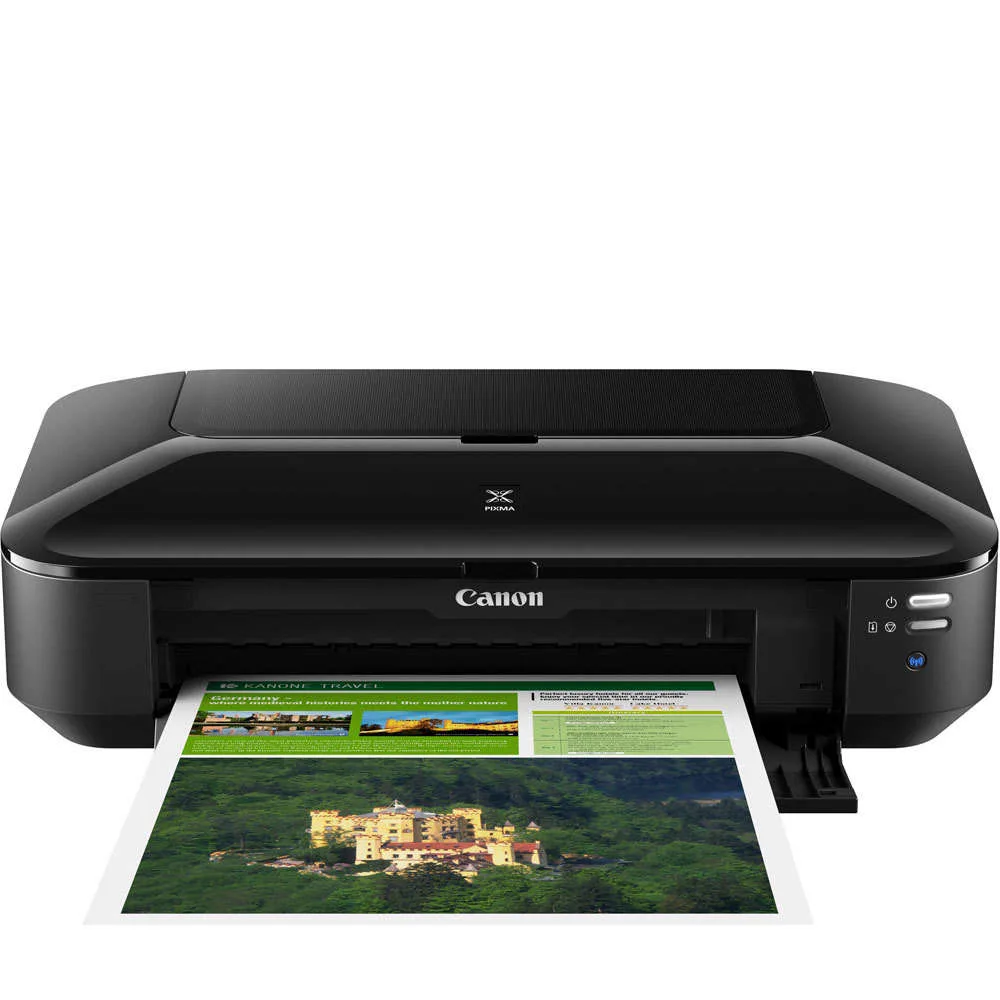
Canon PIXMA iX6850 A3+ Inkjet Printer
-
Epson SureColor SC-P700 A3+ 13" Printer: A3+ 13-inch printer developed for professionals, semi-professionals, and ambitious amateur photographers. Its pigment-ink system is aimed at photographers who need deep blacks and accurate tonal reproduction.
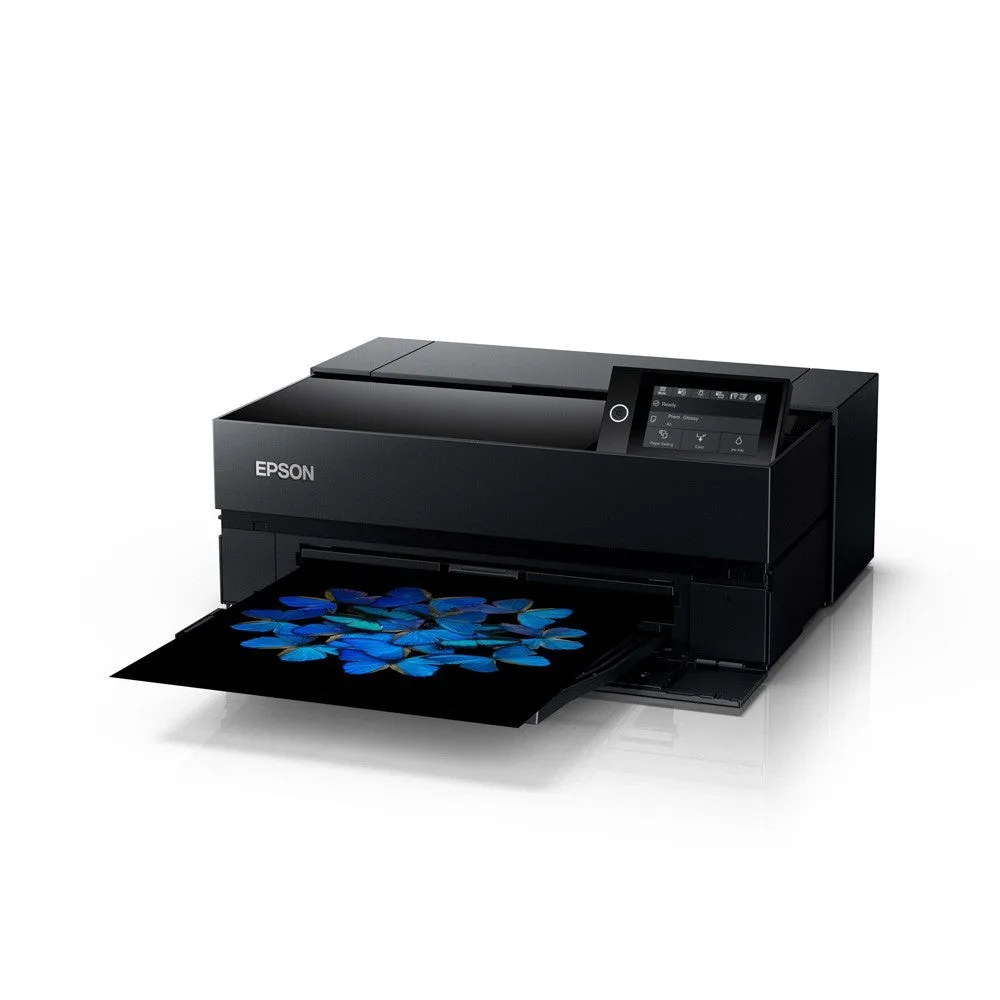
Epson SureColor SC-P700 A3+ 13" Printer
Which A3+ printer is right for you?
Best for
- Small offices or home offices needing A3+ documents, spreadsheets, and occasional photos
- Users who want wireless and Ethernet connectivity plus mobile printing
- Buyers who prefer low upfront cost and easy individual ink replacement
Not for
- Photographers who need the deepest blacks and a dedicated pigment-ink photo workflow
- Studios producing exhibition-quality prints where output quality outweighs price
- Anyone who requires confirmed mobile printing from the Epson without checking its specs