What This Light Cover Fits
The Carro Fan Light Cover is designed specifically for the Trendsetter model smart ceiling fan sold on Smafan.com. It is not guaranteed to fit Trendsetter fans purchased from other sellers, even if they share the same model name. Before you begin, confirm that your fan was bought from Smafan.com to ensure compatibility.
This glass light cover comes in a white finish and is intended to replace the existing cover on your Trendsetter fan. Note that the LED bulb is not included, so you will need to reuse your current bulb or purchase one separately.
Product Specifications
-
Carro Fan Light Cover for Trendsetter Smart Ceiling Fans: Material: Glass, white finish. Glass provides a clean, modern look and is easy to wipe clean, but handle it carefully during installation to avoid breakage.
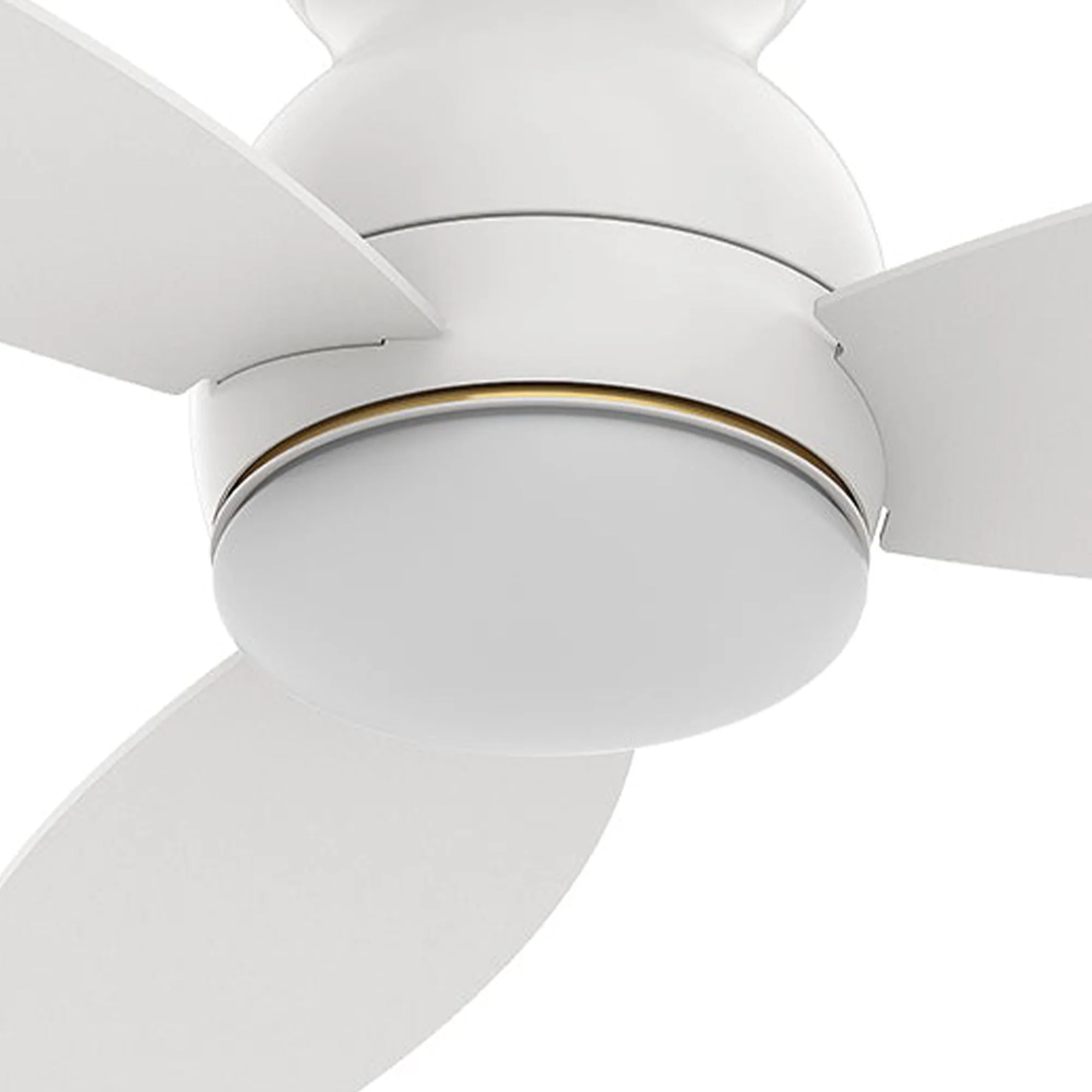
Carro Fan Light Cover for Trendsetter Smart Ceiling Fans
-
Carro Fan Light Cover for Trendsetter Smart Ceiling Fans: Suitable fan size includes 48" and 52". This cover fits both common Trendsetter fan sizes, so you don't need to worry about blade length affecting the fit.
-
Carro Fan Light Cover for Trendsetter Smart Ceiling Fans: Inner dimension of lamp shade: 7.5 in. Outer dimension: 8 in. These dimensions ensure the cover sits securely on the fan's light kit. Check your existing cover's dimensions to confirm a match.
-
Carro Fan Light Cover for Trendsetter Smart Ceiling Fans: This light cover can be compatible with Trendsetter fan model purchased from Smafan.com only. Using the correct cover avoids loose fit or safety issues. If you're unsure, contact support with your fan details.
Installation Steps
The following steps are based on general ceiling fan light cover replacement practices. Always turn off power at the circuit breaker before starting any electrical work.
- 1. Remove the existing light cover: Carefully unscrew or unclip the current light cover from your Trendsetter fan. Set it aside. If the cover is secured with screws, keep them for reuse.
- 2. Install the LED bulb (if needed): The Carro Fan Light Cover does not include a bulb. Insert a compatible LED bulb into the fan's light socket. Ensure the bulb is securely seated.
- 3. Attach the new glass cover: Align the Carro light cover with the mounting ring on the fan. Gently push it into place and secure it using the screws or clips from the original cover. Tighten evenly to avoid cracking the glass.
- 4. Test the light: Restore power at the circuit breaker and turn on the fan light to verify the cover is properly installed and the bulb works. If the light flickers or doesn't turn on, check the bulb connection and cover fit.
Compatibility Check Before You Buy
If you are unsure whether the Carro Fan Light Cover fits your Trendsetter fan, Smafan customer support can help. Chat with online support or email your fan details—including the model name and where you purchased it—and they will confirm compatibility or recommend the correct part.
This step is especially important if you bought your fan from a third-party retailer, as those models may differ from the version sold on Smafan.com.
Care and Handling Tips
The glass cover is delicate. When cleaning, use a soft, dry cloth to remove dust. Avoid abrasive cleaners that could scratch the white finish. If you need to remove the cover again, handle it gently to prevent accidental breakage.