Quick answer
The GeekShare Cat Paw button and thumb grip caps are a simple, no-tool upgrade that adds grip and a cute look to your Joy-Con. Fit them correctly once and they stay secure during play.
Why fit matters more than you think
Button caps and thumb grips only work well when they sit flush. A cap that is slightly off can feel loose, shift during intense play, or trap dust underneath. Taking thirty seconds to seat each piece properly saves you from constant readjustment.
The silicone material is soft and a little grippy, which is great for comfort, but it also means the caps can collect lint if you handle them with dirty hands. A quick wipe before installation keeps the adhesive-free fit clean.
Step-by-step fitting guide
- Clean the Joy-Con surfaces: Wipe the buttons and analog sticks with a dry microfiber cloth to remove any oil or dust. This helps the caps sit flat and stay put. Check that the surfaces are completely dry before moving on.
- Align the button caps: Hold the button cap over the Joy-Con button and press down evenly from the center. Make sure the cap is oriented correctly—most designs have a top and bottom. If the cap feels tilted, lift it off and re-press rather than sliding it into place.
- Press the thumb grip caps onto the sticks: Place the grip over the analog stick and press down until the edges wrap around the stick base. Use your thumb to smooth out any wrinkles. Check that the grip is fully seated by gently wiggling the stick—if it moves independently, press again.
- Test the feel and adjust: Play a quick session to see how the caps feel. If a button cap feels too loose, remove it and re-press with more even pressure. If a thumb grip feels slippery, check that it is not partially lifted. Re-seat any cap that shifts during play to avoid losing it mid-game.
What you get with the GeekShare Cat Paw set
-
GeekShare Cat Paw Button and Thumb Grip Caps: The button caps add extra height and circumference, making the buttons easier to press and use. If you have smaller hands or find the Joy-Con buttons a bit flat, the added height gives you a more responsive press without changing the button feel.
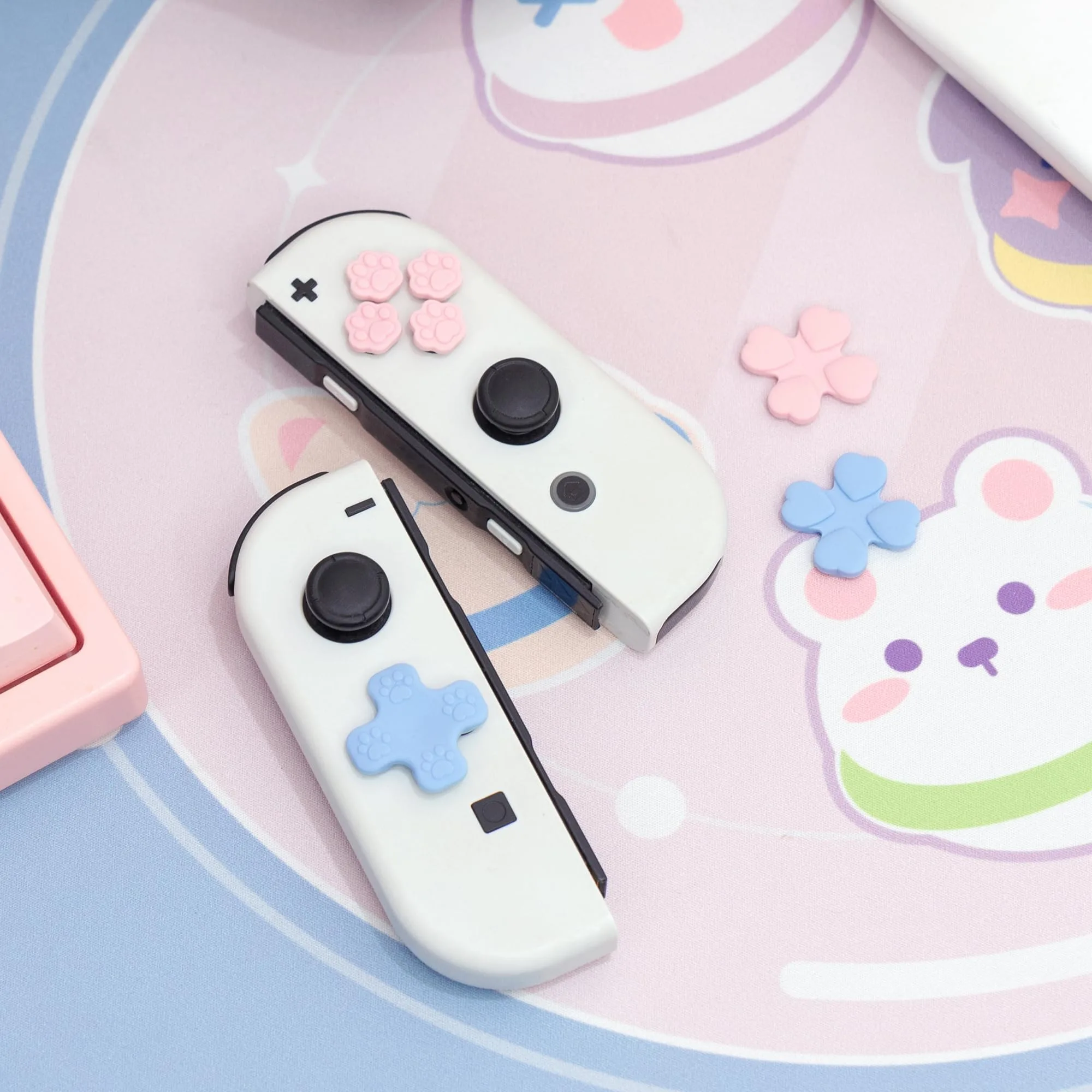
GeekShare Cat Paw Button and Thumb Grip Caps
-
GeekShare Cat Paw Button and Thumb Grip Caps: The included thumb grip caps help protect analog sticks from scratches and dirt. They act as a replaceable shield, so the original stick surface stays clean and undamaged even after heavy play sessions.