Quick answer
Choose Cat6 for most home and office networks up to 10Gbps; choose Cat8 only when you need 40Gbps speeds or must operate in high-interference environments where SFTP shielding is essential.
Speed and bandwidth: the real-world difference
Cat6 Ethernet cables support speeds up to 10Gbps with a bandwidth of 500MHz, which is more than enough for streaming 4K video, online gaming, and large file transfers in a typical home or small office. Cat8 cables push that to 40Gbps with 2000MHz bandwidth, but that speed is only useful if your network equipment (switches, routers, NICs) also supports it.
The practical trade-off is cost and cable stiffness. Cat8 cables are thicker, less flexible, and more expensive per meter. For runs under 30 meters, a quality Cat6 cable will not bottleneck your connection unless you are running a data center or high-frequency trading desk.
Shielding: when SFTP matters
Shielded Foiled Twisted Pair (SFTP) construction, as found on the CAT8 cable, provides superior protection against electromagnetic interference (EMI) and crosstalk. This matters in industrial settings, near heavy machinery, or when cables run alongside power lines. For a quiet home office, the extra shielding adds bulk and cost without benefit.
The rotating RJ45 connector on the Cat6 slim cable is a different kind of problem-solver: it reduces strain on ports in tight spaces behind furniture or wall-mounted gear. That is a mechanical advantage, not an electrical one.
Decision rules: Cat6 vs Cat8
- Speed requirement: If your network runs at 10Gbps or less, Cat6 is sufficient. Only choose Cat8 if you have 25Gbps or 40Gbps equipment and cabling runs under 30 meters.
- Interference environment: If you are running cable near motors, transformers, or in a server room with many parallel cables, the SFTP shielding of Cat8 is a real benefit. In a typical home, unshielded Cat6 is quieter and easier to work with. Check your installation area for known EMI sources before deciding.
- Physical installation: If you need to route cable behind a desk, TV, or wall-mounted switch, the slim profile and rotating connector of the Cat6 cable make installation cleaner. Cat8 is thicker and stiffer, which can cause port strain if bent sharply. For tight bends or shallow spaces, prioritize cable flexibility over raw speed.
Product facts at a glance
-
CAT8 RJ45 Ethernet Cable 40Gbps 2000MHz SFTP Shielded LAN Patch Cable: This CAT8 cable supports up to 40Gbps data transmission and 2000MHz bandwidth with SFTP shielding for EMI and crosstalk protection. Use it when your network gear can handle 40Gbps and you need maximum signal integrity in electrically noisy environments.
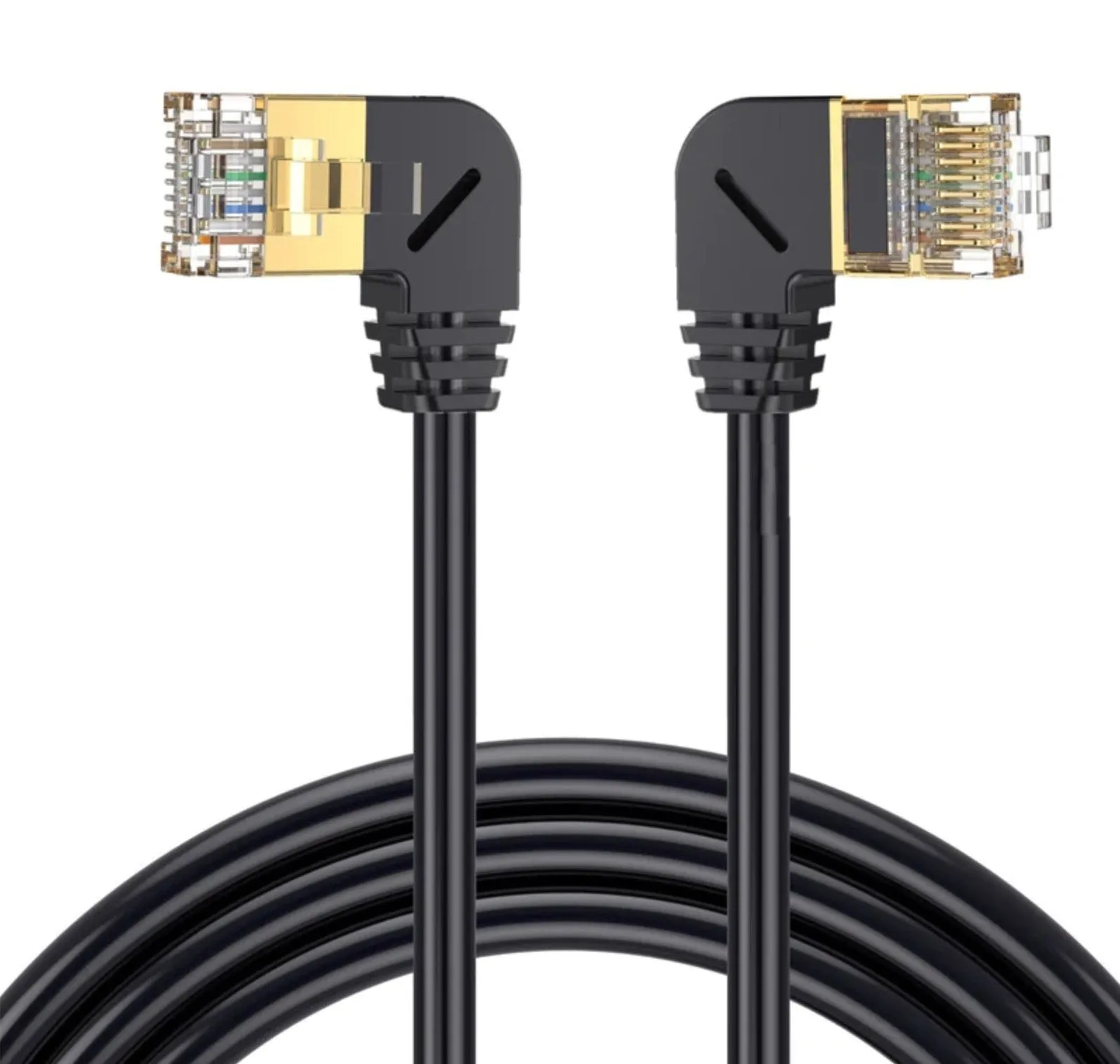
CAT8 RJ45 Ethernet Cable 40Gbps 2000MHz SFTP Shielded LAN Patch Cable
-
360° Rotatable RJ45 Cat6 Slim Ethernet Patch Cable 10Gbps 500MHz: This Cat6 cable delivers 10Gbps speeds and 500MHz bandwidth with a 360° rotatable connector that eases routing in cramped spaces. Ideal for everyday high-speed networking where flexibility and port strain relief matter more than extreme bandwidth.
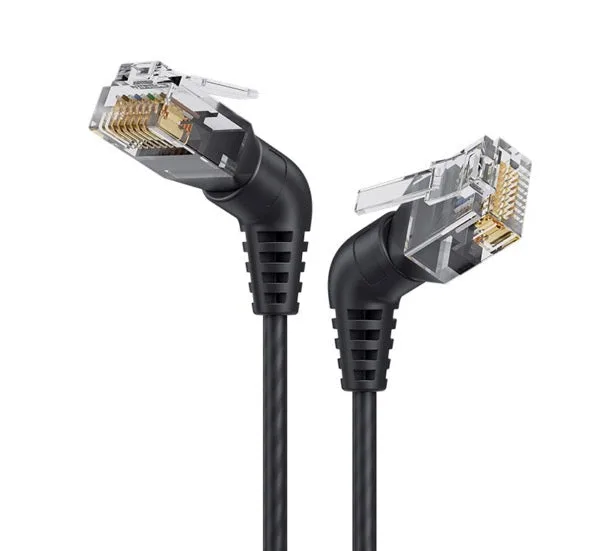
360° Rotatable RJ45 Cat6 Slim Ethernet Patch Cable 10Gbps 500MHz
Which cable fits you?
Best for
- Home users and small offices needing reliable 10Gbps performance with easy routing
- Gamers or streamers who want a future-proof but affordable upgrade from Cat5e
Not for
- Anyone whose network equipment cannot support 40Gbps — Cat8 adds cost without benefit
- Installations where cable must bend sharply or fit into narrow conduits — choose the slim Cat6 instead