Quick answer
If your Parrot Uncle ceiling fan remote isn’t responding, first replace the battery with a fresh AA cell, then re‑pair the remote to the fan using the pairing button on the receiver. Verify that no objects block the infrared signal and that the remote’s LEDs light up when pressed.
Many homeowners love the convenience of a remote‑controlled ceiling fan, but occasional hiccups can be frustrating. This FAQ tackles the most frequent concerns so you can get back to comfortable, well‑lit rooms quickly.
Below you’ll find step‑by‑step guidance for troubleshooting, battery replacement, and pairing, plus practical tips drawn from real Parrot Uncle products.
Remote control troubleshooting steps
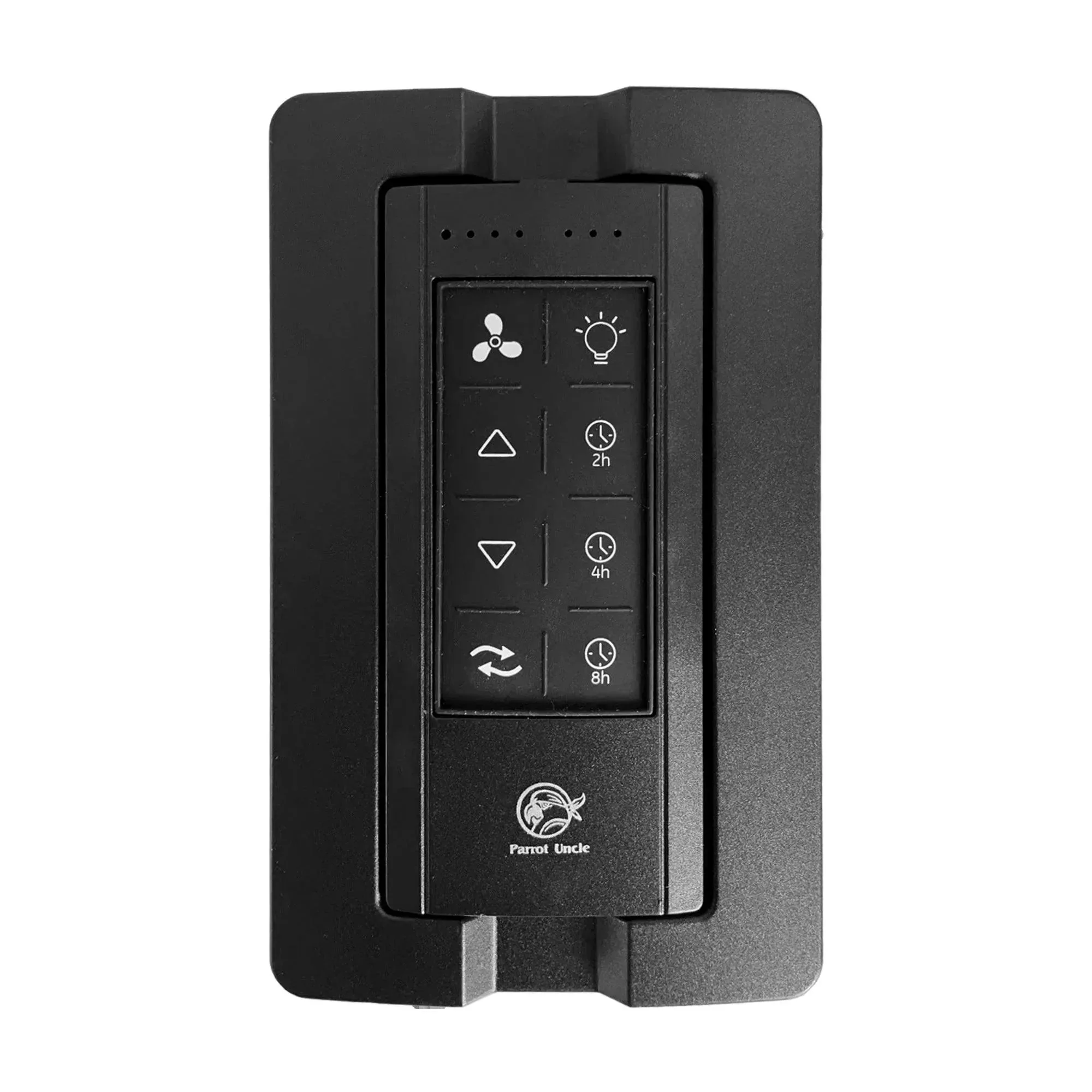
Start by confirming that the remote’s infrared LED actually emits light. Point the remote at a smartphone camera and press any button; you should see a flicker on the phone’s screen. If you see no light, the remote may need a new battery or could be defective. Replace the AA battery, making sure the polarity matches the markings inside the compartment.
If the remote lights up but the fan doesn’t react, re‑pair it. Locate the pairing button on the fan’s receiver (often a small recessed button near the wiring box). Press and hold it for three seconds until the fan’s indicator blinks, then press any button on the remote. The fan and remote should sync, restoring full control.
- Keep the remote’s sensor clear of dust and obstructions for reliable signal transmission.
Need more help?
Battery replacement
Open the remote’s back panel, insert a fresh AA battery, and ensure the polarity matches the printed symbols. Remote powers on and responds to button presses.
Re‑pairing remote
Press and hold the fan’s pairing button for 3 seconds, then press any button on the remote to sync. Control restored after successful pairing.
Signal check
Use a smartphone camera to verify the remote’s infrared LED flashes when a button is pressed. If no flash, consider remote repair or replacement.
Product examples with remote features
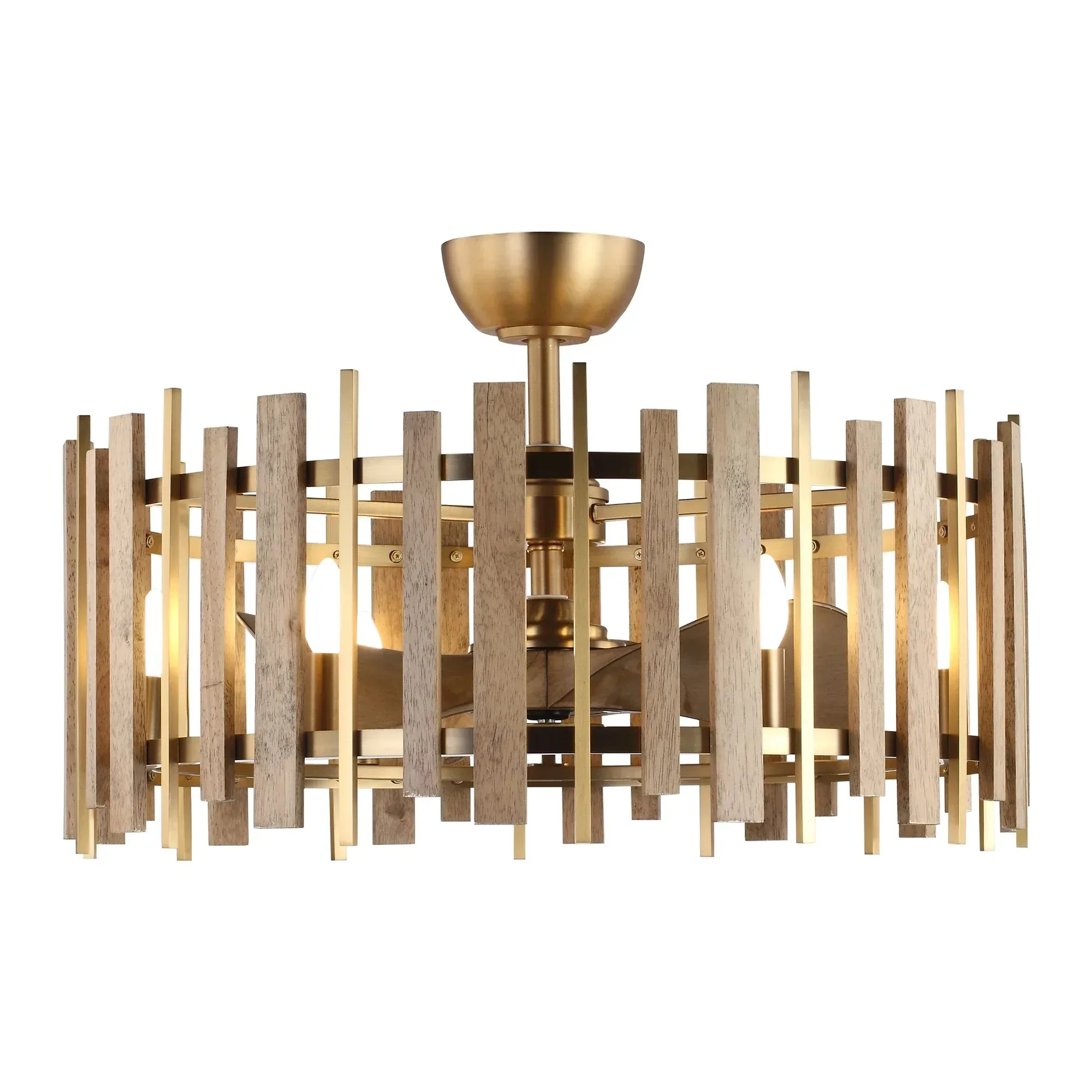
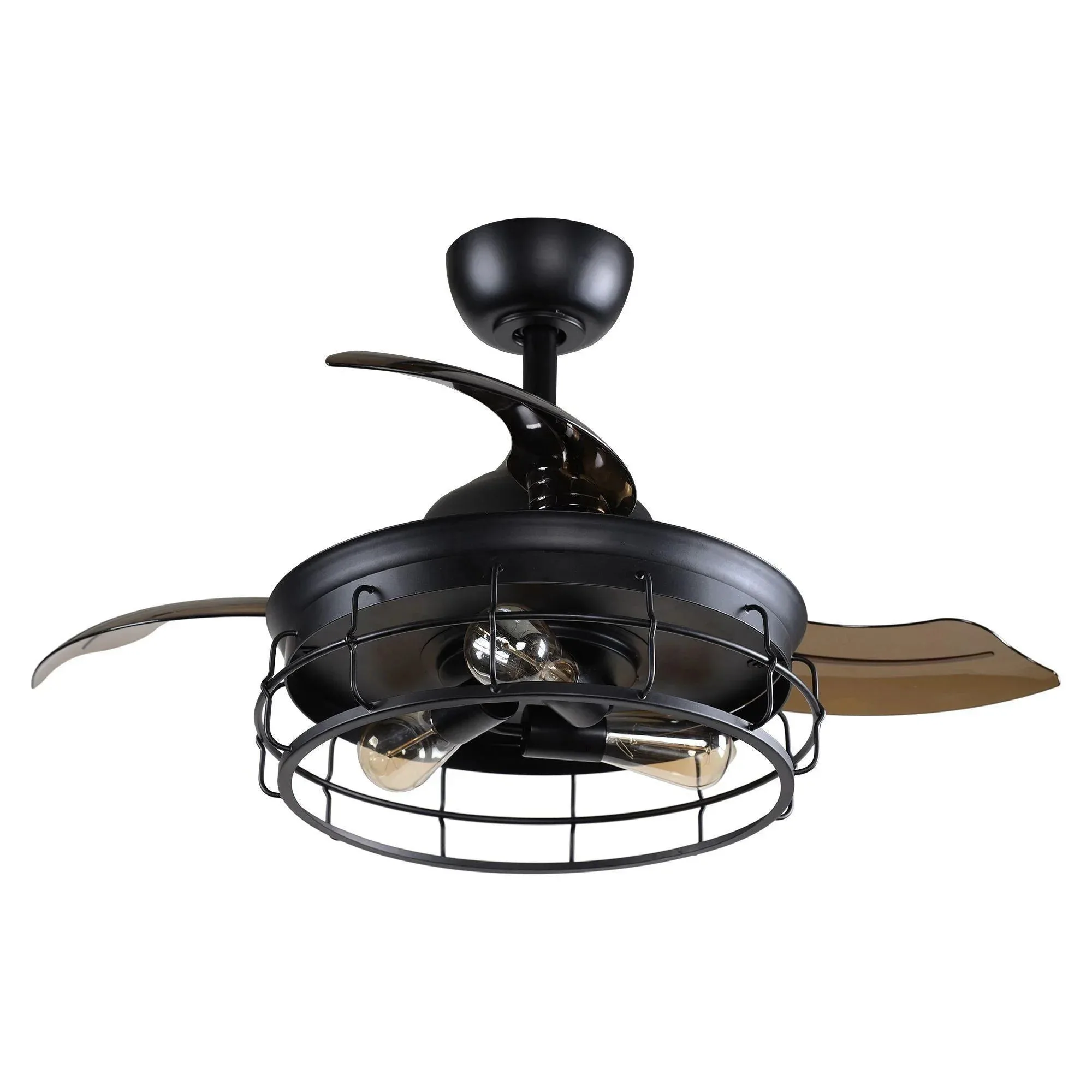
- Perimost 31 Inch Electroplated Golden Downrod Mount Luxury Fandelier with Light and Remote Control: Combines a vintage‑inspired, antique golden frame with light wood‑grain blades, creating a beautiful farmhouse‑style ceiling fan and chandelier (fandelier) in one. Provides both lighting and airflow from a single fixture, saving ceiling space and letting you manage both functions with one remote.
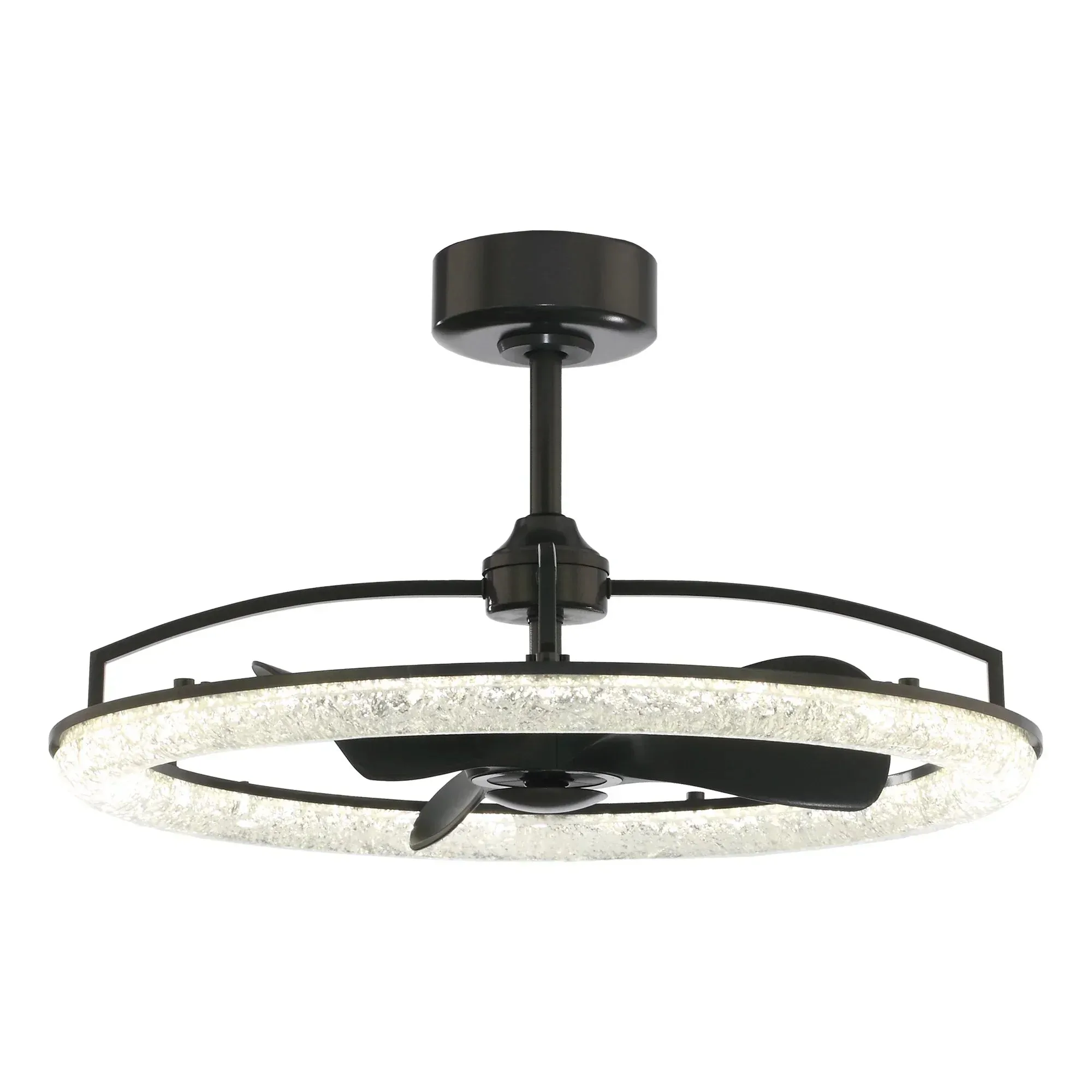
- Perimost 32 Inch Black Downrod Mount Luxury Fandelier with Light and Remote Control: Features a sleek black metal ring with luminous resin inlays, blending contemporary style with soft, ambient lighting. Delivers a modern aesthetic while the integrated remote lets you adjust fan speed and light intensity without leaving your seat.
If you’ve tried these steps and still experience issues, contact Parrot Uncle customer support for further assistance. A quick call can often resolve lingering problems and keep your ceiling fan running smoothly.