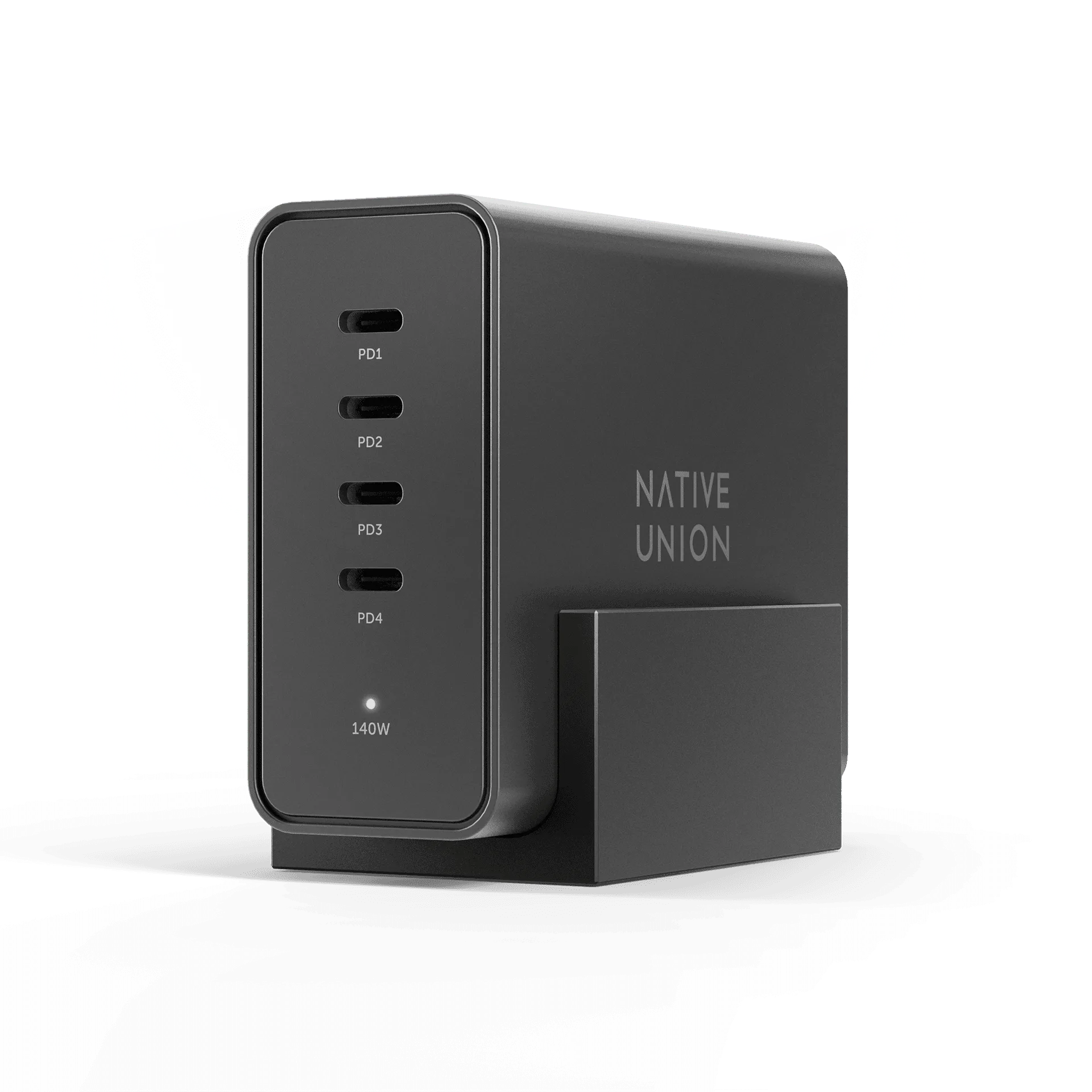
Start with the charger's role on your desk
The ChargeView 140W Desktop Charger is built for people who manage several devices from one desk. Instead of counting ports, think about what you need to keep charged during a work session: a laptop, a tablet, a phone, and everyday accessories are the device types the catalog names for this charger.
The catalog describes it as a desktop-first power hub with a digital display that shows how power is distributed across connected devices. That display is the practical starting point for planning a multi-device setup, because it lets you see what is happening rather than guessing.
A simple way to plan your device mix
- List every device you want to charge at the desk: Write down your laptop, tablet, phone, and any everyday accessories. The catalog names these categories as the devices ChargeView is designed to fit into a modern desk.
- Decide which devices need power at the same time: You do not need to charge everything at once. Separate devices that must stay topped up during work from those that can charge later.
- Check each device's charging requirements: The catalog confirms USB-C power and universal USB-C compatibility, but it does not list per-port wattage or the exact power split. Check your device manuals for their required wattage before assuming a full-speed charge.
- Use the display to confirm the distribution: Once devices are connected, the integrated digital display reveals how power is distributed. Use that feedback to adjust which devices are plugged in together.
What the catalog confirms about ChargeView
-
ChargeView™ 140W Desktop Charger: The Satechi ChargeViewTM 140W Desktop Charger brings intelligent, high-performance power to the modern workspace with a refined desk-first design and real-time charging visibility. This sets the expectation: it is a desk charger with feedback, not a travel brick.
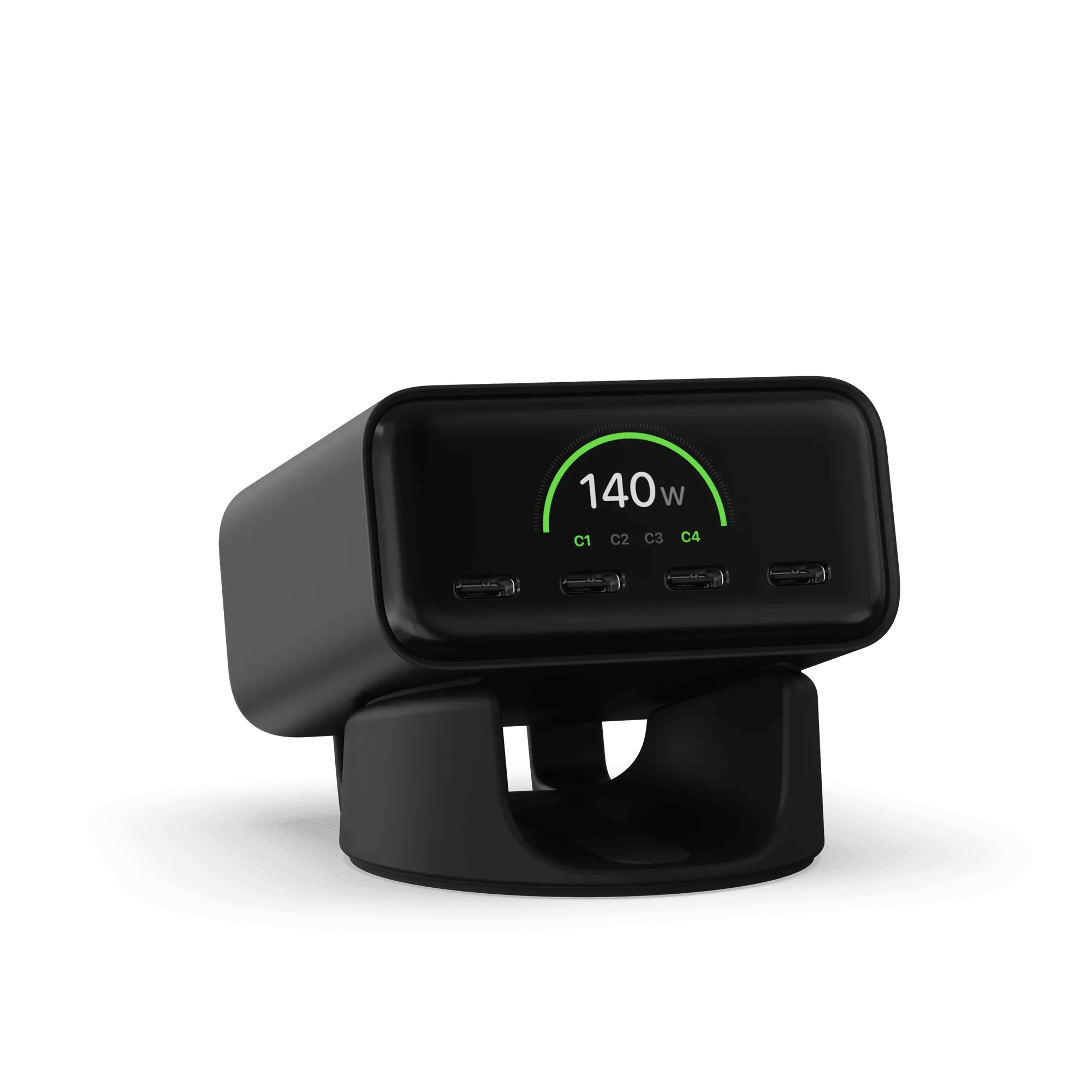
ChargeView™ 140W Desktop Charger
-
ChargeView™ 140W Desktop Charger: Built for professionals and hybrid workers managing multiple devices, ChargeView delivers fast, reliable USB-C power while its integrated digital display reveals exactly how power is distributed across connected devices. The display is the main tool for understanding how your device mix is being powered.
-
ChargeView™ 140W Desktop Charger: Advanced GaN technology enables efficient, high-output charging in a compact form that replaces cluttered adapters with one calm, capable power hub. GaN helps keep the charger compact, which matters if you are trying to reduce desk clutter.
-
ChargeView™ 140W Desktop Charger: With universal USB-C compatibility and a precision dual-orientation stand, ChargeView fits naturally into modern desks built around laptops, tablets, phones, and everyday accessories. The stand lets you position the charger upright or flat, and USB-C compatibility covers the device types named in the catalog.
What 140W means for laptops and phones
A 140W rating is the charger's total capacity, not a promise that every port delivers 140W. The catalog does not break down wattage per port, so you should not assume a laptop will receive the full 140W while other devices are connected.
For a laptop, check its required charging wattage in its documentation. For a phone or tablet, the charger will supply power according to what the device accepts. The ChargeView display is useful here: it shows how power is being distributed, so you can see whether adding a device changes what another device receives.
Desk setup choices that keep charging visible
The dual-orientation stand is the main physical decision. The catalog describes a precision dual-orientation stand, which means you can set the charger upright to keep the display in view or lay it flat if that suits your desk better.
- Upright orientation: Use the stand to angle the display toward you so you can glance at power distribution without moving the charger.
- Flat orientation: Lay it flat if you prefer a lower profile or need to fit it under a monitor shelf. The catalog confirms dual-orientation support but does not specify clearance requirements.
- Cable routing: Keep USB-C cables within reach of the devices they charge. The catalog does not list port count or port placement, so confirm those details before ordering if cable routing is critical to your desk.
Plug options and what to confirm before you buy
The ChargeView 140W Desktop Charger is available with US and KR plug options. Choose the one that matches your outlet; the catalog does not list other plug types.
The catalog also does not confirm the number of USB-C ports, the exact wattage per port, or whether the charger supports specific fast-charging standards beyond USB-C power. If you need a precise port count or a particular standard, check the product page or your device documentation before ordering.