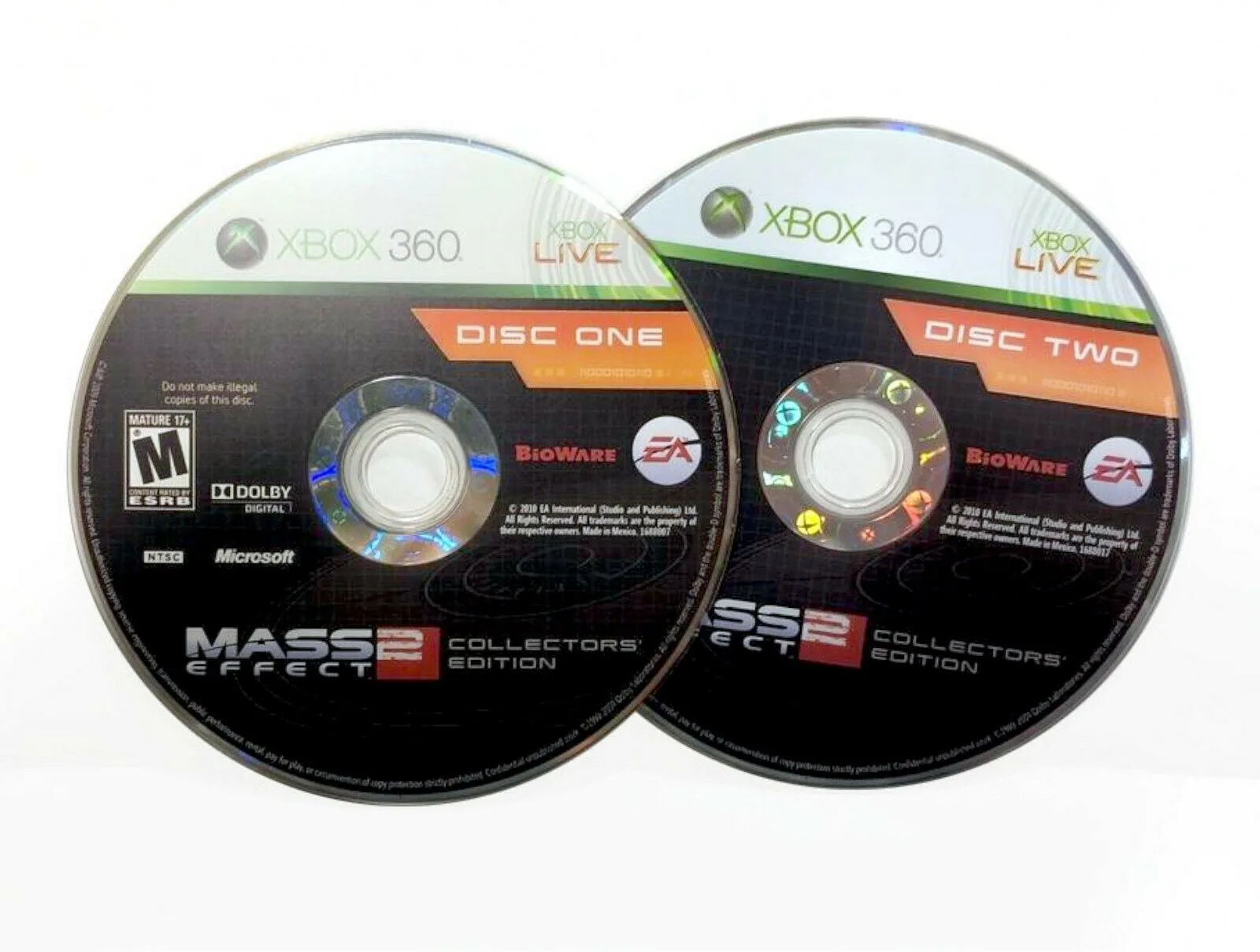
Quick answer
To check a pre-owned Xbox One disc, inspect the underside for deep scratches, test the disc in an Xbox One console, and verify the game installs and launches without errors.
Why disc condition matters for Xbox One
Xbox One discs are Blu-ray based and more sensitive to scratches than older DVD formats. A deep scratch can cause install failure or mid-game freezing, even if the disc looks passable. Always check the reflective layer under bright light.
Region and compatibility limits
Xbox One games are region-free for the console itself, but some titles from other regions may not support downloadable content or online features. If the disc is labeled for a different market, confirm with the seller before purchase.
How to check a pre-owned Xbox One game disc
- 1. Inspect the disc surface: Hold the disc under a bright light and tilt it to see the reflective layer. Look for deep circular scratches, cloudiness, or cracks. Light surface scuffs are usually harmless. Skip any disc with a scratch that catches your fingernail.
- 2. Check the center hub and edges: Examine the center spindle hole for cracks and the outer edge for chips. Damage in these areas can cause the disc to wobble in the drive. A chipped edge often makes the disc unreadable.
- 3. Verify the disc in the console: Insert the disc into an Xbox One and wait for the console to recognize it. The disc should spin smoothly and the game tile should appear within 30 seconds. If the console ejects the disc or shows 'disc unreadable', the disc is faulty. A console test is the only way to confirm the disc works.
- 4. Install the game fully: After recognition, start the installation process. The install should complete without errors. A failed install at a specific percentage often points to a damaged area on the disc. If installation stops at the same point each time, the disc has a bad sector.
- 5. Launch and play a few minutes: Once installed, launch the game and play through the first level or menu. Check for freezing, texture glitches, or audio stutter that could indicate disc read issues. A game that installs but crashes during play may still have disc damage.
Products mentioned
-
Plants vs Zombies: Garden Warfare Microsoft Xbox One Video Game 2014 [Pre-Owned/Refurbished]: This pre-owned copy of Plants vs Zombies: Garden Warfare for Xbox One was released in 2014. Older discs may have more wear; check the underside carefully for scratches that could affect installation.
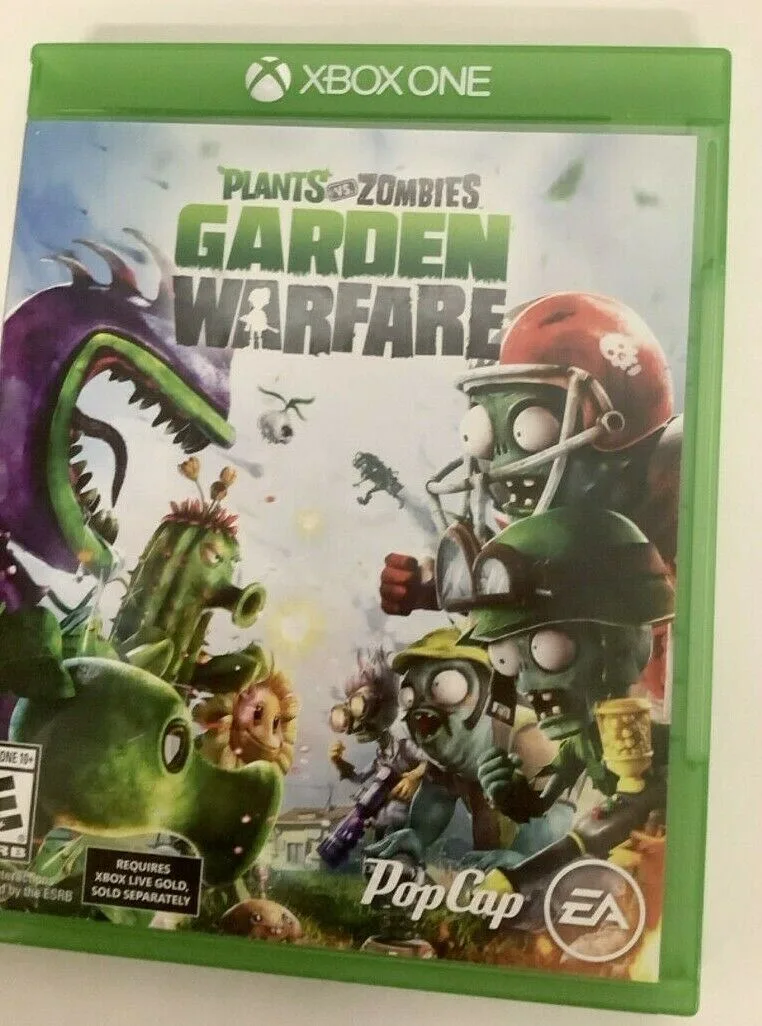
Plants vs Zombies: Garden Warfare Microsoft Xbox One Video Game 2014 [Pre-Owned/Refurbished]
-
NEW The Crew 2 Gold Edition STEELBOOK Microsoft Xbox One Video Game French/Eng: The Crew 2 Gold Edition Steelbook is a special packaging variant for Xbox One. Steelbook cases can sometimes have tighter disc hubs; ensure the disc is not scratched from repeated removal.

NEW The Crew 2 Gold Edition STEELBOOK Microsoft Xbox One Video Game French/Eng