Quick answer
Choose a CF card adapter that matches your camera's CF socket type and your data transfer needs. For most photographers, a high-speed adapter that supports MicroSD cards offers the best balance of cost and convenience.
Why the right CF adapter matters
A CompactFlash adapter can extend the life of your camera or let you use a more affordable memory card format. The right choice depends on your camera's CF socket, the speed you need for shooting or transferring files, and how you manage your media cards.
Before buying, check your camera manual to confirm whether it uses CF Type I or Type II, and whether it supports UDMA modes. This determines which adapters will work and how fast they can transfer data.
Trade-offs: speed vs. cost vs. compatibility
High-speed CF adapters cost more but can keep up with fast continuous shooting and large file transfers. Cheaper adapters may work fine for occasional use but can bottleneck your workflow if you shoot RAW or video.
Compatibility is another trade-off: some adapters only work with specific operating systems or file systems. Always verify that the adapter supports your computer's OS and your card's format before purchasing.
Decision rules for choosing a CF card adapter
- Check your camera's CF socket: Confirm whether it is CF Type I or Type II, and whether it supports UDMA. This determines which adapters are physically and electronically compatible. If your camera is older and lacks UDMA, you don't need the fastest adapter—save money.
- Match adapter speed to your workflow: If you shoot bursts, RAW, or video, choose a high-speed CF adapter. For casual shooting, a standard-speed adapter is sufficient. List your typical file sizes and shooting modes before deciding.
- Verify OS and file system support: Check that the adapter supports your computer's operating system and the file system of your card (e.g., exFAT on Windows). If you use a Mac, confirm macOS compatibility; if you use FAT32, check the card's capacity limits.
- Decide between an adapter and a dedicated reader: If you only need to move files from a MicroSD card to a CF camera, an adapter is cheaper. If you also need to read other card types, consider a multi-card reader. List all the card formats you use to avoid buying multiple devices.
Product facts
-
CF card adaptor brand new: This CF card adapter supports MicroSD/TransFlash cards of all capacities and is SD 3.0 ready, accepting the exFAT file system on Windows. That means you can use a small, inexpensive MicroSD card in your CF camera and move files easily on a Windows PC without reformatting.
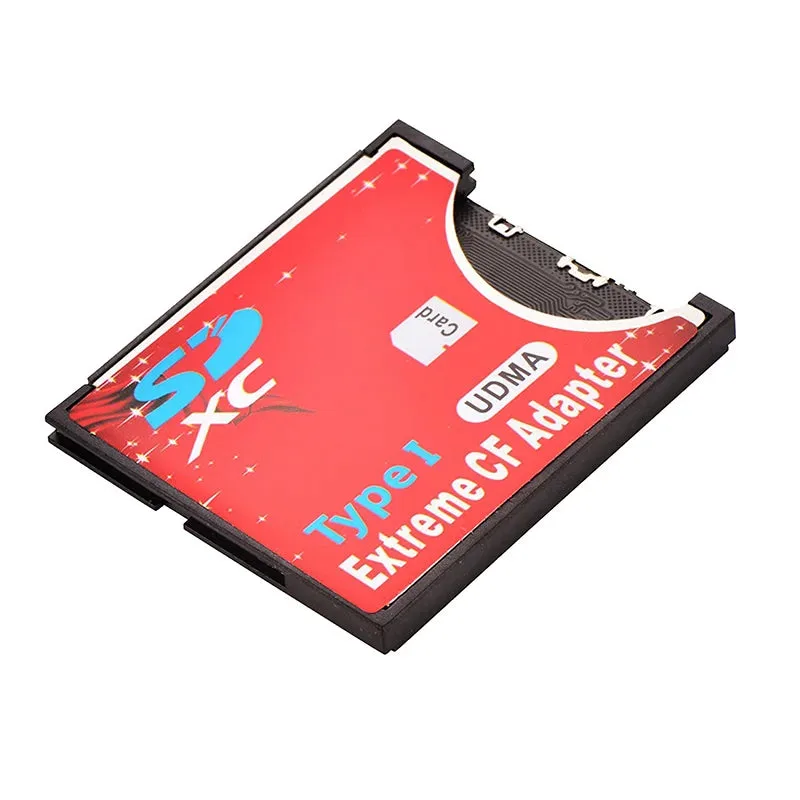
CF card adaptor brand new
Who should choose a CF card adapter
Best for
- Photographers with a CF camera who want to use affordable MicroSD cards
- Users who need a low-cost way to expand storage or transfer files on Windows
Not for
- Users who need maximum transfer speed and use high-end CFast or XQD cards
- Mac users who require native exFAT support without additional formatting steps