Why Choose a Rechargeable Battery for littleBits?
If you use littleBits in a classroom or makerspace, you know how quickly disposable batteries add up in cost and waste. The littleBits rechargeable battery offers a portable, reusable power source that keeps your inventions running without constant battery swaps. It plugs directly into your circuit via the USB power Bit, and the included USB cable lets you recharge it from any standard USB port.
This guide explains what the rechargeable battery does, how it fits into your kit, and what trade-offs to consider before buying.
What the littleBits Rechargeable Battery Offers
-
littleBits rechargeable battery: The Rechargeable battery is a portable power source for your inventions, which you can use over and over again. Reusability saves money and reduces waste compared to single-use batteries, making it ideal for frequent classroom or project use.
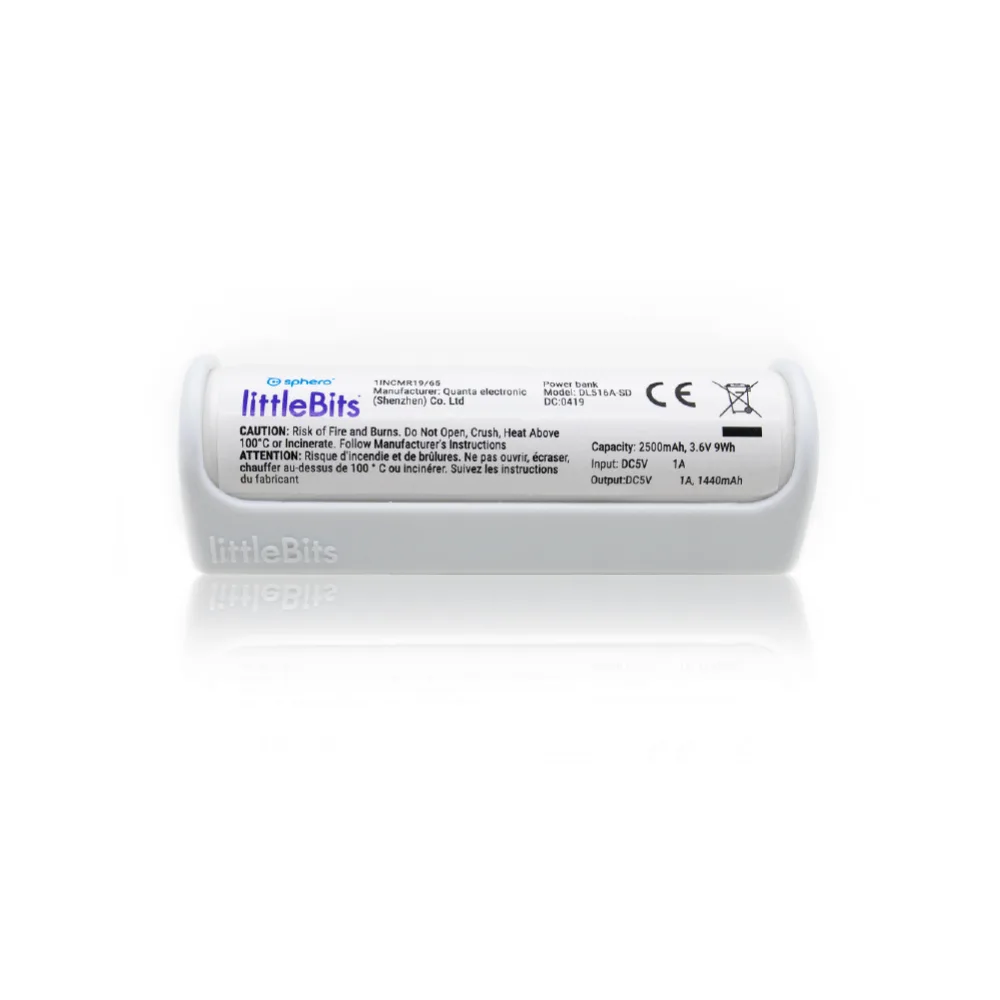
littleBits rechargeable battery
-
littleBits rechargeable battery: The USB cable brings power to your USB power Bit and rechargeable battery. You can recharge the battery from a computer, wall adapter, or any USB power source, so no special charger is needed.
How It Works in Your Circuit
To use the rechargeable battery, connect it to the littleBits USB power Bit using the supplied USB cable. The USB power Bit then delivers power to the rest of your circuit. This setup works with any littleBits invention that normally runs on a battery or AC adapter, as long as you have the USB power Bit (sold separately).
The battery is portable, so you can move your project around without being tethered to a wall outlet. When the battery runs low, simply unplug it and recharge via USB while you continue building with another power source.
Comparing to Other Power Options
The main alternatives are the littleBits battery and the AC power supply. The battery is widely available and works with the standard power Bit, but it's disposable and needs frequent replacement in active classrooms. The AC adapter provides unlimited run time but keeps your project tied to an outlet.
The rechargeable battery splits the difference: it's portable like a battery but reusable like an AC adapter. The trade-off is that you need the USB power Bit (not included with the battery) and you must plan for recharging time, which is not specified in the available product information.
What to Consider Before Buying
Before adding a rechargeable battery to your kit, check that you have at least one USB power Bit per battery you plan to use. The battery itself does not include a power Bit. Also consider how many batteries you need: if you run multiple projects simultaneously, you may want several batteries so one can charge while another is in use.
The battery is priced at $14.60 (compared to $20.00 catalog price), making it a cost-effective choice over time compared to buying packs of batteries. However, the available product information does not specify battery capacity, charging time, or number of charge cycles, so you may want to test one unit first to see if it meets your runtime needs.
Practical Classroom Tips
Set up a charging station with a multi-port USB hub so students can recharge batteries between classes. Label each battery with a number or color to track which ones are charged. If you use littleBits in a competition or extended project, keep a spare battery charged and ready to swap in without interrupting the build.
Because the battery recharges from any USB port, you can even use a portable power bank to recharge in the field—handy for outdoor demonstrations or off-site workshops.