Quick answer
To choose the right Duux fan remote control, first identify your fan's model type (like DXHU04 or DXTF02), then match it to the compatible remote. Each remote is designed for specific models, so checking compatibility is the most important step.
Why model compatibility matters
Duux fan remotes are not universal. Each remote is designed to work with specific fan models, and using the wrong one can result in no response or limited functionality. The model type is usually printed on the fan's label or in the user manual.
For example, the Beam Remote Control Black is compatible with type DXHU04, while the Beam Mini Remote Control White works with DXHU07. These are different fans, so the remotes are not interchangeable.
Trade-offs: color and model variations
When choosing a replacement remote, consider the color and the specific model year. The Elevate remote, for instance, comes in white and is a 2025 model, which may matter if you have an older Elevate fan. Always verify that the remote's compatible type matches your fan's model type.
If your fan model is not listed for a remote, that remote is not suitable. Don't assume compatibility based on the fan's appearance or series name.
Batteries and setup considerations
Some remotes, like the Beam Remote Control Black, do not include batteries. Before you begin setup, ensure you have the required batteries on hand. This is a small but important detail that can affect your immediate use.
For all remotes, pairing is typically straightforward, but always follow the instructions in your fan's manual to ensure proper connection.
Decision rules for choosing your remote
- Check your fan's model type: Look for the model type (e.g., DXHU04, DXTF02) on the fan's label or in the manual. This is the most reliable way to find the right remote. Write down your fan's model type before shopping.
- Match the remote's compatible types: Compare your fan's model type with the remote's listed compatible types. If there's a match, the remote is suitable; if not, it won't work. Don't rely on the fan's name alone—use the model type.
- Consider color and model year: Choose a remote that matches your preference and, if applicable, the model year of your fan (e.g., 2025 Elevate). Color doesn't affect function, but it may affect aesthetics. If you have an older Elevate model, confirm the 2025 remote is compatible.
- Prepare for setup: Some remotes do not include batteries. Have the required batteries ready before you start setup to avoid delays. Check the product description for battery inclusion and have spares on hand.
Remote options at a glance
-
Beam Remote Control Black: The Beam Remote Control in black is a replacement remote designed for use with Beam type DXHU04. Batteries are not included. If you own a Beam fan with model type DXHU04, this is the correct remote to order, but remember to have batteries ready.
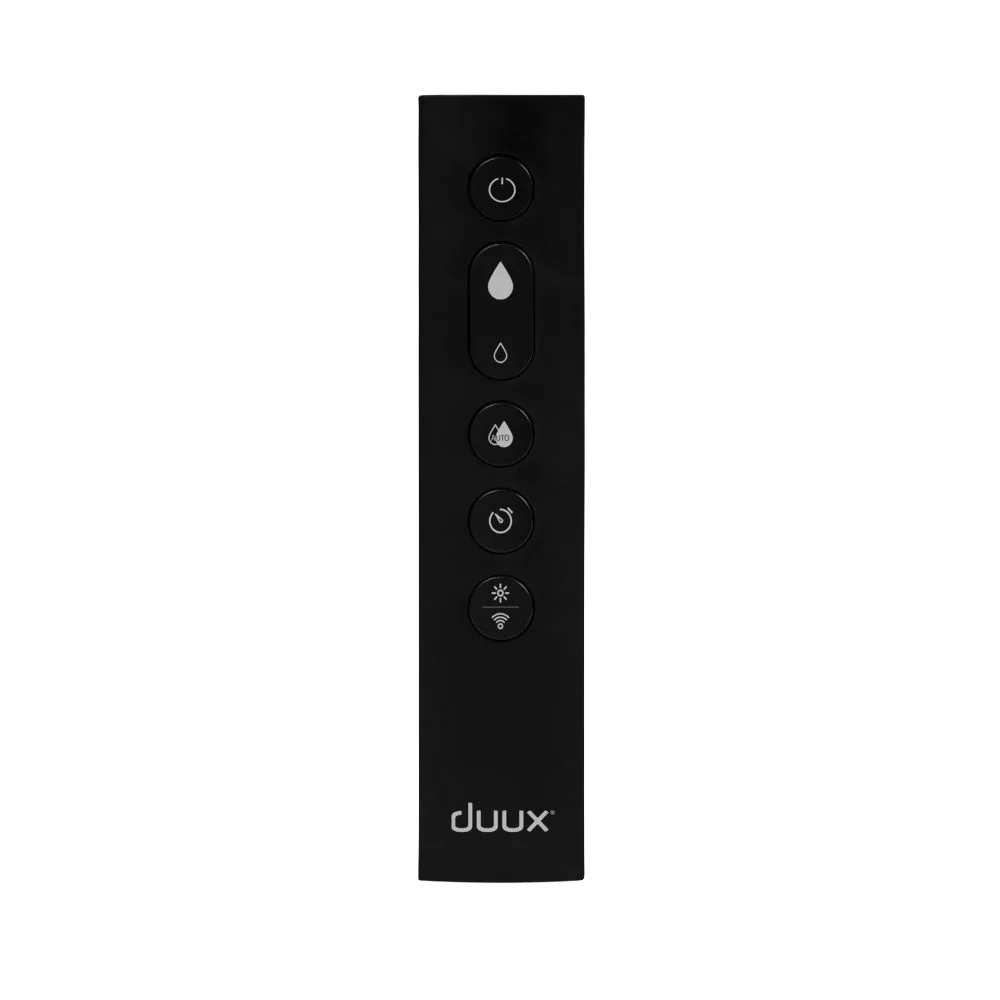
Beam Remote Control Black
-
Remote Control Elevate White - 2025: The Duux Remote Control Elevate White is a replacement remote compatible with Elevate type DXTF02 and is a 2025 model. This remote is specifically for Elevate fans with type DXTF02, so check your fan's model type before purchasing.
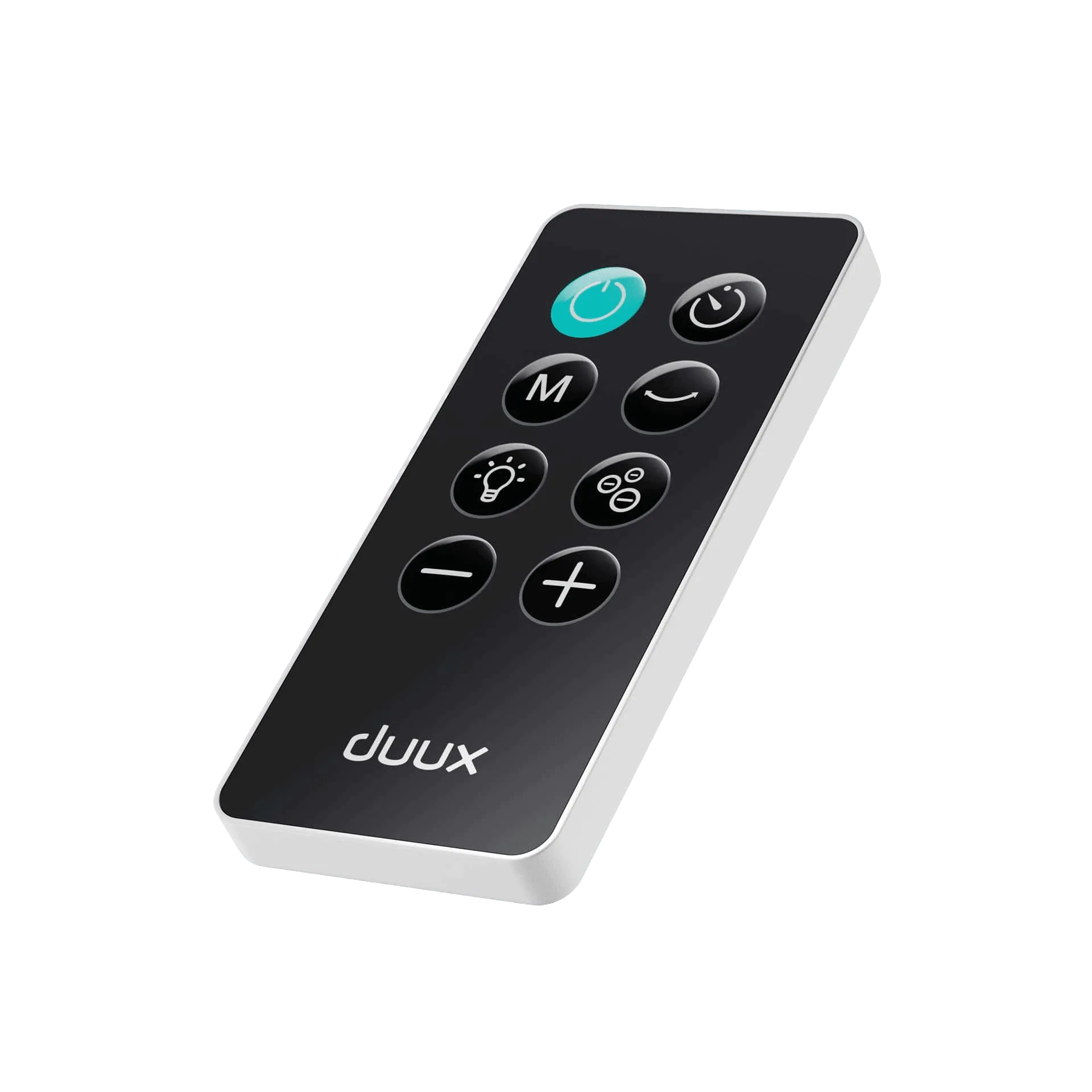
Remote Control Elevate White - 2025
-
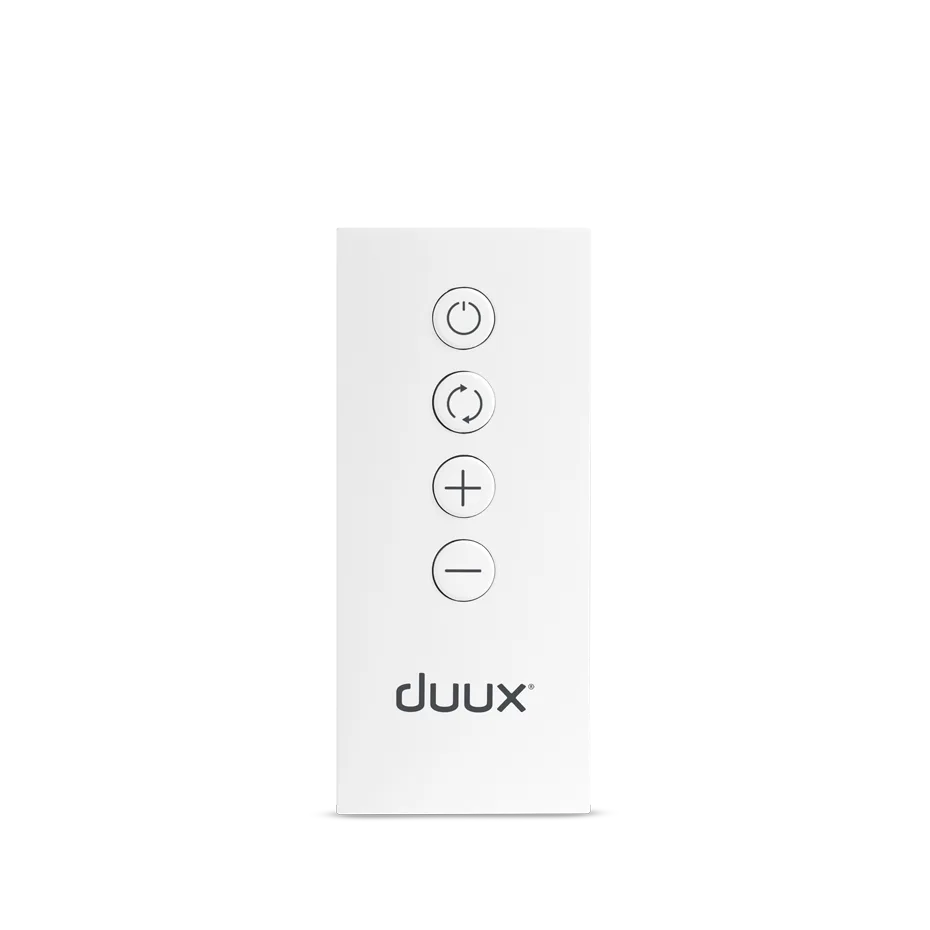
Beam Mini Remote Control White: The Beam Mini Remote Control in White is a replacement remote suitable for model DXHU07. This is the correct remote for Beam Mini fans with type DXHU07, ensuring proper fit and function.
-
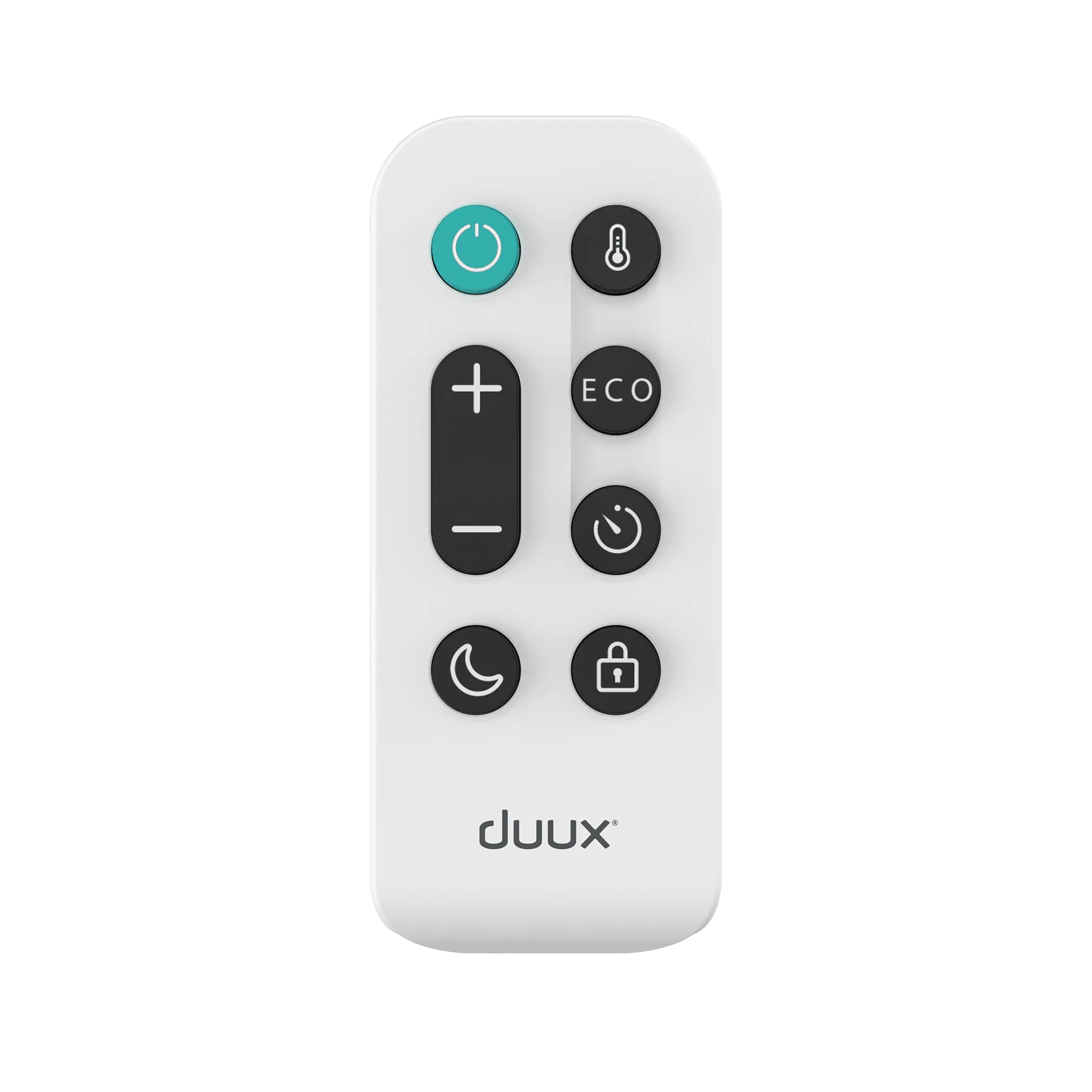
Remote Control Edge White: The Duux Remote Control for Edge is designed as a direct replacement for compatible types DXCH11, DXCH13, and DXCH15. If you have an Edge fan with any of these model types, this remote will work, but verify your specific type to avoid mismatch.
Who should choose which remote
Best for
- Beam owners with model type DXHU04 who need a black remote
- Elevate owners with type DXTF02 who want a white, 2025-model remote
- Beam Mini owners with type DXHU07 who need a white remote
- Edge owners with types DXCH11, DXCH13, or DXCH15 who want a white remote
Not for
- Owners of Duux fans with model types not listed for these remotes
- Those looking for a universal remote that works across all Duux fans