Start with your lens thread, not the flare color
The CineFlare Streak Filter screws onto your lens like any other filter, so the first decision is the thread diameter. Moment offers 67mm, 77mm, and 82mm sizes. Check the filter thread printed on your lens barrel or front cap. If your lens does not match one of those diameters, Moment's guidance is to buy a larger filter and use a step-up ring to bridge the gap. That keeps the filter usable across several lenses if you standardize on one size.
For phone shooters, the filter also works with Moment's 67mm Phone Filter Mount, and it is compatible with all M-Series Lenses when using the 67mm M-Series Lens Filter Mount. Those mounts are separate accessories, so confirm you have the right one before you order the filter alone.
Sizes and mounting options confirmed by the catalog
-
Moment CineFlare Streak Filters: Available in 67mm, 77mm, and 82mm diameters, in Blue Streak or Gold Streak. These are the only sizes listed, so your lens thread or step-up ring plan must match one of them.
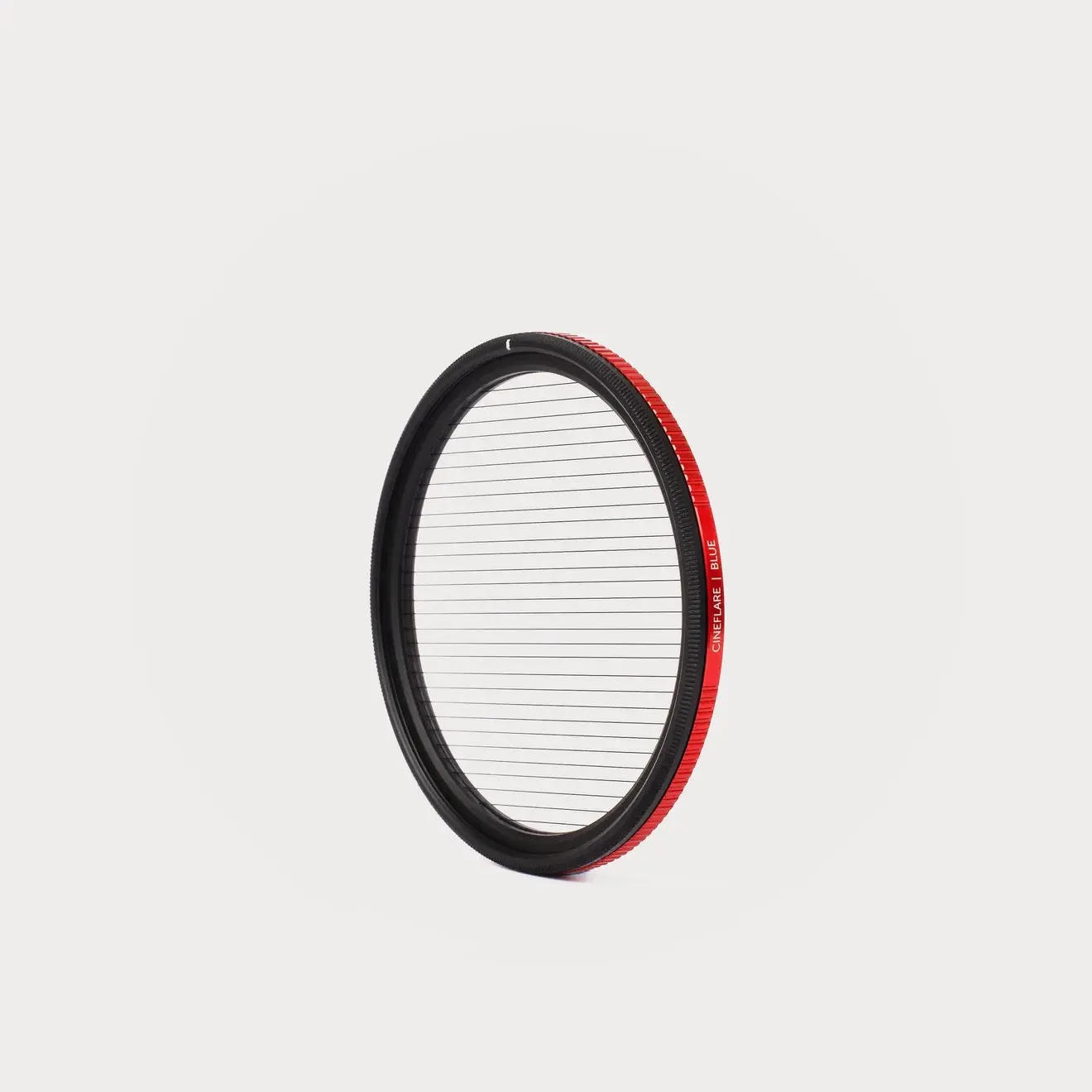
Moment CineFlare Streak Filters
-
Moment CineFlare Streak Filters: Compatible with all M-Series Lenses using the 67mm M-Series Lens Filter Mount, and with almost any phone using the 67mm Phone Filter Mount. Phone and M-Series shooters need the 67mm filter plus the appropriate mount; the mount is not included with the filter.
Blue or Gold: a color choice, not a quality choice
Moment makes two classic flavors: Blue Streak and Gold Streak. The catalog does not describe a difference in flare intensity or coating performance between them, so treat this as a look decision. Blue streaks read cooler and often suit night cityscapes, neon, and sci-fi moods. Gold streaks feel warmer and can pair naturally with sunsets, tungsten practicals, and vintage-style footage. Neither is more correct; pick the one that fits the scenes you shoot most, or choose the color that contrasts with your usual background tones.
Direction is adjustable, so you are not locked into horizontal flares
A precision rotation mechanism lets you set the flare angle to any direction you prefer. You can keep the classic horizontal streak, switch to diagonal for a more dynamic frame, or go vertical when the composition calls for it. That means the direction choice is not a permanent buying decision. You can rotate the filter on the lens to change the flare angle from shot to shot.
The trade-off is that you need to check the angle after mounting, especially if you stack another filter on top. A quick look through the viewfinder before you roll will confirm the streak runs where you want it.
Stacking and handling: what the thin design supports
- Stacking with CineBloom: Moment states the filter can be stacked with a CineBloom Filter over the CineFlare Streak. The thin profile is intended to reduce vignetting and keep a low profile when stacking.
- Coating care: The filter carries 30 layers of advanced coating including anti-scratch, anti-reflection, anti-oil, and hydrophobic properties. Clean it like any coated optical filter and avoid abrasive cloths.
- Step-up ring path: If your lens is smaller than 67mm, you can use a step-up ring to reach a supported size. The catalog does not list specific step-up ring sizes, so match the ring to your lens thread and the filter diameter you buy.
Product facts that affect your buying decision
- Moment CineFlare Streak Filters: Adds anamorphic-style flares without an anamorphic lens, using a precision rotation mechanism to adjust flare angle. This is the core value: you get the streak look on the camera you already own, and you can change direction per shot.
- Moment CineFlare Streak Filters: Thin filter design intended to remove vignetting and keep a low profile when stacking filters. If you plan to stack with a CineBloom or other filter, the thin build helps avoid dark corners and excess depth.
What the catalog does not settle
The supplied information does not state whether the filter is compatible with specific camera models beyond the M-Series and phone mount notes, nor does it list step-up ring sizes or exact vignetting behavior on every lens. It also does not describe a difference in flare strength between Blue and Gold. If you need those specifics, check the mount compatibility for your exact phone or lens before ordering. For most buyers, the decision comes down to thread size, mount accessory, and color, with direction handled by the rotation ring after purchase.