Quick answer
The Circuit Blox 5 Wire Block lets you split or merge connections in your E-Blox builds. Use it when you need to route power to multiple blocks from one source.
Why use the 5 Wire Block instead of other connectors?
A standard wire block connects two points. The 5 Wire Block gives you five terminals on one component, so you can branch a single signal to several LED, motor, or switch blocks without extra adapters. This reduces clutter and keeps your circuit paths clear.
Common mistake: overloading the block
Each terminal can handle the same current as any other Circuit Blox connector. Adding too many high-drain blocks (like multiple motors) may cause dim LEDs or slow movement. If that happens, redistribute the load across two 5 Wire Blocks or use a separate power source.
Diagnosis: wiring connection problems
- Symptom: A block in your build does not light up or activate when you press the power button.
- Likely cause: A loose or incomplete connection at one of the 5 Wire Block terminals. The block itself may also be reversed or not seated fully. Check that each wire is pushed in until you hear a click.
- Corrective action: Remove and reattach each wire to the 5 Wire Block one at a time. Test the circuit after each reconnection. If the problem persists, swap the 5 Wire Block with a known working unit. If swapping does not fix it, the issue may be with another component in the chain.
- Stop or choose another option: If the block still fails after swapping, replace the 5 Wire Block. Do not force wires into terminals or use metal tools — this can damage the contacts. Order a replacement 5 Wire Block if needed.
Product facts
-
Circuit Blox™ - 5 Wire Block - E-Blox®: Circuit Blox 5 Wire Block from E-Blox is a single-piece component with five terminals for use with Circuit Blox building sets. It lets you split or merge up to five connections in one spot, making complex wiring simpler and more reliable.
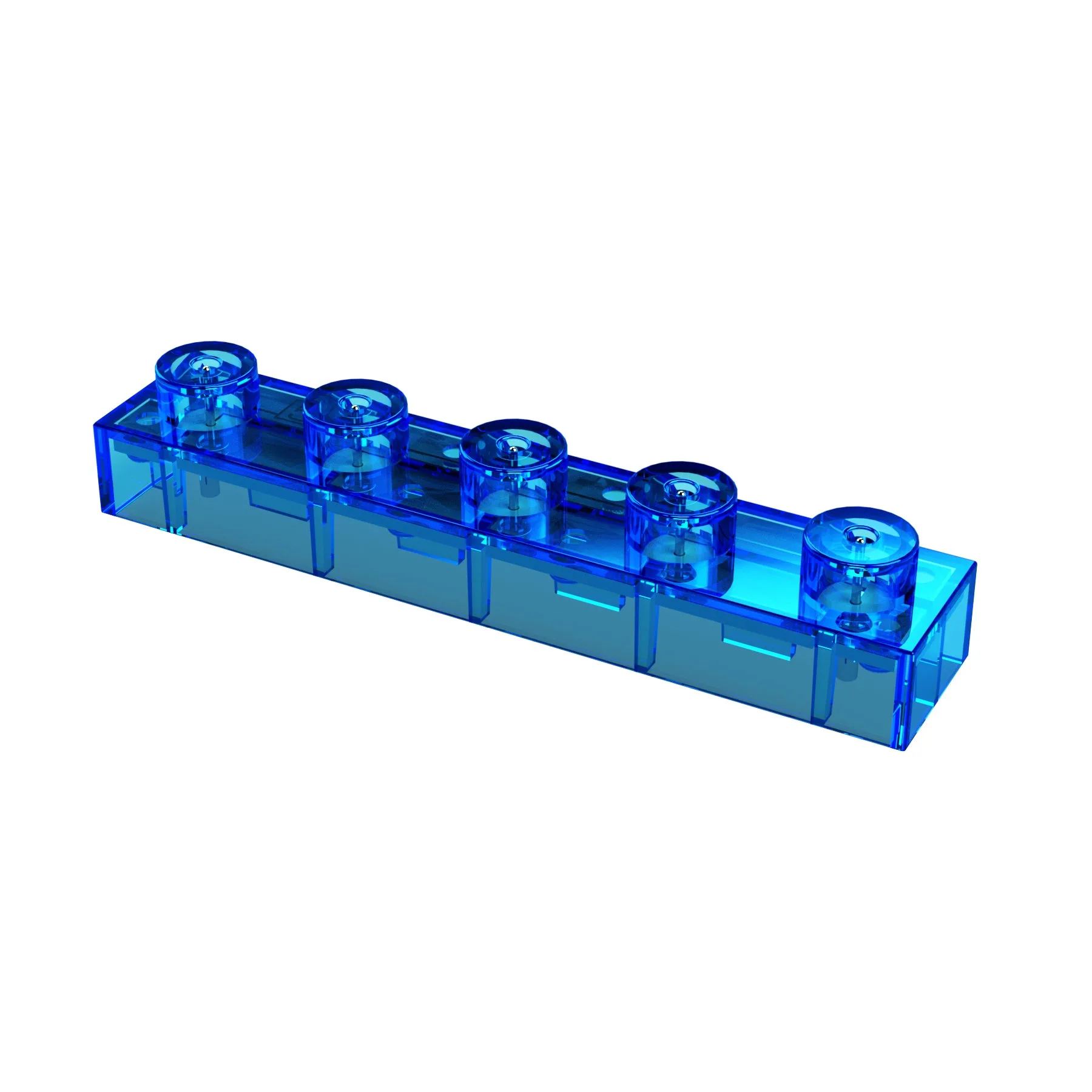
Circuit Blox™ - 5 Wire Block - E-Blox®