Quick Answer
Use a soft, lint‑free cloth dampened with a mild dish‑soap solution, gently wipe the surface, avoid harsh scrubbing, and let the pad air‑dry completely before reuse.
A 3D mouse pad adds comfort and style to any workstation, but its raised texture can attract dust, oils, and occasional spills. Cleaning it the wrong way can flatten the surface or leave residue that interferes with tracking.
Follow this practical guide to maintain the pad’s tactile feel, remove stains safely, and extend the life of this popular desk accessory.
Why Proper Cleaning Matters
The textured surface of a 3D mouse pad is designed to improve hand ergonomics and mouse glide. Harsh chemicals or abrasive tools can erode the raised pattern, reducing both comfort and precision. Even a thin film of residue can cause the mouse sensor to skip, leading to frustration during work or gaming.
Cleaning with the right method not only restores the pad’s appearance but also preserves its functional texture. This ensures consistent performance and keeps the pad looking new for longer.
- Avoid alcohol‑based cleaners; they can dissolve the silicone coating.
- Never submerge the pad in water; excess moisture can warp the backing.
Step‑by‑Step Cleaning Guide
- 1. Prepare a mild cleaning solution: Mix a few drops of gentle dish soap with lukewarm water in a small bowl. Avoid detergents with bleach or strong solvents. Common mistake: Using harsh chemicals that can strip the pad’s coating.
- 2. Wipe the pad gently: Dip a soft, lint‑free cloth into the solution, wring out excess liquid, and lightly rub the textured surface in circular motions. Focus on stained areas but keep pressure light. Checkpoint: The cloth should be damp, not soaking, to prevent moisture from seeping into the backing.
- 3. Dry and protect: Pat the pad with a dry microfiber towel, then place it on a flat surface to air‑dry completely (at least 30 minutes). Once dry, you can apply a thin layer of silicone‑based spray to restore slip if desired. Mistake to avoid: Using a hair dryer or direct heat, which can warp the pad.
Sticker Products That Demonstrate Durable Surface Finishes
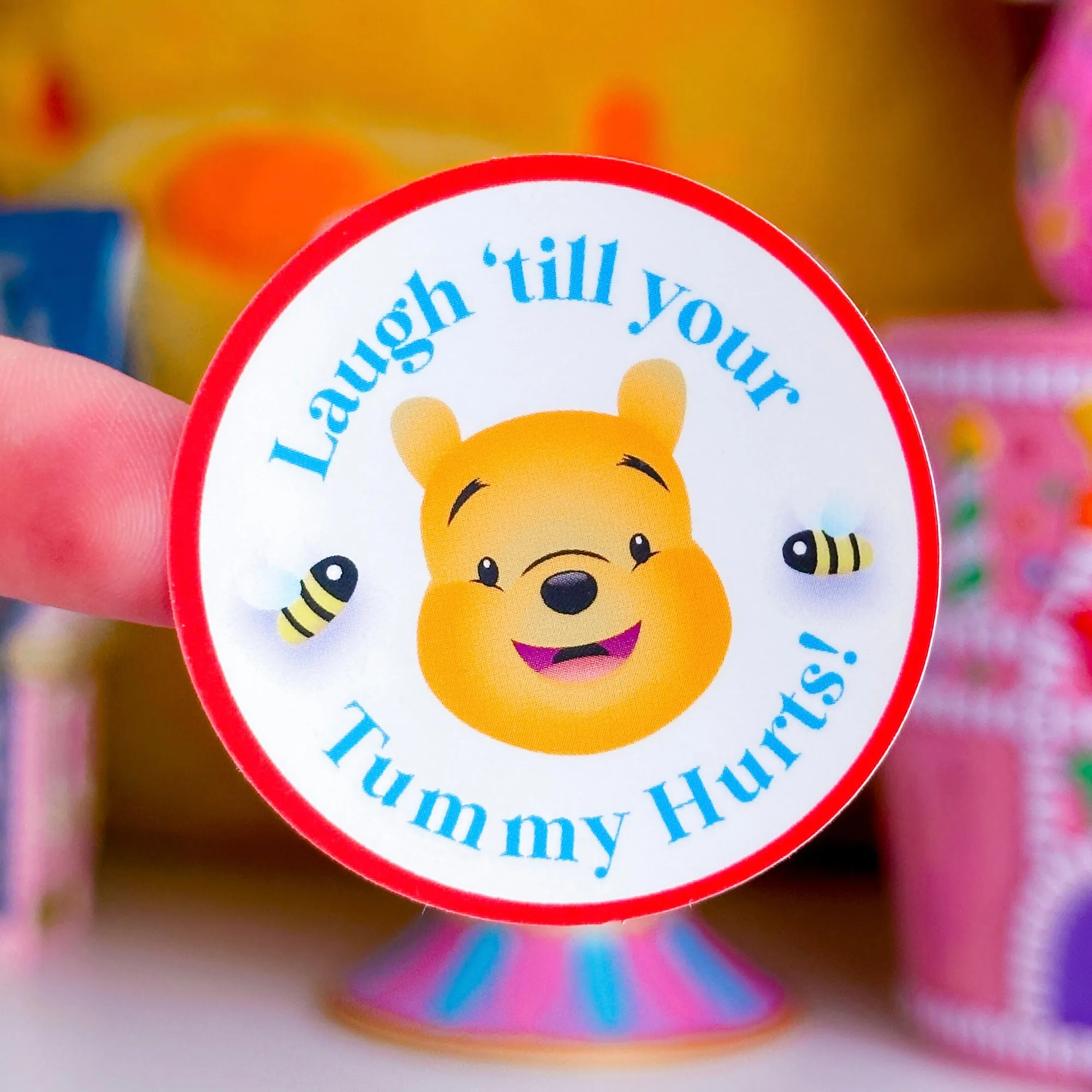
- Waterproof Sticker - (Pooh) Silly Bear: This listing is for 1 durable, waterproof, vinyl/clear sticker! The sticker is protected with UV laminate - durable against rain or shine! The sticker is heavy duty, but still flexible and easy to use on water bottles, planner covers, laptops, planner carts, etc. The UV‑laminated, waterproof finish shows how a protective coating can keep a surface vibrant and resistant to moisture—similar to the coating you want to preserve on a 3D mouse pad.
- Journaling Paper Sticker - 5x7 Full Page Background Stickers (XL Library Card): Stickers are printed on STANDARD MATTE, Sticker Paper. Full Page Stickers are the perfect option as a fun background to fill your journal/page! You can layer more stickers or photos on top. Just peel and stick in your book. The standard matte paper demonstrates a non‑glossy finish that is easy to clean without leaving residue, mirroring the gentle care needed for a matte‑finished mouse pad surface.
Regular, gentle cleaning keeps your 3D mouse pad looking and performing like new. By following these steps, you protect the texture, eliminate stains, and enjoy a smooth, reliable surface for all your computing tasks.