Quick Answer
Turn off power, use a soft dry cloth or a lightly damp microfiber to wipe the LED lenses, and avoid water entering the fan housing. Repeat every 3‑6 months to keep brightness stable.
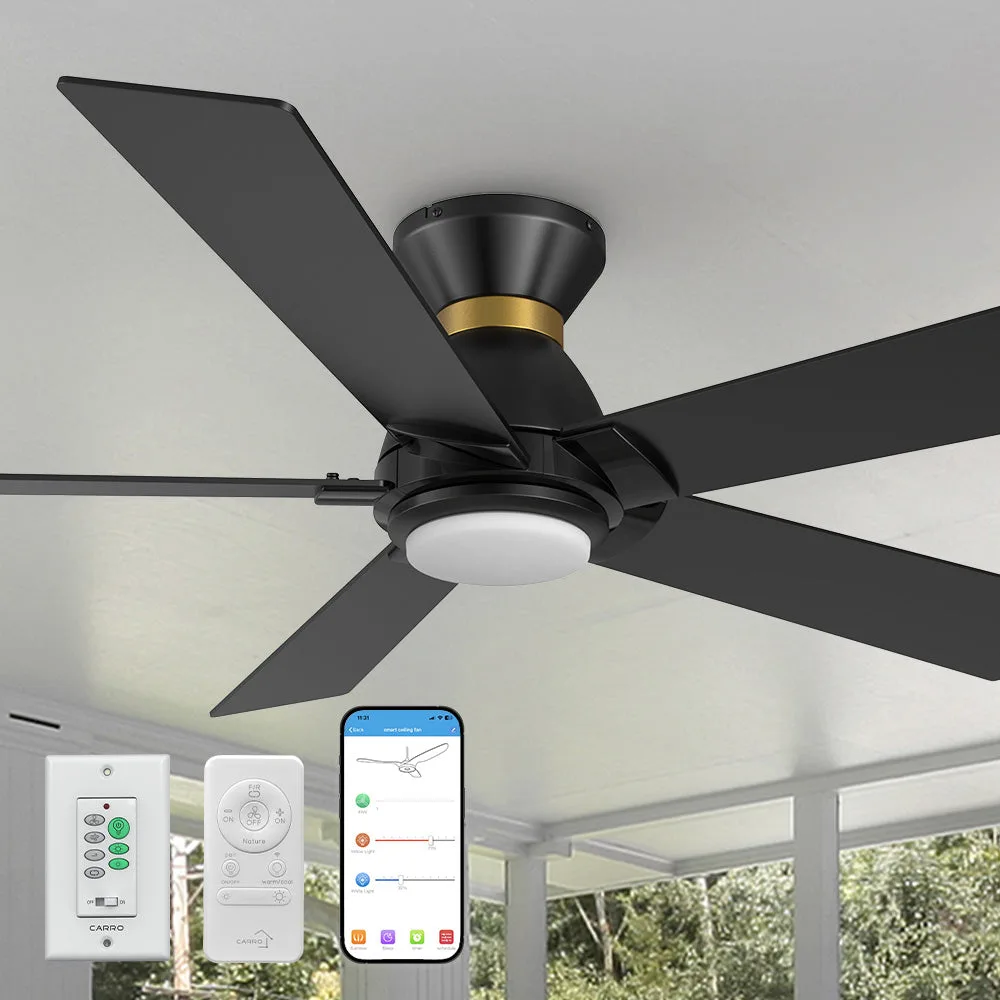
Regular upkeep of your smart ceiling fan's LED light modules not only preserves brightness but also prevents long‑term wear that can affect performance. The Aspen Ⅱ Low Profile Outdoor/Indoor Smart Ceiling Fan combines sleek design with smart features, and its LED lights deserve the same careful attention as the fan blades.
This guide walks you through a safe, step‑by‑step cleaning routine, highlights common mistakes to avoid, and offers after‑care tips so your Aspen fan stays brilliant for years.
Preparation and Safety
Before you start, ensure the fan is completely powered down. Use the Carro Home App or the wall switch to turn off the fan and its LED module. Let the unit sit for a few minutes so any residual charge dissipates. Gather a soft microfiber cloth, a small brush (like a paintbrush), and a spray bottle with distilled water. Avoid harsh chemicals; they can damage the LED lenses and the fan's finish.
- Common mistake: spraying water directly onto the LED housing – always apply liquid to the cloth first.
Cleaning the LED Light Modules
Gently brush away dust from the LED housing using the soft brush. Lightly mist the microfiber cloth with distilled water—do not saturate it. Wipe the LED lenses in a circular motion, applying just enough moisture to lift grime without seeping into the fan’s internal components. If stubborn spots remain, dab a tiny amount of isopropyl alcohol on the cloth and repeat, then immediately dry the area with a clean part of the cloth.
- Checkpoint: ensure no liquid drips into the fan motor or wiring.
After‑care and Maintenance Schedule
Once the LEDs are clean and dry, restore power and test the fan’s lighting function. Observe the brightness level; any flicker may indicate moisture was trapped, in which case repeat the drying step. Schedule a light‑cleaning routine every three to six months, depending on your environment. In dusty or high‑humidity areas, more frequent checks will keep the LEDs at peak output.
- Tip: keep a small cleaning kit near the fan for quick touch‑ups.
Step‑by‑Step Cleaning Checklist
- Power Off: Switch off the fan using the Carro Home App or wall switch and wait a few minutes. Avoid electric shock and protect the electronics.
- Remove Dust: Use a soft brush to gently dislodge dust from the LED housing. Prevent scratching the lenses with abrasive particles.
- Wipe LEDs: Lightly dampen a microfiber cloth with distilled water and clean the lenses in circular motions. Ensure no excess moisture reaches the motor; dry immediately if needed.
Product Highlights
- Aspen Ⅱ Low Profile Outdoor/Indoor Smart Ceiling Fan with LED Light 52 inch: FULL POWER‑OFF MEMORY: Designed to remember your comfort. Delivers your last fan speed, brightness, and color temperature—every time power returns. If a cleaning mishap causes a brief power loss, the fan will restore its previous settings, saving you from re‑configuring the lighting after each service.
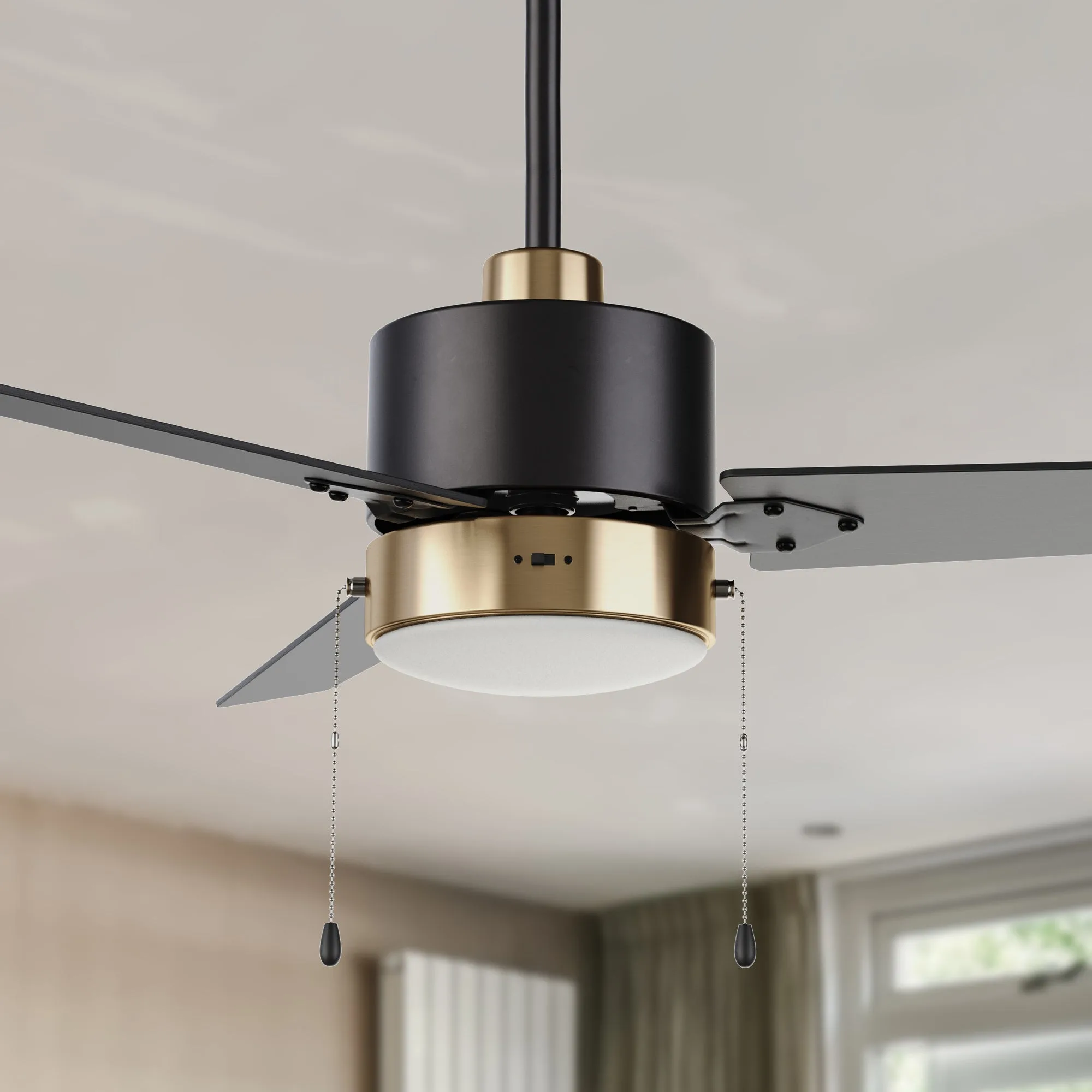
- Dulac 52 Inch Ceiling Fan with LED Light and Pull Chain: SIMPLE INSTALLATION: Our ceiling fans are designed for simple, user‑friendly installation, perfect for first‑timers alike. Easy installation means you can access the LED module without professional help, making regular cleaning more convenient.
By following these simple steps and avoiding common pitfalls, you’ll keep your Aspen Smart Ceiling Fan’s LED lights shining brightly while extending the overall lifespan of the fan.