What Expansion 5 changes at the foundation
Clinic: Expansion 5 is the final boxed expansion for Clinic, and it works on the part of your health center you build first: the ground floor. Instead of one fixed foundation, the expansion gives you several new ground-floor layouts to explore. It also adds extra-large, double-sized tiles that open up new ways to build your clinic.
That makes this a layout-focused expansion rather than a rules-heavy one. If you already know how to play Clinic, the main question is which foundation layout to use and how the double-sized tiles change your building plan.
Clinic: Expansion 5 at a glance
-
Clinic: Expansion 5: The final boxed expansion for Clinic. If you are collecting the Clinic line, this is the last boxed expansion, so it is a natural capstone purchase rather than a starting point.
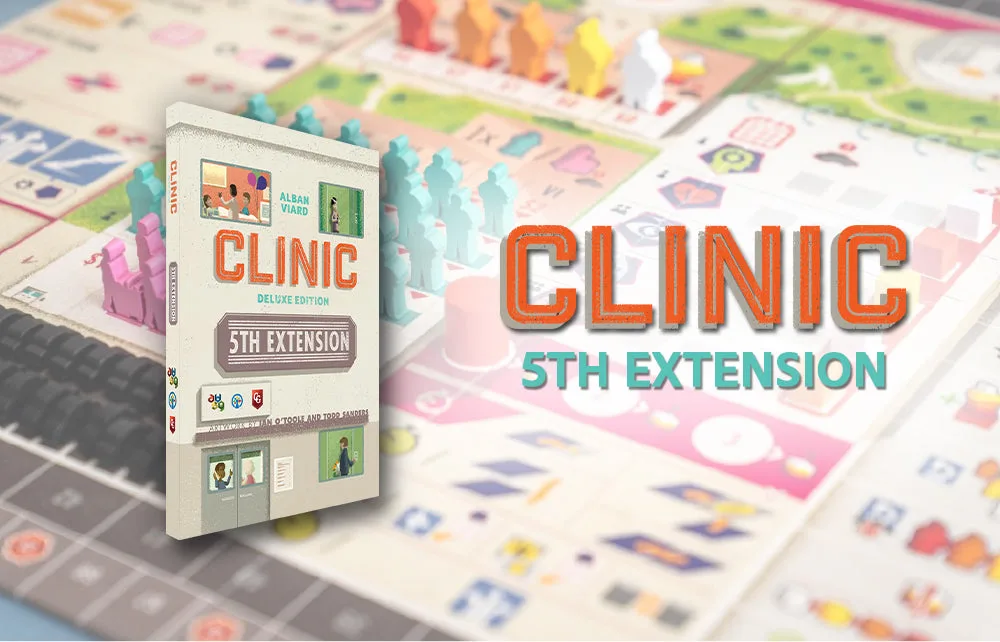
Clinic: Expansion 5
-
Clinic: Expansion 5: Features all-new layouts for the ground floor of your clinic. These layouts are the core of the expansion; they change the foundation you build your health center on.
-
Clinic: Expansion 5: Includes extra-large, double-sized tiles. The larger tiles provide new ways of building your clinic, so your floor plan can grow differently than with standard tiles.
How to bring Expansion 5 to the table
The supplied product information describes what the expansion contains, not a step-by-step rulebook. Use the sequence below as a practical way to introduce the new components without guessing at rules the catalog does not state.
- 1. Finish your normal Clinic setup first: Set up Clinic as you usually would, then add the Expansion 5 components. The expansion is designed to expand your clinic further, so it sits on top of the base game rather than replacing it.
- 2. Choose a ground-floor layout: The expansion offers various layouts for the ground floor. Pick one before you start building so everyone at the table is working from the same foundation.
- 3. Set out the double-sized tiles: Keep the extra-large tiles separate from your standard tiles. Their size makes them easy to spot, and separating them helps you plan where the larger pieces will fit.
- 4. Build with the new foundation in mind: Because the ground-floor layout changes, plan your clinic around the layout you chose and leave room for the double-sized tiles as you expand upward.
What the supplied information does not cover
The catalog entry for Clinic: Expansion 5 does not include a rulebook, player count, play time, age range, or a list of specific tile quantities. It also does not confirm compatibility with every Clinic edition or expansion. Those details are not confirmed by the supplied information, so check the rulebook in the box before your first game.
If you are new to Clinic, start with the base game and learn its building rules first. Expansion 5 assumes you already have a clinic to expand, and its new layouts and larger tiles will make more sense once the core flow is familiar.
Is Expansion 5 the right Clinic expansion for you?
Clinic has several expansions, and they do different things. Expansion 5 is the one to look at if you want to change the shape of your clinic from the ground up.
- Choose Expansion 5 if…: You want new ground-floor layouts and double-sized tiles that change how you build your clinic's foundation.
- Look elsewhere if…: You are looking for new patient types, staff rules, or campaign content. The supplied information for Expansion 5 describes layouts and tiles, not those other systems.
- Consider your collection: As the final boxed expansion, Expansion 5 is a natural pick for players who already own the earlier Clinic expansions and want to complete the line.