Quick Answer
Start by picking a limited color palette that runs through all the stickers you plan to use. Arrange pieces from largest to smallest, grouping similar hues together, then fill gaps with smaller accents. Check that each theme repeats at least twice to keep the layout feeling intentional, not scattered.
A sticker collage can feel chaotic if you throw every favorite design onto a surface without a plan. By applying Annuzza Art collage tips, you can turn a random assortment into a cohesive artwork that tells a story.
This guide walks you through the sticker collage design process, from theme selection to final sealing, so you’ll end up with a balanced, eye‑catching piece that showcases multiple Annuzza Art themes.
Choose a Color Palette and Theme Anchor
Look at the colors that dominate your favorite Annuzza Art stickers—whether it’s the bright orange of the #1 Trash Collector Sticker or the soft teal of the Whimsical Unicorn. Pick two to three dominant hues and use them as anchors for the entire collage. This limits visual noise and creates a cohesive sticker layout.
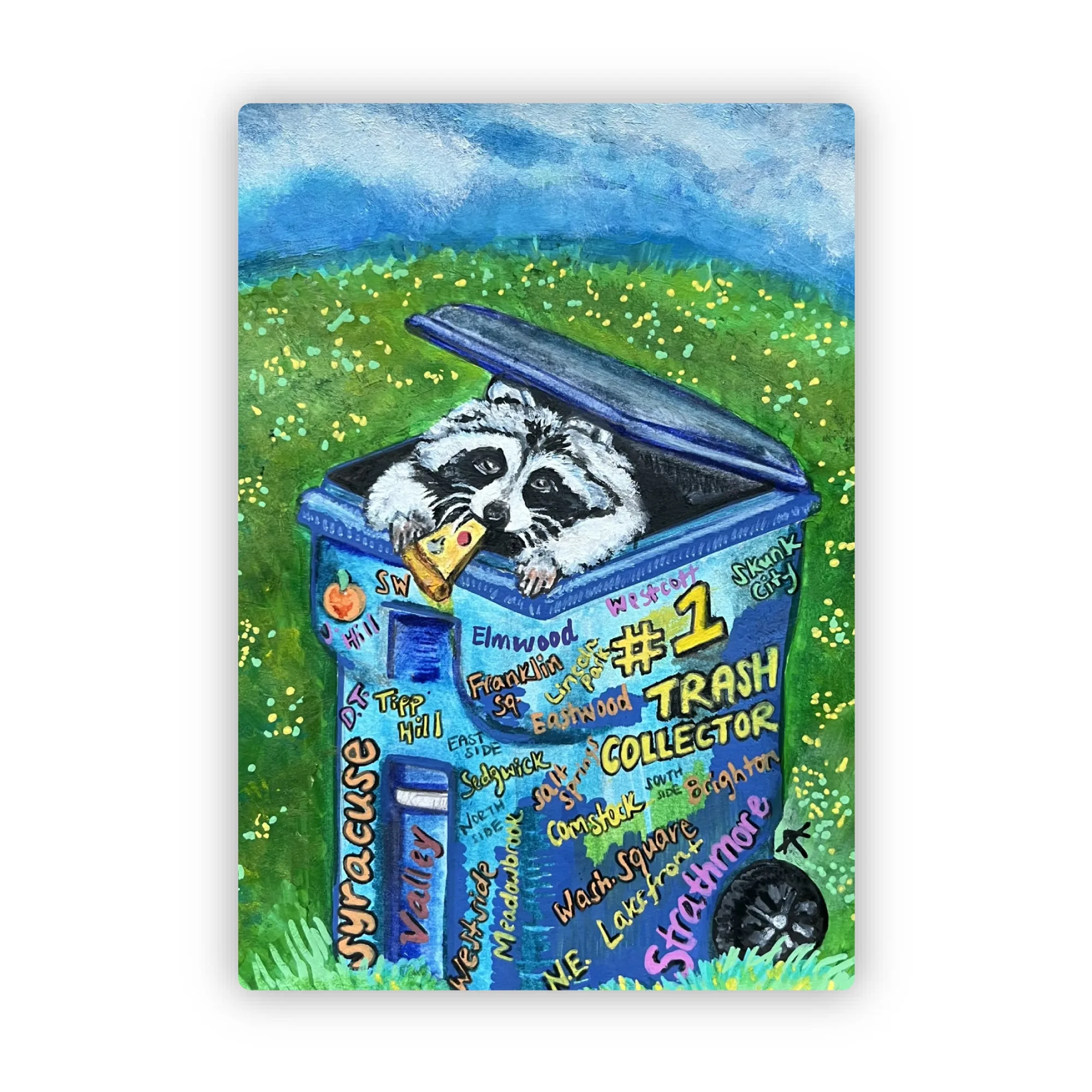
#1 Trash Collector Sticker
If you want a multi‑theme sticker art piece, decide on a unifying element, such as all animal illustrations or all whimsical scenes. That anchor will guide which stickers you pull from the collection.
- Common mistake: selecting too many contrasting colors, which makes the collage look disjointed.
Balance Size, Shape, and Spacing
Arrange stickers by size first: place the largest pieces—like the 2.1" x 3.0" #1 Trash Collector Sticker—at focal points, then fill around them with medium and small stickers. Keep a consistent spacing margin (about ¼ inch) to let each element breathe.
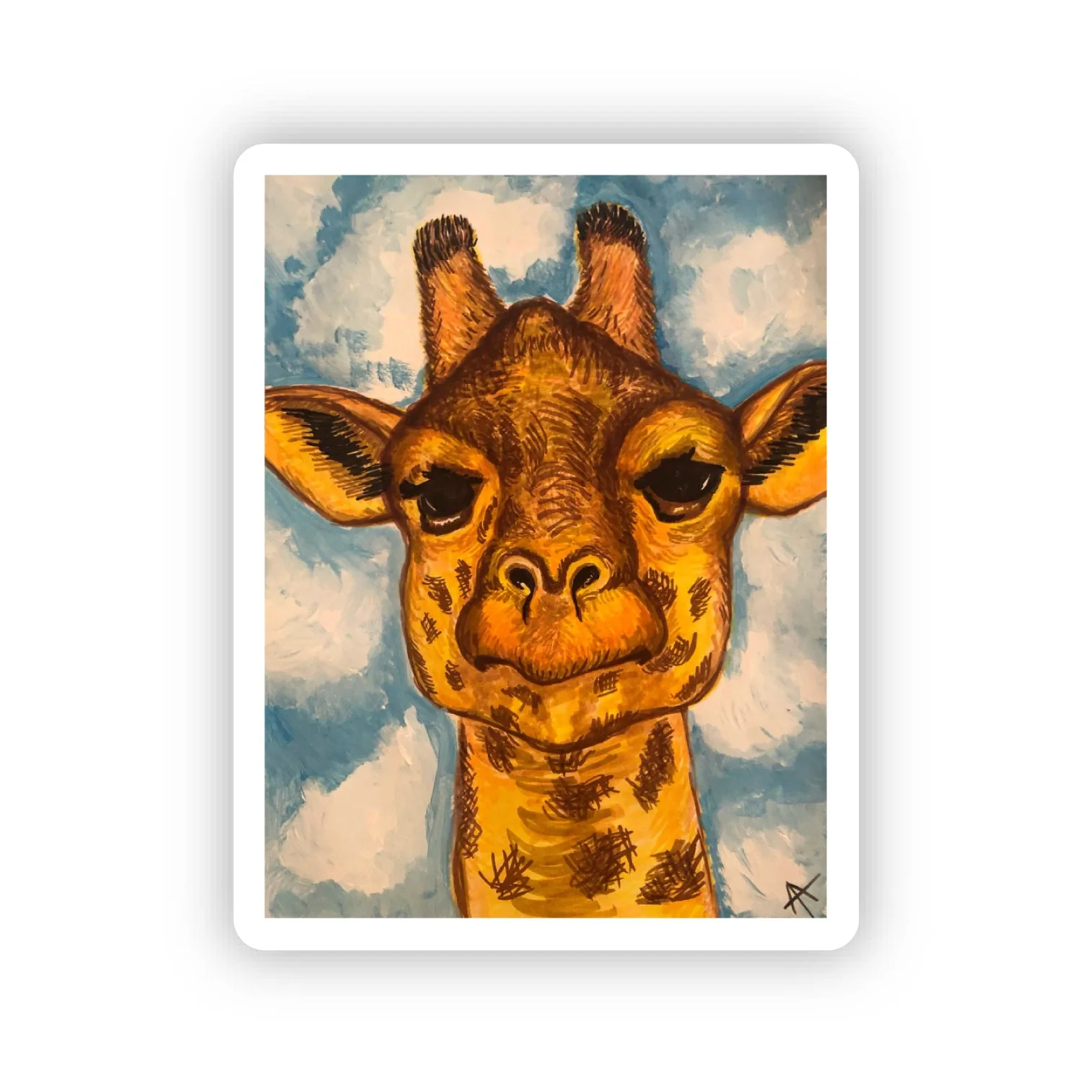
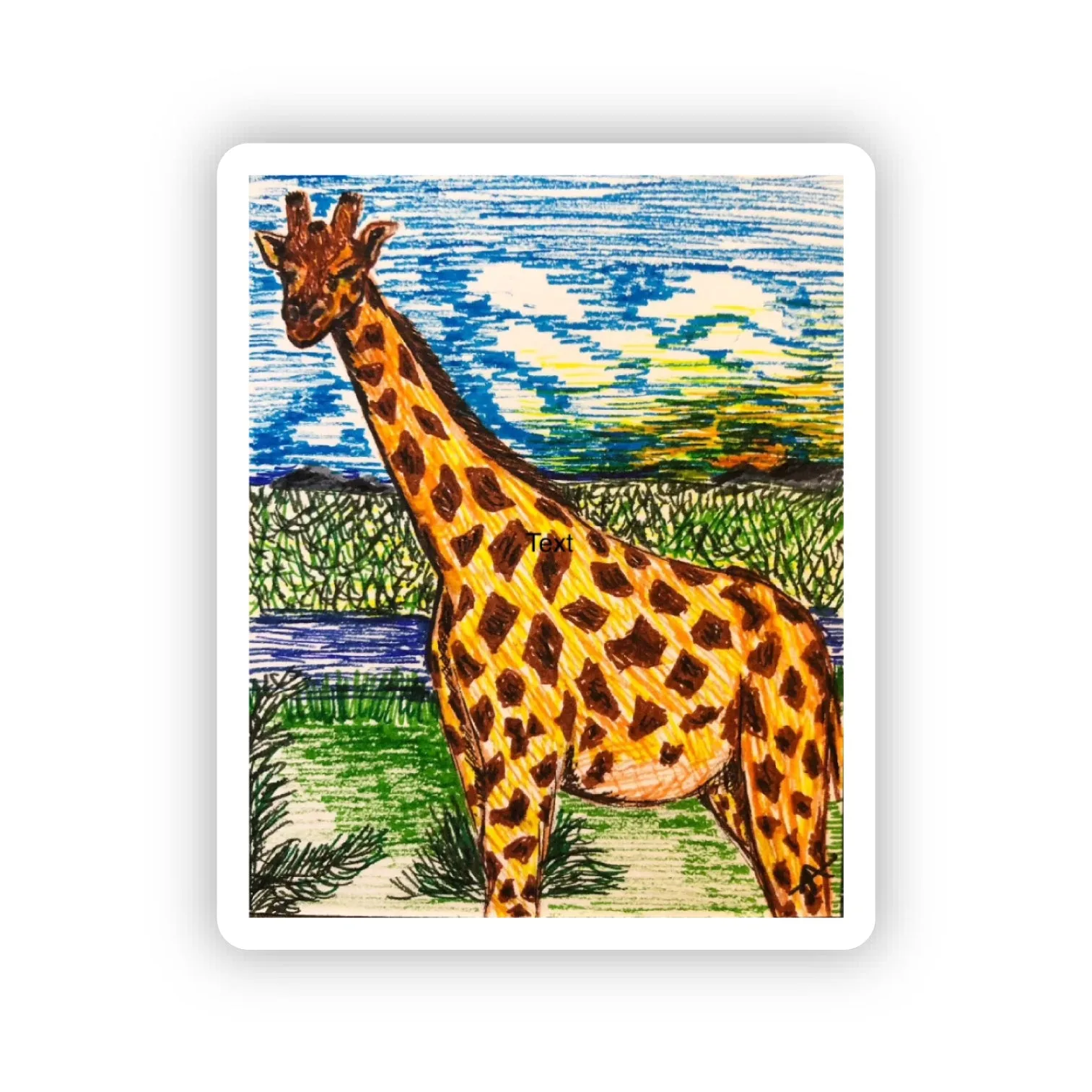
When mixing themes, repeat each motif at least twice. For example, use both the Giraffe Sticker and Hello, Giraffe Sticker to echo the giraffe theme, reinforcing cohesion without overloading the design.
- Checkpoint: step back every few minutes to see if any area feels empty or overcrowded.
Secure and Protect Your Collage
Once you’re satisfied with the layout, gently press each sticker onto the surface to ensure full adhesion. For waterproof stickers, a light roll with a clean brayer helps remove air bubbles.
Finish with a clear acrylic spray or a thin laminating sheet to protect the collage from sunlight and wear, especially if it will be displayed in a high‑traffic area.
- Mistake to avoid: skipping the protective top coat, which can lead to color fading over time.
Step‑by‑Step Collage Process
- 1. Plan Your Palette & Anchor Theme: Select 2‑3 dominant colors and a unifying motif (e.g., animal illustrations). Gather stickers that match these choices. Avoid mixing too many unrelated colors; a limited palette keeps the layout cohesive.
- 2. Arrange by Size and Color Balance: Lay out the largest stickers first, then medium, then small. Keep consistent spacing and repeat each theme at least twice. Step back to check for empty spots or overcrowding before committing.
- 3. Press, Seal, and Display: Firmly press each sticker, smooth out bubbles, then apply a clear protective coat. A protective finish prevents fading and preserves the collage for years.
Sticker Choices & Their Impact
- #1 Trash Collector Sticker: 2.1" x 3.0" Die Cut Waterproof Sticker Unique mixed media sticker: a raccoon's pizza party in a Syracuse trash cart! Spot your neighborhood amidst the '#1 Trash Collector' graffiti. Its larger size makes it an excellent anchor piece, and the waterproof material ensures it stays vibrant when layered under other stickers.
- Giraffe Sticker: 1.6" x 2.0" Die Cut Waterproof Sticker This giraffe sticker comes from a 2019 marker drawing (originally a gift). It's a tribute to my mother and our family's shared love for giraffes. Its compact dimensions let it fill gaps, while the personal story adds emotional depth to a multi‑theme collage.
By following these annuzza art collage tips, you’ll turn a handful of stickers into a polished, multi‑theme masterpiece that feels intentional and visually striking.