Losing your keys is one of the most frustrating and time-consuming mishaps of daily life. Whether you're rushing out the door or juggling bags at the grocery store, a misplaced keychain can throw off your entire day. Fortunately, modern EDC (everyday carry) solutions have evolved far beyond simple key rings. By combining a compact key organizer with a smart tracker, you can virtually eliminate the panic of lost keys while keeping your pocket tidy and organized.
This guide will walk you through the benefits of pairing a key organizer with a tracker, how to choose the right products, and a step-by-step setup process. We'll also highlight two excellent options from KeySmart: the Keysmart Loop White and the SmartCard Pro, both designed to work seamlessly together for maximum key security.
Why Combine a Key Organizer with a Smart Tracker?
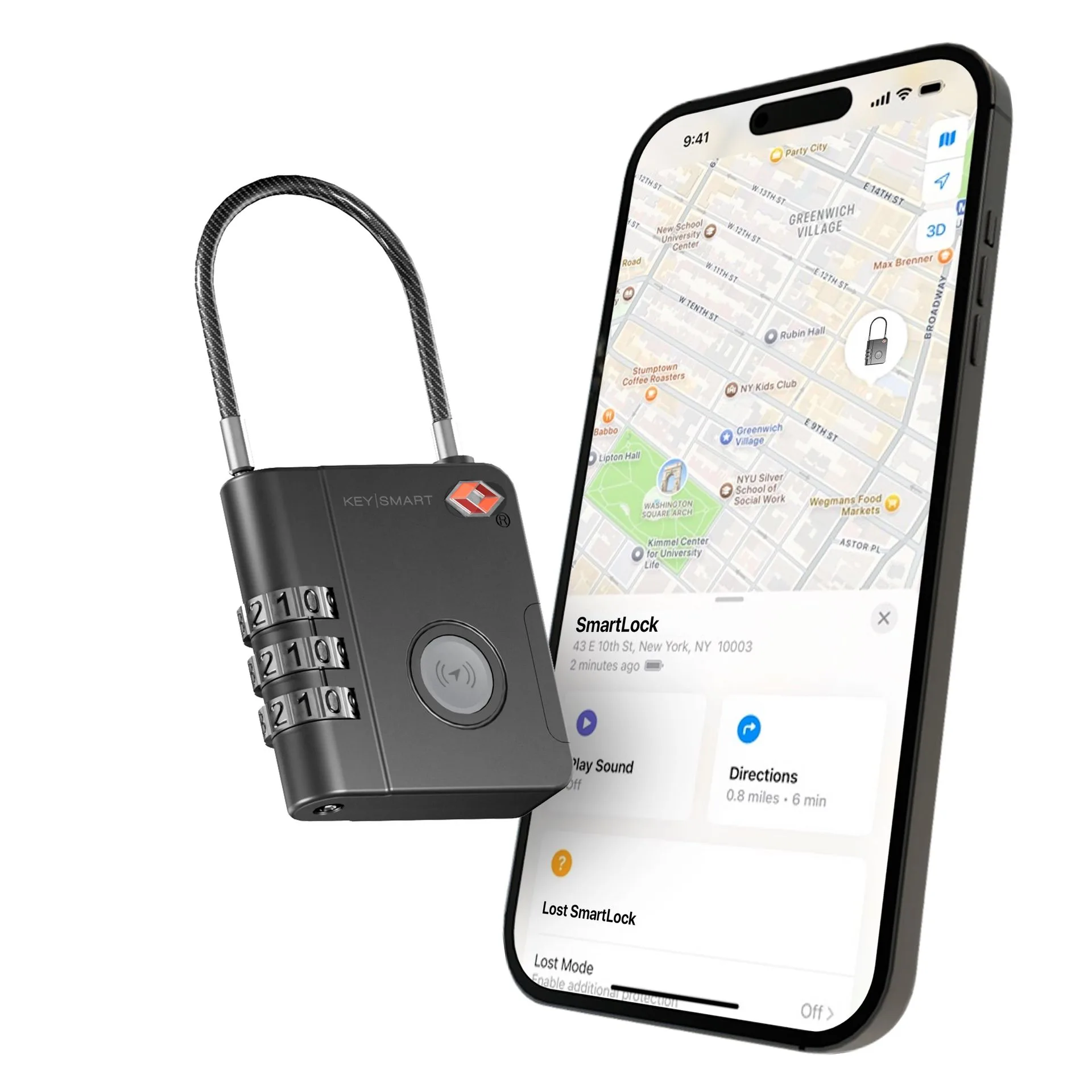
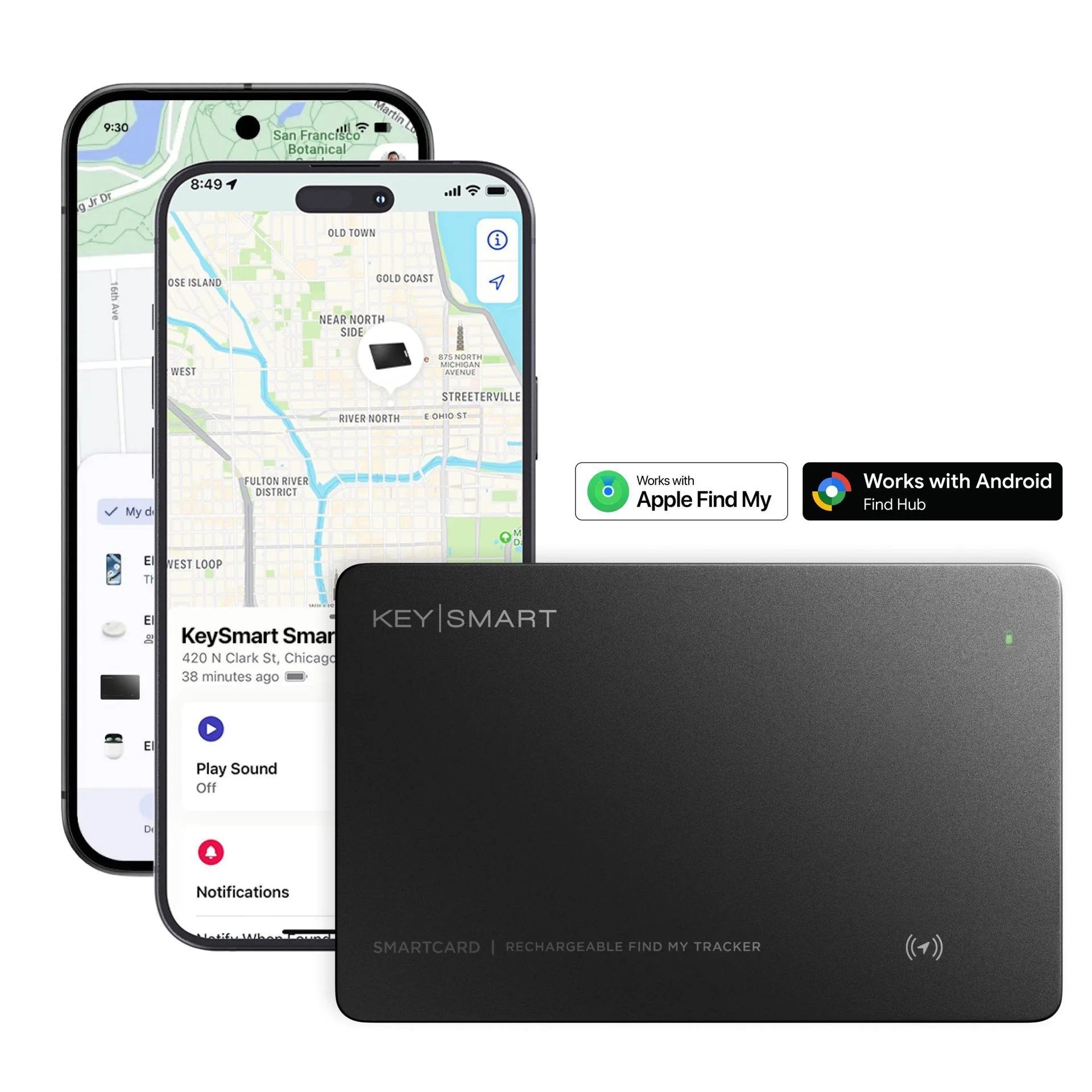
A traditional keychain is bulky, noisy, and offers no way to locate your keys if they go missing. A key organizer reduces bulk and jingle, but it still leaves you vulnerable to loss. Adding a Bluetooth smart tracker transforms your key holder into a locatable device. You can ring your keys from your phone, see their last known location on a map, and even use community finding networks like Apple Find My or Android Find Hub to recover them.
The combination also enhances daily convenience. With a compact key organizer, your keys slide easily into a pocket without snagging. A slim tracker like the SmartCard Pro fits neatly alongside your keys without adding noticeable bulk. Together, they create a streamlined, secure EDC system that saves time and reduces stress.
- Never waste time searching for misplaced keys again.
- Keep your pocket organized and free of jangling metal.
- Leverage community finding networks for long-range recovery.
Choosing the Right Key Organizer for Your Tracker
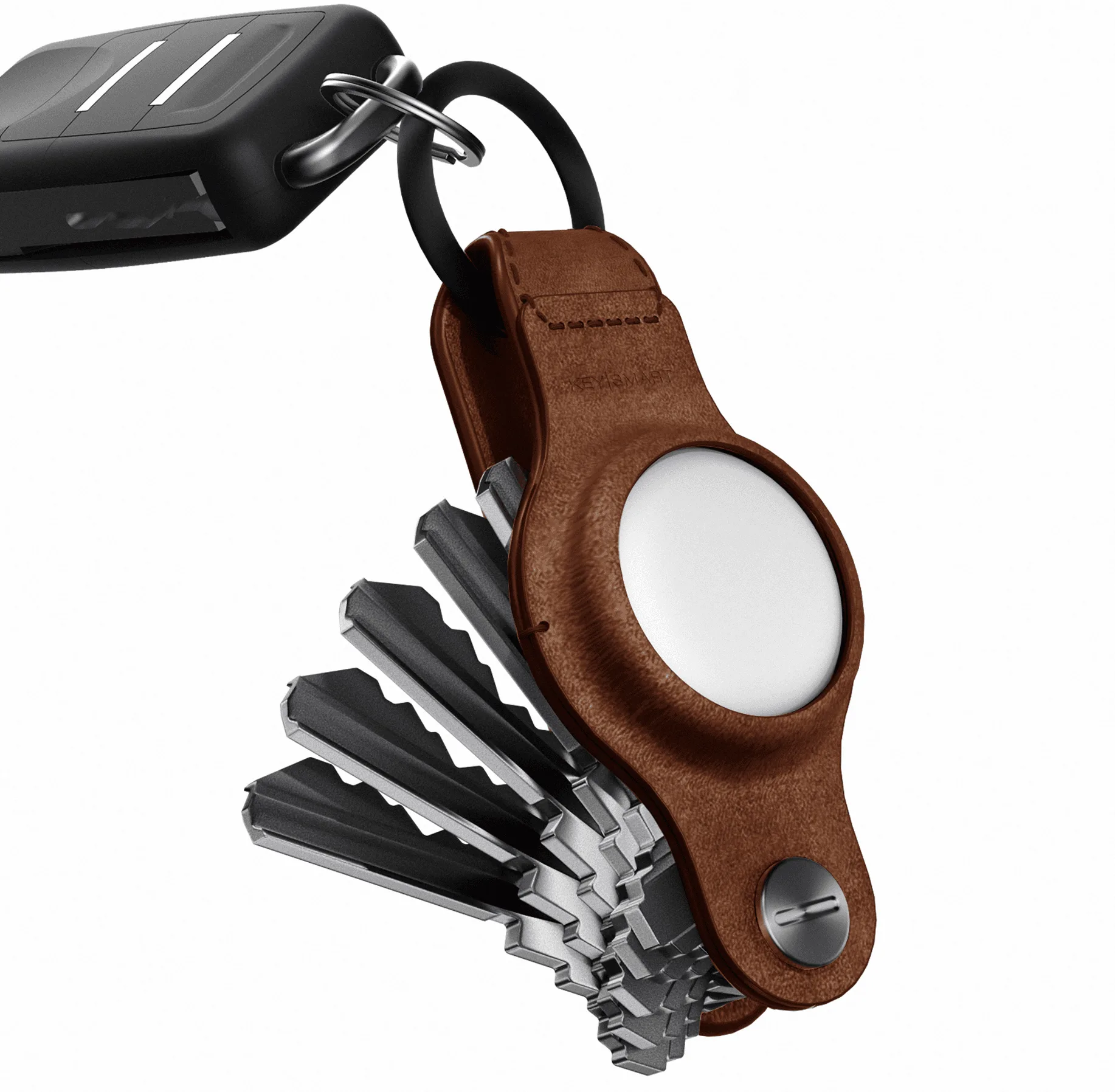
Not all key organizers are compatible with smart trackers. You need a holder that allows easy access to your keys while providing a secure attachment point for the tracker device. The Keysmart Loop White is an excellent choice because it uses locking screws to keep your keys tight and quiet, and its loop design lets you attach a tracker directly to the ring or clip it onto a carabiner. The Loop White organizes up to 5 keys, making it ideal for minimalists who want a clean, low-profile setup.
If you prefer a more traditional key organizer with a folding design, look for models that include a dedicated tracker slot or a key ring attachment point. The goal is to keep the tracker visible and accessible so you can press its button or trigger the alarm without fumbling. Avoid organizers that completely encase the tracker, as this can block Bluetooth signals and reduce range.
- Choose a key holder with a secure ring or clip for the tracker.
- Ensure the tracker is not fully enclosed to maintain signal strength.
- The Keysmart Loop White works well with most slim Bluetooth trackers.
Step-by-Step Guide: Pairing Your Key Organizer with a Smart Tracker
First, gather your key organizer, your smart tracker (such as the SmartCard Pro), and your smartphone. Install the tracker's companion app (Apple Find My for SmartCard Pro) and follow the on-screen pairing instructions. For SmartCard Pro, simply hold it near your iPhone or Android device and tap 'Connect' when the card appears. The process takes less than 30 seconds.
Next, attach the tracker to your key organizer. If using the Keysmart Loop White, slide the tracker onto the loop or use a small split ring to connect it. Ensure the tracker is secure but easy to remove for battery replacement. Finally, test the connection by using your phone to ring the tracker. Walk away and confirm the range (typically 30–50 feet). You can also enable notification alerts for when the tracker disconnects from your phone.
- Pair the tracker with your phone before attaching it to the key holder.
- Test the ring and find features to confirm proper setup.
- Enable separation alerts for automatic notifications if you leave keys behind.
Maximizing Key Security with Smart Features
Once your key organizer and tracker are paired, take advantage of advanced features to boost security. Most smart trackers allow you to set up geofences, so you receive an alert when your keys leave a designated area like your home or office. You can also mark the tracker as 'lost' in the app, which triggers notifications to the community network if another user's phone comes within range.
For added peace of mind, consider using a tracker with replaceable batteries (like the SmartCard Pro, which supports wireless charging). This ensures your tracker never dies unexpectedly. Additionally, keep a backup tracker in your bag or wallet for redundancy. With these strategies, you'll dramatically reduce the chance of permanently losing your keys.
- Set up geofence alerts for automatic notifications.
- Use community finding networks for long-range recovery.
- Choose a tracker with wireless charging for convenience.
Combining a compact key organizer with a smart tracker is one of the smartest upgrades you can make to your daily carry. It eliminates the anxiety of lost keys, keeps your pocket tidy, and leverages modern technology to protect your belongings. Start with the Keysmart Loop White for a sleek, quiet key holder, and pair it with the SmartCard Pro for reliable Bluetooth tracking. Explore these products today and never lose your keys again.