Quick answer
Most beginner PC build errors come down to four things: parts that don't fit or pair correctly, skipping the motherboard manual, rushing cable and cooler contact, and forgetting the front-panel and power connections. Fix those before you order or assemble anything, and your first build is far more likely to post on the first try. If you want the PC build done correctly without the troubleshooting, a prebuilt system removes most of these failure points entirely.
A first build rarely fails because the builder isn't smart enough. It fails because of small, boring details: a standoff in the wrong hole, a front-panel header on the wrong pins, a cooler that isn't quite seated. These are the pc building mistakes that turn a two-hour build into a two-week troubleshooting project.
This guide walks through the most common beginner PC build errors in the order they actually happen, from planning to first boot. For each one you'll get the symptom, the likely cause, what to do about it, and the point where it makes more sense to stop and choose another option rather than keep pushing.
Planning mistakes that cause problems later
The most expensive pc building mistakes happen before you touch a screwdriver. Buying a motherboard that doesn't match your CPU socket, a power supply that's too small for your GPU, or a case that can't fit your cooler forces returns, delays, and sometimes a full re-plan. Check socket, chipset, memory type, PSU wattage, and physical clearance together as one system, not as separate purchases.
A second planning error is buying for benchmarks instead of for what you actually do. If you mostly play one or two competitive titles, spending the entire budget on the GPU while leaving the CPU and storage weak creates stutter and slow load times. Balanced builds feel better day to day than lopsided ones.
- Write down socket, memory type, GPU length, cooler height, and PSU wattage before ordering anything.
- Leave 20 to 30 percent headroom on PSU wattage for future upgrades.
- If your list has more than one 'I'll figure that out later' item, you're not ready to order.
Assembly mistakes that stop a build from posting
The classic no-boot symptom is fans spinning but no display. Nine times out of ten the cause is a loose or missed connection: the 8-pin CPU power at the top of the board, the 24-pin not fully clicked, or RAM not seated hard enough to close both retention clips. Push until you hear the click rather than until it feels snug.
Another frequent beginner PC build error is mounting the motherboard without the right standoffs, or with an extra one under the board. That can short the board and cause random shutdowns or a dead system. Count the standoffs against the board's mounting holes before you lower it in.
- Build on a hard, non-conductive surface, not carpet or a bed.
- Seat RAM until both clips snap; one click means it isn't in.
- Re-check the CPU power connector before assuming the board is dead.
Thermal and cable mistakes that cause instability
Random restarts under load usually point to heat or power, not to a faulty component. A cooler that's slightly lifted on one side, too little or too much thermal paste, or a fan plugged into the wrong header can push temperatures high enough to trigger shutdowns. If your system runs fine at idle and dies in games, suspect cooling and power delivery first.
Cable routing is the other quiet problem. Cables pushed into fan blades, a GPU power cable not fully latched, or front-panel wires strained against the side panel cause intermittent faults that are hard to reproduce. Route and secure cables before closing the panel, not after you notice a problem.
- Check that the cooler is flat and evenly tightened, not just 'tight'.
- Confirm the CPU fan header is populated; many boards refuse to boot without it.
- Tug-test every power connector gently before closing the case.
First-boot mistakes and how to recover
If nothing happens at all, the cause is often the power supply switch, the wall outlet, or the front-panel power button header. If it powers on but won't display, reseat one RAM stick in the second slot and try again before swapping parts. If it boots to BIOS but not to Windows, the issue is usually the boot drive or the installation media, not the hardware.
The mistake here is changing five things at once. Change one variable, test, then change the next. That discipline is what separates a quick fix from a week of guessing, and it's the single most useful first build tip you can adopt.
- Test with one RAM stick before assuming a dead board.
- Clear CMOS after any failed memory or CPU change.
- Keep a written log of what you changed and what happened.
Symptom, cause, fix, and when to stop
- No display, fans spinning: Likely a loose 8-pin CPU power, unseated RAM, or a monitor cable plugged into the motherboard instead of the GPU. Reseat power and RAM, then test one stick at a time. If it still won't post after two rounds, stop and get the board tested.
- Random restarts under load: Usually a cooler that isn't seated evenly, a fan header left empty, or a PSU running too close to its limit. Recheck cooler contact and PSU headroom. If temperatures are normal and it still restarts, stop swapping parts and test the PSU.
- Powers on, then shuts down immediately: Often an extra standoff under the board, a shorted front-panel header, or a power cable not fully latched. Pull the board and count standoffs. If the short persists after that, stop and use a prebuilt or a builder service.
Where prebuilt and finishing touches fit
- Path of Exile 2 PC Bundle - Ultimate: A complete desktop system built around the Voyager III Ultimate platform, positioned as the pinnacle of modern computing. If your build keeps failing at the same step, a prebuilt like this removes compatibility, assembly, and first-boot risk in one move.
- Kaiju Team - Desk Mat: A 900x400mm mat that works as a desk cover or an extra-large mousepad. A large mat keeps loose screws, thermal paste tubes, and small parts from rolling away while you work, which prevents lost-hardware delays.
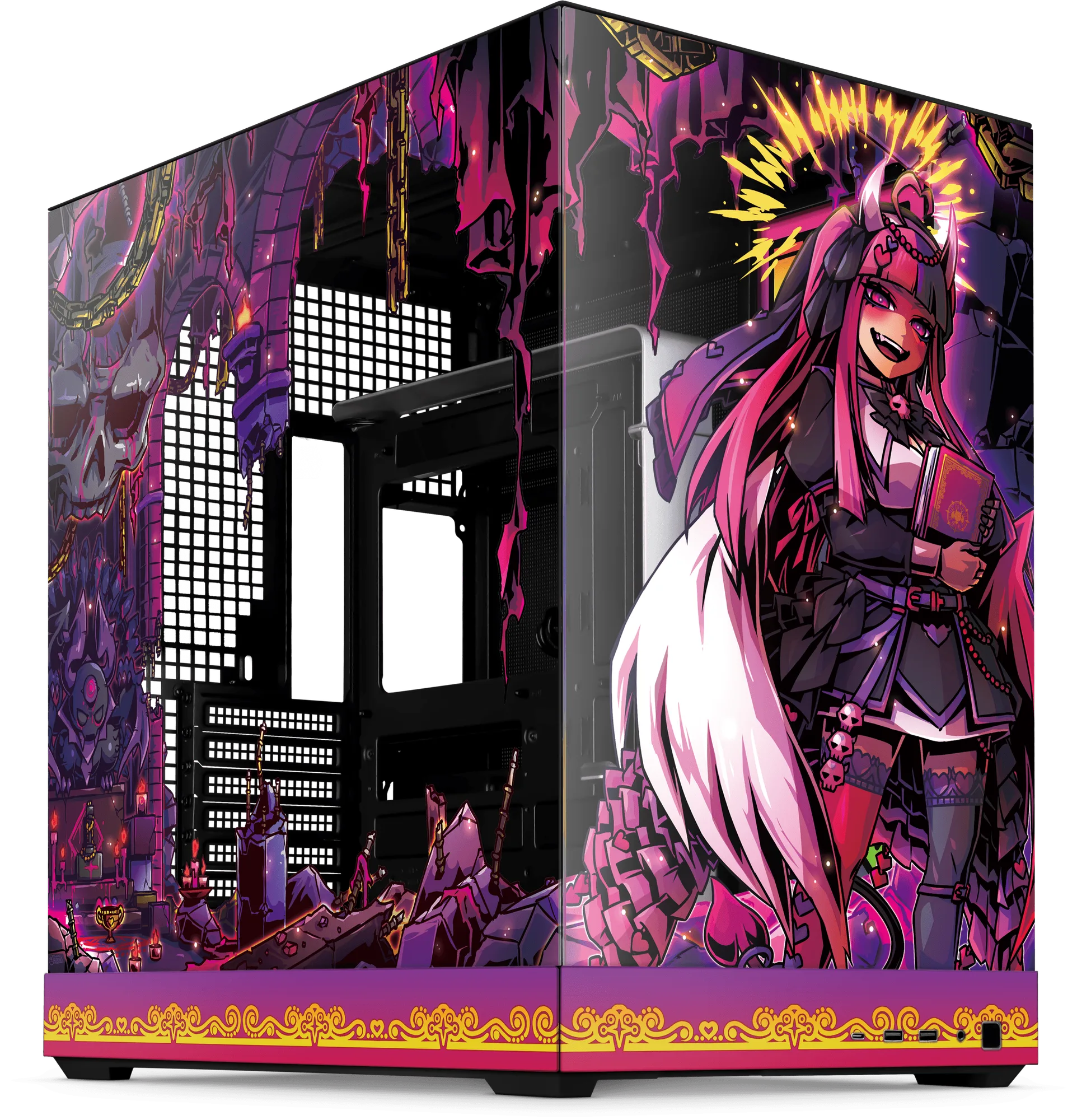
- Neon Castle: A durable acrylic panel that diffuses light from a Platelight to create backlit art inside your computer. If you build your own system, an acrylic plate is a low-risk finishing touch that doesn't affect thermals or cable routing.
Most pc building mistakes are predictable, which means they're avoidable. Plan the parts as one system, work slowly through assembly, and change one variable at a time when something goes wrong. If you've repeated the same failure twice, that's your signal to stop diagnosing and either get help or choose a prebuilt system that already did the hard part.