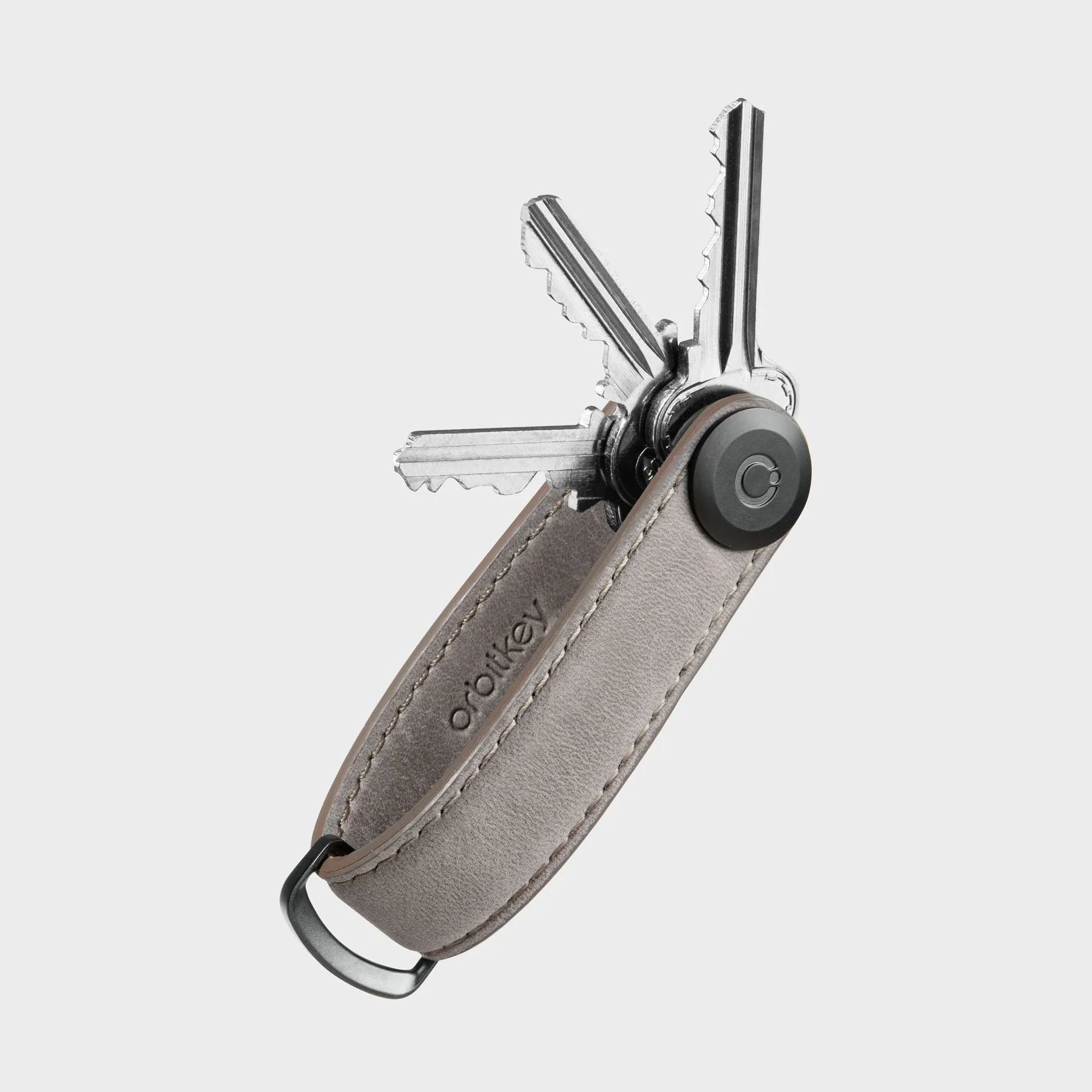
Losing your keys is one of the most frustrating parts of a busy day. Whether you’re rushing out the door or digging through a cluttered bag, a misplaced keychain can derail your schedule. Fortunately, Bluetooth trackers like the Apple AirTag or Tile have made it easier than ever to locate your essentials in seconds. But simply attaching a tracker to your keys isn’t enough—you need a secure, streamlined system that keeps everything organized and accessible. That’s where pairing a Bluetooth tracker with a high-quality key organizer comes in.
In this guide, we’ll walk you through everything you need to know about combining a Bluetooth tracker with your key organizer. From choosing the right tracker and attachment method to optimizing battery life and integrating with your everyday carry (EDC), you’ll learn how to create a foolproof system for finding lost keys. We’ll also highlight how Orbitkey’s products, like the https://vervestore.shop/products/key-organizer-crazy-horse-46125Key Organizer Crazy-Horse and the https://vervestore.shop/products/key-organizer-active-multi-tool-v2-set-46202Key Organizer Active + Multi-Tool v2 Set, can make this pairing seamless and stylish.
Why Pair a Bluetooth Tracker with a Key Organizer?
A Bluetooth tracker is a small, battery-powered device that communicates with your smartphone via Bluetooth. When you misplace your keys, you can use your phone’s app to see the tracker’s last known location or trigger a sound to find it nearby. While trackers are incredibly useful on their own, attaching them directly to a loose keychain can lead to scratches, dangling, or even loss of the tracker itself. A key organizer solves this by consolidating your keys into a compact, secure holder, and providing a dedicated spot for the tracker.
By pairing a tracker with a key organizer, you gain multiple benefits: your keys are neatly arranged and quiet, the tracker is protected from damage, and you can easily locate your entire set of keys with a single tap. This combination is especially valuable for people who carry multiple keys—house, car, office, gym locker—and want to avoid the bulk of a traditional keychain. Orbitkey’s key organizers are designed with a flat profile that fits comfortably in your pocket, and many models include a keychain loop or attachment point perfect for a Bluetooth tracker.
- Never waste time searching for keys again
- Protect your tracker from scratches and drops
- Reduce pocket bulk with a slim organizer
- Keep all keys and the tracker in one secure place
Choosing the Right Bluetooth Tracker for Your Key Organizer
Before you attach a tracker to your key organizer, you need to select a tracker that fits your lifestyle. The most popular options are the Apple AirTag (for iPhone users) and Tile Mate (for both iOS and Android). The AirTag uses ultra-wideband technology for precise location tracking, while Tile offers a longer range and a replaceable battery. Both are small enough to attach to a keychain, but you’ll want to consider size, shape, and battery life.
The AirTag is round and about the size of a coin, which means it needs a holder or case to attach to a keychain. Many users opt for an AirTag keychain accessory that loops through the tracker and onto the organizer. Tile Mate has a built-in hole for a key ring, making it easier to attach directly. However, both trackers work well with Orbitkey’s key organizers, as the organizers feature a central screw or a keychain loop that can accommodate a small attachment. For a minimalist setup, the Key Organizer Crazy-Horse offers a sleek leather design with a loop that can hold a tracker without adding bulk.
- Apple AirTag: Best for iPhone users, precise finding, requires a holder
- Tile Mate: Works with iOS and Android, built-in keyring hole, replaceable battery
- Samsung SmartTag: Good for Samsung Galaxy users, similar to AirTag
- Consider battery life: AirTag lasts about one year, Tile lasts up to three years
How to Attach a Bluetooth Tracker to Your Key Organizer
Attaching a Bluetooth tracker to your key organizer is a straightforward process, but the method depends on your organizer model and tracker type. For Orbitkey key organizers, the most common attachment point is the keychain loop or the small ring included with the organizer. If you’re using an AirTag, you’ll need a silicone or leather holder that wraps around the tracker and has a loop for a key ring. Simply thread the holder’s loop onto the keychain loop of your organizer, and you’re set.
For a Tile Mate or similar tracker with a built-in hole, you can attach it directly to the keychain loop using a small split ring. Alternatively, you can use Orbitkey’s accessory loops or carabiners to secure the tracker. The Key Organizer Active + Multi-Tool v2 Set is an excellent choice because it includes a multi-tool and additional attachment points, giving you flexibility to mount the tracker without interfering with the organizer’s functionality. Make sure the tracker is snug and doesn’t dangle, as excessive movement can cause wear on the tracker or the organizer.
- Use a silicone or leather AirTag holder with a loop for easy attachment
- Thread the tracker onto the keychain loop of your organizer
- Avoid placing the tracker under the screw mechanism to prevent damage
- Test the attachment by shaking the organizer—ensure nothing rattles
Setting Up Your Bluetooth Tracker for Optimal Performance
Once your tracker is attached to the key organizer, you need to set it up with your smartphone. For AirTag, simply bring the tracker near your iPhone and follow the on-screen instructions to pair it. Assign a name like “Keys” and choose an emoji for easy identification. For Tile, download the Tile app, create an account, and press the button on the tracker to pair. Both systems allow you to enable notifications when the tracker is left behind, which is a lifesaver for forgetful moments.
To maximize performance, keep your tracker’s firmware updated via the app. Also, consider enabling “Precision Finding” on iPhone (for AirTag) or “Smart Alerts” on Tile to get notified if you leave your keys behind. Place your key organizer in a consistent spot—like your pocket, bag, or a hook by the door—so the tracker’s last known location is always accurate. With Orbitkey’s compact design, your keys will stay in the same place every time, reducing the chance of misplacement.
- Pair the tracker with your phone using the manufacturer’s app
- Enable left-behind alerts to receive notifications when you walk away
- Update firmware regularly for best accuracy
- Keep the tracker’s battery level in mind—replace when low
Integrating Your Tracker with Everyday Carry and Travel
A Bluetooth tracker paired with a key organizer isn’t just for home use—it’s a powerful tool for travel and daily commutes. When you’re on the go, you can quickly locate your keys inside a backpack, suitcase, or hotel room. For travelers, combining a tracker with Orbitkey’s travel-friendly products like the Travel Bundle creates a complete organization system. The bundle includes a key organizer, a pen, and a cable organizer, all designed to work together seamlessly.
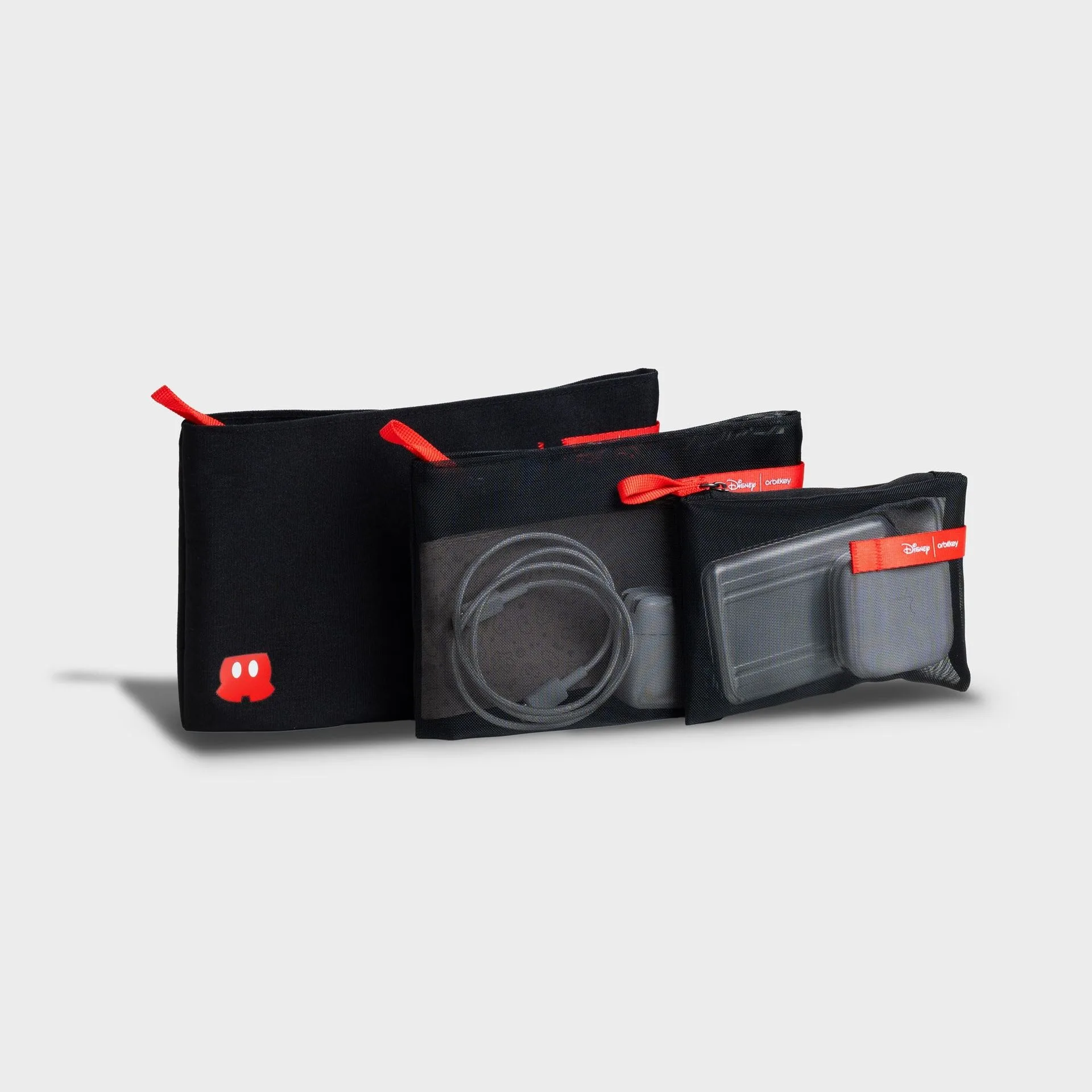
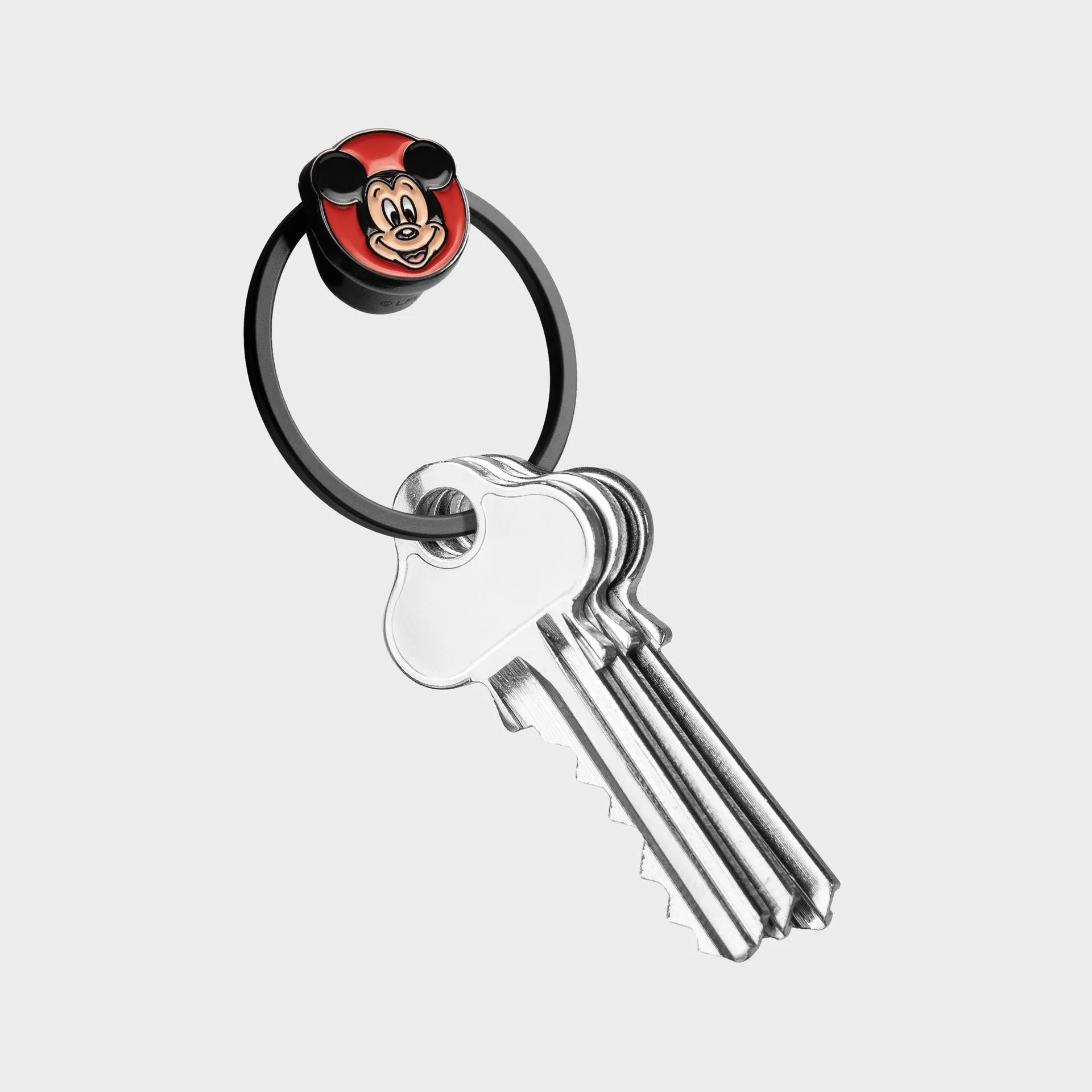
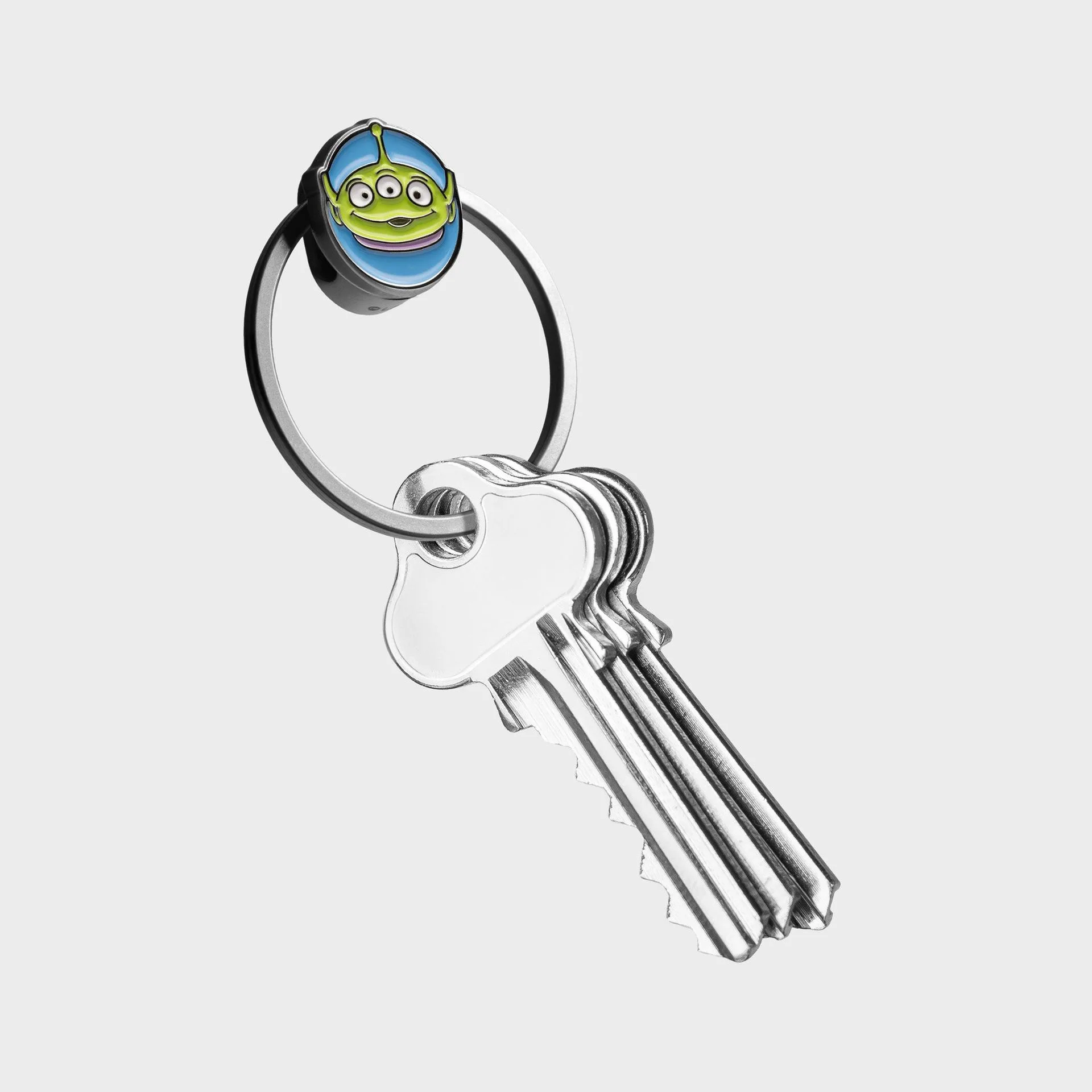
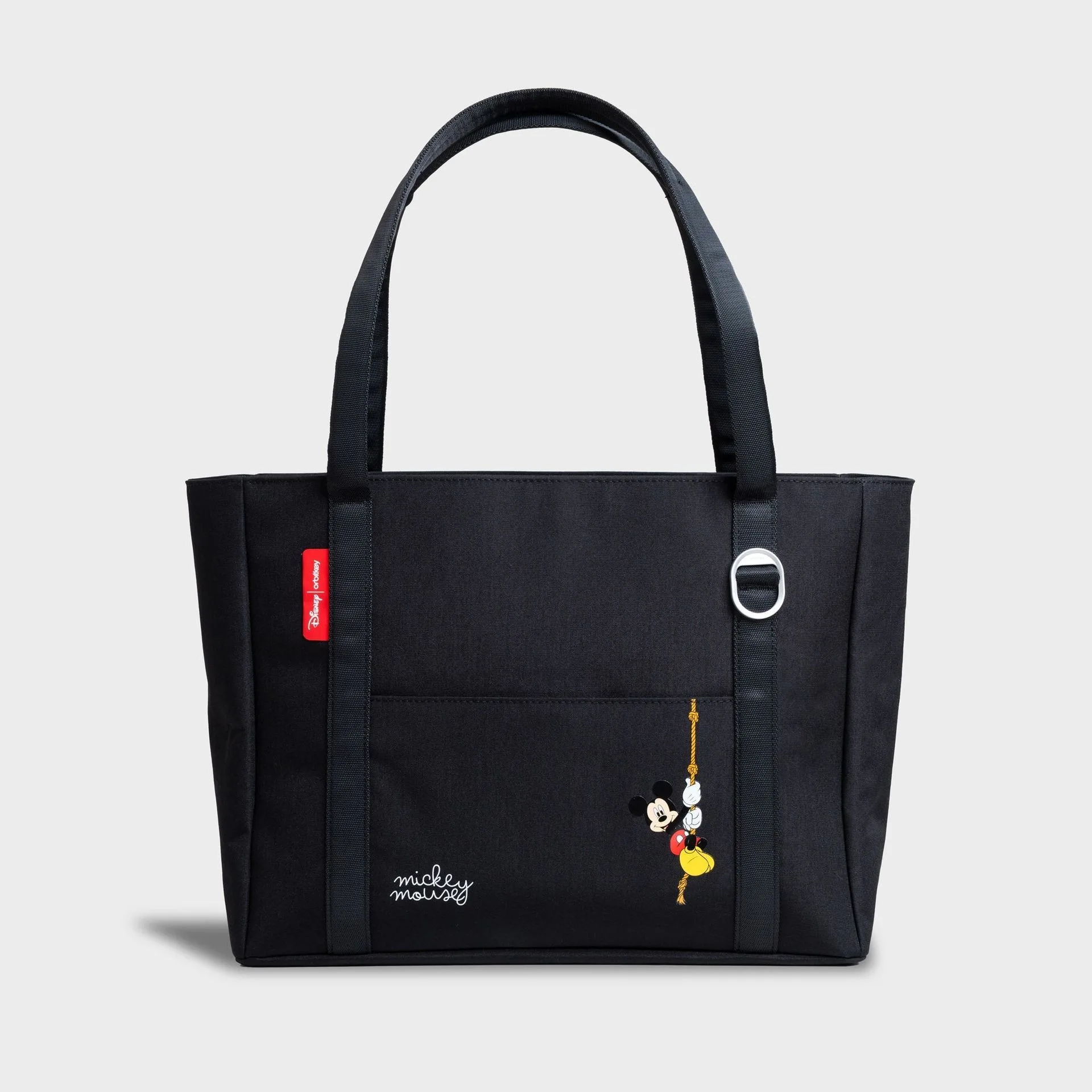
If you’re heading to a theme park or a busy event, attach your tracker-equipped key organizer to a carabiner or inside your bag. You can also use the tracker to find your bag if you have a separate tracker inside. For Disney fans, the Disney Carry Duo offers a fun, themed way to carry your keys and a tracker. The key is to keep your tracker visible and accessible—don’t bury it at the bottom of a bag. With Orbitkey’s slim profile, your keys can stay in your front pocket or clipped to a belt loop, making them easy to retrieve and locate.
- Use the tracker to find keys in luggage or hotel rooms
- Combine with Orbitkey’s Travel Bundle for a complete travel setup
- Attach to a carabiner for quick access during outdoor activities
- Keep the tracker in an outer pocket for better Bluetooth signal
Troubleshooting Common Bluetooth Tracker Issues
Even with a perfect setup, you might encounter occasional issues with your Bluetooth tracker. The most common problem is the tracker not connecting to your phone, often due to low battery or interference. For AirTag, replace the CR2032 battery by twisting the back cover. For Tile, the battery is non-replaceable on some models, so you’ll need to buy a new one when it dies. If your tracker isn’t showing the correct location, ensure Bluetooth is enabled on your phone and that the tracker is within range (typically 30–100 feet).
Another issue is the tracker falling off the key organizer. To prevent this, use a secure attachment method like a locking carabiner or a tight loop. Avoid using flimsy split rings that can open accidentally. If you’re using a leather organizer like the Key Organizer Crazy-Horse, the loop is sturdy but can stretch over time—check it periodically. For added security, consider using a small silicone band to wrap around the tracker and the organizer. Most problems are easy to fix with a little maintenance, and your keys will stay safe.
- Replace AirTag battery annually or when low battery alert appears
- Check Bluetooth settings if the tracker won’t connect
- Inspect attachment points regularly for wear
- Use a locking ring or carabiner for extra security
Pairing a Bluetooth tracker with your key organizer is one of the smartest upgrades you can make to your everyday carry. It saves time, reduces stress, and keeps your keys secure in a compact, stylish package. Whether you choose the Key Organizer Crazy-Horse for its classic leather look or the Key Organizer Active + Multi-Tool v2 Set for added functionality, Orbitkey offers the perfect foundation for your tracker setup. Start your journey to never losing your keys again by exploring our key organizer collection today.