Quick answer
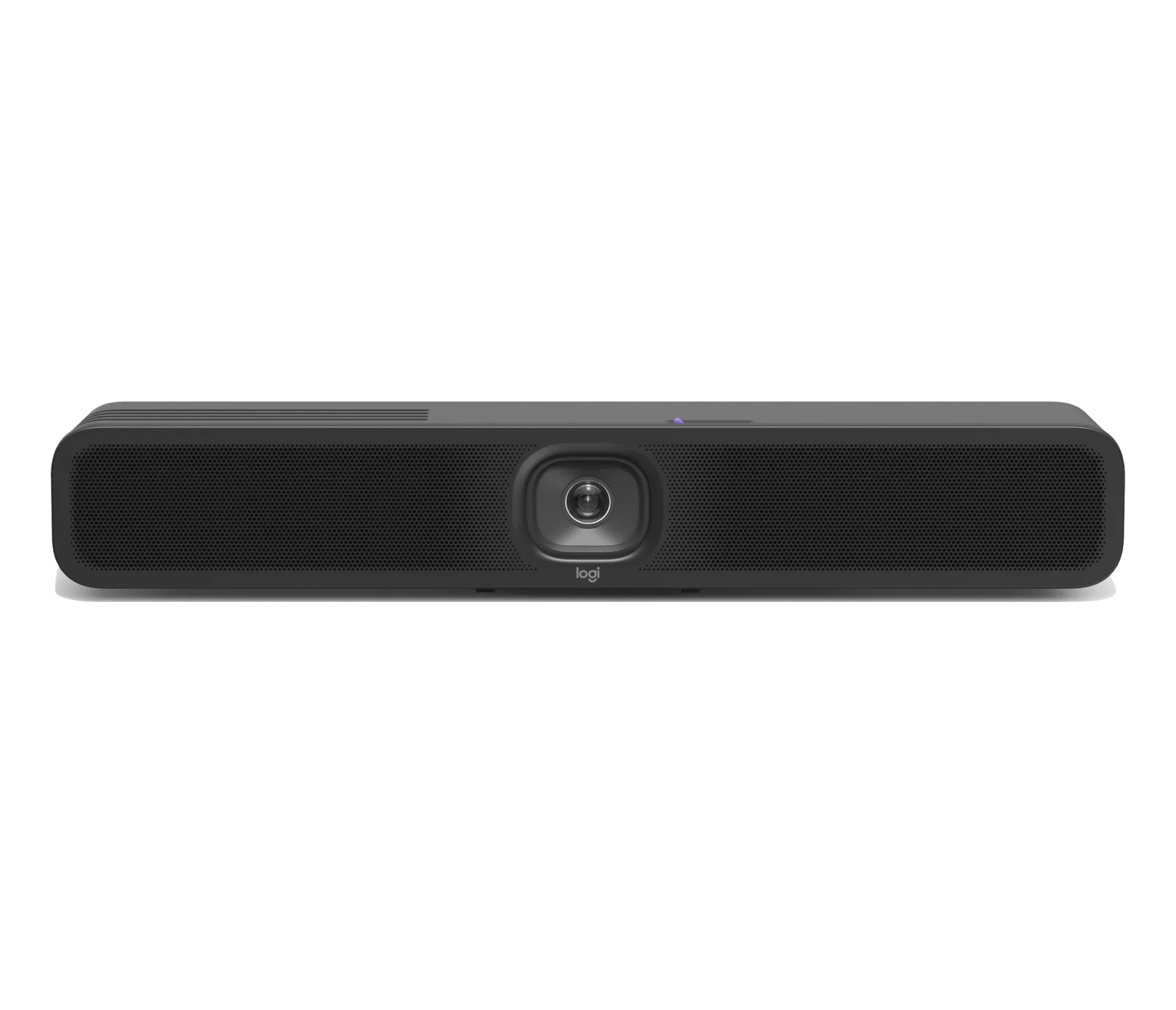
Buy the camera that matches your room, not the one with the longest spec sheet. For most small business meeting rooms, a fixed-lens 4K conference camera with a wide field of view covers the space without extra setup; choose a PTZ camera for meeting rooms only when you need to zoom in on distant speakers or track movement. If you want a proven all-in-one starting point, the Logitech MeetUp 2 - Graphite is built for conference room use.
Start with the room, not the camera
Measure three things before you compare models: the distance from the camera position to the farthest seat, the width of the table, and how many people typically attend. A camera that is too wide makes remote participants feel far away; one that is too narrow cuts off the ends of the table. If you cannot measure, estimate that each person needs about 60 cm of table width, then add the room's side walls to the frame.
Resolution: when 4K earns its price
A 4K conference camera gives you more pixels to crop into without visible softness, which helps when you share screen content or when a whiteboard sits at the back of the room. In a small huddle space where the camera sits close to faces, 1080p is often enough and costs less. Buy 4K when the camera is more than about 3 meters from the nearest person or when you plan to use digital zoom.
Field of view and zoom: the numbers that decide the shot
Field of view is listed in degrees, and wider is not automatically better. A 90-degree lens suits a small room where the camera is close to the table; a 120-degree lens suits a narrow room but will include more empty wall. Optical zoom keeps image quality when you zoom in, while digital zoom only crops the sensor. For a PTZ camera for meeting rooms, check whether the zoom is optical and how far the lens can reach before you rely on it for a large space.
Conference webcam features worth paying for
Prioritize a reliable USB connection, a mounting option that fits your display or wall, and a microphone that reaches the farthest seat. Noise reduction and auto-framing are useful in rooms with movement, but they cannot fix a camera placed too far from the table. If your platform already handles echo cancellation, you can spend less on the camera's built-in audio and more on lens quality.
Video conferencing camera setup: the physical checks
Place the camera at eye level or slightly above, centered on the table, and keep it away from windows that backlight the room. Test the framing with the actual meeting app before you mount anything permanently, and run one call with a remote participant to confirm they can see and hear everyone. Cable length matters more than most buyers expect, so confirm the included cable reaches your laptop or room PC.
Decision rules for your room
- Room under 4 seats: Choose a fixed-lens camera with a wide field of view and 1080p or 4K, mounted on the display. Skip PTZ; the camera will not move enough to justify the cost.
- Room 5-10 seats: Choose a 4K conference camera with a field of view around 90-120 degrees and a microphone that reaches the far end of the table. Confirm the included cable reaches your room PC before mounting.
- Room over 10 seats or with a whiteboard: Choose a PTZ camera for meeting rooms with optical zoom so you can frame distant speakers and board content. Check that the zoom is optical, not digital, before you buy.
Product facts to compare
- MeetUp 2 - Graphite: The Logitech MeetUp 2 in Graphite is a conference camera designed for conference room use, with a graphite finish that suits professional environments. It is a room-ready starting point if you want an all-in-one camera rather than a webcam adapted for meeting spaces.
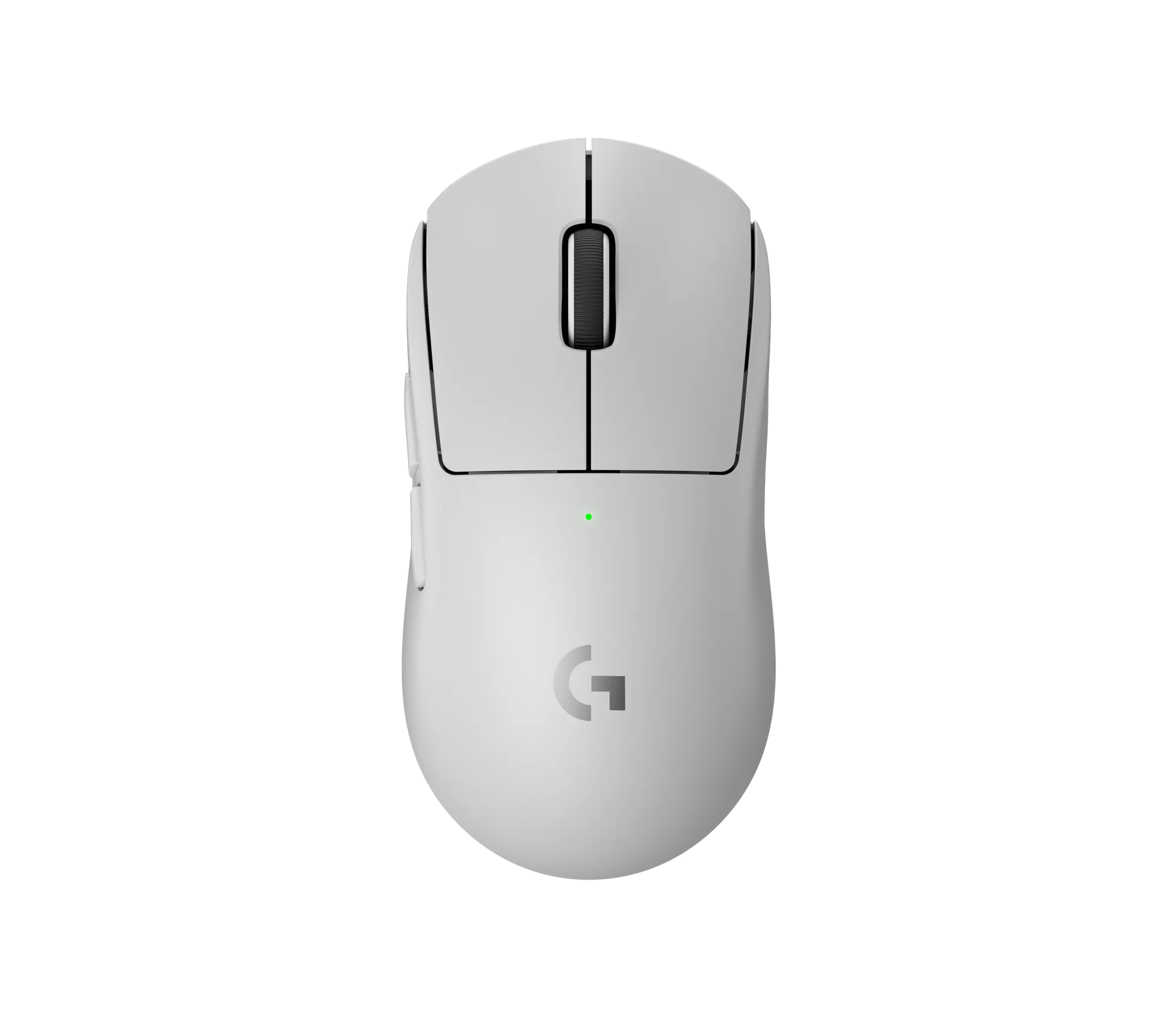
- PRO X SUPERLIGHT 2 - White: The Logitech PRO X SUPERLIGHT 2 in White is an ultra-lightweight wireless gaming mouse with advanced low-latency wireless technology. It is not a conference camera, but it shows the trade-off between lightweight wireless design and room-scale video gear if you are equipping a hybrid workspace.
Who this guide fits
Best for
- Small businesses equipping one or two meeting rooms
- Teams that need a repeatable camera checklist before purchase
- Buyers comparing fixed-lens and PTZ options
Not for
- Large auditoriums needing multi-camera production
- Buyers who only need a laptop webcam for solo calls
- Anyone seeking a specific model recommendation without room measurements