Quick answer
The Cooler Master V Platinum 1600 V2 is a 1600W, 80 Plus Platinum certified, fully modular power supply. It makes sense for extreme multi-GPU workstations, heavy overclocking, or systems running multiple high-draw GPUs. For a single-GPU gaming build, a 1000W or 1200W unit is usually the smarter buy.
What the V Platinum 1600 V2 actually offers
This unit delivers 1600W of continuous power with 80 Plus Platinum certification, meaning it operates at 90% efficiency or higher. That efficiency matters at this wattage: at 1600W output, a Platinum-rated unit wastes far less energy as heat than a lower-tier supply, which also means less fan noise and cooler operation inside the case.
The fully modular design lets you connect only the cables you need, which keeps airflow cleaner in large builds. Cooler Master also includes a full suite of protections for safety and security, covering the usual over-voltage, over-current, and short-circuit scenarios.
Why 1600W is a different decision than 850W or 1000W
Most gaming PCs with a single high-end GPU peak well under 800W. A 1600W unit doesn't make those systems faster; it just runs at a lower percentage of its capacity, which can improve efficiency slightly but rarely justifies the price gap.
The real case for 1600W is headroom for transient spikes. Modern high-wattage GPUs can briefly pull well above their rated draw, and a larger supply absorbs those spikes without shutting down. If you're running two or more power-hungry GPUs, a high-wattage PSU stops being optional.
The re-certified factor and what it means for you
This specific listing is a Re-Certified Outlet Store Component. Each unit is inspected and validated by MAINGEAR technicians to ensure proper functionality and performance. That inspection is the reason the price sits below the catalog comparison price, but it also means outlet component sales are final.
If you're comfortable with a validated re-certified unit and want maximum wattage for the money, this is a strong value. If you need a standard return window, buy a new unit instead.
Pairing the PSU with the rest of your build
A 1600W supply only makes sense if the rest of the system can use it. That means a platform with multiple PCIe power connectors, a case with room for a longer PSU, and components that actually draw serious power.
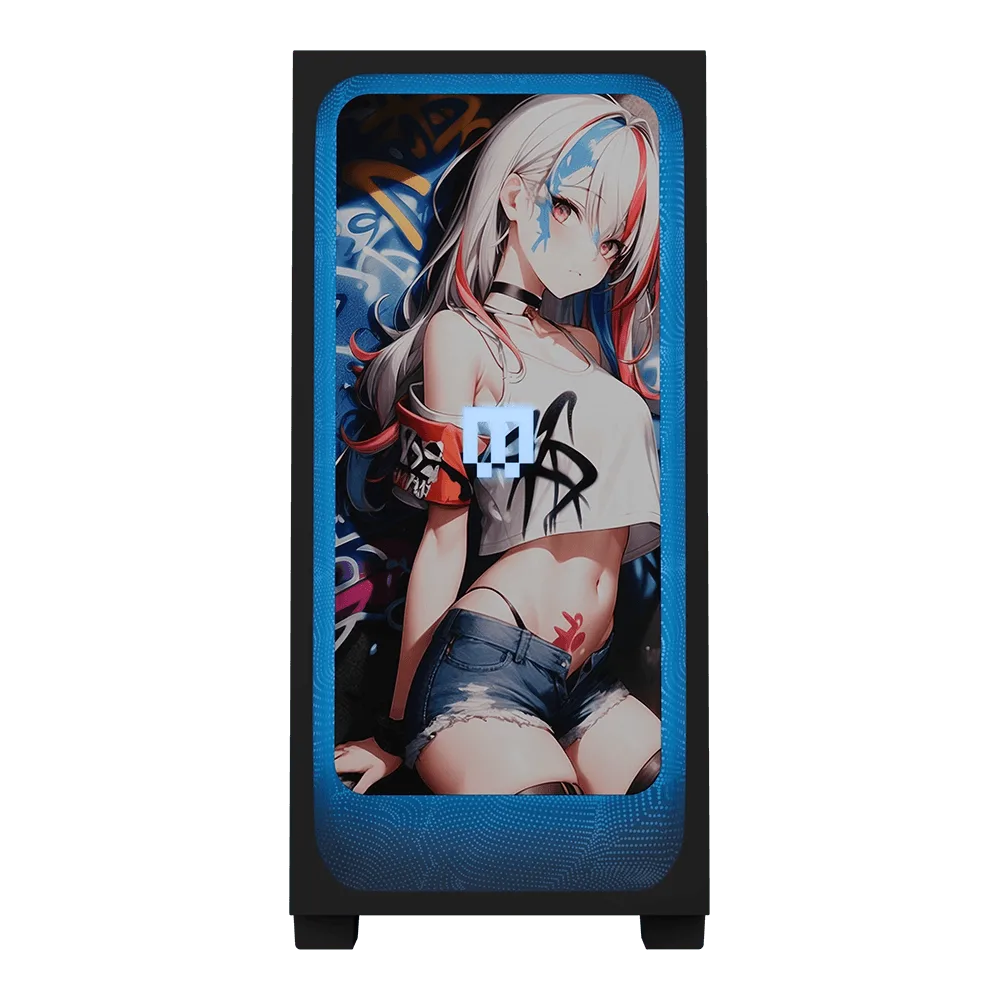
For a custom desktop, the MAINGEAR Custom RUSH | Intel Edition is built around an Intel processor and aimed at enthusiasts who want a high-performance desktop rig. It's a reasonable foundation if you plan to add heavy graphics hardware later. The MAINGEAR shroud Edition | AMD is a custom-built gaming desktop on the AMD platform with blue lighting, and it's a better fit if your priority is gaming rather than multi-GPU compute.
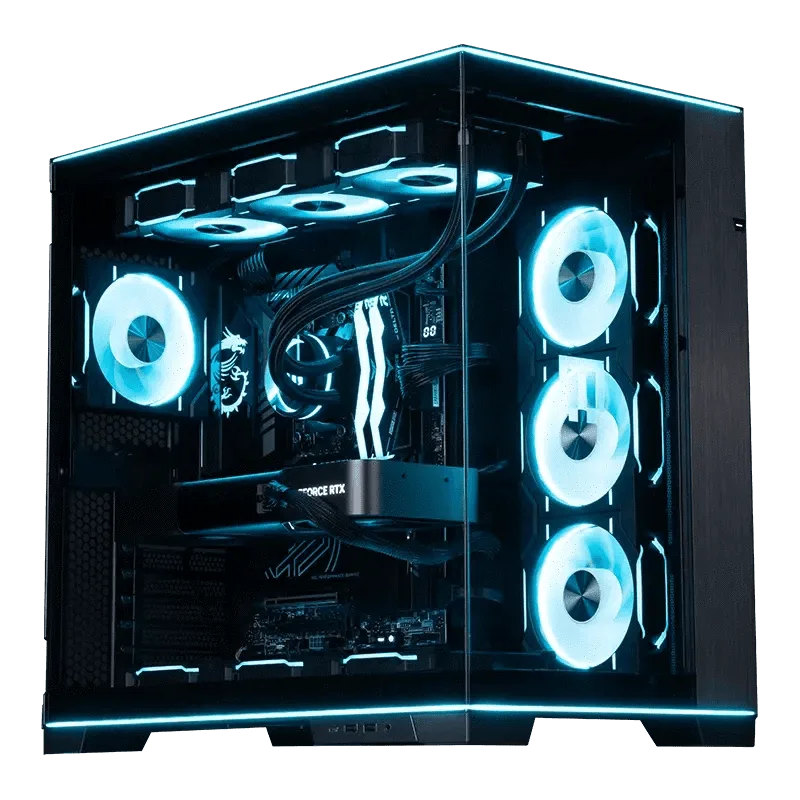
Custom RUSH
Don't overspend on wattage you won't use
A common mistake is buying the biggest number on the shelf. A 1600W Platinum unit costs more upfront, and if your system never exceeds 700W, you've paid for capacity that sits idle. Put that budget into a better GPU or more storage instead.
The exception is future-proofing. If you know you'll add a second GPU or move to a workstation workload within a year, buying once at 1600W can save you from replacing the PSU later.
Decision rules for buying a 1600W PSU
- Rule 1: Count your GPU power connectors: If your build needs more than four 8-pin PCIe connectors, a 1600W unit is likely the right class. If you're running a single GPU with two or three connectors, a 1000W supply is sufficient. Check connector count before wattage.
- Rule 2: Match wattage to workload, not ego: Multi-GPU rendering, AI training, and heavy overclocking justify 1600W. Single-GPU gaming and general desktop use do not. Buy for the workload you have, not the one you imagine.
- Rule 3: Accept the re-certified trade-off: This unit is re-certified and validated by MAINGEAR technicians, and outlet component sales are final. That's the price of the discount. Only choose it if you're comfortable with a final sale.
- Rule 4: Check case clearance: 1600W units are physically longer than standard ATX supplies. Measure your case's PSU bay before ordering. A great PSU that doesn't fit is a return waiting to happen.
Product facts
- Cooler Master V Platinum 1600 V2: The Cooler Master V Platinum 1600 V2 offers a modular design and a full suite of protections, with 80 Plus Platinum certification ensuring 90% efficiency or higher. Modular cabling simplifies installation in large cases, and Platinum efficiency reduces heat and noise at high loads.
- Custom RUSH | Intel Edition: The MAINGEAR Custom RUSH | Intel Edition is a custom-built desktop PC configured around an Intel processor, positioned in the RUSH line for high-performance desktop use. A high-performance Intel-based desktop is a sensible platform if you plan to pair it with a high-wattage PSU for future expansion.
- shroud Edition | AMD: The MAINGEAR shroud Edition | AMD is a custom-built gaming desktop configured around AMD platform hardware, with a design that includes blue lighting. If your focus is gaming rather than multi-GPU compute, this AMD build is a better match than a 1600W PSU upgrade.
Who should buy the V Platinum 1600 V2
Best for
- Workstations running two or more high-draw GPUs
- Enthusiasts planning heavy overclocking with future expansion
- Builders who want maximum headroom and Platinum efficiency in one unit
Not for
- Single-GPU gaming builds that peak under 800W
- Buyers who need a standard return policy instead of a final sale
- Small cases with limited PSU bay length