Quick answer
The Creative Engineering 100 in 1 Motorized MAKER PRO is a motorized STEM building kit that turns one box into 100 different working models, so it works best as a long-term project set rather than a one-weekend build. For ages 10 and up, it delivers the most value if your child enjoys following instructions, rebuilding, and experimenting with motion. If you want a simpler first motorized kit for a younger child, start smaller.
A 100-model set sounds like a bargain until you picture the shelf space, the instruction booklets, and the question of whether your child will actually build past model five. The Creative Engineering 100 in 1 Motorized MAKER PRO is one of those kits that rewards a certain kind of builder, and frustrates another. This FAQ answers the practical questions parents and educators ask before buying.
I'll cover what the 100 models actually include, how long builds take, what the motor changes about play, and how to keep momentum going after the first few builds. Where the catalog doesn't list a specification, I'll say so rather than guess.
What does "100 models" actually mean in practice?
It means one set of parts and one motor system can be rebuilt into 100 different designs, following instructions for each. You build one model at a time, then take it apart and start the next. The 100 count is the total number of buildable designs, not 100 models you can display at once.
In practice, most families treat this as a rotating project kit. A child might build a crane in one session, then a motorized vehicle the next weekend. The variety is the point: each build teaches a slightly different mechanical idea, and the motor adds motion so the result does something rather than just sitting there.
- Plan storage for loose parts between builds; a shallow bin with compartments saves rebuild time.
- Photograph each finished model before disassembly so your child can track progress.
How long does a typical build take?
Build time depends on the model's complexity and your child's experience. Simple motorized models can take 30 to 60 minutes; more involved machines with gearing and linkages can run a few hours across multiple sessions. The catalog does not list per-model build times, so treat any specific number as an estimate rather than a promise.
The practical takeaway is to schedule builds in blocks rather than expecting a finished model in one sitting. A child who builds for 45 minutes, stops, and returns the next day often retains the mechanical logic better than one who rushes to the end.
- Sort parts by type before starting; hunting for a single connector is the biggest time sink.
- Let younger builders tackle the first 10 models before attempting the complex ones.
Is the MAKER PRO set right for a 10-year-old?
Yes, ages 10 and up is the intended range, and that fits the reading level of the instructions and the fine-motor control needed to snap small parts together. A 10-year-old who already builds with construction toys will likely move through the early models independently. A 10-year-old new to building may need an adult for the first two or three builds.
If your child is closer to 8 and gets frustrated easily, a smaller motorized kit is a better starting point. The MAKER PRO rewards patience and persistence, which are skills that grow with practice rather than arriving fully formed.
- Sit with your child for the first build, then step back and let them lead.
- If a build stalls, pause and return later instead of forcing a finish.
What does the motor add to the play experience?
The motor turns a static model into a working machine, which changes how a child thinks about the build. Instead of asking "does it look right," they ask "does it move the way I intended." That shift is where motorized building earns its keep: it introduces cause and effect, gearing, and the idea that a small change in one part affects the whole mechanism.
The catalog does not list motor speed, torque, or battery specifications for this set, so I won't invent them. What matters practically is that the motor is part of the build, not a separate toy, so the mechanical reasoning stays connected to the result.
- After a build works, ask your child to change one gear or linkage and predict the result.
- Keep spare batteries on hand so a dead motor doesn't end a session early.
How do I keep a 100-model set from losing momentum?
The failure mode for big sets is the same every time: the first three models get built, then the box goes on a shelf. The fix is to treat the set as a series of small projects with visible progress. A simple checklist of the 100 models, with a sticker or date next to each finished build, turns an overwhelming number into a satisfying streak.
It also helps to connect builds to something your child already cares about, like vehicles, cranes, or robots. And if the set is shared between siblings, assign build slots rather than letting one child monopolize the motor.
- Print the model list and mark off each completed build.
- Rotate the set out of sight for a few weeks, then bring it back; novelty resets motivation.
Where does the MAKER PRO fit compared with other Engino sets?
The MAKER PRO sits in the motorized building space, which makes it a step up from non-motorized Creative Builder sets and a different path from coding-focused kits. If your goal is mechanical understanding with motion, the MAKER PRO is the direct fit. If your goal is programming and sensors, a robotics set with a controller and software is the better match.
For a younger sibling, a simpler motorized or non-motorized set avoids the frustration of parts that are too small or instructions that are too dense. The right kit is the one that matches your child's current patience level, not the one with the biggest number on the box.
- Choose motorized building for mechanics; choose a robotics kit for coding.
- Buy for the builder your child is now, not the one you hope they'll become.
Quick answers to the questions parents ask most
How many models can be built at once?
One at a time. The 100 count is the total number of designs you can rebuild from the same parts, not a display collection. Plan for repeated build-and-disassemble cycles, not a shelf of finished models.
What age is the MAKER PRO set for?
Ages 10 and up, based on the intended range. Younger children may need adult help with the first builds or a simpler kit. Match the set to your child's patience and fine-motor skills, not just their age.
Does the motor require coding?
No. The motor adds motion to the build; it does not require programming. Coding-focused kits are a separate category. Choose this set for mechanics and motion, not for learning to code.
Product facts that matter for this decision
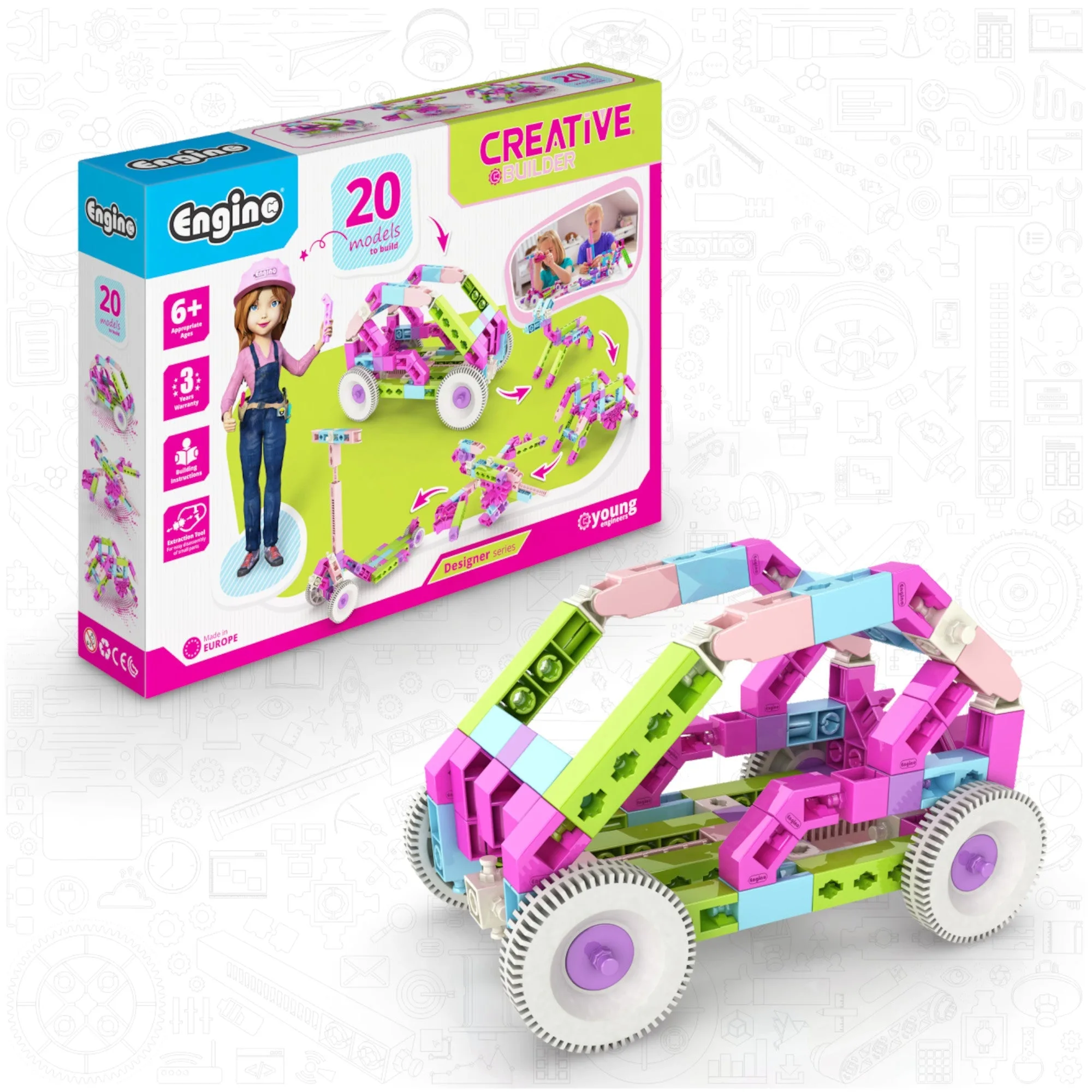
- Engino Creative Builder: 20 Models Designer Set- STEM Building Toys for Kids Ages 6+ (20 Models to Build): Includes 88 durable, snap-fit parts to build 20 non-motorized models, with printed step-by-step instructions for one key build and online support for the rest. This is the realistic starting point for a younger or less experienced builder before moving to a 100-model motorized set.
- Engino Discovering STEM Mechanics Set- Gears & Worm: Engineering Toys for Kids Ages 9+ (12 Models to Build): Teaches gear ratio, force-speed trade-offs, bevel and crown gears, rack-and-pinion, and worm drives through 12 working models, with a booklet explaining how gears change speed and force. If your child struggles with the mechanical logic in a motorized set, this focused kit builds the underlying gear concepts first.
- Engino STEM Qboidz & Junior Robotics Set, STEM Building and Coding Kit for Kids Ages 5–7 (98 Models to Build): Combines the Qboidz building system with Junior Robotics, adding motors, sensors, and real coding via the ERP Mini controller and KEIRO software for ages 5–7. For a younger sibling who wants motion and coding, this is the age-appropriate alternative to a 100-model set aimed at ages 10 and up.
The Creative Engineering 100 in 1 Motorized MAKER PRO is a long-game kit: it pays off for a builder who enjoys rebuilding, experimenting with motion, and working through a list over months. If that describes your child, the 100 models are a feature, not a gimmick. If you need a first motorized experience for a younger or less persistent builder, start with a smaller set and graduate up.