Quick Answer
The Lume Cube XL 60W RGB COB light is a compact, app-controlled fixture that can transform your video and photo lighting—use it for color accents, fill light, or creative effects with the right setup techniques.
Why the XL RGB COB Light Stands Out
The Lume Cube XL combines a 60W output with RGB color control in a mini monolight design, making it a versatile tool for content creators who need powerful lighting without a bulky setup. Its app control lets you adjust settings remotely, which is especially useful when the light is mounted in hard-to-reach places.
Compared to smaller LED panels, the XL's COB design provides a more focused and intense beam, which is ideal for accent lighting or when you need to punch through ambient light. However, this also means you may need diffusers or bounce cards to soften the light for flattering portraits.
Creative Applications to Try
Use the XL as a colored rim light to separate your subject from the background, or set it to a warm tone to mimic golden hour. For product photography, a saturated color can add a dramatic backdrop without using gels.
In video, you can sync the light to your scene's mood—cool blue for night scenes, or a subtle pink for romantic interviews. The app control lets you change colors on the fly, so you can experiment without interrupting your shoot.
Step-by-Step Setup for Creative Lighting
- Position the light for your desired effect: Decide whether you want a rim light, fill light, or background accent. Place the XL accordingly—behind the subject for rim, opposite the key light for fill, or behind the scene for background color. Check that the light is not directly in the camera frame unless you want a lens flare effect.
- Connect to the app: Download the Lume Cube app and pair the light via Bluetooth or Wi-Fi (if supported). Use the app to select a color, adjust brightness, or choose a preset scene. Ensure the light is within range and the app is updated to avoid connection drops during a shoot.
- Adjust color and intensity: Start with a low intensity and gradually increase until you achieve the desired look. Use the app's color wheel to fine-tune the hue, and consider using a diffuser to soften the light if it's too harsh. Take test shots or record a short clip to verify the color appears as intended on camera, as white balance can affect the final result.
Product Facts
-
Lume Cube XL App-Controlled 60W RGB Mini COB LED Light: The Lume Cube XL App-Controlled 60W RGB Mini COB LED Light delivers powerful, portable lighting in a compact monolight design perfect for any video or photography lighting. Its compact size and 60W output make it easy to carry to shoots while still providing enough light for professional-looking results.
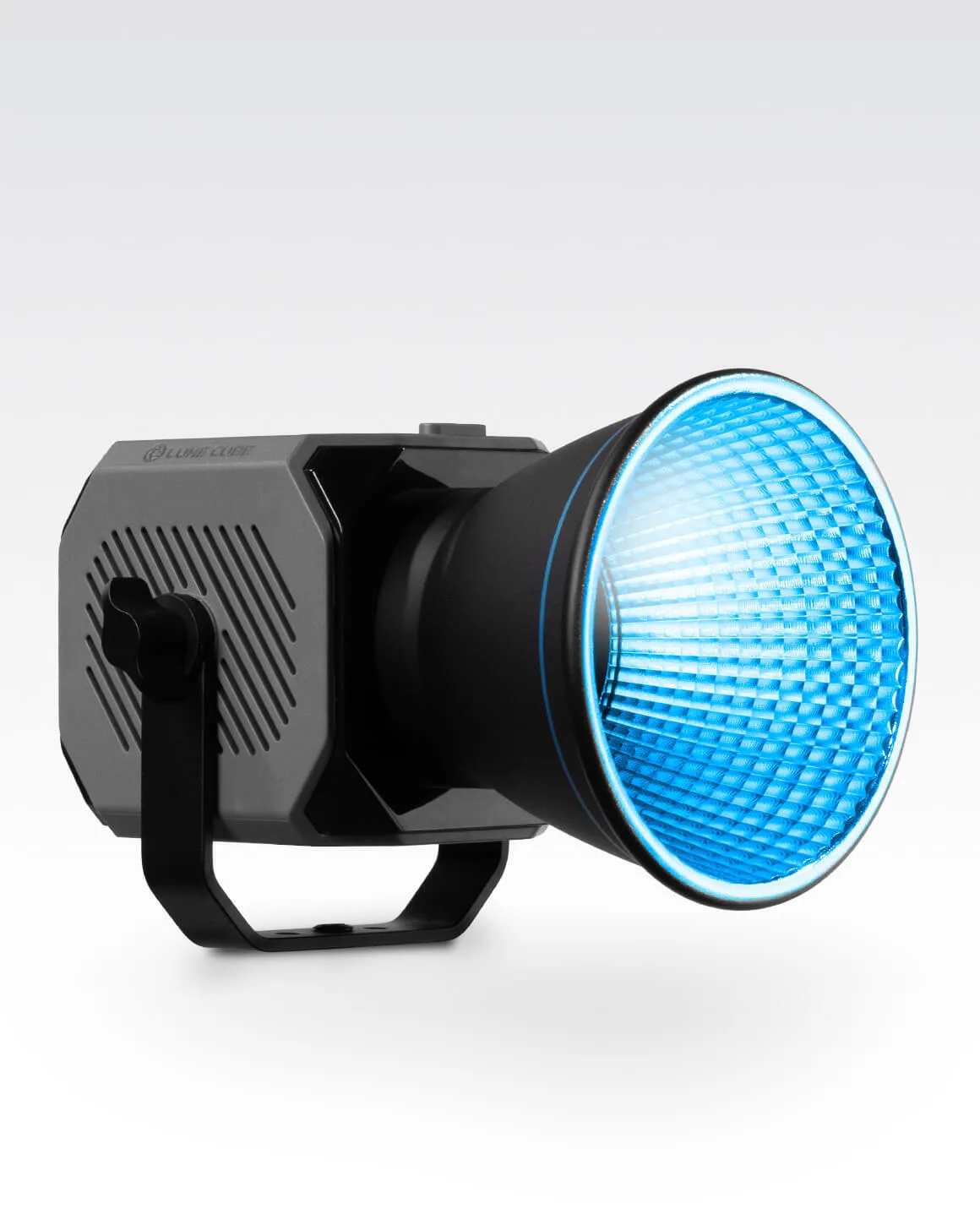
Lume Cube XL App-Controlled 60W RGB Mini COB LED Light