Quick Answer
To set up your CRKD Gibson Les Paul Blueberry Burst Pro Edition, connect it to your Xbox or PC, sync it wirelessly or via USB, and calibrate it in your game's settings.
Why the Blueberry Burst Pro Edition Stands Out
The CRKD x Gibson Blueberry Burst Pro Edition is officially licensed by Xbox, ensuring a seamless experience on Xbox Series X|S, Xbox One, and PC. Its eye-catching finish and authentic Les Paul design make it a standout addition to any rhythm game setup.
Beyond its looks, this controller is built for performance, with responsive fret buttons and a strum bar designed for fast play. Whether you're a casual player or a dedicated enthusiast, it offers a reliable and immersive way to play.
Compatibility and Connection Options
This controller works with Xbox Series X|S, Xbox One, PC, PC handhelds, and Android devices, including Smart TVs, tablets, and mobile devices. It also supports cloud streaming services like Xbox Cloud Gaming and Luna.
You can connect wirelessly for a clutter-free setup or use a wired connection for lower latency. The choice depends on your preference and the device you're using.
Step-by-Step Setup Guide
- Unbox and Inspect: Remove the controller from the box and check that all components (controller, cable, and any included documentation) are present and undamaged. If anything is missing or damaged, contact CRKD support before proceeding.
- Connect to Your Console or PC: For Xbox, plug the controller into a USB port or sync wirelessly via the Xbox pairing button. For PC, connect via USB or Bluetooth (if supported) and ensure your system recognizes it as a game controller. If the controller isn't detected, try a different USB port or re-pair the device.
- Configure In-Game Settings: Launch your rhythm game (e.g., Fortnite Festival, Rock Band 4) and navigate to the controller settings. Calibrate the audio/video latency and map buttons to your preference. Proper calibration reduces input lag and improves your gameplay accuracy.
- Test All Inputs: Play a quick song or use the game's test mode to verify that all fret buttons, the strum bar, and the whammy bar respond correctly. If any input fails, check the connection and consult the manual for troubleshooting.
Key Features at a Glance
-
Gibson Les Paul Blueberry Burst Pro Edition for Xbox Series X|S, Xbox One, and PC: Officially licensed by Xbox, compatible with Xbox Series X|S, Xbox One, PC, PC handhelds, and Android devices. You can use the same controller across multiple platforms, making it a versatile investment.
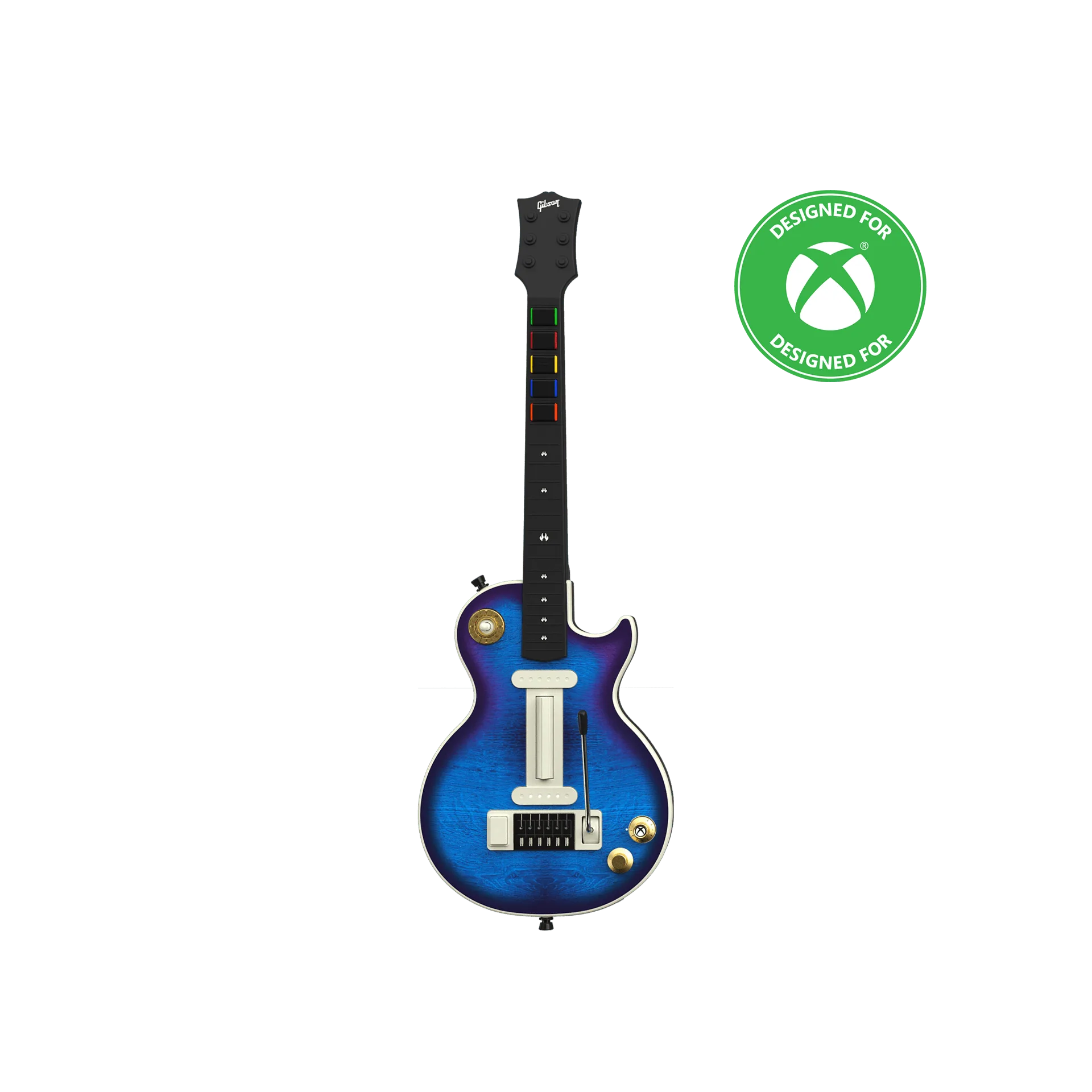
Gibson Les Paul Blueberry Burst Pro Edition for Xbox Series X|S, Xbox One, and PC
-
Gibson Les Paul Blueberry Burst Pro Edition for Xbox Series X|S, Xbox One, and PC: Supports cloud streaming services such as Xbox Cloud Gaming and Luna. Play your favorite rhythm games on the go without needing a console or high-end PC.