Conduit sleeves are built for standard-size cards
Curator Masterworks Conduit sleeves are 66 × 91 mm standard-fit sleeves, sold 100 per pack. That size is designed for standard-size 63 × 88 mm trading card game cards, including Pokémon, Magic: The Gathering, One Piece Card Game, Disney Lorcana, Riftbound, Flesh and Blood, MetaZoo, and Final Fantasy TCG. They do not fit Yu-Gi-Oh! (smaller) or tarot, mini-Euro, and tarot-wide board-game cards.
The sleeves feature a crystal-clear front for color-accurate display and an opaque back film to prevent card show-through during competitive play. Heat-sealed edges and tight welds along the seam are intended to avoid flares, and the low-friction shuffle coating is engineered to prevent the sticky-sleeve problem. The matte or satin back reduces glare and improves shuffling control.
Catalog facts that affect fit and handling
-
Curator™ Masterworks Sleeves: Conduit: 66 × 91 mm (standard fit), 100 cards per pack, cut tolerance ±0.5 mm. This tells you the sleeve is sized for standard 63 × 88 mm cards, and the tolerance means slight size variation is normal within a pack.
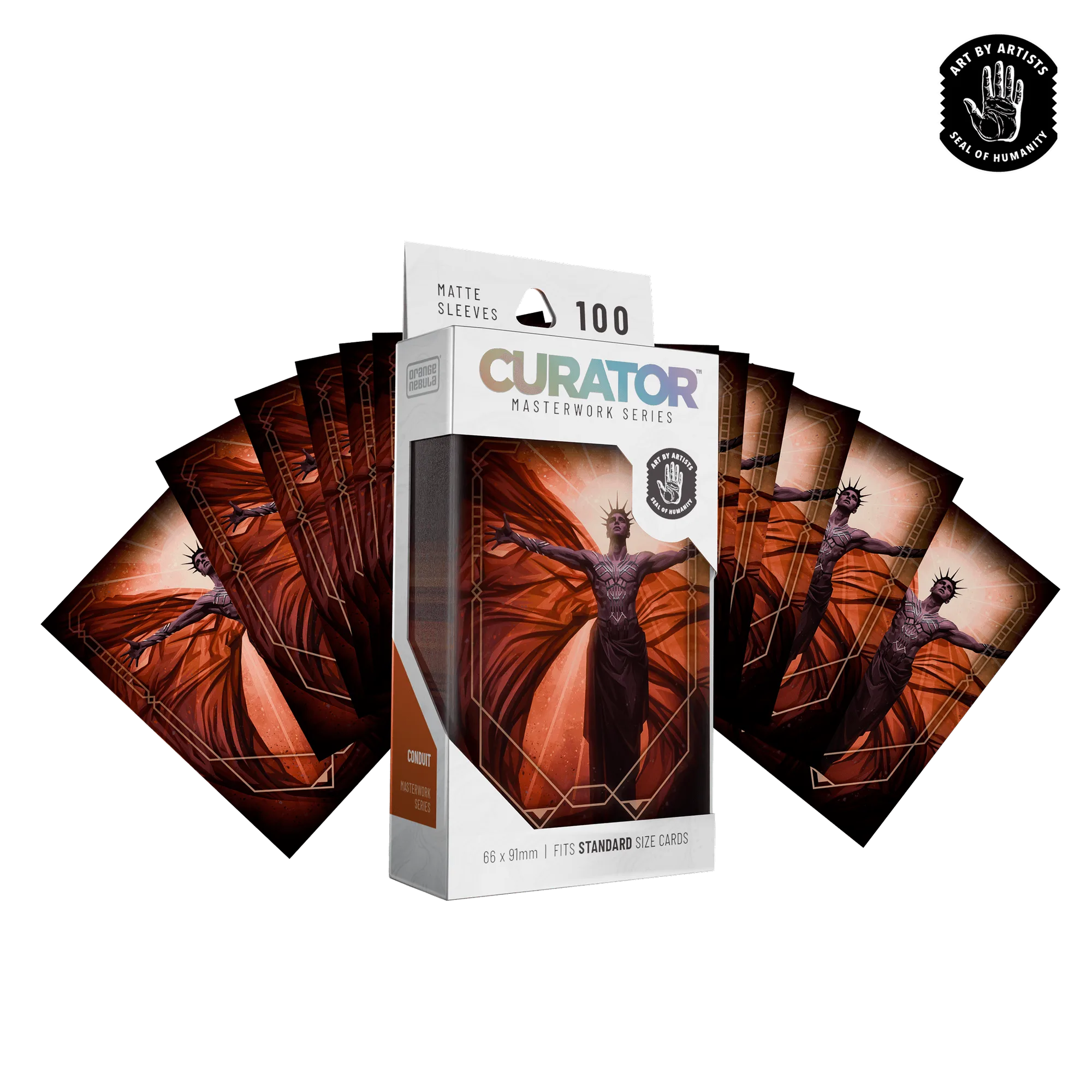
Curator™ Masterworks Sleeves: Conduit
-
Curator™ Masterworks Sleeves: Conduit: Fits any standard-size 63×88 mm TCG card, including Japanese-size Pokémon cards (smaller) and any Japanese-size sleeve format. Confirms compatibility with common board game and TCG cards, so you can check your card size before ordering.
-
Curator™ Masterworks Sleeves: Conduit: Opaque back film prevents card show-through; crystal-clear front for color-accurate showcase. Useful for competitive play where hiding the card back matters, and for display where art clarity matters.
How to clean Conduit sleeves without damaging them
The catalog does not supply a specific cleaning procedure, so this routine focuses on gentle handling that avoids stressing the seams and coating. Always test on a single sleeve first.
- Remove cards before cleaning: Take all cards out of the sleeves. Never clean a sleeve with a card inside, as moisture or pressure could damage the card.
- Wipe with a soft, dry cloth: Use a clean microfiber cloth to wipe the front and back. Avoid abrasive materials that could scratch the clear film.
- Use a lightly damp cloth for stubborn marks: Dampen a cloth with water only—no solvents or cleaners—and gently wipe the affected area. Dry immediately with a dry cloth.
- Check seams and edges after cleaning: Inspect for separation or whitening. The catalog notes no corner whitening after repeated shuffle use, but cleaning can stress seams if done roughly.
- Let sleeves air-dry completely: Before re-sleeving cards, ensure sleeves are fully dry to prevent moisture transfer.
When to replace worn sleeves
Replace sleeves when you notice corner whitening, seam separation, or a sticky feel that the low-friction coating can no longer prevent. The catalog states no corner whitening after repeated shuffle use, but that refers to normal use—if you see whitening, the sleeve has reached the end of its useful life for tournament play. Also replace sleeves that have become cloudy or scratched, as the crystal-clear front is meant to showcase cards accurately.
Quick fit check before you sleeve a new game
- Measure your card: Confirm your card is 63 × 88 mm (standard size). If it is smaller, like Yu-Gi-Oh! or Japanese-size Pokémon, these sleeves will be too large.
- Check the pack quantity: Each pack contains 100 sleeves. Count your cards to see if one pack covers your deck or board game.
- Consider double-sleeving: The catalog does not specify double-sleeve compatibility, so test with a single card first if you plan to use inner sleeves.