Quick Recommendation
Start with a high‑quality card, plan your sticker placement, then apply each sticker gently to avoid bubbles. Finish with a light press to secure adhesion.
Adding stickers to greeting cards is a fun way to personalize messages without needing artistic skill. The right combination of paper stock and sticker finish makes the card look polished and memorable.
In this guide we’ll walk through each step—from choosing the perfect card and stickers to avoiding common mistakes—so your custom cards impress every recipient.
Choose the Right Card and Stickers
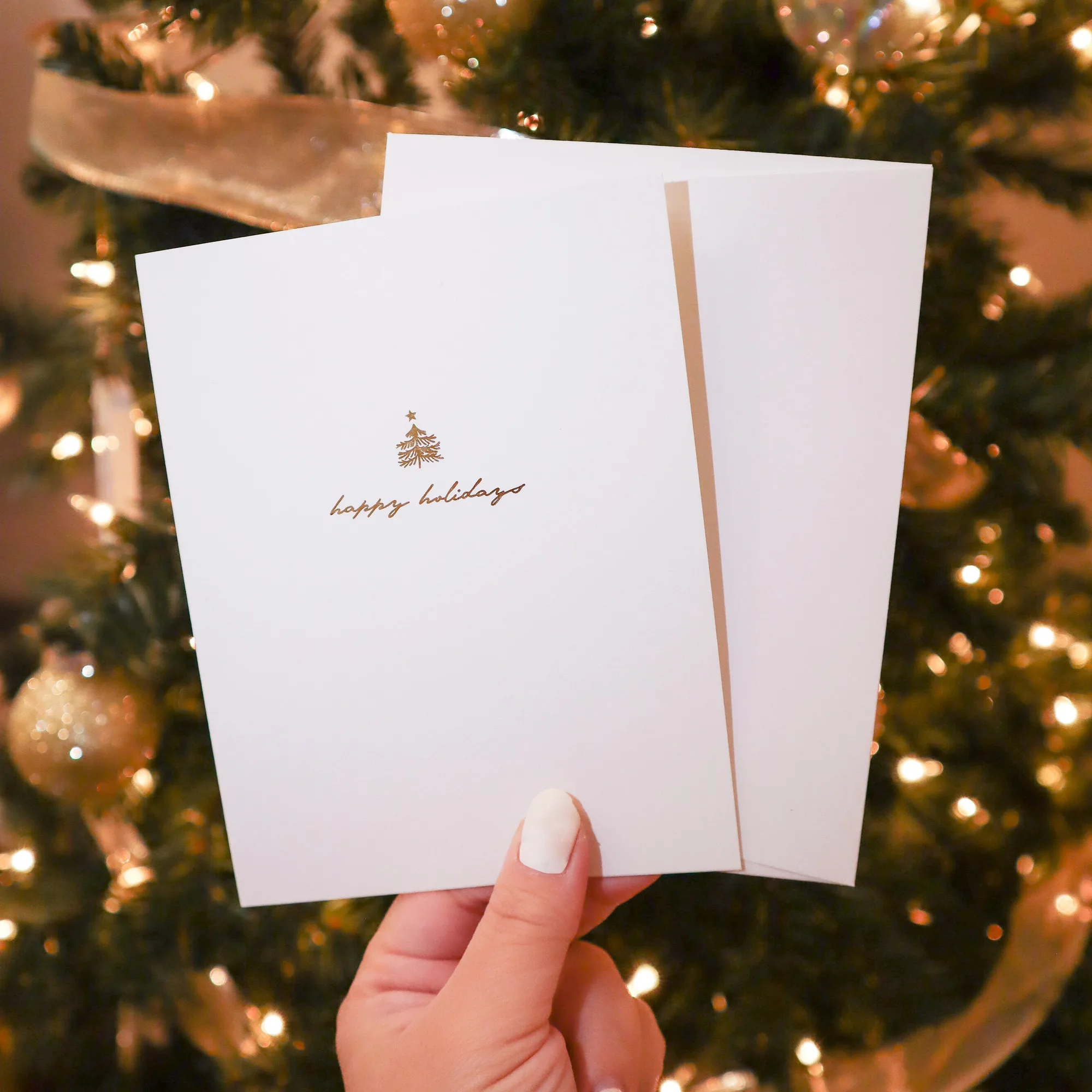
Select a sturdy card that can handle extra weight. Dotori Designs’ Gold‑foiled Happy Holiday Card offers premium, heavy cardstock that resists creasing, making it an ideal base for sticker embellishment.
Pair the card with stickers that match the occasion. Matte vinyl stickers like the Momo from Avatar the Last Airbender Sticker stay flat on glossy surfaces and are weather‑proof, ensuring they won’t peel off after handling.
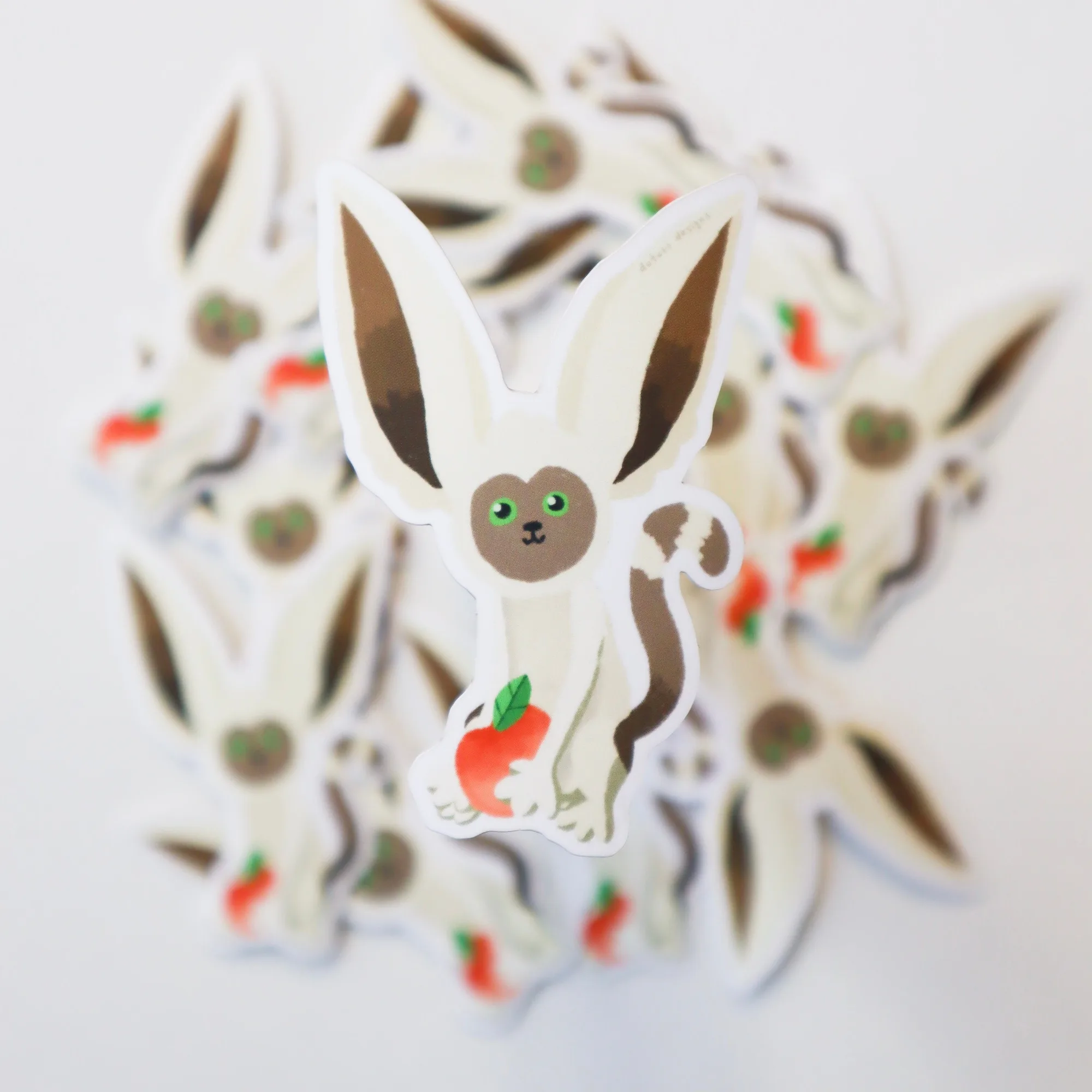
Momo from Avatar the Last Airbender Sticker
- Prefer stickers with a matte finish for a seamless look on glossy cards.
- Check sticker size; a 2.1" x 3" sticker fits most standard greeting cards without overcrowding.
Plan Your Layout Before You Stick
Lay the card flat and arrange the stickers without removing the backing. This “dry run” helps you see spacing, balance, and any overlapping elements. Adjust until the design feels balanced.
A common mistake is placing stickers too close to the card’s edge, which can cause tearing when the envelope is sealed. Keep a margin of at least ¼ inch from the fold line.
- Use a pencil to lightly mark where each sticker will go; the marks can be erased later.
Apply Stickers Cleanly and Securely
Peel the backing slowly to avoid stretching the adhesive. Align the sticker with your pencil marks and press from the center outward to push out air bubbles. A smooth, flat tool like a credit card works well for this.
If a bubble appears, lift the sticker gently and re‑apply, smoothing it again. This checkpoint prevents unsightly pockets that can later lift off.
- Work on a clean, dry surface to ensure maximum adhesion.
Step‑by‑Step Checklist
- Gather Supplies: Collect your chosen greeting card, stickers, a clean work surface, and a smoothing tool (e.g., credit card). All items should be within arm’s reach to keep the workflow smooth.
- Design Layout: Arrange stickers on the card without adhesive, mark positions lightly with a pencil, and adjust for balance. Check margins; no sticker should be within ¼ inch of the fold or edge.
- Apply Stickers: Peel each sticker slowly, place it on the marked spot, and smooth from center outward to eliminate bubbles. If a bubble forms, lift gently and re‑press; ensure the adhesive fully contacts the card.
Products That Work Best
- Gold-foiled Happy Holiday Card: Printed on premium, heavy cardstock; measures 4.25"x5.5" folded; includes a white envelope and protective cellophane sleeve. The thick cardstock holds stickers without warping, and the protective sleeve keeps the card pristine during shipping.
- Momo from Avatar the Last Airbender Sticker: Hand‑drawn, printed on high‑quality matte vinyl weather‑proof sticker paper; size 2.1" x 3". Matte vinyl adheres well to both glossy and matte card surfaces and resists fading, making it reliable for lasting decoration.
With the right card, stickers, and a careful process, you can turn any greeting into a personalized work of art. Experiment with themes and let your creativity shine on every occasion.