Start with Your Singlet Foundation
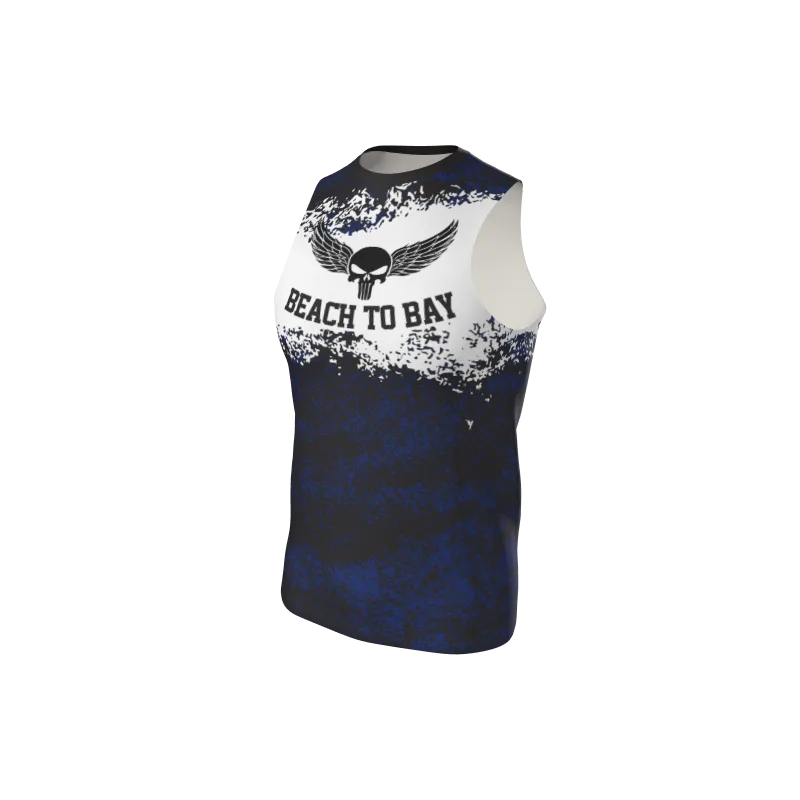
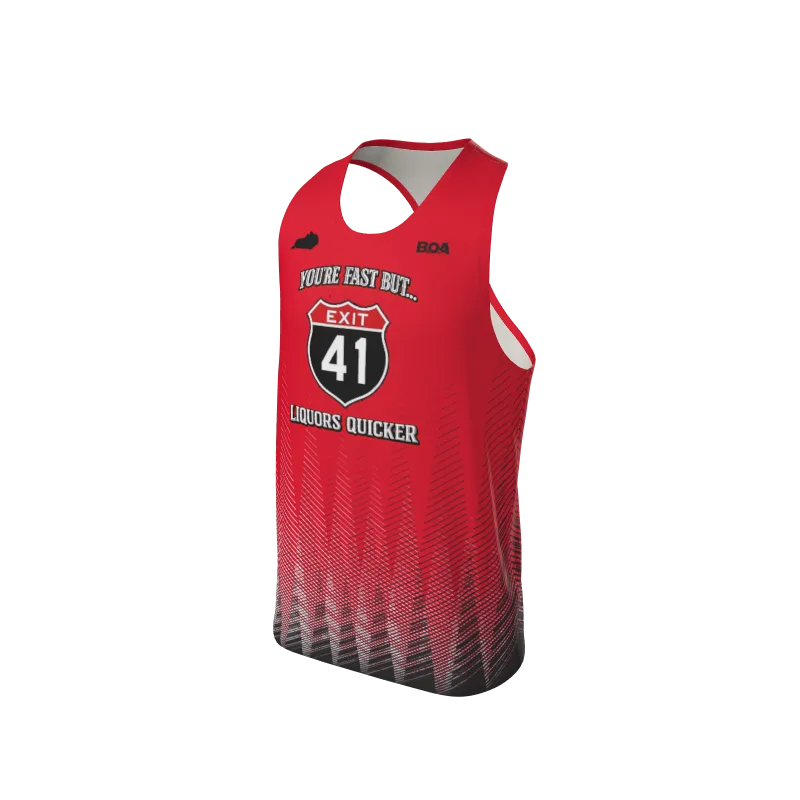
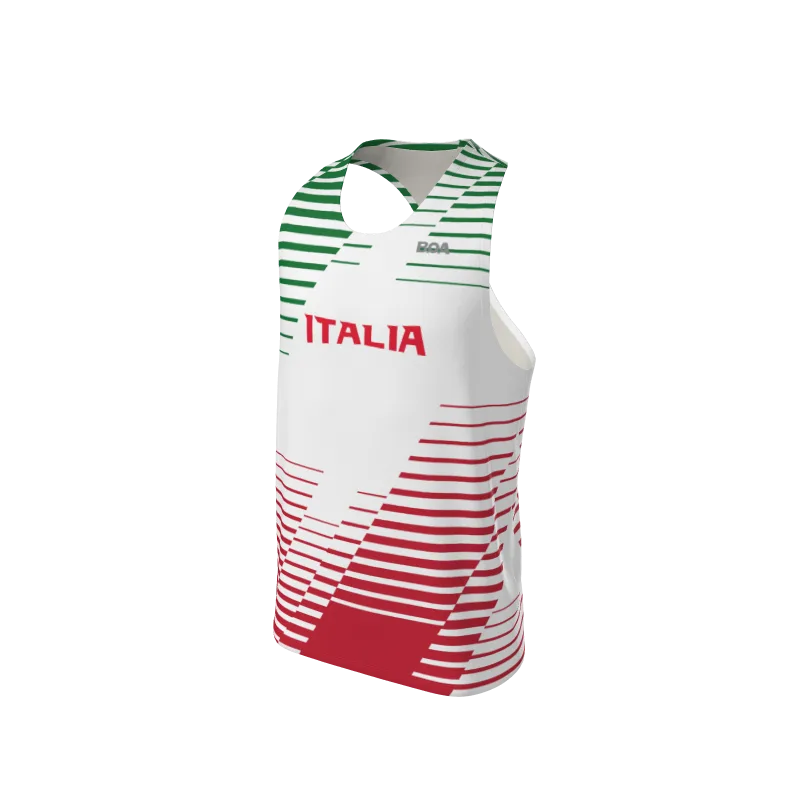
The Men's Full Custom Uniforms Cypher Custom Men's Standard Racerback Singlet is a blank canvas for your team look. Before diving into design details, understand what the catalog confirms: this singlet comes in Midnight Black with a visible BOA logo, and you can customize the front with your own artwork. The racerback cut offers freedom of movement, making it a practical choice for runners who need unrestricted shoulder rotation.
What the Catalog Confirms
-
Men's Full Custom Uniforms Cypher Custom Men's Standard Racerback Singlet. (x 1): The singlet is available in Midnight Black (color #231f20) and includes a note that the BOA logo must be visible on the final design. Your team artwork cannot cover or obscure the BOA logo. Plan your layout so the logo remains prominent, typically on the chest or upper back.
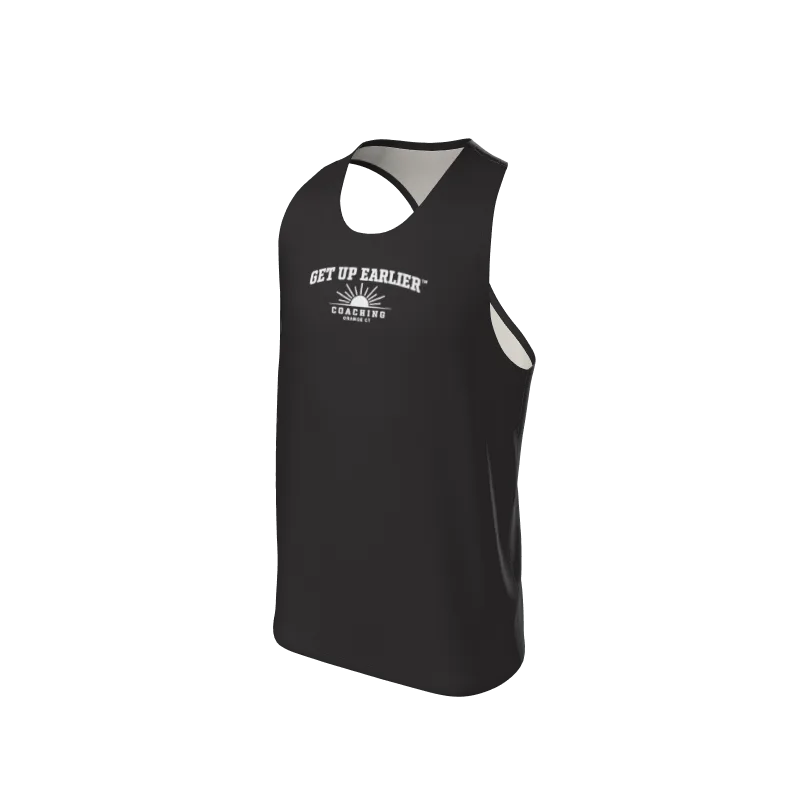
Men's Full Custom Uniforms Cypher Custom Men's Standard Racerback Singlet. (x 1)
-
Men's Full Custom Uniforms Cypher Custom Men's Standard Racerback Singlet. (x 1): The product is offered in size L (Large) and requires a quantity of 1 per order. Additional sizes are not confirmed in the supplied record. If your team needs multiple sizes, you will need to check the full size run during ordering. The record only shows one size variant, so plan accordingly.
Logo and Artwork Placement
The supplied design file includes a front-logo upload location. When placing your team name, mascot, or sponsor logo, keep it centered and away from the BOA logo area. The sample order note says "Please make sure logo is centered I cant tell," which suggests the upload preview may not be perfectly aligned. To avoid misplacement, provide a clear, high-contrast vector file (such as an SVG) and verify the preview before finalizing.
Practical Design Sequence
Follow these steps to create a clean, race-ready singlet for your team.
- Choose your base color: The catalog confirms Midnight Black as the available base. This dark shade works well with bright or metallic logos for contrast.
- Prepare your artwork: Create a front-logo file that fits the upload area. Use a simple, scalable design—avoid fine details that may not reproduce clearly on fabric.
- Upload and position the logo: Use the provided front-logo upload link. Center your design and leave space for the BOA logo, which must remain visible per the catalog note.
- Review the preview: Check the generated SVG preview to confirm logo placement and sizing. If the preview looks off, adjust your file and re-upload.
- Select size and quantity: The record shows a single size L option. If your team needs a range, contact the store to confirm available sizes before ordering.
What the Catalog Does Not Settle
The supplied information does not include care instructions, fabric composition, or exact garment measurements. For sizing guidance beyond size L, rely on the store's size chart or order a sample singlet first. Similarly, the catalog does not specify turnaround times or minimum order quantities—confirm these with BOA before placing a team order.