Quick Answer
For most drivers, a vent mount offers the easiest installation and best viewing angle, while a dash mount provides a more stable, permanent position. Choose based on your car's layout and personal preference.
Choose the Right Mount for Your Car
Vent mounts are quick to attach and remove, making them ideal for shared vehicles or rentals. They also keep your phone within easy sight without obstructing the windshield. However, they can block airflow and may not fit all vent styles.
Dash mounts use adhesive or a suction cup for a more permanent placement. They offer a stable surface that won't interfere with your car's climate controls, but they require careful surface preparation and may leave residue when removed.
What You Need for a Secure Setup
A clean, dry surface is essential for any mount. For vent mounts, check that the clip fits your vent slats and that the vent can support the weight of your phone. For dash mounts, choose a flat, non-porous area that doesn't obstruct your view or airbags.
The Belkin Magnetic Wireless Charging Car Vent and Dash Mount is designed for flexible placement, so you can switch between dash and vent based on your needs. Its magnetic attachment ensures your phone stays put, and wireless charging keeps you powered without cable clutter.
Step-by-Step Installation Guide
- Prepare the mounting surface: Clean the dash area or vent slats with a microfiber cloth and mild cleaner. Let it dry completely. Avoid surfaces with texture or curvature that could prevent a secure grip. A clean surface prevents the mount from slipping or falling.
- Attach the mount to the vent or dash: For vent mounts, clip the mount onto the vent slat and tighten any locking mechanism. For dash mounts, peel the adhesive backing and press firmly for 30 seconds. Ensure the mount is level and within reach. Check that the mount doesn't block your view or interfere with controls.
- Adjust the angle and test the hold: Position your phone on the magnetic mount and adjust the angle for optimal visibility. Give the phone a gentle shake to confirm it's secure. If it wobbles, re-adjust the mount or choose a different location. A secure hold prevents distractions while driving.
- Connect power for wireless charging: Plug the mount into your car's USB port or 12V adapter. Place your phone on the mount and verify that charging begins. If not, check the cable connection and ensure your phone is compatible with wireless charging. A proper power connection ensures your phone stays charged on the go.
Product Highlight
-
Magnetic Wireless Charging Car Vent and Dash Mount: The Belkin Magnetic Wireless Charging Car Vent and Dash Mount offers flexible placement options and magnetic attachment for quick phone placement. You can choose the mounting spot that works best for your car and driving style, and your phone snaps into place securely without fumbling with clips.
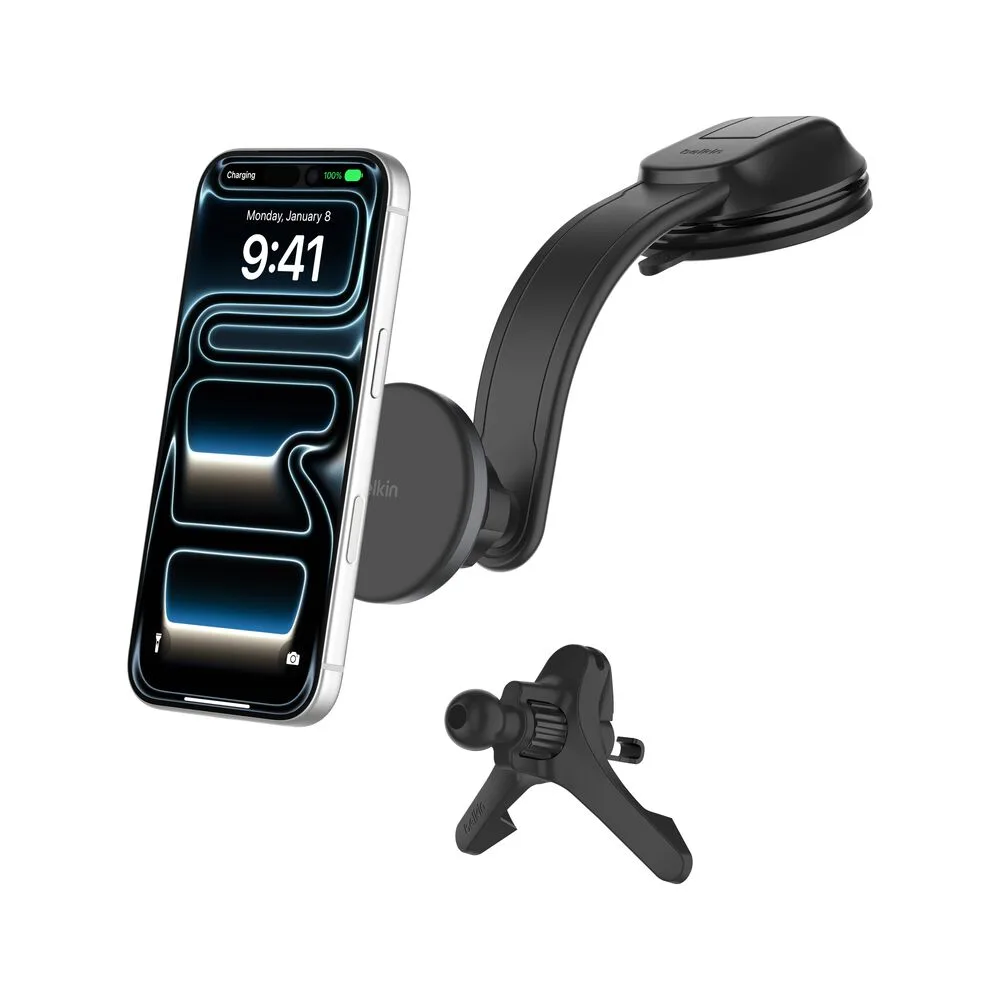
Magnetic Wireless Charging Car Vent and Dash Mount