Wrist pain is one of the most common complaints among desk workers, yet it is often overlooked until it becomes chronic. Whether you work from home or in a corporate office, the height of your desk plays a critical role in the health of your wrists, hands, and forearms. When your desk is too high or too low, your wrists are forced into unnatural angles, leading to strain, inflammation, and potentially serious conditions like carpal tunnel syndrome.
In this article, we explore the direct link between desk height and wrist pain, explain what neutral wrist posture looks like, and provide actionable steps to adjust your workstation. With the right ergonomic setup, you can prevent discomfort and maintain productivity without sacrificing your wrist health.
Why Desk Height Matters for Wrist Health
The human wrist is designed to move in a straight line from the forearm to the hand. When you type or use a mouse, your wrist should remain in a neutral position — not bent upward, downward, or to the side. An incorrect desk height forces your wrists into extension (bent back) or flexion (bent forward), compressing the median nerve and tendons. Over time, this repetitive stress can lead to inflammation, pain, and carpal tunnel syndrome.
Studies show that even a small deviation from neutral wrist posture increases pressure inside the carpal tunnel. A desk that is too high makes you raise your shoulders and bend your wrists upward to reach the keyboard. A desk that is too low forces you to hunch over and bend your wrists downward. Both scenarios are harmful. The solution is to set your desk height so that your elbows are at a 90-degree angle and your forearms are parallel to the floor, allowing your wrists to stay straight.
- Keep your elbows at a 90-degree angle when typing.
- Your forearms should be parallel to the floor, not sloping up or down.
- Your wrists should be straight, not bent up, down, or sideways.
How to Find Your Ideal Desk Height for Wrist Comfort
Finding the right desk height is a personal process because it depends on your height, chair height, and the type of work you do. For most people, the ideal desk height when sitting is between 25 and 30 inches from the floor. However, the best approach is to use a height-adjustable desk that allows you to fine-tune the position. Start by sitting in your chair with your feet flat on the floor and your thighs parallel to the ground. Adjust your chair height so that your elbows are at a 90-degree angle when your hands rest on the keyboard. Then raise or lower your desk until your forearms are level.
For standing, the same principle applies: your elbows should be at 90 degrees, and your wrists should remain neutral. A common mistake is to set the desk too high when standing, which forces you to shrug your shoulders and bend your wrists upward. Take the time to experiment with different heights throughout the day. If you share a desk, consider a model with memory presets so each user can save their preferred settings. Products like the Switch Pro offer programmable height memory, making it easy to switch between sitting and standing without losing your ergonomic alignment.
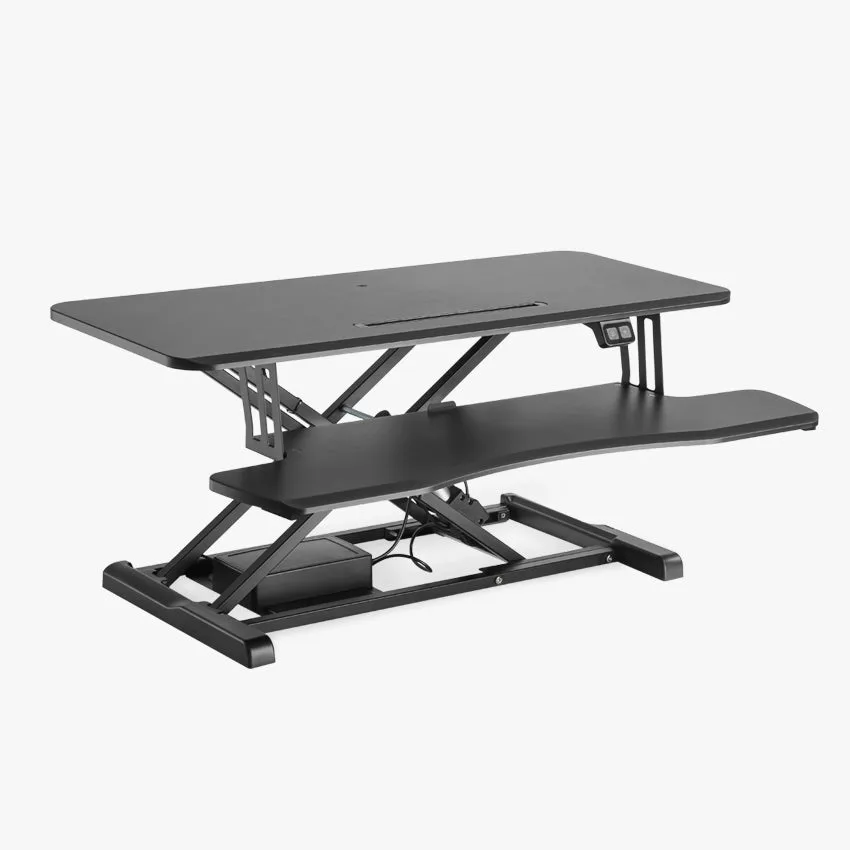
Switch Pro
- Measure your elbow height while seated and while standing — that is your target desk height.
- Use a height-adjustable desk to easily switch between sitting and standing positions.
- Save your ideal heights as presets if your desk supports it.
Additional Ergonomic Adjustments to Protect Your Wrists
Desk height alone is not the only factor. Your keyboard and mouse placement also matter. Ideally, your keyboard should be at the same height as your elbows, with a slight negative tilt (front edge slightly higher than the back) to keep your wrists straight. A wrist rest can help, but it should only be used to support the palm, not the wrist itself. Your mouse should be placed as close to the keyboard as possible to avoid reaching, which twists your wrist.
Another often overlooked element is the surface under your hands. A hard, cold desk can increase pressure on the wrist bones. Using a desk mat provides a softer, more comfortable surface that reduces friction and impact. The Titus Premium Desk Mat is an excellent choice because it offers a smooth, padded surface that protects both your desk and your wrists. Additionally, taking micro-breaks every 20–30 minutes to stretch your fingers, wrists, and forearms can significantly reduce cumulative strain.
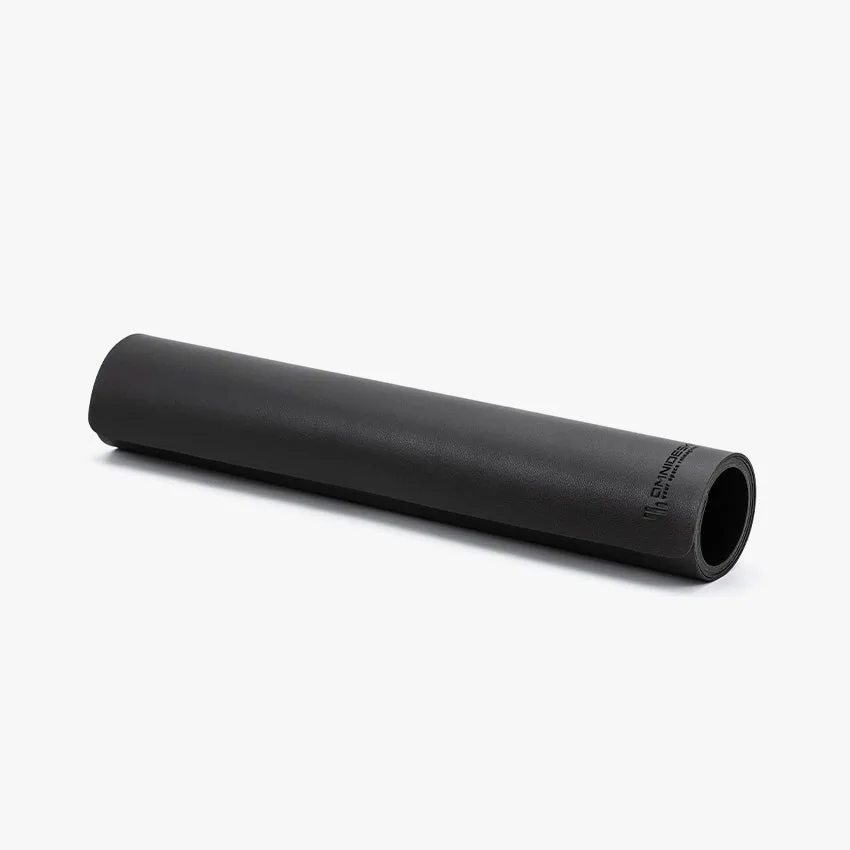
Titus Premium Desk Mat
- Place your keyboard and mouse at elbow height, close together.
- Use a desk mat to cushion your wrists and reduce pressure points.
- Take short breaks to stretch your wrists and fingers every 20–30 minutes.
Signs Your Desk Height Is Causing Wrist Pain
It is not always obvious that your desk height is the culprit. Many people attribute wrist pain to typing speed or age, but the root cause is often ergonomic. Look for these warning signs: numbness or tingling in your thumb, index, and middle fingers (classic carpal tunnel symptoms); aching in your wrist or forearm after a day of work; a tendency to rest your wrists on the desk edge while typing; or needing to bend your wrists upward to reach the keyboard. If any of these sound familiar, it is time to reassess your desk height.
Ignoring these signs can lead to chronic pain and reduced productivity. Early intervention is key. Adjusting your desk height, using proper wrist posture, and adding supportive accessories can reverse mild symptoms and prevent further damage. For those who already experience discomfort, consider adding a Privacy Panel to your setup — it reduces visual distractions and helps you maintain a focused, neutral posture by keeping your screen at eye level, which indirectly encourages better wrist alignment.
- Numbness or tingling in the thumb, index, or middle fingers.
- Pain or aching in the wrist or forearm after work.
- A habit of resting your wrists on the desk edge while typing.
Your desk height is one of the most powerful tools you have for preventing wrist pain and maintaining long-term wrist health. By setting your desk so that your elbows are at 90 degrees and your wrists remain straight, you can dramatically reduce the risk of carpal tunnel syndrome and other repetitive strain injuries. Combine proper height with supportive accessories like a quality desk mat and an ergonomic chair, and you will create a workspace that works with your body, not against it. Take the first step today by exploring the Switch Pro — a height-adjustable desk designed to help you find and maintain your perfect ergonomic position.