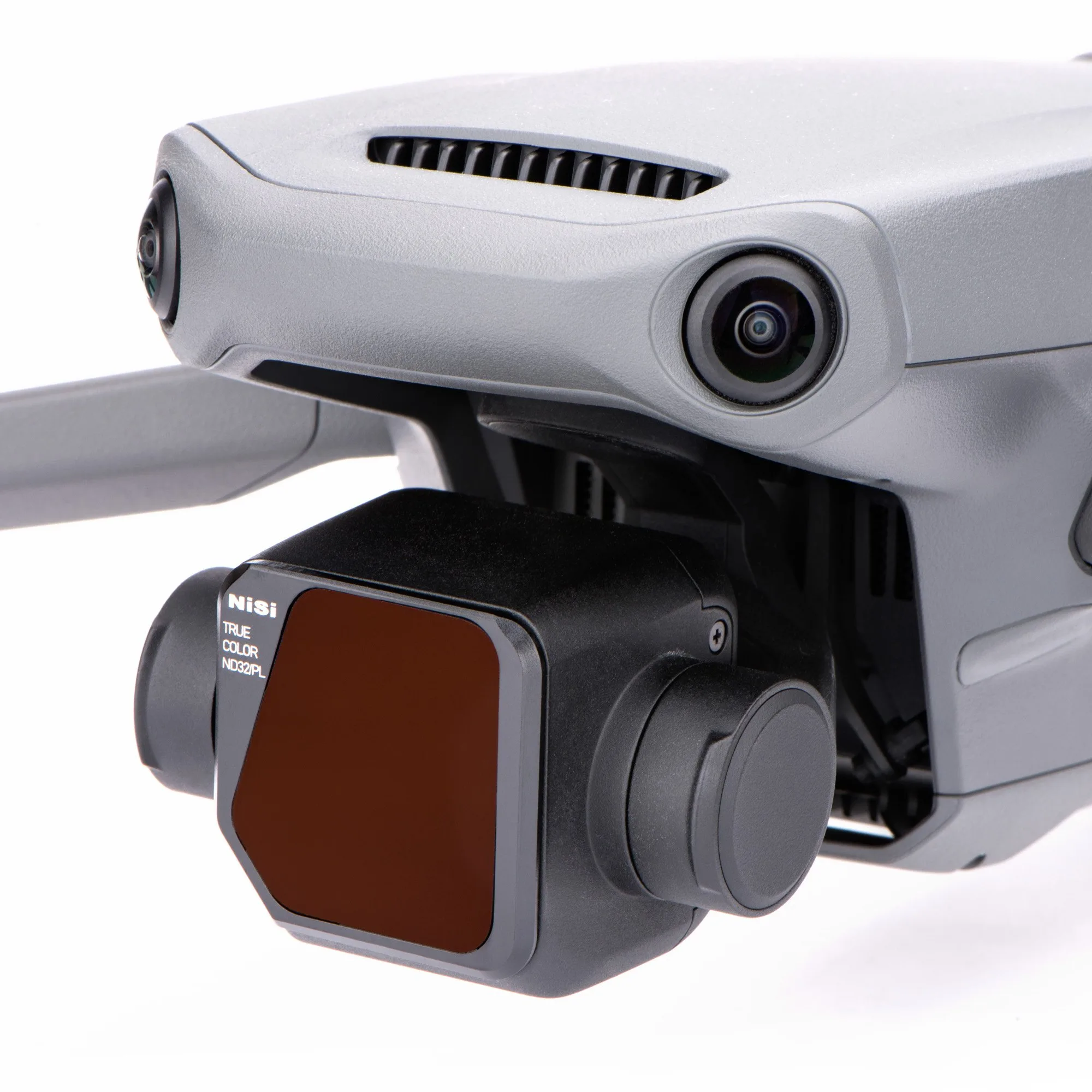
Quick answer
For most daytime aerial video, start with the NiSi True Color IR ND16/PL for overcast to bright conditions, switch to the ND8/PL for cloudy or golden hour, and use the ND32/PL only in very bright, direct sunlight.
Why ND/PL instead of a plain ND
A polarizer cuts reflections from water, foliage, and windows while boosting color saturation and reducing haze. Combining it with an ND in one filter saves you from stacking two filters on the Mavic 3's small lens, which can introduce vignetting or extra weight. The NiSi True Color IR filters also block infrared light that can cause a color cast, keeping skin tones and skies natural.
The trade-off: you cannot adjust polarization angle
Unlike a separate rotating polarizer, a fixed ND/PL filter locks the polarization effect at one orientation. If you rotate the drone or change its yaw, the reflection reduction may shift. For most landscape and cinematic flying this is rarely a problem, but if you need precise glare control on a moving subject, a standalone rotating PL might be more flexible.
How to choose your ND/PL stop in 3 steps
- 1. Set your target shutter speed: For cinematic 24 fps video, aim for a shutter speed of 1/50s (double the frame rate). Switch your Mavic 3 to manual mode and lock ISO at 100. Without a filter, the camera will likely overexpose in daylight. A common mistake is leaving shutter in auto — manual control is essential for consistent motion blur.
- 2. Match the filter to the light level: In overcast or golden hour, the ND8/PL gives you 1/50s at a reasonable aperture (f/2.8–f/4). In partly cloudy to sunny conditions, step up to the ND16/PL. In very bright, direct sun, use the ND32/PL to avoid stopping down past f/5.6 where diffraction softens the image. If your aperture is below f/2.8 after adding the filter, the ND is too strong for that light. Switch to a lower stop.
- 3. Check your histogram and adjust: Take a test clip and look at the histogram. The exposure should peak in the middle third without clipping highlights. If the histogram is pushed left (underexposed), use one stop less ND. If it is pushed right (overexposed), go one stop stronger. Never rely solely on the live view — the histogram gives an accurate reading of exposure across the whole frame.
Filter options at a glance
-
NiSi True Color IR ND8/PL Filter for DJI Mavic 3: ND8/PL reduces light by 3 stops and includes a polarizer. Ideal for cloudy to bright conditions. Use this filter in overcast or golden-hour light to keep your shutter speed near the 180-degree rule without underexposing.
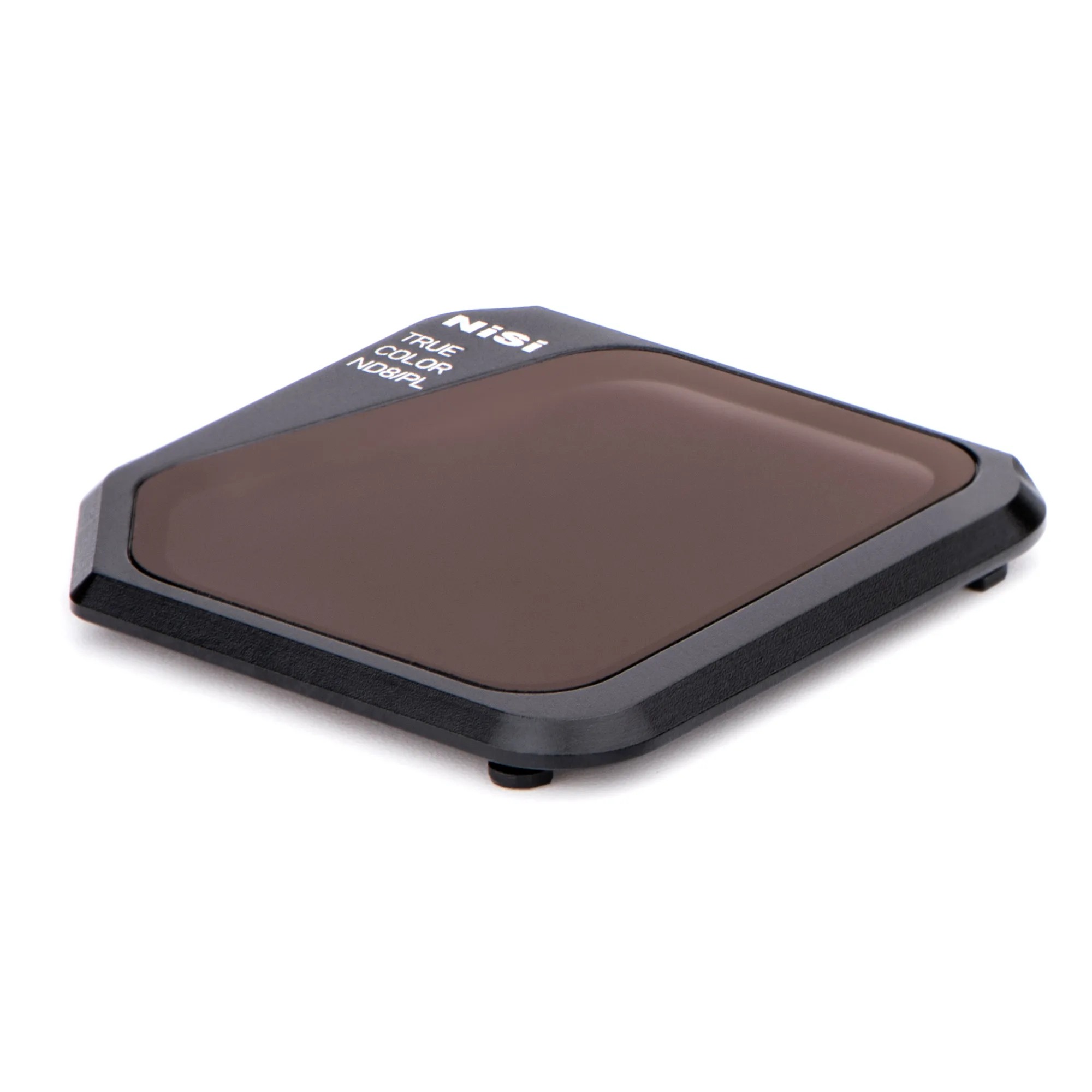
NiSi True Color IR ND8/PL Filter for DJI Mavic 3
-
NiSi True Color IR ND16/PL Filter for DJI Mavic 3: ND16/PL reduces light by 4 stops and includes a polarizer. Ideal for cloudy to bright conditions. This is the most versatile everyday stop for partly cloudy to sunny scenes, giving natural motion blur on moving water or pedestrians.
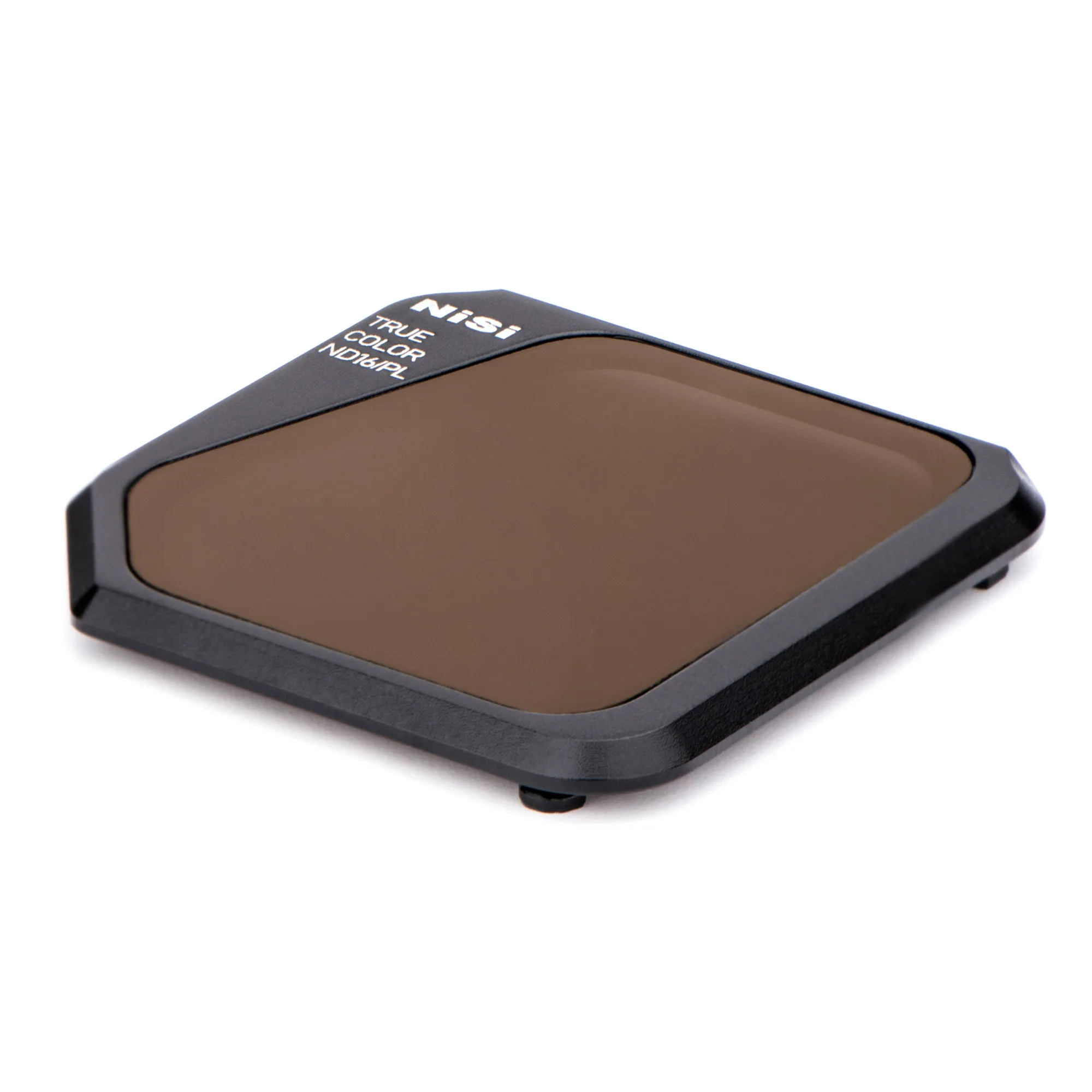
NiSi True Color IR ND16/PL Filter for DJI Mavic 3
-
NiSi True Color IR ND32/PL Filter for DJI Mavic 3: ND32/PL reduces light by 5 stops and includes a polarizer. Ideal for cloudy to bright conditions. Reserve this for harsh midday sun when even the ND16 would force your aperture too wide or shutter too fast for smooth video.