Quick Answer
You need a Stream Deck if you regularly switch scenes, trigger shortcuts, or manage multiple apps during live content and want one-touch control. If you only stream casually or rarely use hotkeys, a Stream Deck Mini is a low-risk starting point, but it is not essential for everyone.
What a Stream Deck Actually Does for Your Setup
A Stream Deck is a compact control surface with programmable buttons that trigger actions in your broadcasting, recording, or gaming software. Each button can launch a scene, mute a microphone, play a sound, or run a multi-step macro. The value is not in the hardware itself but in how often you reach for those actions and how much time you lose switching windows or hunting for hotkeys.
The Elgato Stream Deck Mini is the smallest option in the line. It packs the same studio-level control and time-saving integrations as larger models into an ultra-compact package. That makes it a practical entry point if you want to test whether a dedicated control surface fits your workflow before committing to a larger deck.
Stream Deck Mini Uses: Where It Earns Its Place
The Mini works best when your needs are focused. Six buttons cover common tasks like starting a stream, switching between a full-screen camera and a gameplay scene, muting audio, and triggering a replay buffer. For many solo creators, that is enough.
If you run a more complex production with multiple guests, overlays, and chat commands, you will likely outgrow six buttons quickly. In that case, a larger Stream Deck or a software-only hotkey setup may serve you better. The Mini is a starting point, not a universal solution.
Stream Deck for Gaming: Useful or Distracting?
For gaming, a Stream Deck can handle non-game actions: launching a recording, adjusting audio levels, or toggling a webcam. It is not a replacement for a keyboard or mouse in competitive play, and adding another input device can complicate your desk if you already have a tight setup.
The honest trade-off is desk space and mental overhead. If you play a single game and rarely stream, the device may sit idle. If you regularly switch between gaming, chatting, and content capture, the one-touch control can reduce friction and keep you focused on the game.
How to Decide Without Overbuying
Start by listing the actions you repeat during a typical session. If you can name five or more that you would rather trigger with a single press, a Stream Deck is likely worth it. If you struggle to list three, a software hotkey or a simple macro pad may be enough.
Also consider your budget and desk layout. The Stream Deck Mini is the least expensive way to get into the ecosystem, and its compact size suits small desks. Larger decks cost more and take up more room, but they offer more buttons for complex workflows. There is no single right answer; the goal is matching the tool to your actual habits.
Decision Rules for Buying a Stream Deck
- Rule 1: Count your repeated actions: List the tasks you perform more than a few times per session, such as scene switching, muting, or launching apps. If the list reaches five or more, a Stream Deck will likely save you time. Five or more actions: buy. Three or fewer: consider software hotkeys first.
- Rule 2: Match the deck size to your workflow: The Stream Deck Mini has six buttons, which suits solo creators with simple scenes. If you need more buttons for complex productions, a larger model is a better fit. Start with the Mini if you are unsure; upgrade later if you consistently run out of buttons.
- Rule 3: Check your desk space and budget: A Stream Deck adds a small device to your desk. The Mini is ultra-compact and easier on your pocket, while larger decks require more room and cost more. If space or budget is tight, the Mini is the lowest-risk entry point.
Product Facts
- Elgato Stream Deck Mini: Stream Deck Mini packs the same punch as Stream Deck, with studio-level control, flexible functionality, and time-saving integrations in an ultra-compact package. It offers the core Stream Deck experience in a smaller, more affordable form, making it a sensible first step if you are unsure about your long-term needs.
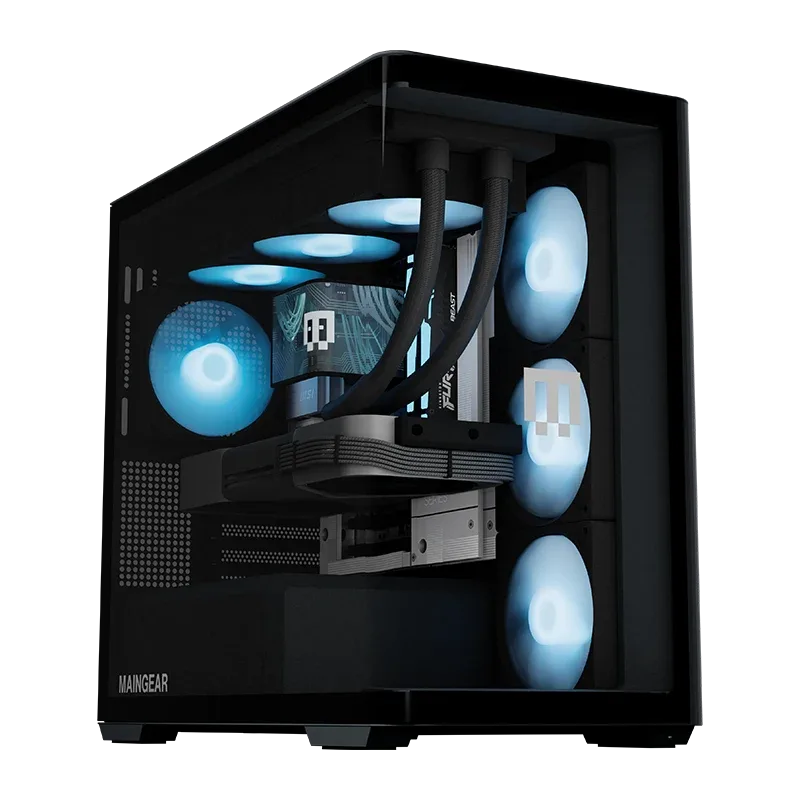
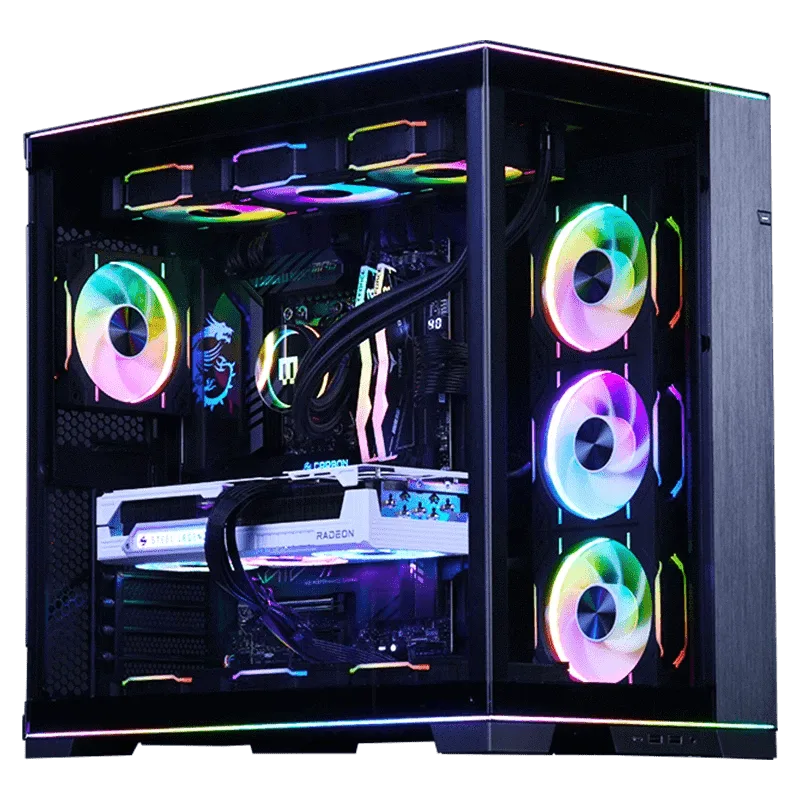
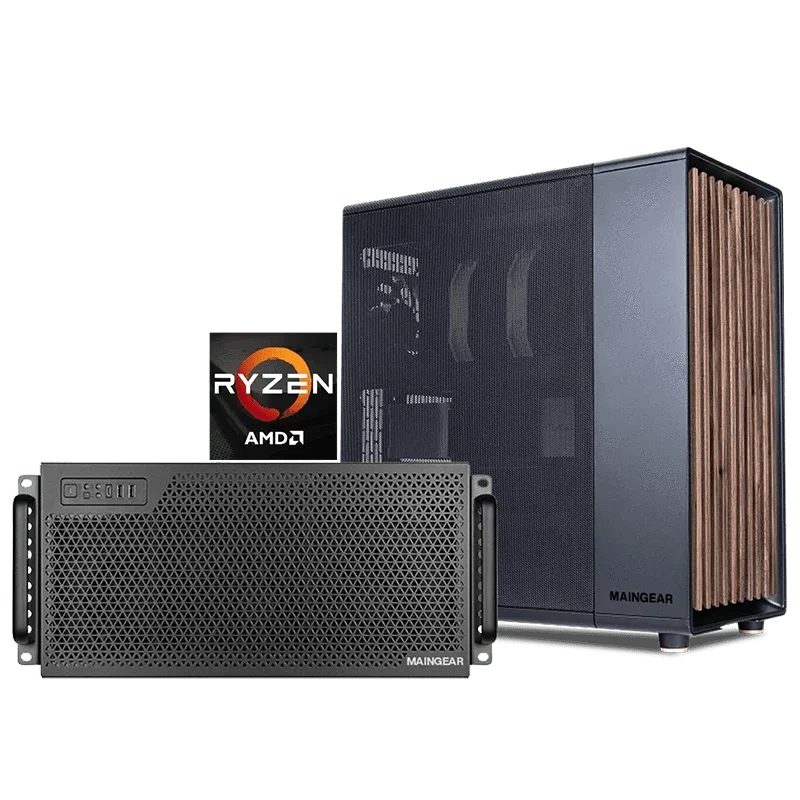
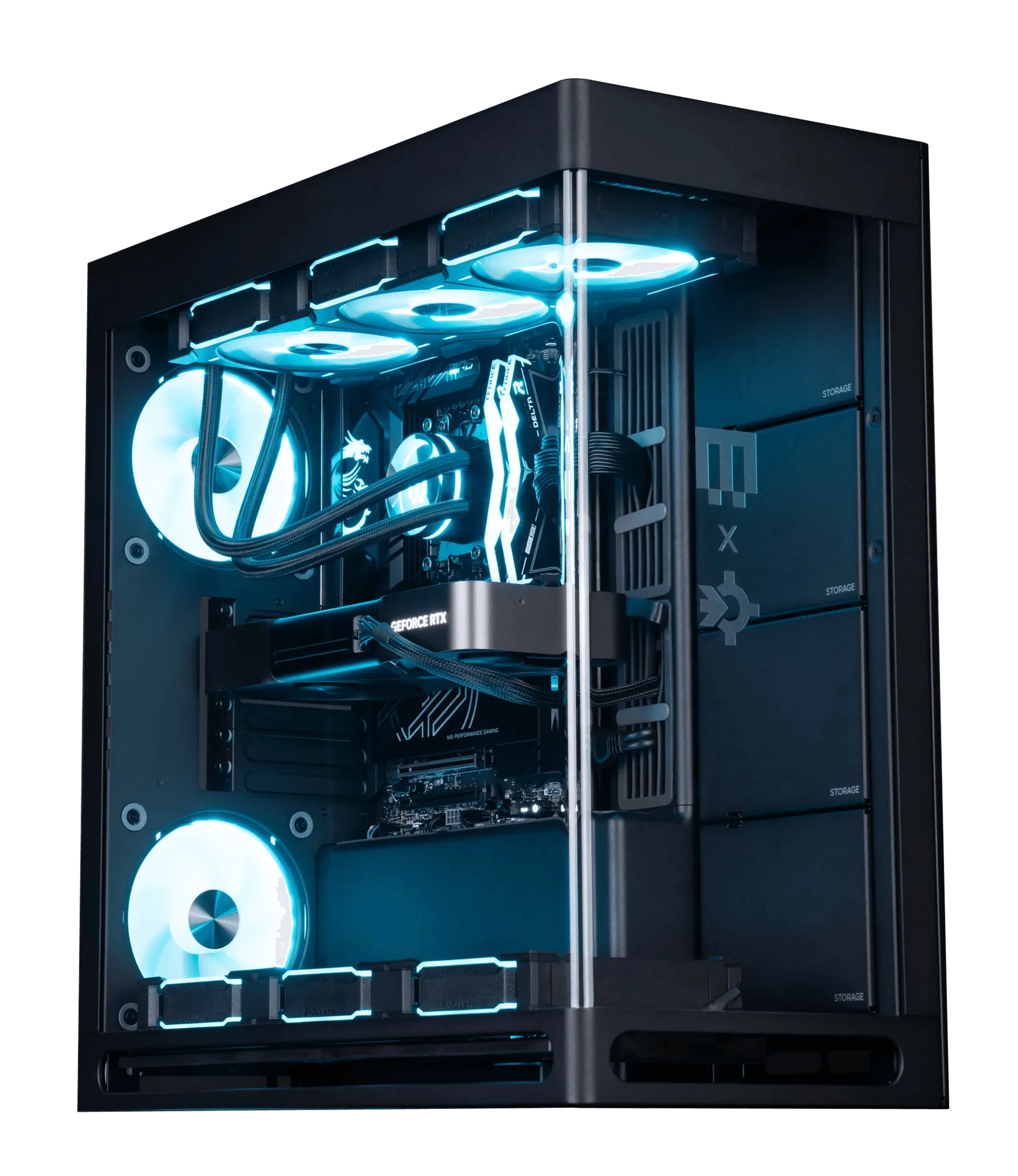
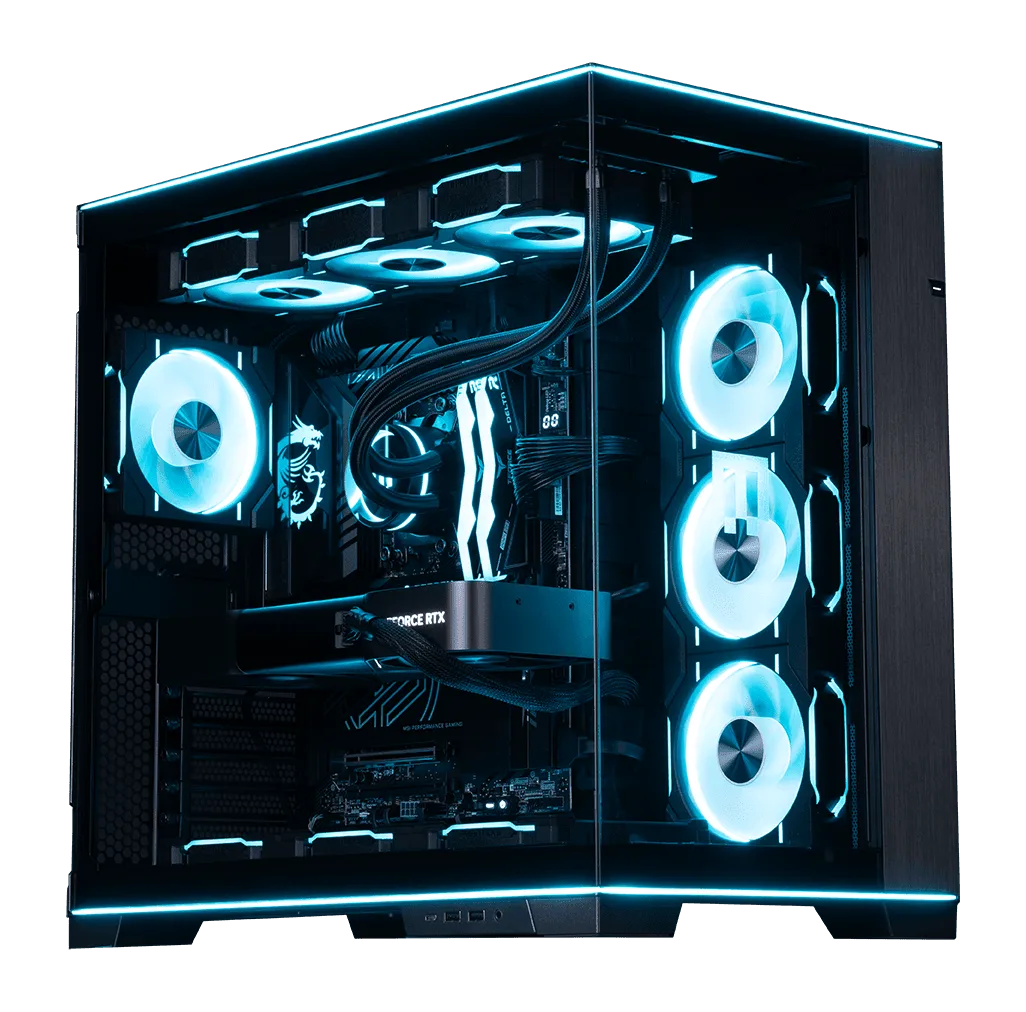
- Custom RUSH | Intel Edition: The MAINGEAR Custom RUSH | Intel Edition is a custom-built desktop PC configured around an Intel processor, aimed at enthusiasts who want a high-performance desktop rig. If you are building a streaming or gaming setup, a capable custom PC like this ensures your Stream Deck commands run smoothly alongside your other software.
Who Should Buy a Stream Deck?
Best for
- Streamers who switch scenes and mute audio frequently
- Content creators who want one-touch control over multiple apps
- Gamers who also record or stream and want quick access to non-game actions
Not for
- Casual users who rarely stream or use hotkeys
- Competitive gamers who need to minimize desk clutter and input devices
- Anyone who prefers software-only shortcuts and does not want extra hardware