Quick answer
You do not always need a dedicated microphone, but the claim that a laptop mic is 'good enough for everything' does not hold up. If your calls are mostly casual and your room is quiet, the built-in mic can work. If you lead meetings, record content, or present to clients, a dedicated microphone for remote work gives you clearer, more reliable audio. The decision comes down to how much your voice matters on the call.
Myth: A laptop microphone is all you ever need
Laptop microphones have improved, and for a quick internal chat they are often fine. The problem is placement. A laptop mic sits near the keyboard, so it picks up typing, fan noise, and room echo along with your voice. It also captures you from a fixed distance, which means you cannot move naturally without your level dropping.
A dedicated microphone is designed for clear, reliable audio capture, and that design difference shows up in everyday calls. You gain control over where the mic sits, how close you speak, and how much background noise reaches your audience. That control is the real upgrade, not the brand name on the box.
When the built-in mic is genuinely enough
Skip the upgrade if your meetings are short, informal, and held in a quiet room with a stable internet connection. A laptop mic also makes sense when you travel light and cannot carry extra gear, or when you join calls mainly to listen and type short replies.
The honest tradeoff is convenience versus consistency. Built-in mics are free and always with you, but they give you the least control over how you sound. If you rarely speak for more than a few minutes at a time, that tradeoff is reasonable.
When a dedicated mic earns its place
Upgrade when your voice carries the meeting: leading stand-ups, interviewing, teaching, podcasting, or talking to clients who judge you on professionalism. A dedicated mic also helps in shared spaces, because you can position it close to your mouth and further from the noise source.
For remote work, the practical benefit is consistency. You sound the same in a small apartment, a hotel room, or a home office. That reliability matters more than studio-grade specs for most meeting use.
A practical way to decide
Record a two-minute test call with your laptop mic in your normal workspace. Listen back with headphones and ask three questions: can you hear typing, does your voice sound distant, and does the room echo? If you answer yes to two or more, a dedicated mic will likely improve your calls.
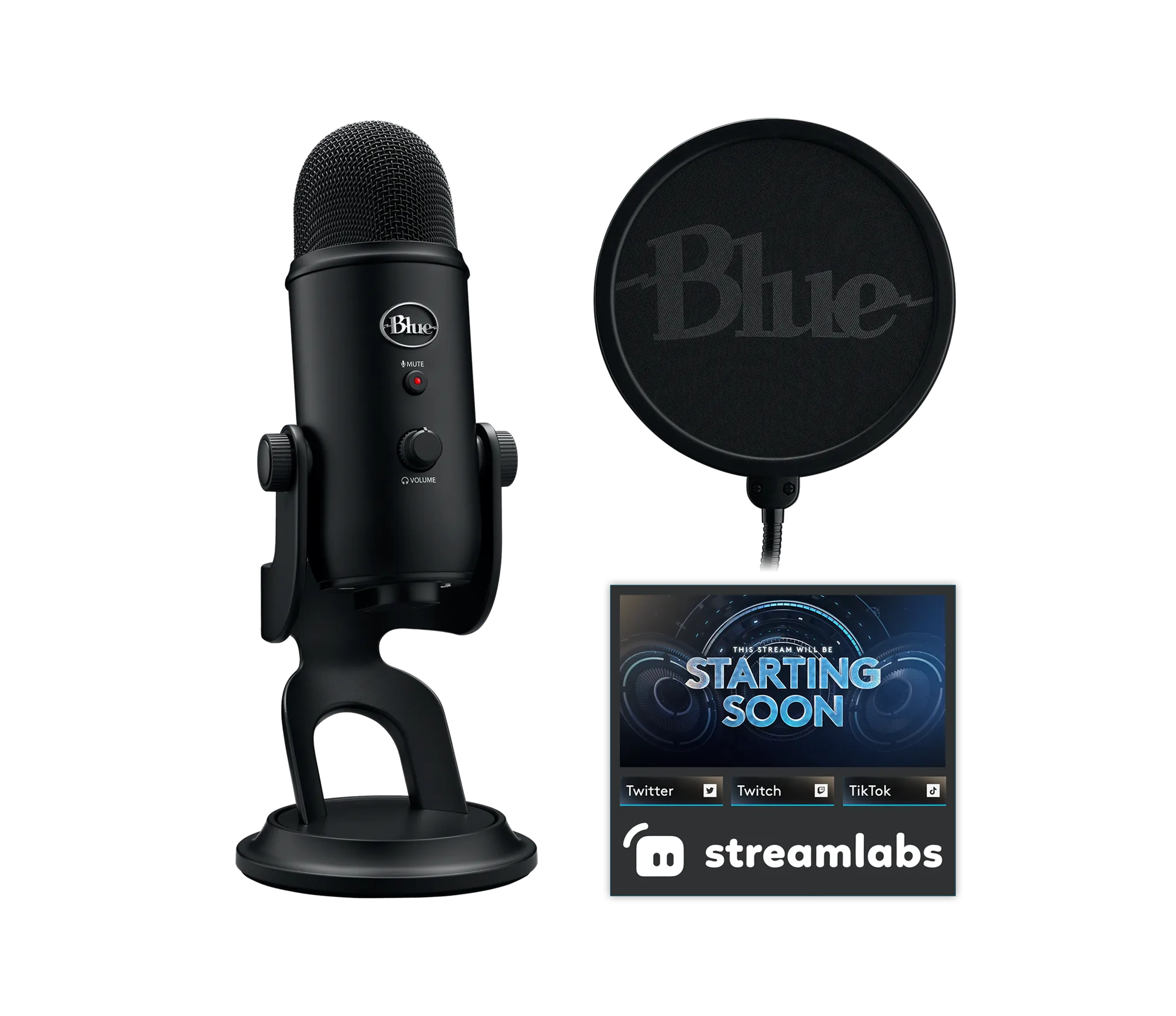
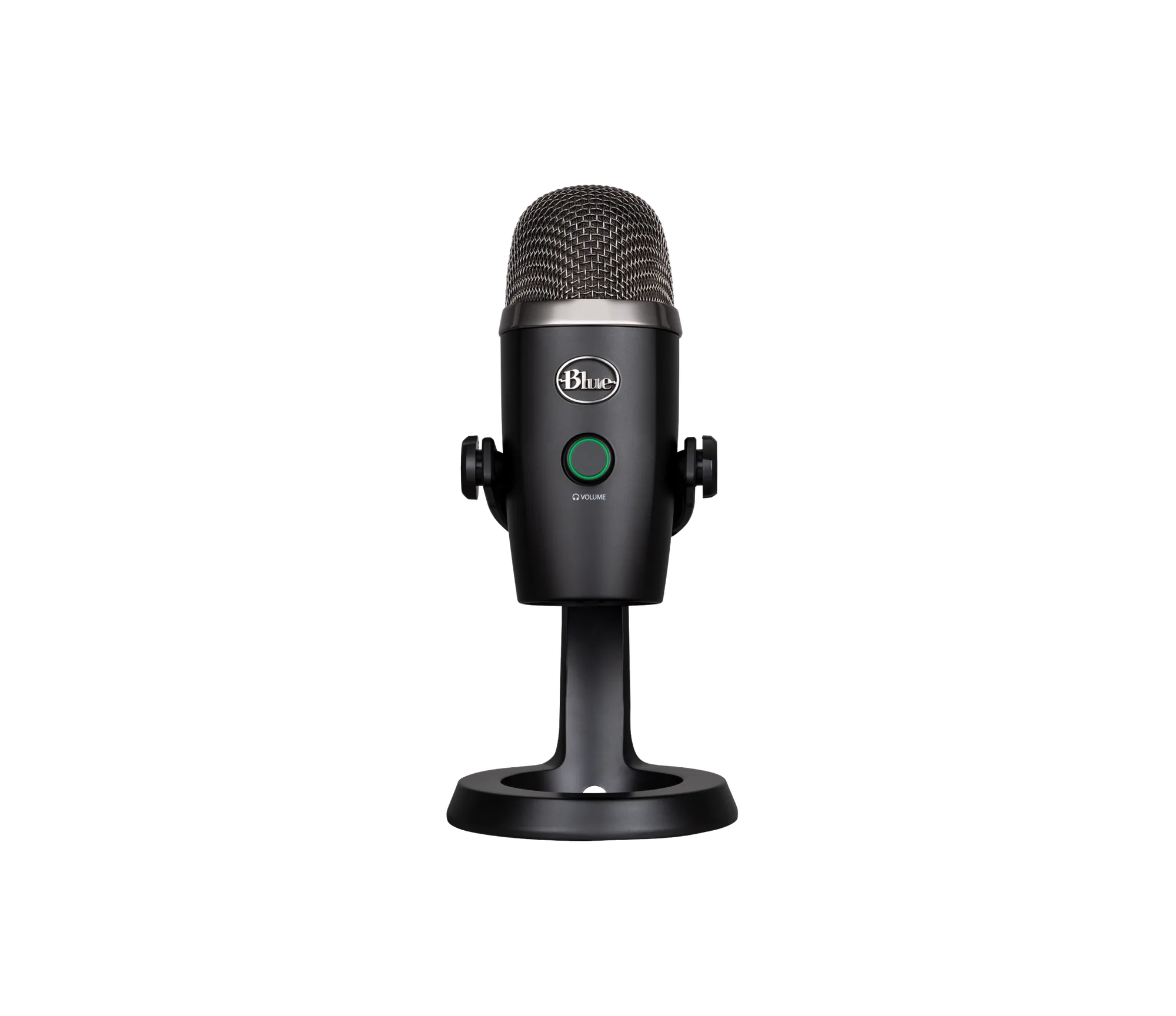
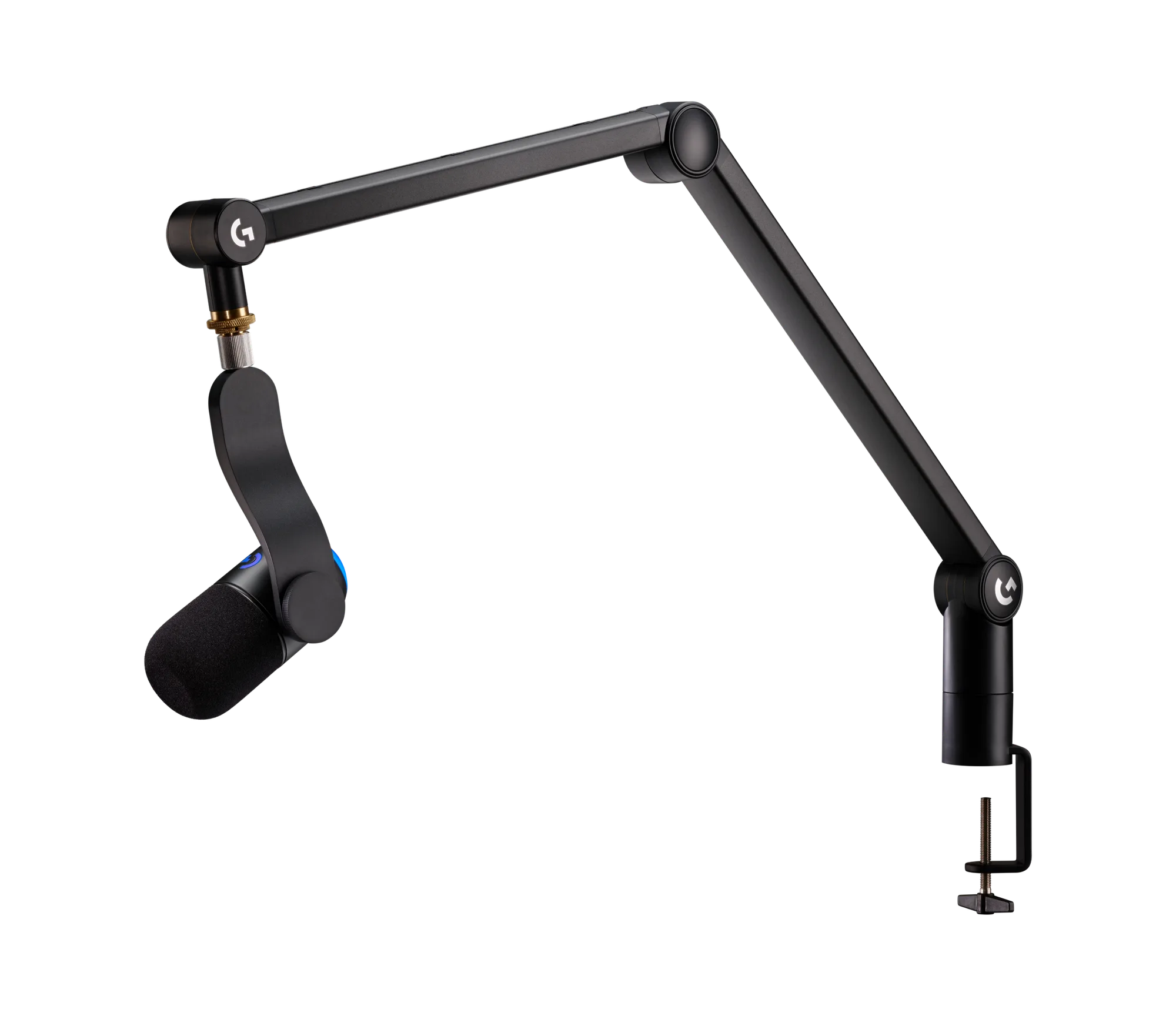
If you decide to upgrade, match the mic to your setup rather than chasing the most expensive option. A USB microphone buying guide approach works well here: check the connection type, the mounting options, and whether the mic suits a desk or a boom arm. A professional studio microphone for versatile audio applications covers recording, podcasting, and streaming as well as meetings, so it can serve more than one job.
Do not overlook the mouse side of the call
Audio gets the attention, but meeting comfort also depends on how you control your screen. If you are sharing slides, muting, and switching apps for an hour, a mouse that fits your hand reduces fatigue and keeps you from fumbling on camera.
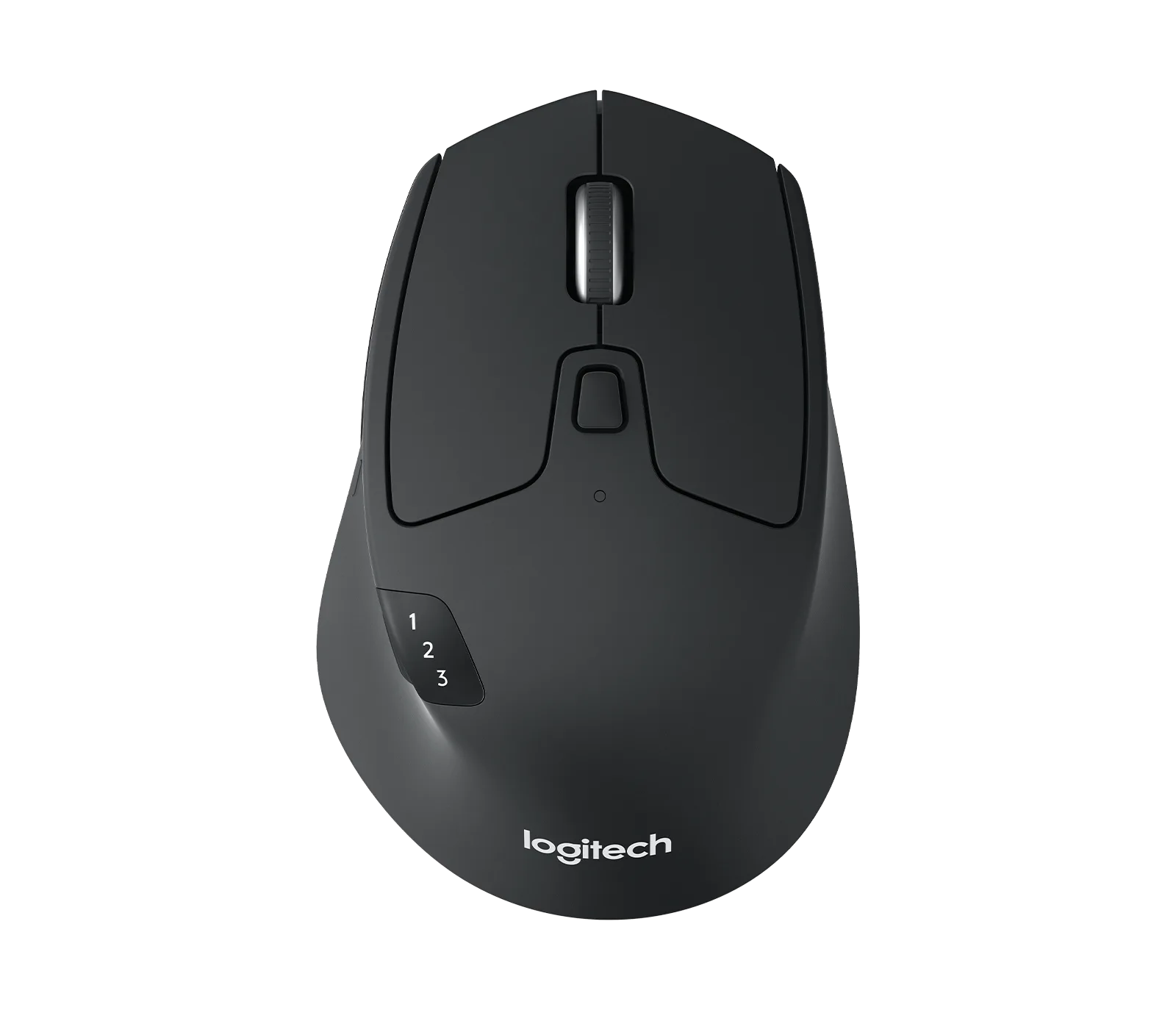
For multi-device work, a wireless mouse designed for productivity across multiple devices lets you move between a laptop and a desktop without re-pairing. If you prefer a simpler everyday option, a comfortable mouse for daily use is enough. Either way, the goal is the same: fewer distractions while you speak.
Verdicts on common meeting-mic claims
- Claim: A laptop mic is fine for every meeting: Built-in mics sit near the keyboard and pick up typing, fan noise, and room echo. They are workable for casual, quiet calls but give you the least control over how you sound. Verdict: partly true, but not for calls where your voice matters.
- Claim: You need studio gear to sound professional: You do not need a full studio. A professional studio microphone for versatile audio applications covers meetings, recording, and streaming, which is more capability than most meeting-only users require. Verdict: false. Match the mic to your actual use.
- Claim: Audio is the only upgrade that matters: Meeting comfort also depends on how you control your screen. A mouse designed for productivity across multiple devices or a comfortable everyday mouse reduces fumbling during long calls. Verdict: false. Fix audio first, then comfort.
- Claim: You can decide without testing: Record a two-minute test in your normal workspace and listen back with headphones. Check for typing noise, distance, and echo before spending anything. Verdict: test first, then buy.
Products that fit this decision
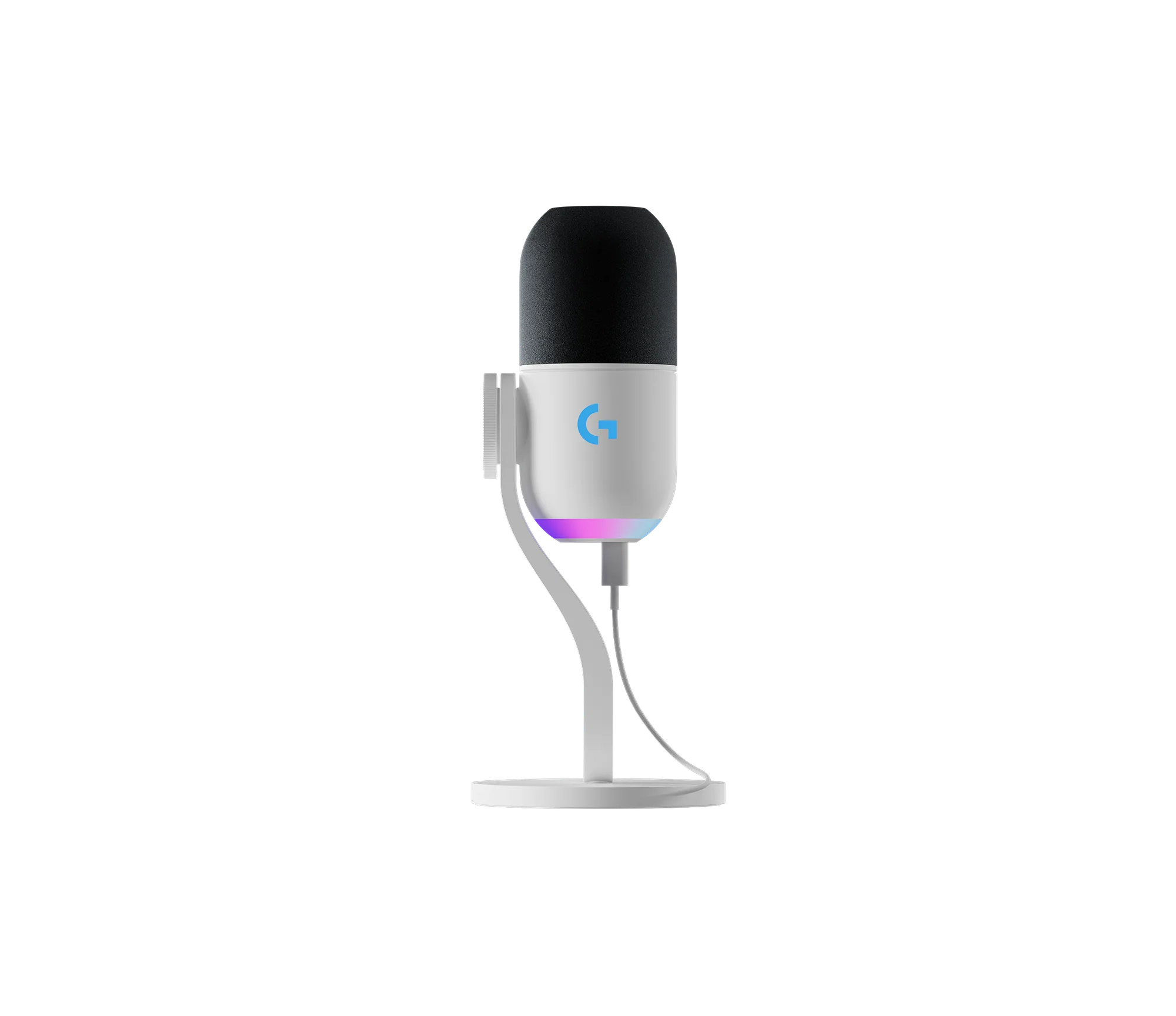
- YETI STUDIO - White: The YETI STUDIO in White is a professional-grade microphone designed for clear, reliable audio capture, suitable for studio recording, podcasting, or streaming. If your calls overlap with recording or streaming, one mic can cover meetings and content without buying twice.
- M720 Triathlon - Black: The M720 Triathlon in Black is a versatile wireless mouse designed for productivity across multiple devices, with an ergonomic design for comfortable extended use. Long meeting days involve a lot of clicking and switching; a multi-device mouse keeps that work smooth.
- Signature Plus M750 - Graphite: The Signature Plus M750 in Graphite is available in two sizes, Signature Plus M750 and Signature Plus M750 L, allowing you to select the best fit for your hand. Hand size affects comfort in long calls, so choosing the right size is a real decision rather than a cosmetic one.