Quick Answer
A standard rugged case can interfere with the Camera Control button if its lip is too thick or the cutout is misaligned. The fix is a case with a dedicated, responsive Camera Control button built into the design, like the UB GRIP Series for iPhone Air.
Why a Rugged Case Might Block Your Camera Control Button
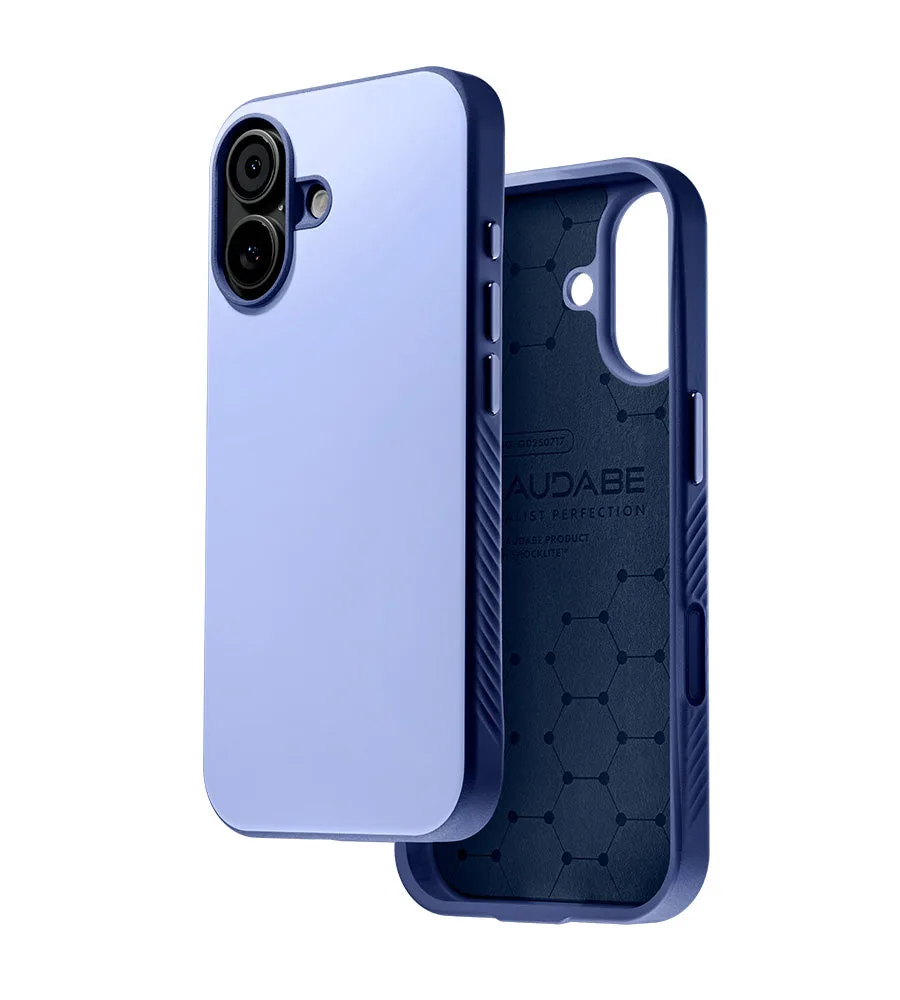
Rugged cases are built thick to absorb drops, but that thickness can create a deep recess around the Camera Control button. If the cutout is slightly off or the case material presses against the button, you'll feel a mushy response or no click at all. This is especially common with cases designed before the button's exact position was finalized.
The problem isn't the ruggedness itself—it's the lack of a dedicated button mechanism. A case that simply leaves an open cutout relies on your finger reaching into a recess, which reduces tactile feedback and can make quick camera launches frustrating.
The Solution: A Case with a Built-in Camera Control Button
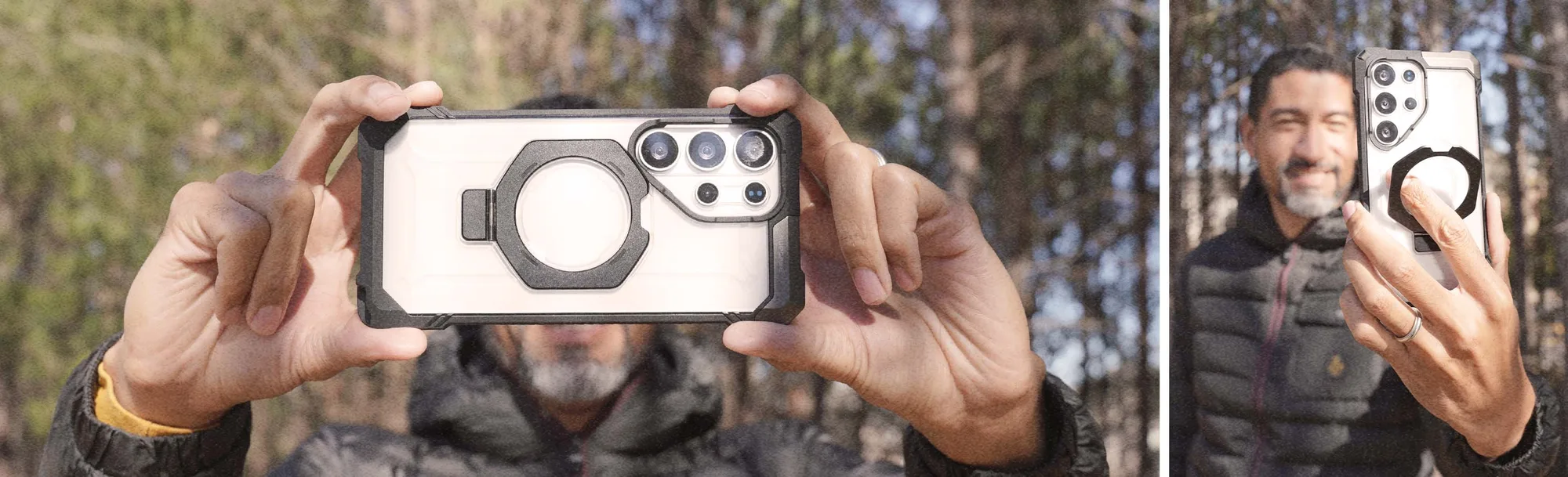
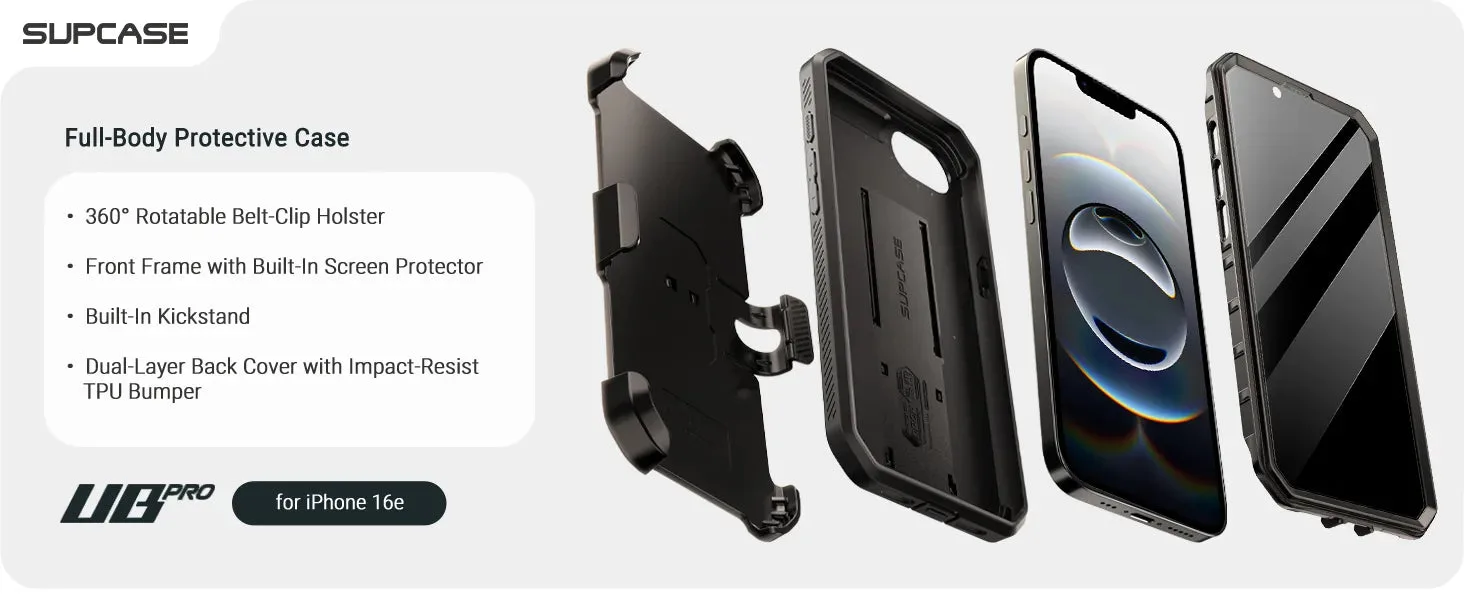
Instead of hoping a generic cutout works, choose a case that integrates a physical Camera Control button. The SUPCASE UB GRIP Series iPhone Air case includes a dedicated Camera Control button that sits flush with the case surface. This means you get the same click feel as the bare phone, plus the drop protection you expect from a rugged case.
The button is designed to transfer your press directly to the phone's button without extra travel or resistance. It also adds a layer of protection around the button itself, preventing dust and pocket lint from getting trapped.
Diagnosis: Is Your Case Interfering with the Camera Control Button?
- Symptom: The Camera Control button feels hard to press, requires extra force, or doesn't respond consistently when the case is on. If the button works fine without the case, the case is the culprit.
- Likely Cause: The case has a thick lip around the button cutout, or the cutout is slightly misaligned, preventing your finger from making solid contact. A generic open cutout in a rugged case often creates a recess that dampens button feel.
- Corrective Action: Switch to a case with a built-in, dedicated Camera Control button, such as the SUPCASE UB GRIP Series. This eliminates the recess and provides a direct, responsive click. If the button still feels off after switching, the issue may be with the phone itself—test with the case removed.
Product Facts
- UB GRIP Series iPhone Air MagSafe Camera Control Button Phone Case: This case features a dedicated Camera Control button, ensuring easy access to your device's camera functions while keeping it safe from drops and bumps. A dedicated button means no mushy presses or deep cutouts—you get reliable camera access even with a rugged case on.