Quick answer
Most Surface Pro Dual USB-C Hub issues stem from loose physical connections, outdated drivers, or power limitations. Follow the diagnosis steps below to identify and fix the problem quickly.
Why the Dual USB-C Hub is a smart addition
The Satechi Dual USB-C Hub is designed to turn your Surface Pro into a full workstation by adding extra ports and performance. Its slim profile attaches directly to your device, making it a convenient travel companion. However, like any adapter, it can occasionally misbehave—usually due to simple setup gaps rather than hardware failure.
Before you start: rule out the basics
Ensure your Surface Pro is running the latest Windows and USB-C driver updates. A quick restart can also clear temporary glitches. If the hub worked before and suddenly stopped, start with the most likely cause: a loose physical connection.
Diagnosis steps
- Symptom: Hub not detected or ports not working: Likely cause: The hub is not fully seated on your Surface Pro’s USB-C ports. Reattach it firmly, ensuring both connectors click into place. If the hub still isn’t detected, try a different Surface Pro USB-C port (if available) or connect via a USB-C cable to isolate the issue.
- Symptom: External display flickers or won’t connect: Likely cause: The hub may not receive enough power to drive a high-resolution monitor. Disconnect other peripherals and test the display alone. If it works, your power supply is borderline—use the Surface Pro’s original charger. If the display still flickers, try a different HDMI or DisplayPort cable. A faulty cable is a common culprit.
- Symptom: USB devices keep disconnecting: Likely cause: Power draw exceeds the hub’s capacity. Unplug non-essential accessories. If the problem stops, you need to reduce the load or use a powered USB-C hub for high-power devices. If disconnections persist with only one low-power device, the hub may have a defective port. Contact Satechi support for a replacement.
Product fact
-
Dual USB-C Hub For Surface Pro: The Dual USB-C Hub attaches seamlessly to your Surface Pro to add enhanced connectivity and functionality in a sleek and sophisticated design. Because it clips directly onto the device, a secure fit is essential—any wobble can cause intermittent disconnections.
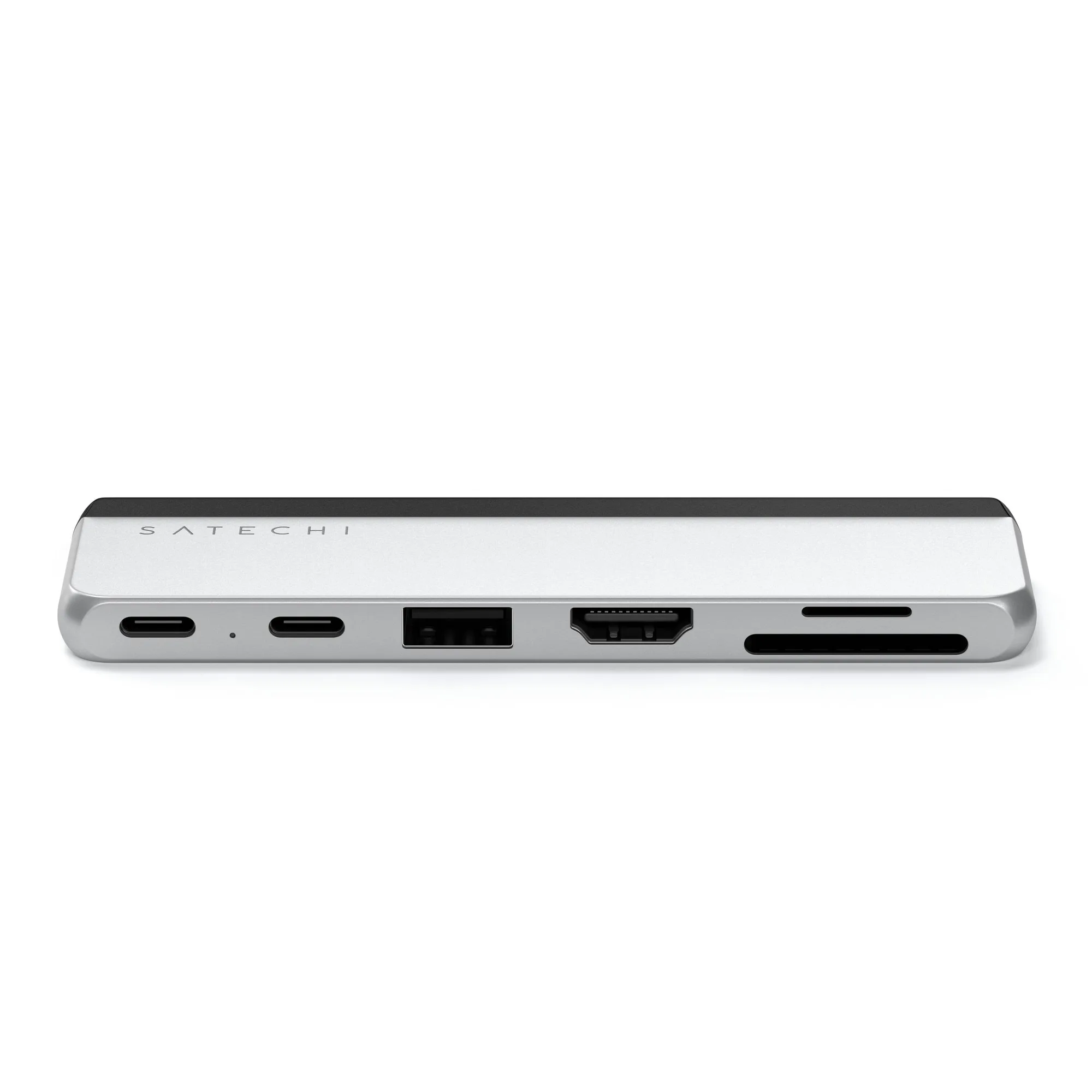
Dual USB-C Hub For Surface Pro