Quick answer
Start with the power path: confirm the outlet works, the adapter is fully seated, and the cable isn't damaged. If the fan still won't respond, test the control method (remote, app, or manual) to isolate whether the base unit or the control is at fault. Only replace the base unit once you've ruled out cable and control issues, because a Duux Whisper Flex 2 base unit is a replacement part, not a universal fix.
Confirm the fan has power before blaming the base unit
A Whisper Flex 2 that appears dead often has a break earlier in the chain. Plug a phone charger or lamp into the same outlet to confirm it's live, then check the power adapter connection at both the wall and the fan. If the adapter feels loose or the cable shows kinks, cuts, or a bent connector, that's your first suspect. Try a different outlet on a different circuit if possible, and avoid extension leads or power strips that may have their own switch or trip.
- Test the outlet with another device.
- Reseat the adapter at the wall and at the fan.
- Inspect the cable along its full length for damage.
- Bypass extension leads and power strips for the test.
Isolate the control method: remote, app, or manual
The Whisper Flex 2 Smart can be controlled by remote, app, or on-unit buttons. If the fan responds to one method but not another, the base unit is likely fine and the problem sits with the control you're using. Replace remote batteries, re-pair the app, or check that the fan is within range. If no control method works and the fan shows no lights or sound at all, the base unit or its power input is the more likely fault.
- Try the on-unit controls first, then the remote, then the app.
- If only the app fails, check Wi-Fi and re-pair.
- If only the remote fails, replace its batteries.
- If nothing works, the base unit is the remaining suspect.
Check for simple mechanical and airflow blocks
A fan that powers on but doesn't spin, or spins briefly then stops, may be obstructed rather than broken. With the fan unplugged, remove the front grille and check that the blades turn freely by hand. Hair, dust, or a misaligned housing ring can stop rotation. If the blades are stiff or scrape, clean the area and reseat the blade and ring before assuming an electrical fault. Never force a stuck blade, as that can damage the motor.
- Unplug before inspecting the blades.
- Turn blades by hand to feel for resistance or scraping.
- Clean hair and dust from the blade shaft area.
- Reseat the housing ring and blade screw if they're loose.
When the base unit itself is the likely fault
If the outlet is live, the cable and adapter are sound, all control methods fail, and the blades turn freely by hand, the base unit is the most probable cause. A power PCB issue inside the base unit isn't user-serviceable, so replacement is the practical route. Before ordering, confirm your fan's model type so you get the correct base unit. The replacement base unit is model-specific and won't fit every Whisper Flex fan.
- Confirm your fan's model number before ordering.
- Don't open the base unit; there are no user-serviceable parts inside.
- If under warranty, contact support before buying a replacement.
Symptom-to-action diagnosis
- No lights, no sound, no response: Test the outlet, reseat the adapter, and inspect the cable. If all pass and no control method works, the base unit is the likely fault. Replace the base unit only after confirming your fan's model code matches the compatible types.
- Powers on but blades don't spin: Unplug and check for obstructions, hair, or a misaligned housing ring. Turn blades by hand to feel for resistance. If blades turn freely but still don't spin when powered, the fault is electrical, not mechanical.
- Works with remote but not app (or vice versa): The base unit is likely fine. Replace remote batteries or re-pair the app and check Wi-Fi range. Don't replace the base unit for a control-only fault.
- Intermittent power or cuts out mid-use: Check for a loose adapter connection, damaged cable, or an overloaded power strip. Test on a different circuit. If the fault follows the fan across outlets, the base unit or cable is suspect.
Replacement part facts
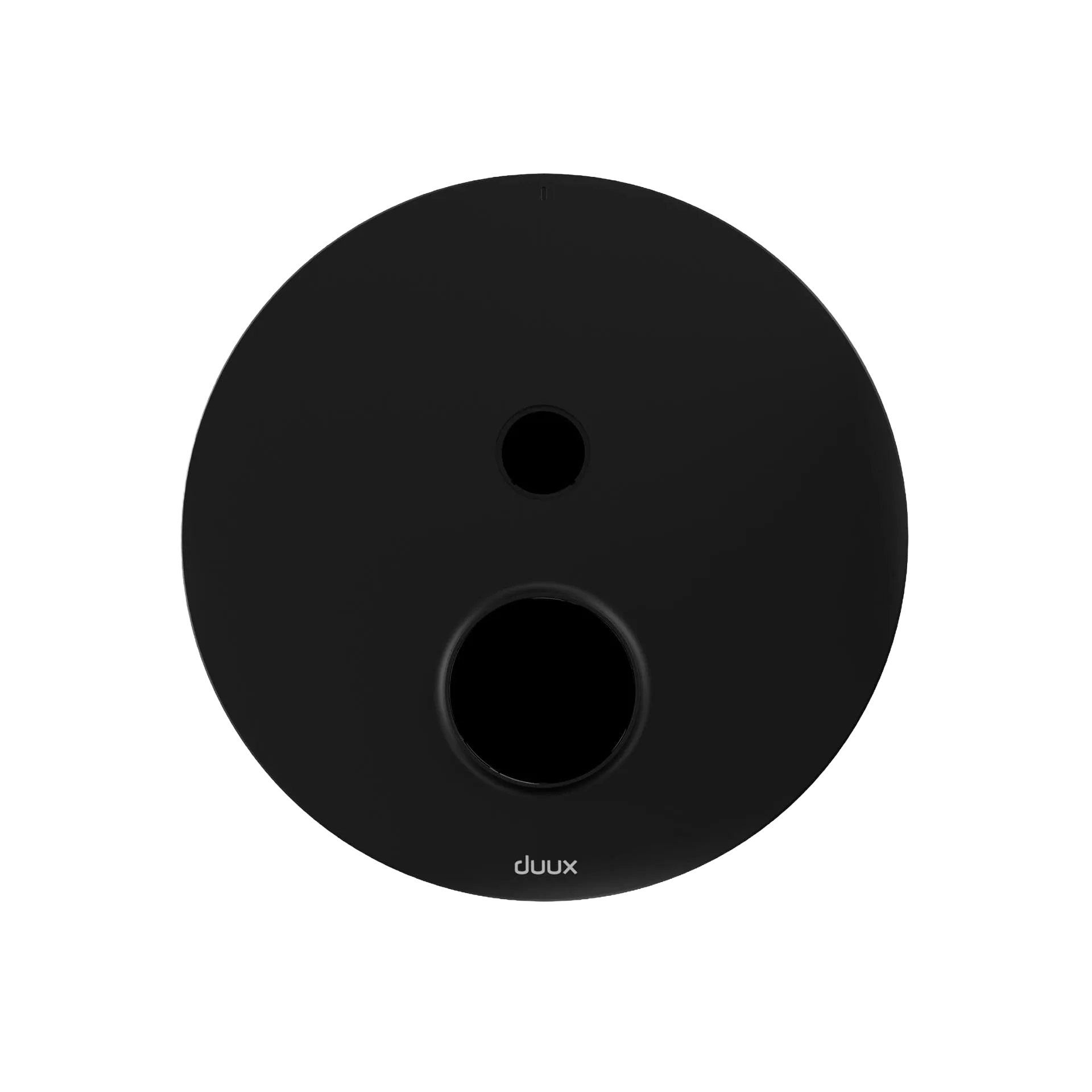
- Base Unit Whisper Flex 2 (Smart) Black: Base Unit Whisper Flex 2 (Smart) in Black is a replacement base unit compatible with DXCF70, DXCF80, and DXCF88 fan types. Check your fan's model code against this list before ordering, because the base unit is model-specific and won't fit other Whisper Flex versions.
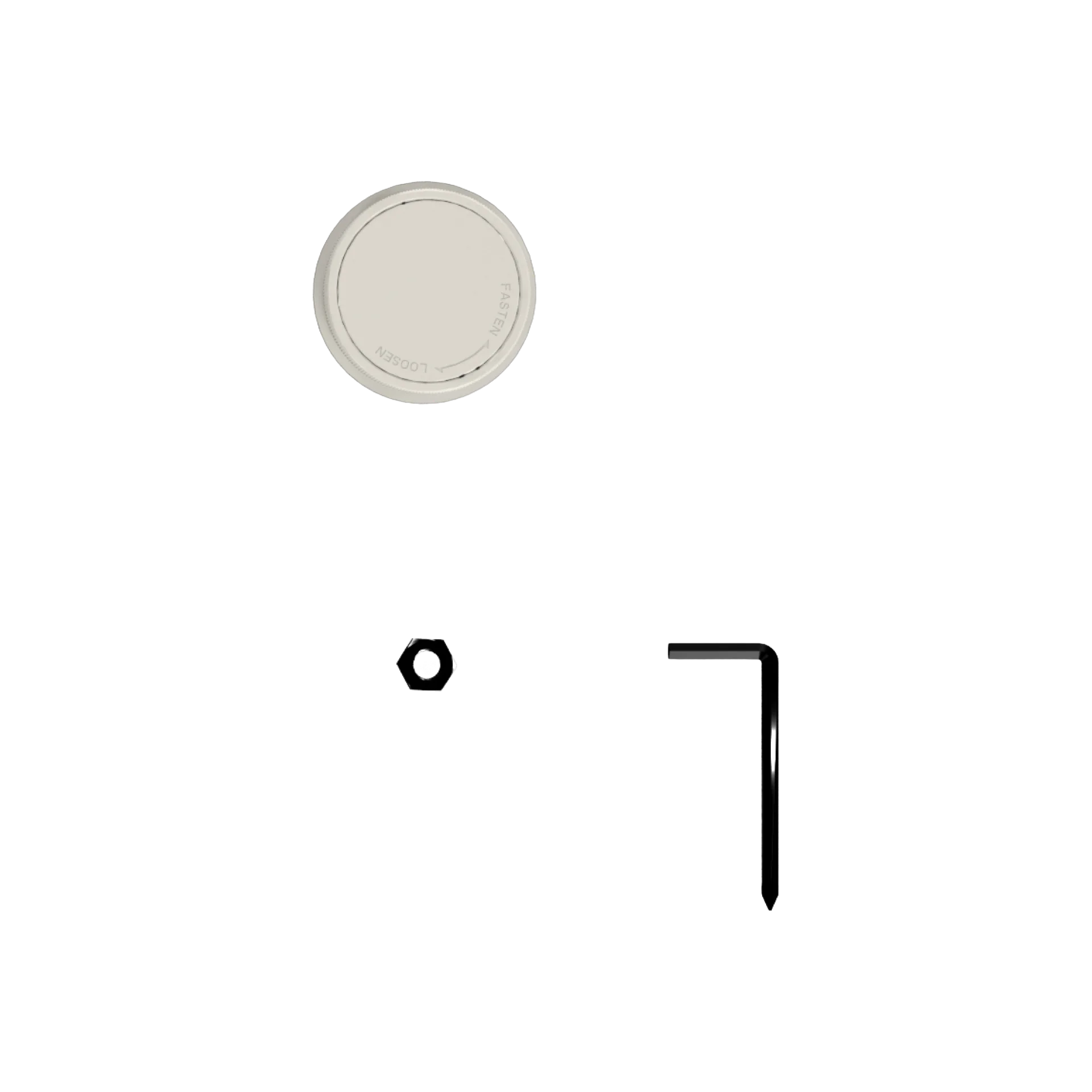
- Fan Housing Ring + Blade Screw Whisper Flex 2 Smart Greige: Fan Housing Ring + Blade Screw Whisper Flex 2 Smart in Greige is a replacement ring and screw for the Whisper Flex 2 Smart. If your blades scrape or the housing feels loose, replacing the ring and screw is a low-cost fix before considering a base unit.
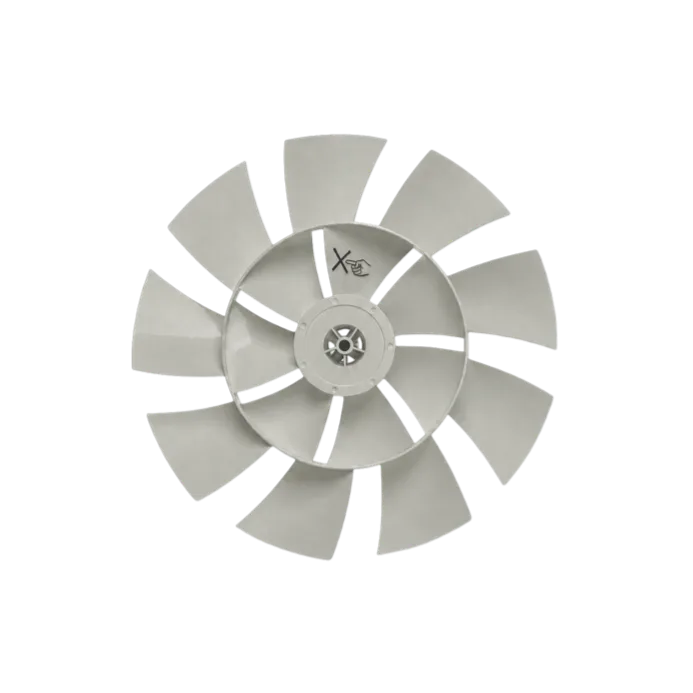
- Whisper Flex Smart Fan Blades Sage: Whisper Flex Smart Fan Blades in Sage are replacement blades compatible with DXCF53 and DXCF57 fan types. If the blades are cracked or warped and cause vibration or stopping, new blades may resolve the symptom without touching the base unit.