Quick answer
Start with the base unplugged and fully flat, mount the Enouvation E4 Motor Pack only on a compatible frame, then route each cable so it has slack and cannot be pinched before you restore power and test one function at a time.
Why cable routing decides whether the setup lasts
Most adjustable-base power faults come from cables that were stretched tight at one height and then crushed when the base moved to another. The E4 Motor Pack, E Extender Cables, and Y Connector Cables are all passive connections, so their reliability depends on how you dress and secure them rather than on any setting you can change later.
Before you buy extra parts, check the connector type and pin layout on your existing motor and control box. The catalog listings for these Enouvation accessories do not publish a universal compatibility chart, so the product images and your current hardware are the only reliable reference. If the plugs do not match exactly, stop and confirm with the store rather than forcing a connection.
When a Y connector helps and when it does not
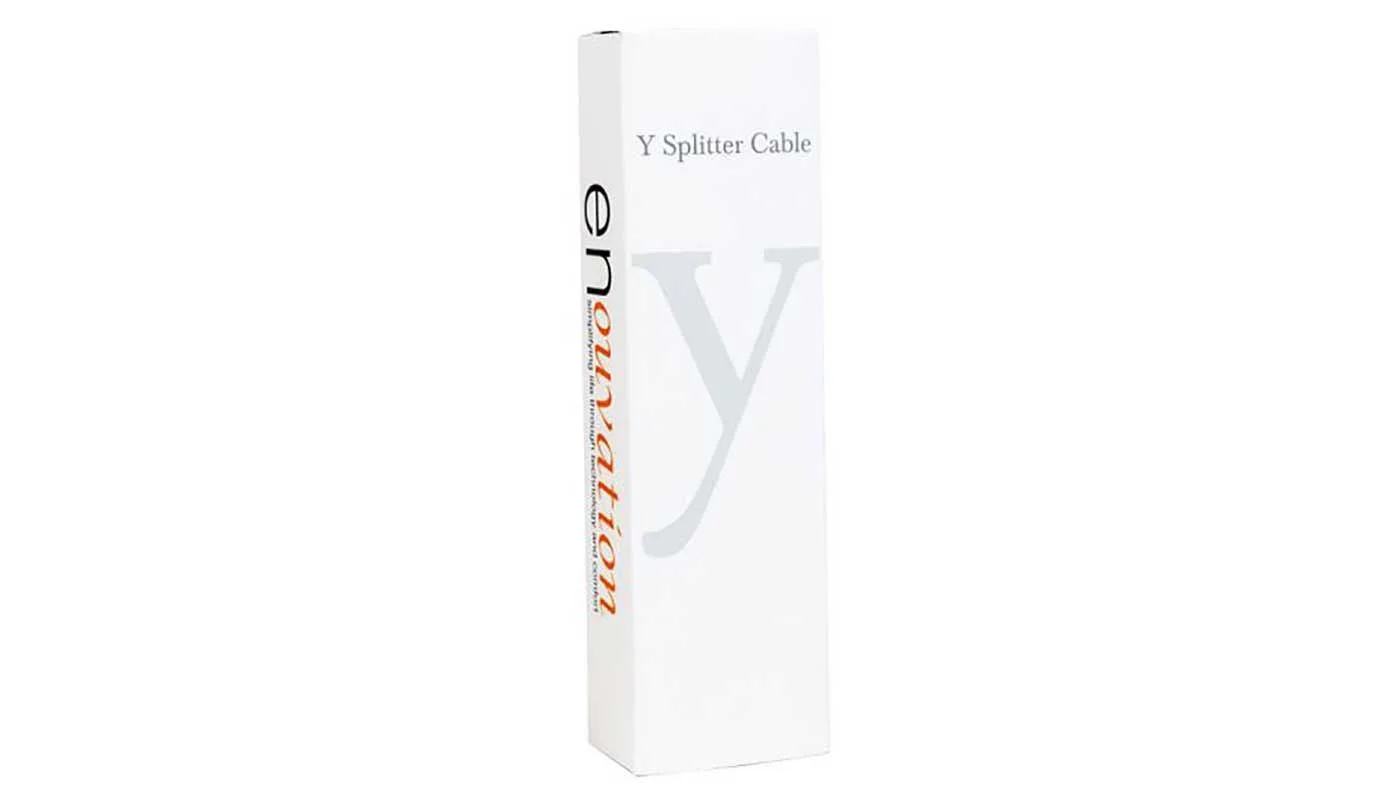
A Y Connector Cable splits one connection into two branches. That is useful when you need to feed two compatible devices from a single port, but it is not a sync tool by itself. If your goal is to make two separate bases move together, the control system on each base still has to support that behavior; a passive cable cannot create it.
Similarly, an E Extender Cable adds reach, not power. Adding length is fine for tidying a run, but daisy-chaining several extenders can create a long, loose loop that catches on frame parts. Use the shortest total length that reaches cleanly.
Step-by-step E4 Motor Pack and cable setup
- Unplug and flatten the base: Disconnect power at the wall and run the base to a flat position if it still moves. Common mistake: working on a raised base so a cable is already under tension before you start. Photograph the existing wiring before you remove anything.
- Verify compatibility before mounting: Compare the connector shape and pin count on the E4 Motor Pack and your control box with the product images. Checkpoint: if the plugs do not seat without force, do not proceed.
- Mount the motor pack to the frame: Secure the E4 Motor Pack using the mounting points on your compatible frame and keep the motor body clear of moving linkage. Common mistake: overtightening fasteners into soft frame material.
- Plan the cable route at both extremes: Move the base by hand through its full flat and raised range and note where each cable would pull or bunch. Route along the frame with a service loop at every hinge. A route that only looks tidy in the flat position will fail once the base rises.
- Add an E Extender Cable only where reach is short: Insert the extender at the point that is actually short and secure the joint so it cannot hang free. Common mistake: adding length at the control box end when the gap is at the motor end.
- Use a Y Connector Cable for a genuine split: Connect the single end to the source port and the two branches to compatible devices, then label both branches. Checkpoint: confirm each branch works on its own before bundling them together.
- Secure and strain-relieve every run: Use hook-and-loop ties or frame clips, leaving slack at each moving joint and keeping cables away from pinch points and heated surfaces. Common mistake: zip-tying cables tight enough to cut the jacket.
Parts referenced in this guide
-
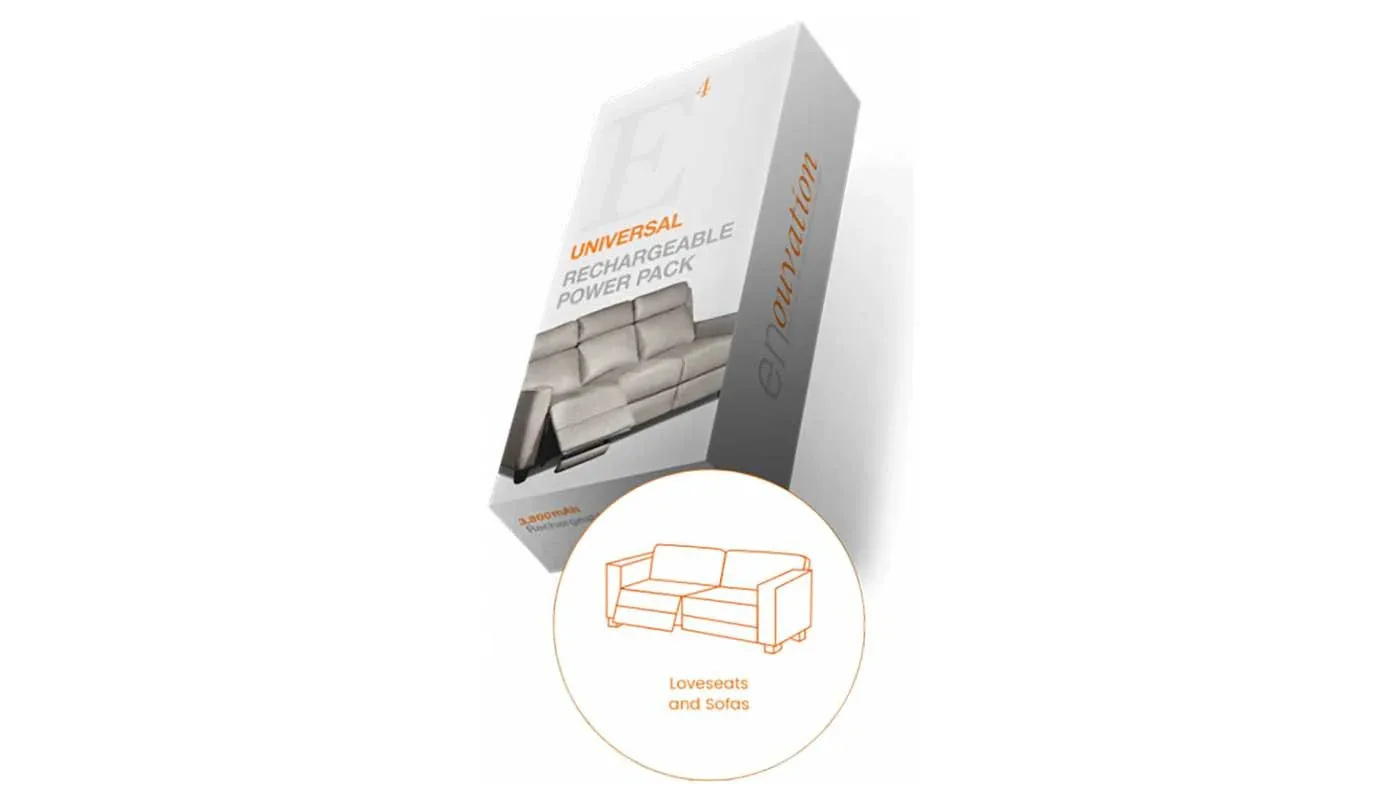
E4 Motor Pack: The Enouvation E4 Motor Pack is listed in the Standard option with SKU code BATTPACK. Confirm that exact SKU against your base's documentation before mounting, because a motor pack that is not matched to your frame will not resolve a wiring problem.
E4 Motor Pack
-
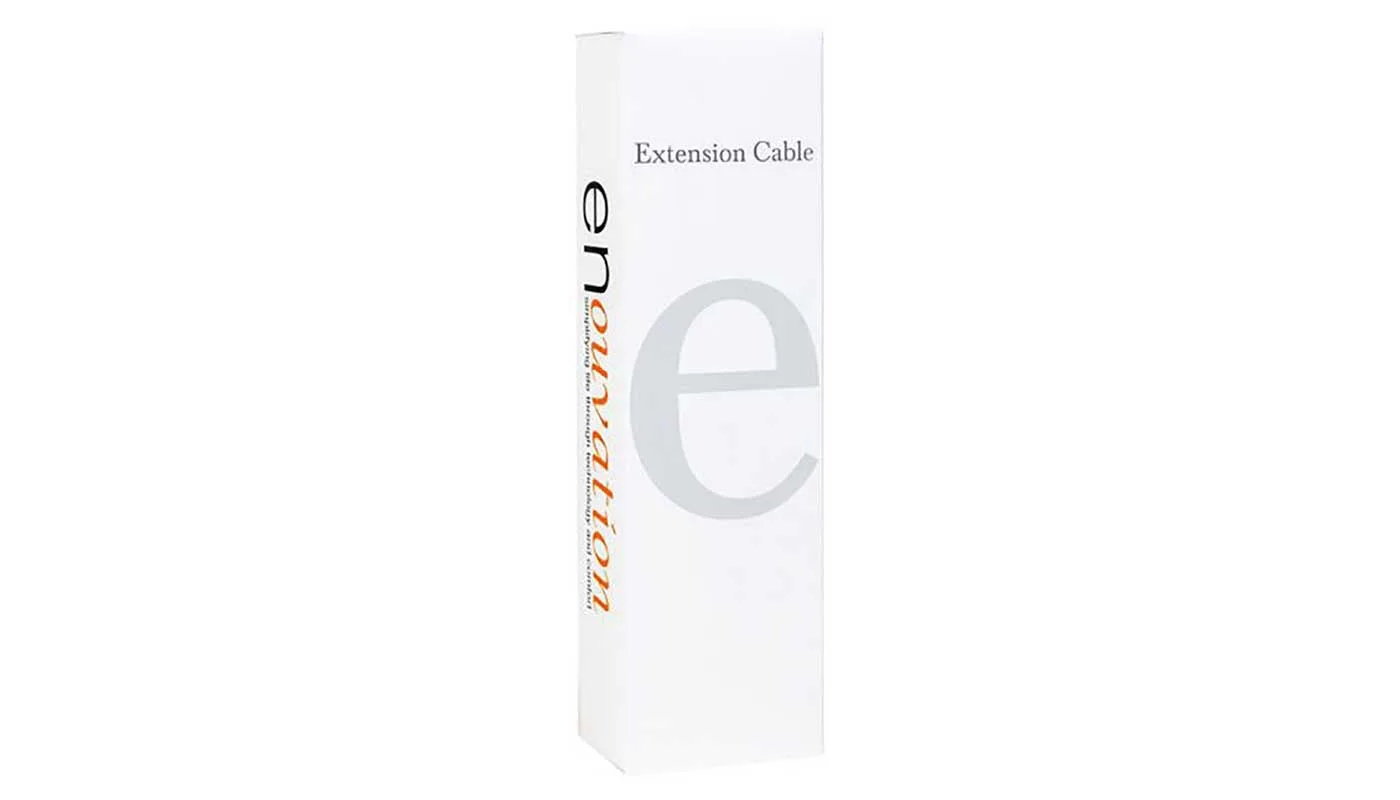
E Extender Cables: E Extender Cables are sold as the Standard option, item code EXTENCABLE, and are designed to extend the reach of compatible battery connections. They solve a distance problem only, so measure your actual gap before ordering rather than assuming extra length will fix a weak connection.
E Extender Cables
-
Y Connector Cables: Y Connector Cables are listed under the Standard option with SKU code YCONCABLE. This is the part to reach for when one port must serve two compatible branches, not when you need to synchronize two independent bases.