Quick Answer
Use the Brainwavz Earpad Adapter Ring to securely mount 100mm round replacement pads on your Corsair Virtuoso RGB Wireless headset. This guide walks you through the swap in a few simple steps.
Why Use an Adapter Ring for the Corsair Virtuoso?
The Corsair Virtuoso RGB Wireless, XT, and SE stock earpads can feel thin and uncomfortable during long sessions. The Brainwavz adapter ring is designed specifically for these models, letting you attach thicker 100mm round pads from Brainwavz without any modification to the headset.
Because the adapter ring is made for the Virtuoso's mounting system, it clicks into place cleanly. That means you get the comfort upgrade of a larger pad without worrying about a loose fit or gaps that let sound leak.
What to Know Before You Start
The adapter ring only works with the Corsair Virtuoso RGB Wireless, XT, and SE models. It is not designed for other Corsair headsets, so check your model before ordering.
You will also need a set of Brainwavz round 100mm earpads. The adapter is meant to pair with these pads, and Brainwavz offers an extra 50% off the adapter when you buy the pads together.
Step-by-Step: Install the Adapter Ring and 100mm Pads
- Confirm your headset model: Check that you own a Corsair Virtuoso RGB Wireless, XT, or SE. The adapter ring is built only for these models, and using it on another headset may not work. If you're unsure, check the model number printed on the headset's underside.
- Remove the stock earpads: Gently twist and pull the original earpads off the speaker housing. Do not use excessive force; the pads are usually held by a friction fit. If a pad resists, rotate it slightly while pulling rather than yanking straight off.
- Attach the adapter ring: Align the adapter ring with the mounting points on the headset and press it into place until it clicks or sits flush. Avoid forcing it at an angle, as that can damage the clips. Make sure the ring is fully seated before moving to the next step.
- Mount the 100mm round pads: Stretch the Brainwavz round 100mm pad over the adapter ring, ensuring the fabric or leather side faces outward. Work around the rim evenly so the pad sits symmetrically. If the pad feels lopsided, remove and re-seat it rather than leaving a gap.
- Test the fit and comfort: Put on the headset and adjust the ear cups. The new pads should feel snug and comfortable, with no visible gaps between the pad and the adapter ring. If you notice discomfort or a loose fit, double-check that the adapter ring is fully locked in.
Product Facts
-
Earpad Adapter Ring For Corsair Virtuoso RGB Wireless Gaming Headset - For Use With Brainwavz Replacement Round 100mm Ear Pads: This adapter is specifically for the Corsair Virtuoso RGB Wireless, XT, and SE headsets. You can be confident it will fit your headset without any DIY modification.
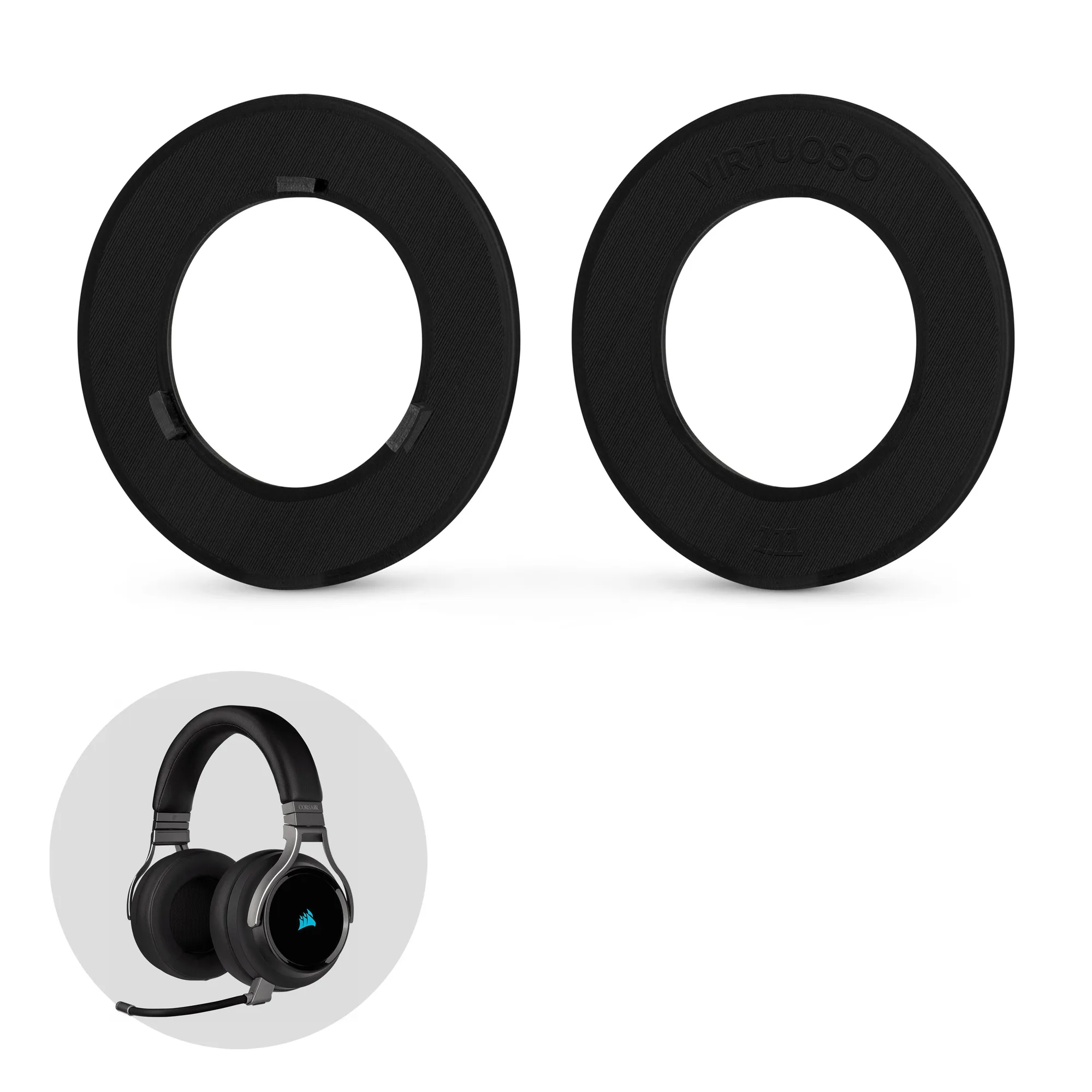
Earpad Adapter Ring For Corsair Virtuoso RGB Wireless Gaming Headset - For Use With Brainwavz Replacement Round 100mm Ear Pads
-
Earpad Adapter Ring For Corsair Virtuoso RGB Wireless Gaming Headset - For Use With Brainwavz Replacement Round 100mm Ear Pads: It is designed to work with Brainwavz replacement round 100mm earpads. You get a wider choice of pad materials and thicknesses to match your comfort preference.
-
Earpad Adapter Ring For Corsair Virtuoso RGB Wireless Gaming Headset - For Use With Brainwavz Replacement Round 100mm Ear Pads: Brainwavz offers an extra 50% off the adapter when purchased with their round pads. If you're planning to upgrade both, bundling saves money on the total cost.