Quick answer
For most users, the screwless adhesive wall mount is the easiest way to improve Eero Max 7 WiFi range and reduce clutter. Choose screws only if you need maximum hold on uneven or textured walls.
Why wall-mount your Eero Max 7?
Placing your Eero Max 7 on a table or shelf limits its signal because the router sits low and can be blocked by furniture. Wall-mounting it higher up improves coverage and frees up surface space. The Brainwavz Screwless Wall Mount for EERO Max 7 is designed to solve both problems.
Adhesive vs screw: the core trade-off
Adhesive mounting is quick, leaves no holes, and works on smooth surfaces like painted drywall or glass. Screw mounting provides a more permanent hold on rough or porous surfaces where adhesive might fail. Your wall type determines which method makes sense.
Adhesive vs screw trade-offs
- Adhesive installation: Use the included adhesive pad to mount the holder on smooth, clean, dry walls. No drilling, no damage, and installation takes under a minute. Ideal for renters or anyone who wants a reversible setup.
- Screw installation: Use the provided screws to secure the mount into studs or drywall anchors. Requires a drill but offers a stronger hold on textured or uneven surfaces. Best for permanent installations where adhesive might peel over time.
- Signal improvement: Both methods place the router higher up, which reduces obstructions and can improve WiFi range and reception compared to leaving it on a low table.
Product facts
-
Screwless Wall Mount for EERO Max 7 WiFi Router, Easy To Install Holder, Adhesive & Screw In, Increase Range & Reduce Clutter: The Brainwavz Screwless Wall Mount for EERO Max 7 includes both adhesive and screw-in options. You can choose the installation method that fits your wall without buying extra hardware.
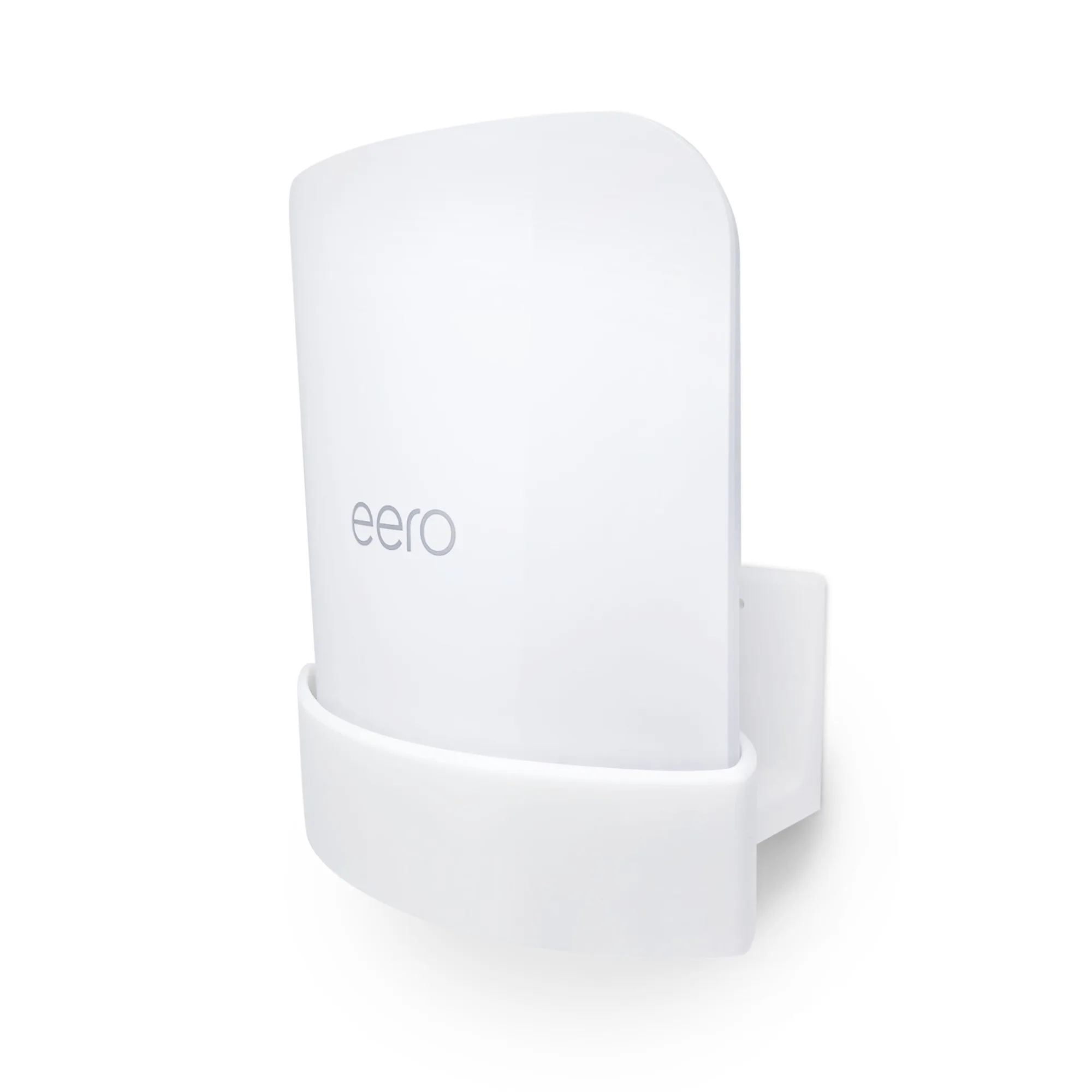
Screwless Wall Mount for EERO Max 7 WiFi Router, Easy To Install Holder, Adhesive & Screw In, Increase Range & Reduce Clutter
Which installation method fits you?
Best for
- Renters or anyone who cannot drill into walls
- Smooth painted walls or glass surfaces
- Quick setup without tools
Not for
- Textured or brick walls where adhesive may not hold
- High-vibration areas like near washing machines
- Users who need the most permanent, tamper-proof mount