Quick Answer
Engino sets are organized by age and by what you want your child to do: Creative Builder for ages 6+ mechanics, Discovering STEM for ages 9+ science, Inventor for motorized vehicles, and the STEM & Robotics ERP PRO for classroom or advanced coding. If you are unsure, start with the Creative Builder 15 Multimodel Set for younger builders and move up once they finish the models without help.
Most Engino questions come down to one thing: which set actually fits your child right now. The catalog is broad, the age labels overlap, and the words "STEM" and "robotics" get used loosely. This FAQ answers the questions parents and teachers send us most often, with concrete set names and honest limits.
Each answer stands on its own, so you can jump to the question you have. Where a specification is not published, we say so rather than guess.
Which Engino set should I buy first?
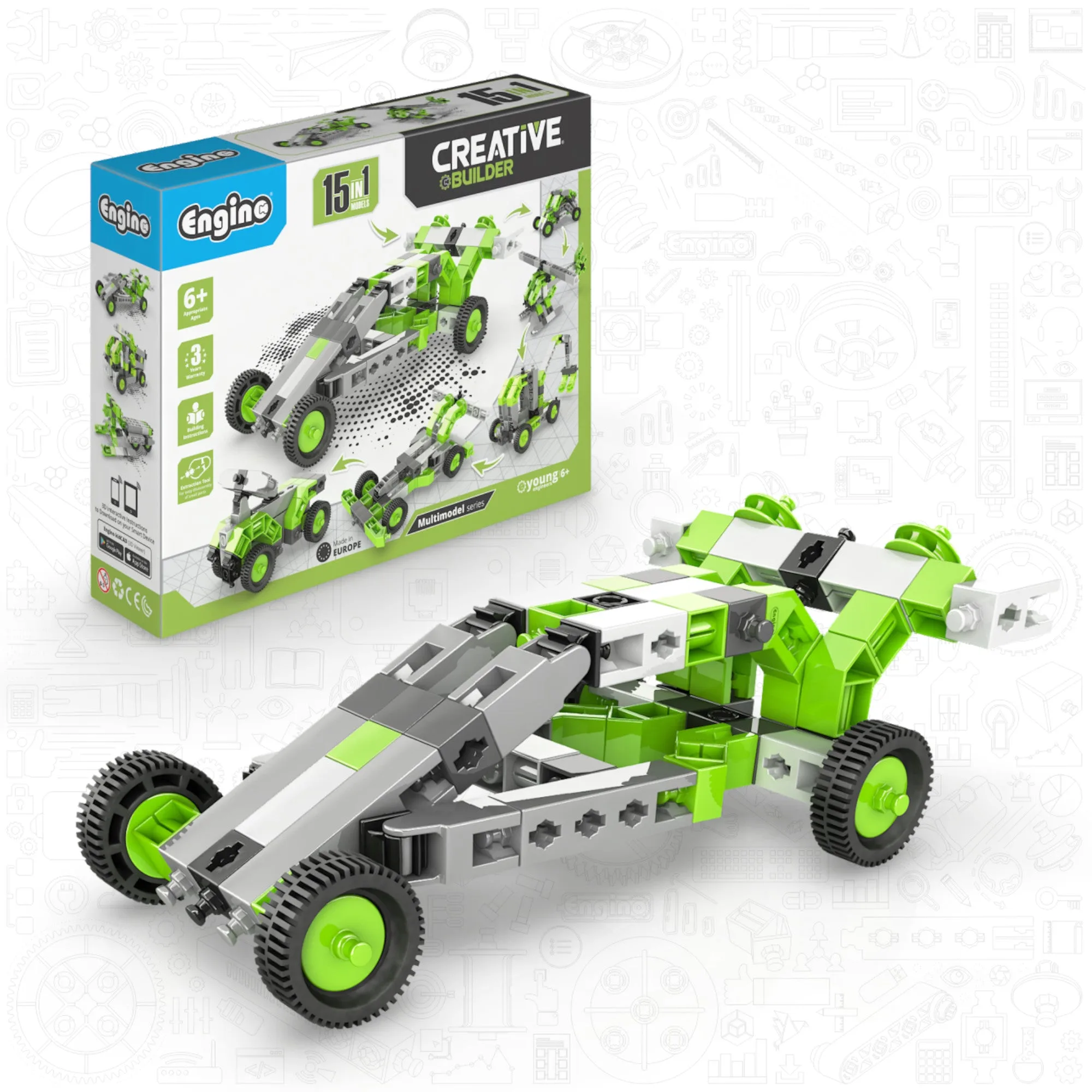
Match the set to the child's age and patience, not to the biggest box. For ages 6+, the Engino Creative Builder: 15 Multimodel Set gives 15 builds from one kit and teaches the snap-fit system without motors or electronics. For ages 9+, the Engino Discovering STEM Technology of Machines: How Cars Work set adds theory, experiments, and quizzes around 10 functional models.
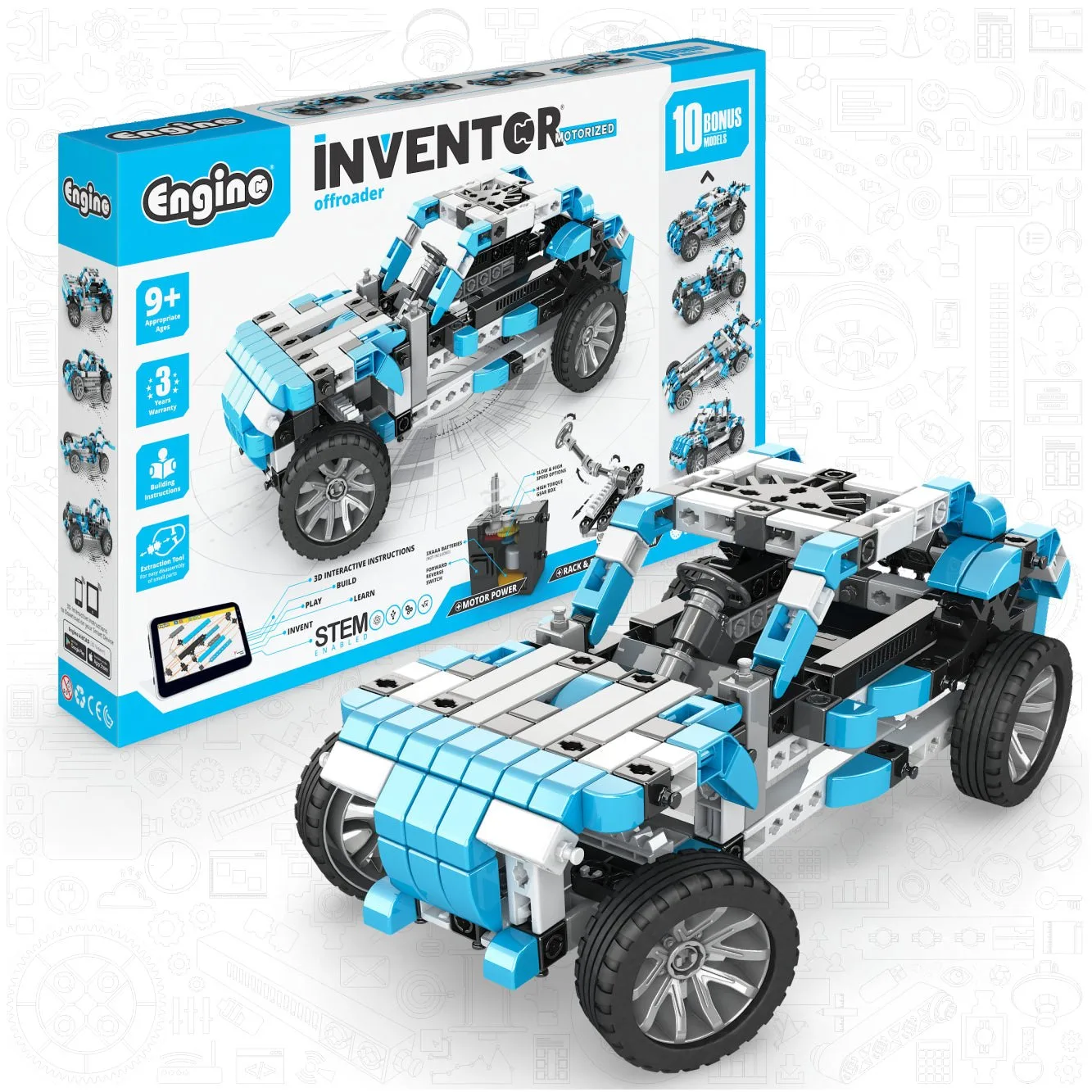
If your child already builds confidently and wants movement, step up to the Engino Inventor: Offroader Motorized Set. If you need coding and classroom scale, the Engino STEM & Robotics ERP PRO Set is the advanced option. Buy one set, finish it, then expand.
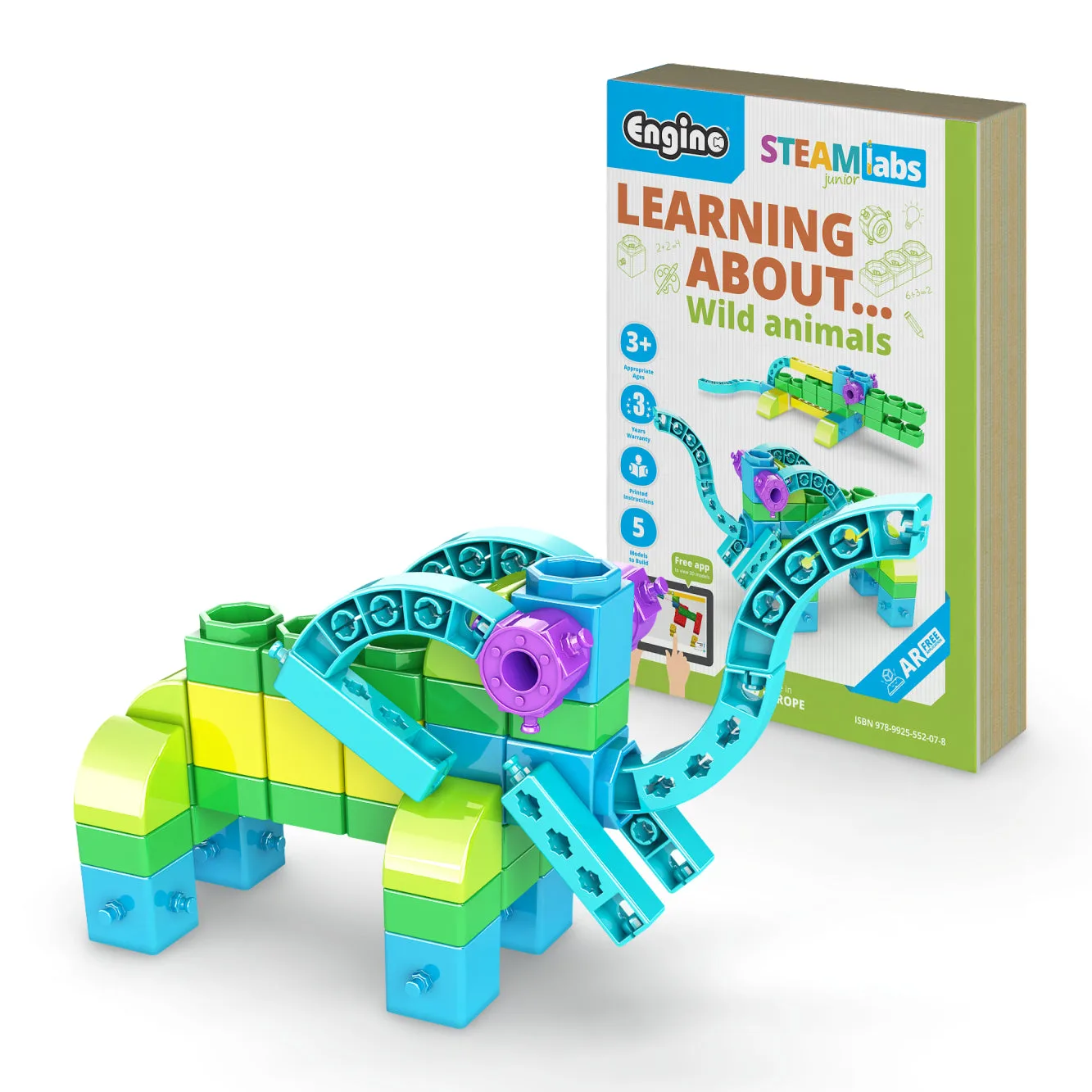
- Ages 3–5: start with the Engino STEAM Labs Junior Learning About Wild Animals set, which pairs a story with 5 models.
- Ages 6–8: Creative Builder 15 Multimodel Set.
- Ages 9+: Discovering STEM How Cars Work or How Aircrafts Work.
- Ages 9+ wanting motors: Inventor Offroader Motorized Set.
- Coding and classrooms: STEM & Robotics ERP PRO Set.
What age is Engino actually for?
Engino publishes age guidance per set, and it is usually accurate for the building, not just the reading. The STEAM Labs Junior line starts at age 3 with larger, simpler parts and a story format. Most constructor sets sit at 6+ or 9+, where the models need more steps and more force to snap together.
The real limiter is fine motor control. A 7-year-old who builds LEGO independently can handle a 9+ Engino set with occasional help; a 9-year-old who has never built anything should start at 6+ and move up. Age labels are a starting point, not a rule.
- Check the age on the specific product page — it varies by set, not by brand.
- If two ages are listed, treat the lower number as the minimum with adult help.
Do Engino sets need batteries or motors?
Most Engino constructor sets are purely mechanical and need no batteries. The Engino Inventor: Offroader Motorized Set is the clear exception: it includes a 2-speed motor and a universal joint, so it does need power to drive the drivetrain. The Engino STEM & Robotics ERP PRO Set uses the ERP PRO 2.0 controller, an Arduino-based brain with Bluetooth and 7 input/output ports, which also requires power.
If you want a first motorized build, the Offroader is the simplest entry because the motor is part of the model rather than a separate programming platform.
- Mechanical sets: no batteries, no charging.
- Motorized sets: check the product page for the exact battery type — it is not listed in every catalog entry.
- Robotics sets: plan for power plus a device for Bluetooth programming.
How hard are the models to build?
Difficulty scales with model count and mechanism, not with part count alone. A 10-model Discovering STEM set like How Cars Work builds one model at a time, so each session is short. A 70-model robotics set like the ERP PRO is a curriculum, not a weekend project.
The snap-fit system is consistent across lines, so skills transfer. If a child can build the Creative Builder digger and dump truck unaided, they are ready for the Inventor Offroader. If they still need you to hold parts, stay one level down.
- Build the simplest model first to learn the system, then repeat the same model faster.
- Keep the booklet open to the step you are on — skipping ahead is the most common cause of a wobbly build.
Can I add motors or robotics to a set I already own?
Not every Engino set is designed to accept a motor, and the catalog does not publish a universal compatibility chart. The safe path is to buy a set that includes the motor or controller you want: the Inventor Offroader for motorized vehicles, or the STEM & Robotics ERP PRO for programmable builds.
Engino does sell spare parts, which helps with replacements and small additions, but we cannot confirm from the supplied catalog that any specific motor kit converts a non-motorized set. Treat motorization as a set-level decision, not an add-on.
- Want movement? Buy a motorized set rather than retrofitting.
- Want code? Buy a robotics set; the ERP PRO controller is the platform.
What if a piece breaks or goes missing?
Engino sells spare parts, and that is the intended fix for lost or broken pieces. Before ordering, identify the part by shape and color from the build manual, then match it to the spare parts listing. Keep the manual even after the model is built — it is your parts diagram.
For a model that will not stay together, the problem is usually a partially seated connector rather than a faulty part. Press each connection until it clicks before moving to the next step.
- Store spare parts in a labeled bag by shape.
- Check that both halves of a connector are fully pressed before adding the next piece.
Are Engino sets good for classrooms and groups?
Yes, and the B2B category exists for that reason. The Engino STEM & Robotics ERP PRO Set – Advanced Edition is built for groups: learners build and program more than 70 models on the ERP PRO 2.0 controller, with Bluetooth connectivity and onboard programming buttons. That scale suits a class or club better than a single child at a kitchen table.
For younger classrooms, the STEAM Labs Junior sets work well in stations because the story format gives non-readers a way in. One set per two or three children is a practical ratio for shared building.
- Assign roles: one builder, one reader, one checker.
- Rotate roles each session so every child handles the parts.
Quick Answers at a Glance
Best first set for ages 6+
Engino Creative Builder: 15 Multimodel Set — 15 builds, no batteries, teaches the snap-fit system. Move up once your child finishes models without help.
Best first set for ages 9+
Engino Discovering STEM Technology of Machines: How Cars Work — 10 models with theory, experiments, and quizzes. Choose How Aircrafts Work instead if flight interests them more than cars.
Best motorized starter
Engino Inventor: Offroader Motorized Set — working steering, universal joint, and 2-speed motor. Buy a motorized set rather than trying to retrofit a mechanical one.
Best for coding and classrooms
Engino STEM & Robotics ERP PRO Set — 70+ programmable models on the ERP PRO 2.0 controller. Plan for power and a Bluetooth device before the first session.
Broken or missing part
Order from Engino spare parts and match the piece by shape and color from the manual. Keep the build manual — it is your parts diagram.
Sets Mentioned in These Answers
- Engino STEAM Labs Junior– Learning About Wild Animals, STEM Building Blocks for Kids Ages 3+ (5 Models to Build): A toy-book combo for ages 3+ that teaches early literacy, numeracy, and fine motor skills through a zoo-animal story and 5 step-by-step models. It is the only set here designed for preschoolers, so it works as a first building experience without small, fiddly parts.
- Engino Creative Builder: 15 Multimodel Set- STEM Engineering Toys for Kids Ages 6+ (15 Models to Build): A 15-model kit inspired by the Inventor line, using the snap-fit system to build diggers, dump trucks, loaders, helicopters, and more. One inexpensive kit covers many build styles, which makes it the lowest-risk way to find out whether your child takes to Engino.
- Engino Inventor: Offroader Motorized Set- Building STEM Toys for Kids Ages 9+ (10 Models to Build): The off-roader has a functional steering wheel linked to a rack-and-pinion and linkage system, plus a universal joint and 2-speed motor in the drivetrain. It teaches real vehicle systems — steering, gearbox, suspension — rather than just styling, so it suits a child who asks how things move.
- Engino STEM & Robotics ERP PRO Set – Advanced Edition, STEM Building Kit for Kids Ages 9–12+ (70 Models to Build): Build and program more than 70 models with the ERP PRO 2.0 controller, an Arduino-based brain with 7 input/output ports, Bluetooth connectivity, and onboard programming buttons. It is the platform for coding and classroom use, and it grows with a learner instead of being outgrown in a month.
Start with the set that matches your child's age and current patience, not the largest box. Finish it, then move up — that progression is what turns a building toy into a STEM habit.