Your Lorex wired security system is a critical investment in your home's safety. To ensure it continues to deliver crystal-clear video and reliable performance year after year, regular maintenance is essential. Just like any sophisticated electronic equipment, your cameras and NVR need a little TLC to stay in top shape.
In this guide, we'll walk you through practical maintenance tips that cover everything from cleaning your camera lenses to managing your NVR's storage and updating firmware. By following these steps, you'll not only extend the lifespan of your system but also maintain the high-quality surveillance you depend on.
Why Regular Maintenance Matters for Your Wired Security System
Your wired security system works around the clock to protect your property. Over time, dust, dirt, and environmental factors can degrade video quality and affect performance. Regular maintenance helps prevent issues like blurry images, connectivity problems, and even hardware failures.
Moreover, a well-maintained system is more reliable when you need it most. Whether you're reviewing footage after an incident or monitoring your property in real-time, you want your cameras and NVR to perform flawlessly. Investing a little time in maintenance now can save you from costly repairs or replacements later.
- Prevent image degradation from dust and grime
- Ensure reliable recording and playback
- Maximize the lifespan of your equipment
Cleaning Your Lorex Cameras: Best Practices
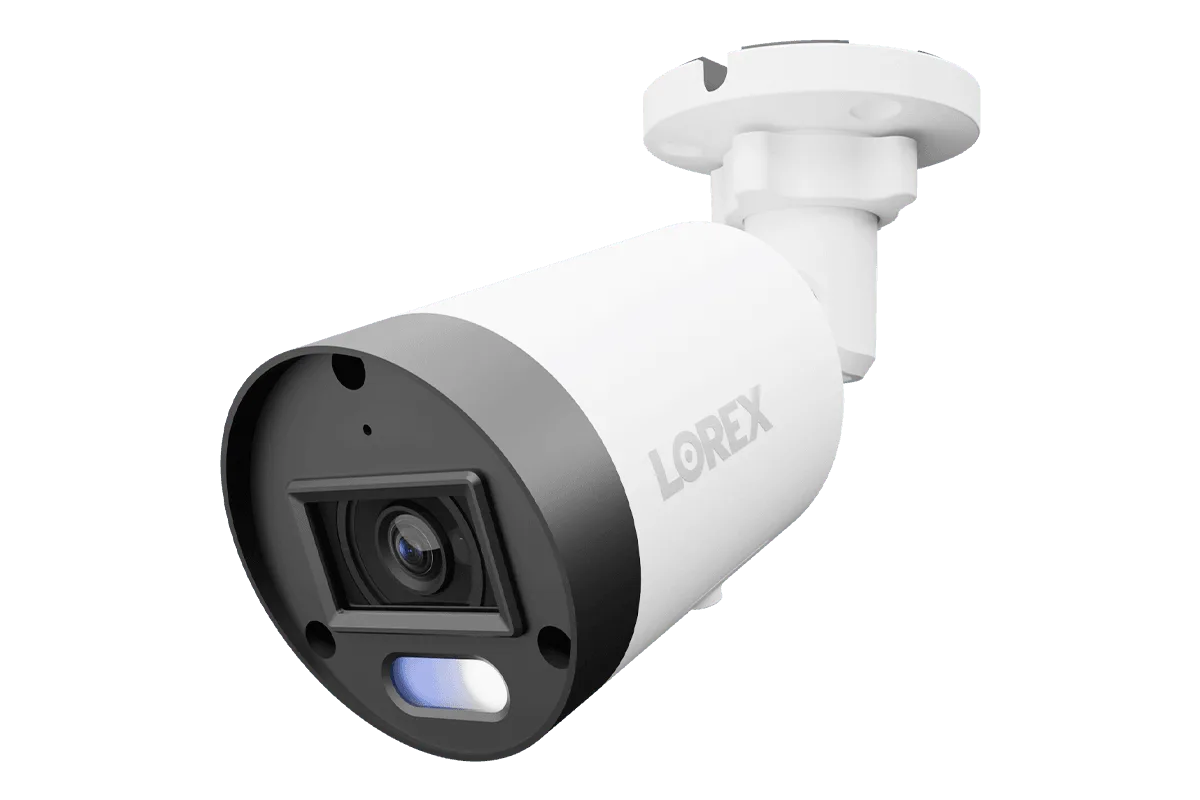
Camera lenses are the eyes of your security system. A dirty lens can result in blurry or hazy footage, which defeats the purpose of having a high-resolution camera. For outdoor cameras like the Lorex A4 IP Wired Bullet Security White Camera with Listen-In Audio and Smart Motion Detection, exposure to weather and insects can quickly accumulate debris.
To clean your cameras safely, start by using a soft, dry microfiber cloth to gently wipe the lens and housing. For stubborn spots, slightly dampen the cloth with water or a mild soap solution—never use harsh chemicals or abrasive materials. Also, check the camera's housing for cracks or gaps where moisture could enter, and ensure the seals are intact.
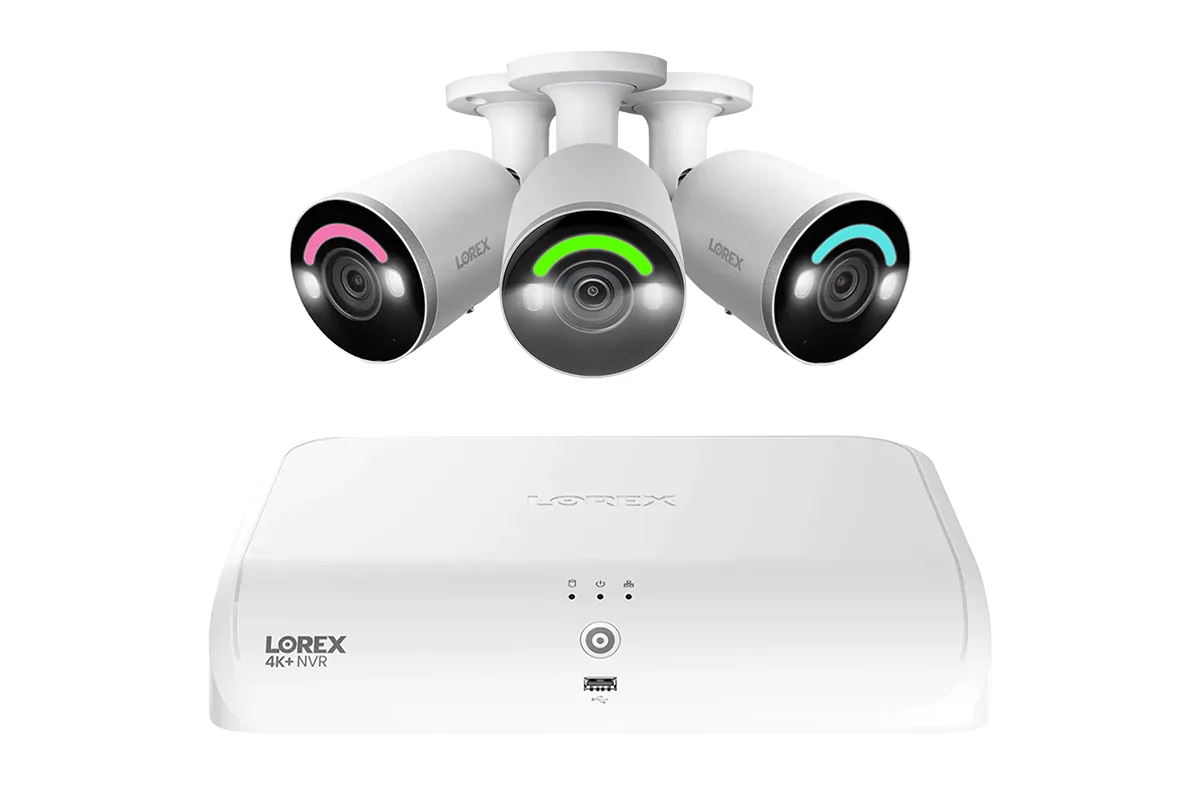
For cameras with smart security lighting, like the Lorex Connect V3 4K Wired PoE Turret Camera with Smart Security Lighting, pay attention to the light sensor and LED area. Keeping these clean ensures your camera's night vision and motion-activated lights work effectively.
- Use a microfiber cloth to avoid scratching the lens
- Inspect housing and seals for weatherproofing integrity
- Clean smart lighting sensors to maintain night vision performance
NVR Maintenance: Storage and Cooling
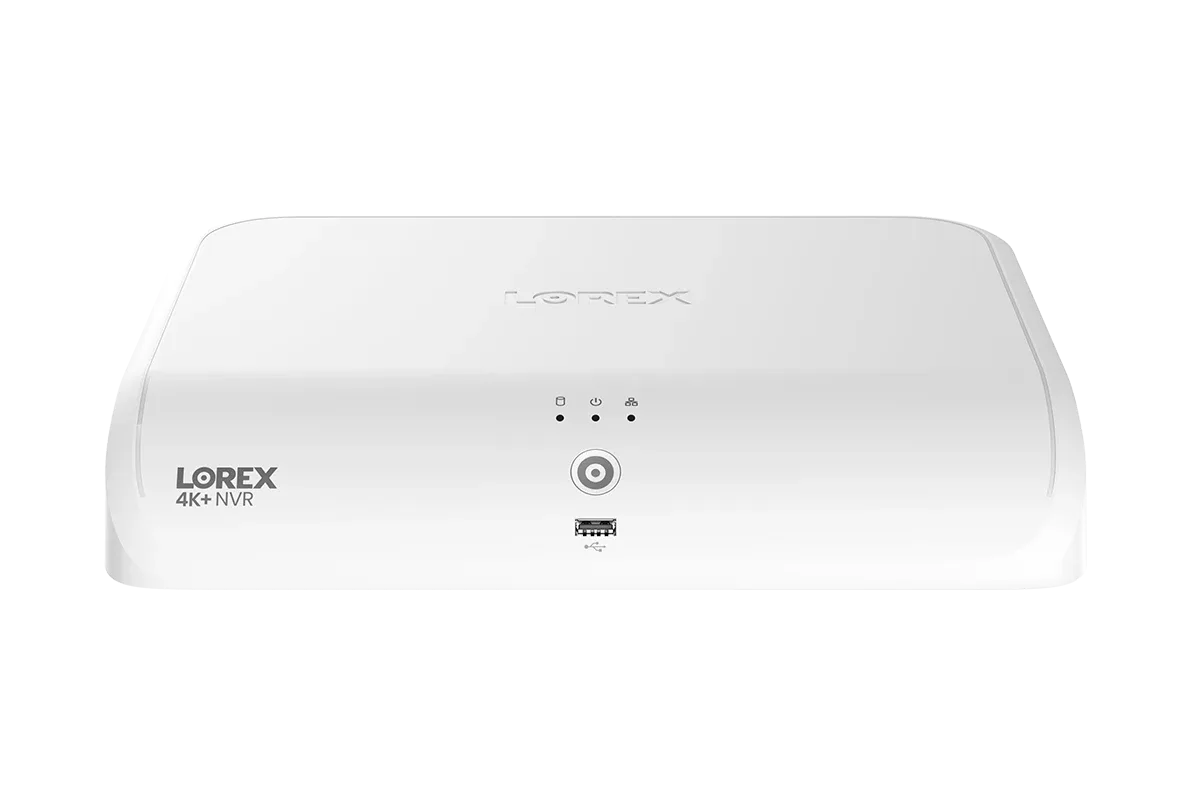
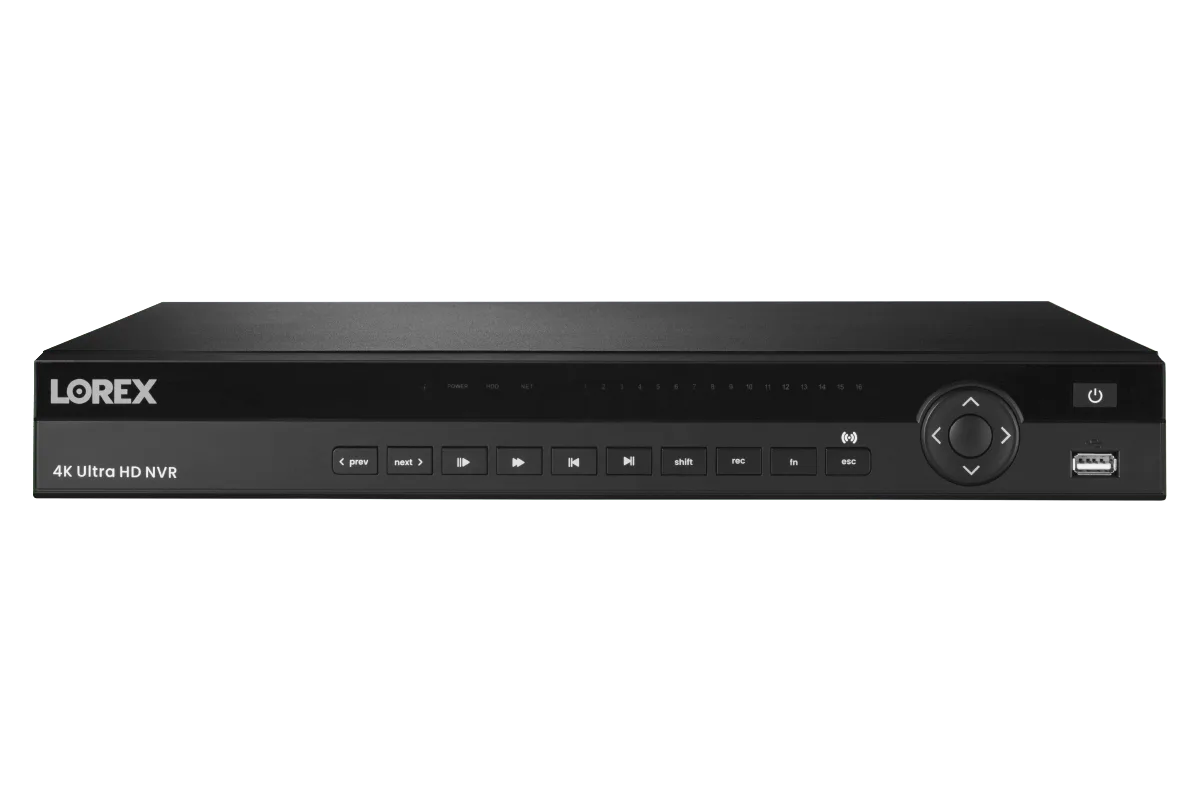
Your NVR is the brain of your wired system, storing all your footage and managing your cameras. To keep it running smoothly, start with storage management. Regularly check your hard drive's capacity and delete old footage that you no longer need. For systems like the Lorex Connect VC 4K 8-Channel NVR with 1TB storage, you may need to adjust recording settings to optimize space.
Another critical aspect is cooling. NVRs generate heat, especially in warmer climates. Ensure your NVR is placed in a well-ventilated area, away from direct sunlight or other heat sources. Periodically clean the vents and fans to prevent dust buildup, which can cause overheating and shorten the lifespan of your hardware.
Additionally, consider using a surge protector to safeguard your NVR from power spikes. This simple step can prevent damage from electrical surges, which are common during storms.
- Regularly review and delete old recordings to free up space
- Keep the NVR in a cool, ventilated area to prevent overheating
- Use a surge protector to protect against power surges
Firmware and Software Updates: Keep Your System Current
Just like any smart device, your Lorex system relies on firmware to function correctly. Manufacturers regularly release updates that fix bugs, improve performance, and patch security vulnerabilities. Ignoring these updates can leave your system vulnerable to cyber threats and may cause compatibility issues with other devices.
To update your firmware, log into your NVR's interface or use the Lorex app. Check for updates periodically—at least every few months—and follow the instructions carefully. It's also wise to update the firmware on individual cameras, especially if you have newer models like the Lorex Classic 4K+ PoE AI Bullet Camera with Person & Vehicle Detection, which may receive feature enhancements.
Remember to back up your settings before updating, in case you need to restore them after the process. Keeping your system current ensures you're getting the best performance and the latest security features.
- Check for firmware updates every few months
- Back up your settings before updating
- Update both NVR and camera firmware for optimal performance
Cable and Connection Checks for Wired Systems
Wired systems rely on cables to transmit power and data. Over time, cables can become loose, damaged, or corroded, leading to intermittent connectivity or even complete failure. Periodically inspect all cable connections, especially at the camera and NVR ends. Ensure they are snug and free from corrosion.
For long cable runs, consider using a PoE repeater to boost the signal. The Single Port PoE+ Repeater (200m/600ft PoE Repeater) is an excellent solution to extend your network reach without degradation. If you're experiencing signal issues, this device can help maintain a strong connection.
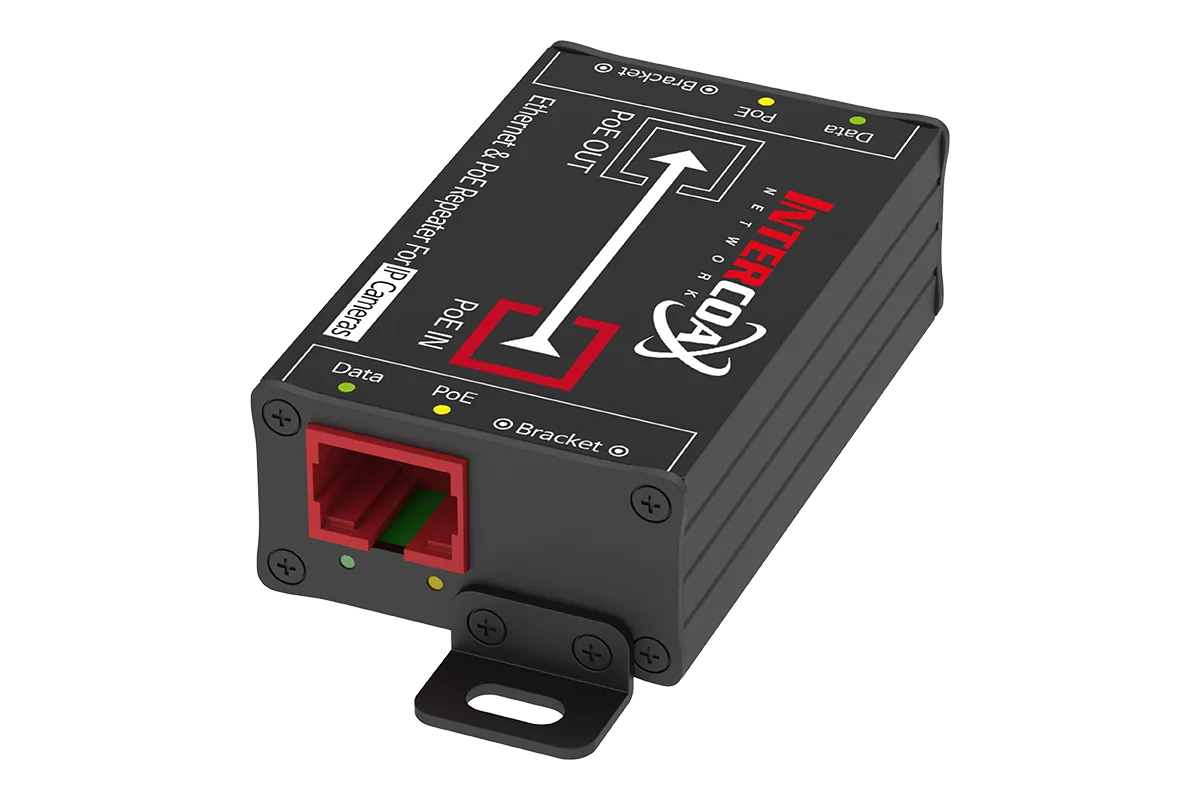
Single Port PoE+ Repeater (200m/600ft PoE Repeater)
Also, check for any physical damage to the cables, such as cuts or fraying, which could expose wires and cause shorts. If you find any damage, replace the cable immediately to prevent further issues.
- Inspect all cable connections for tightness and corrosion
- Use a PoE repeater for long cable runs to maintain signal strength
- Replace any damaged cables promptly
By incorporating these maintenance practices into your routine, you can significantly extend the lifespan of your Lorex wired security system and ensure it continues to provide reliable protection. Regular cleaning, NVR care, firmware updates, and cable checks are simple yet effective ways to keep your system performing at its best. For more tips and to explore our range of maintenance-friendly products, check out the Lorex Connect VC 4K 8-Channel NVR with 1TB storage, designed for easy management and long-term durability.