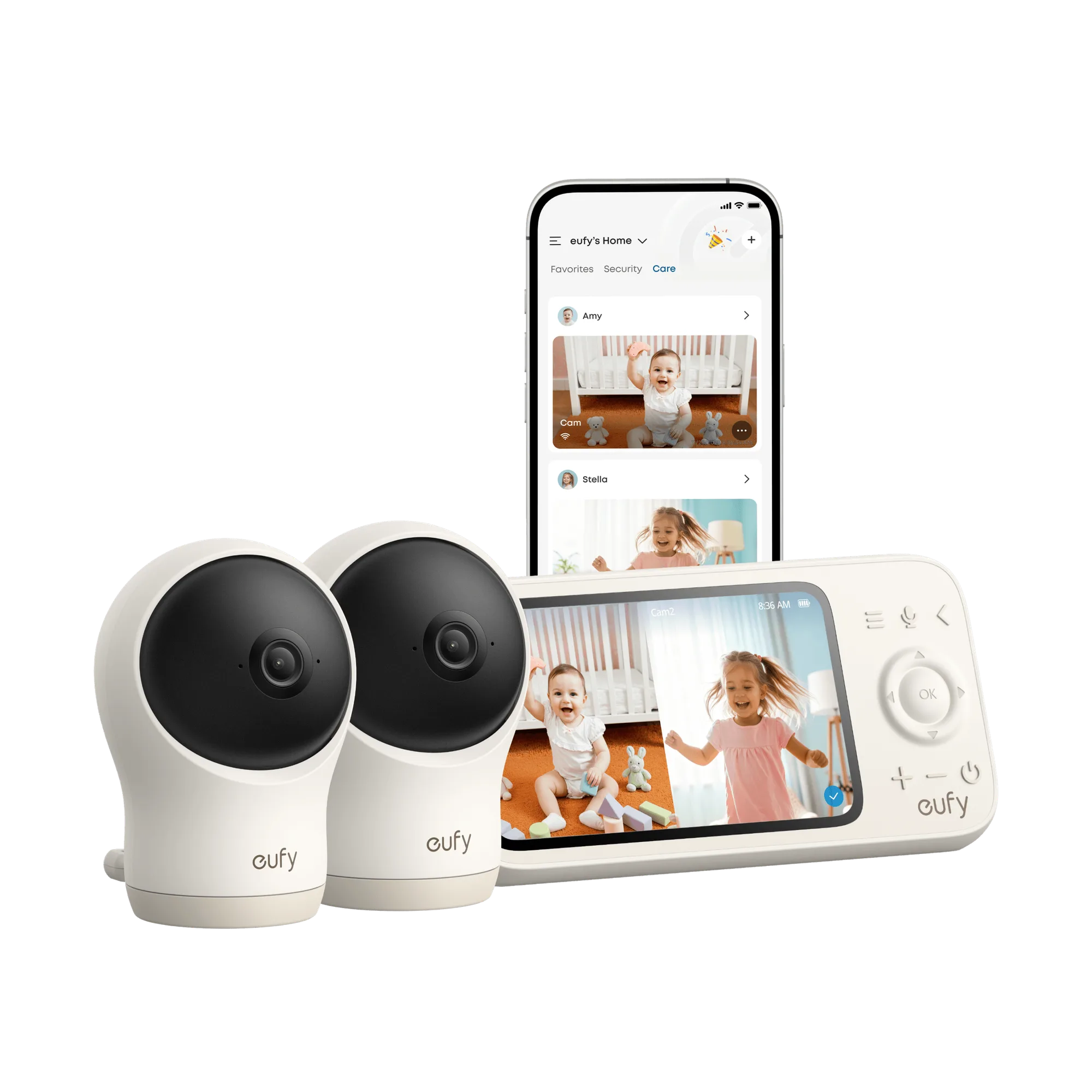
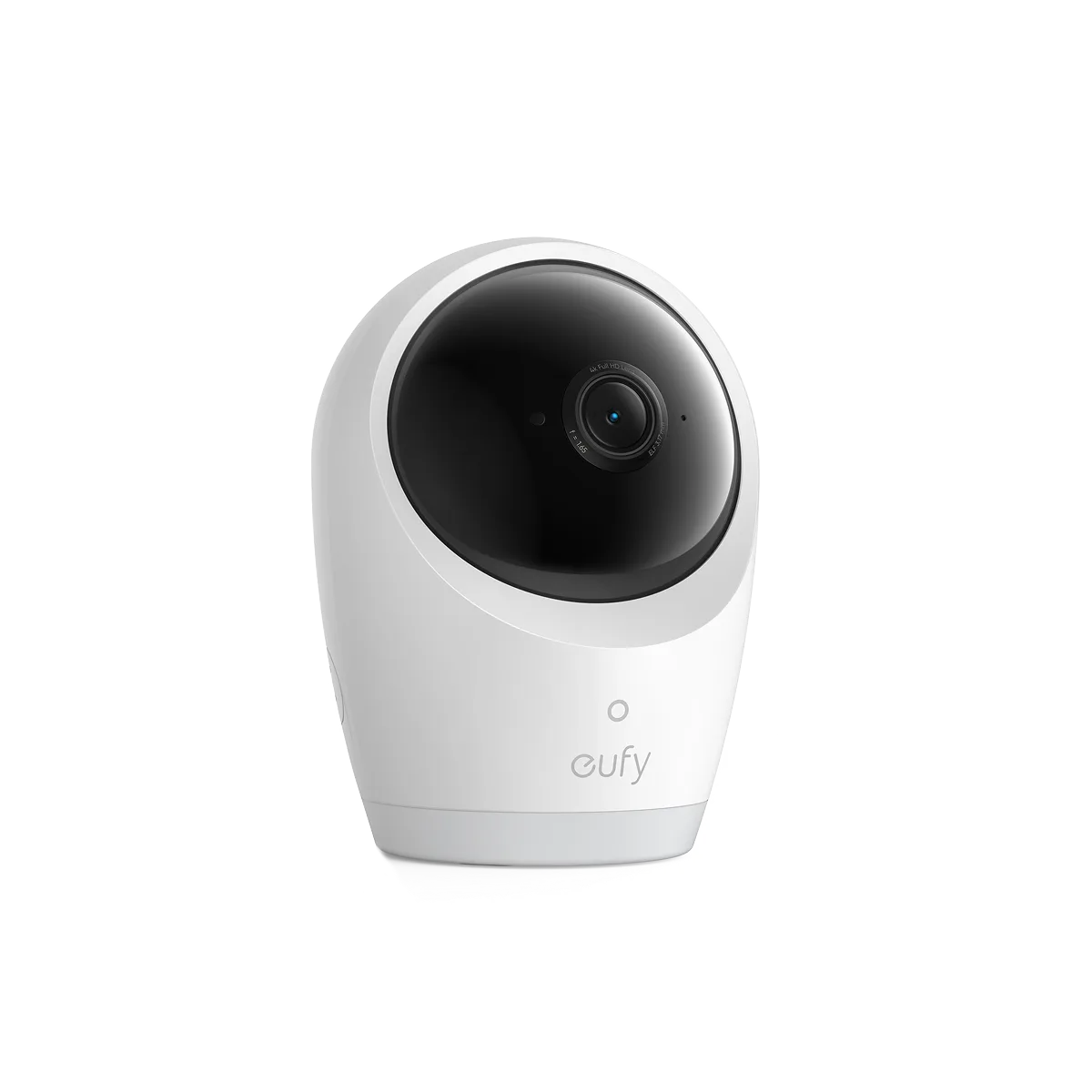
What the eufy Baby Monitor C10-Display Includes
The eufy baby monitor C10-Display (2 Pack) comes with a parent unit and a camera unit. The parent unit has a 5,000mAh battery that provides up to 12 hours of screen time on a single charge, based on internal lab testing. Actual battery life may vary with use. The camera offers 2K HD resolution, a 351° panoramic view, 60° tilt, and 4× zoom. It also includes a split-screen mode to watch two babies at once. The system supports hybrid monitoring: a stable local feed without Wi-Fi and seamless remote access when you're away. You can share viewing access with up to 5 family members.
Step-by-Step Setup for New Parents
Setting up the eufy baby monitor C10-Display is straightforward. Follow these steps to get started.
- Charge the parent unit: Plug the parent unit into a power source using the included cable. The 5,000mAh battery requires a full charge before first use. The unit can run on battery for up to 12 hours, but initial charging time may take several hours.
- Place the camera: Position the camera in the nursery where it has a clear view of the crib. The 351° pan and 60° tilt allow you to adjust the angle. Use the 4× zoom to focus on your baby without moving the camera.
- Connect the system: The monitor works with a hybrid connection. For local use, no Wi-Fi is needed. For remote access, connect the camera to your home network. Follow the on-screen prompts on the parent unit to pair the camera.
- Install the app: Download the eufy Security app on your smartphone. Update the app to version V5.6.0 or above before use. The app allows you to view the feed, adjust settings, and receive alerts.
- Share access with family: In the app, you can share viewing access with up to 5 family members. Each person can view the live feed and receive notifications.
Key Features That Affect Daily Use
-
eufy baby monitor C10-Display + Monitor (2 Pack): 2K HD Resolution, Every Moment in View: Experience clear 2K resolution, 351° panoramic view, 60° tilt, 4× zoom—plus split screen to watch two babies at once, day or night. The high resolution and wide pan/tilt let you see your baby clearly from any angle, even in low light. The split screen is useful if you have twins or two children in separate rooms.
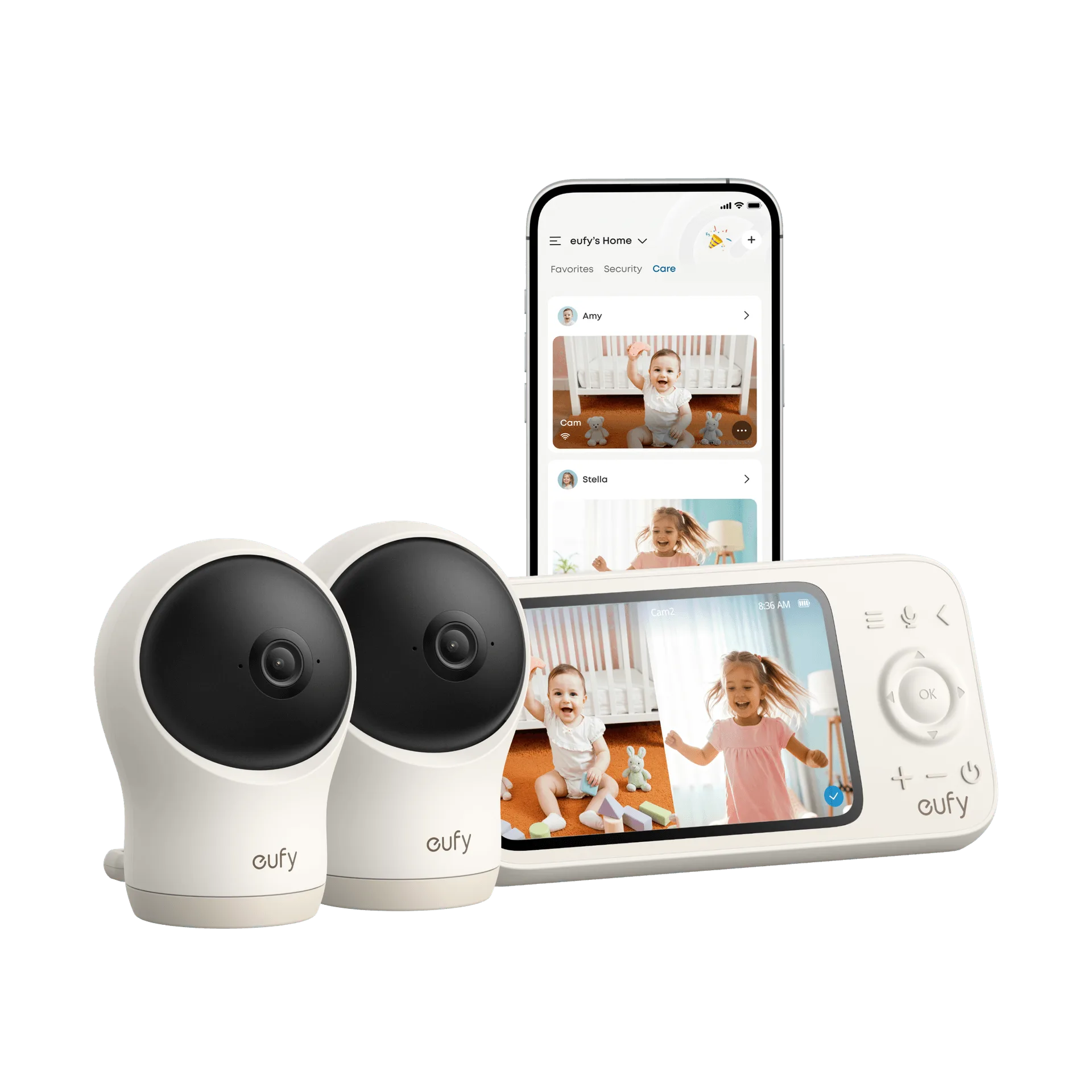
eufy baby monitor C10-Display + Monitor (2 Pack)
-
eufy baby monitor C10-Display + Monitor (2 Pack): Hybrid Monitoring, Always in Sight: Never miss a moment with hybrid connection, providing a stable local feed without Wi-Fi, and seamless remote access when you're away. You can rely on the local feed even if your internet goes down, and still check in remotely when you're out. This gives you flexibility and peace of mind.
-
eufy baby monitor C10-Display + Monitor (2 Pack): 12-Hour Battery Power, All-Night Watch: With a 5,000mAh high-capacity battery, enjoy up to 12 hours of screen time on a single charge. The long battery life means you can use the parent unit through the night without needing to recharge. Keep it plugged in during the day to ensure it's ready for nighttime monitoring.
Smart Detection and Alerts
The monitor includes an advanced sensing system that tracks your baby's movements, cries, room temperature, and unusual noises. You can customize alert settings to reduce distractions and only receive critical notifications. This helps you respond quickly when needed, without constant false alarms.
Privacy and Security Tips
The eufy baby monitor uses secure local connection for privacy. You can use the one-tap Wi-Fi off feature in the app to block remote access when not needed. The system uses RSA-1024 and AES-128 encryption, with recordings stored locally. This keeps your video feed private and secure.
Practical Tips for New Parents
Here are some tips to get the most out of your eufy baby monitor C10-Display.
- Position the camera safely: Place the camera out of your baby's reach and away from cords. Ensure it is securely mounted or placed on a stable surface to avoid falls.
- Use the split-screen feature: If you have two babies, the split-screen mode lets you monitor both on one parent unit. This is especially useful for twins or siblings in separate rooms.
- Manage battery life: Charge the parent unit during the day so it lasts through the night. The battery life may vary, so keep the charger handy for daytime use.
- Update the app: Ensure the eufy Security app is updated to V5.6.0 or above for optimal performance. This ensures you have the latest features and security patches.
- Use the SD card slot: The monitor supports local recording with a microSD card (not included). Insert a card for continuous recording or event-triggered clips.