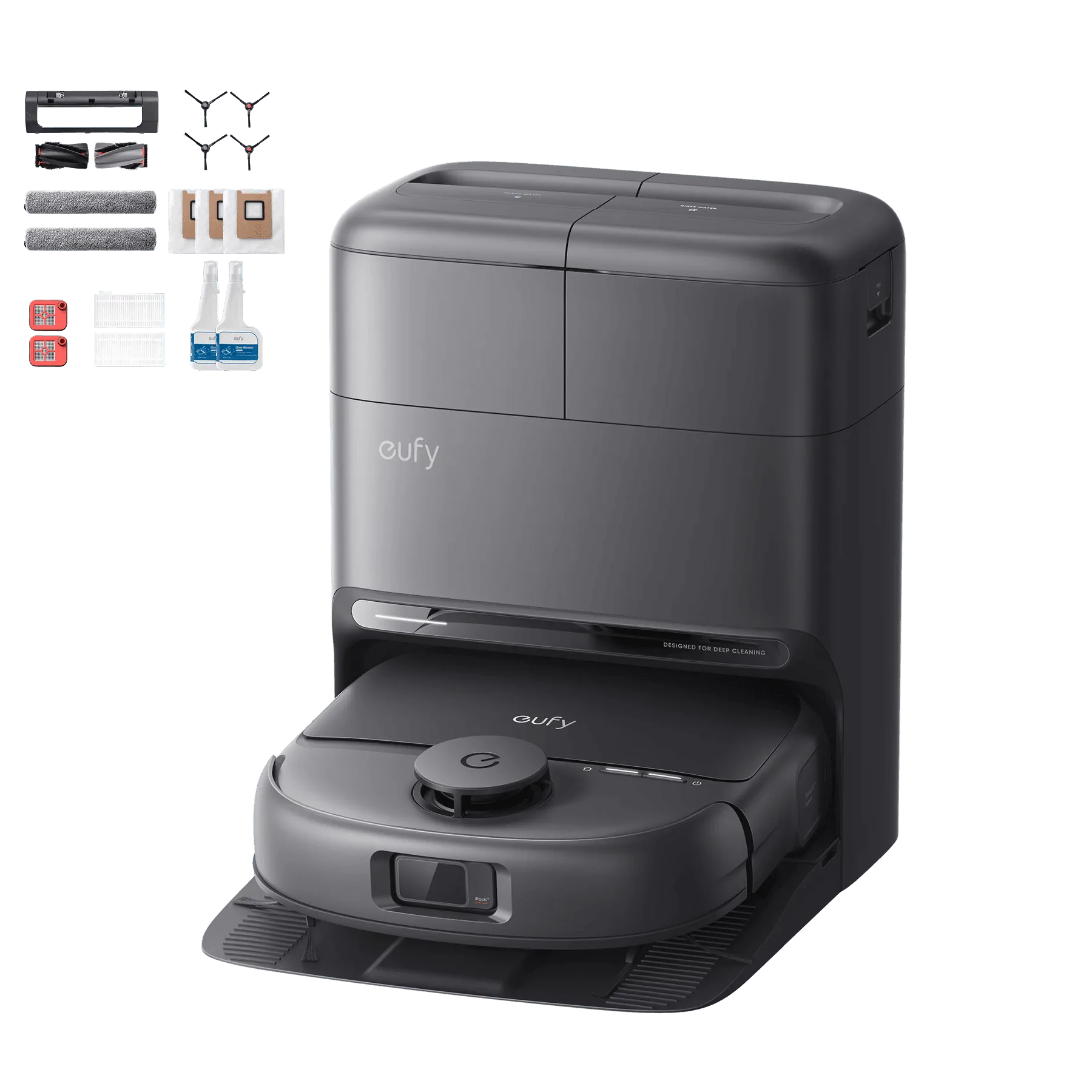
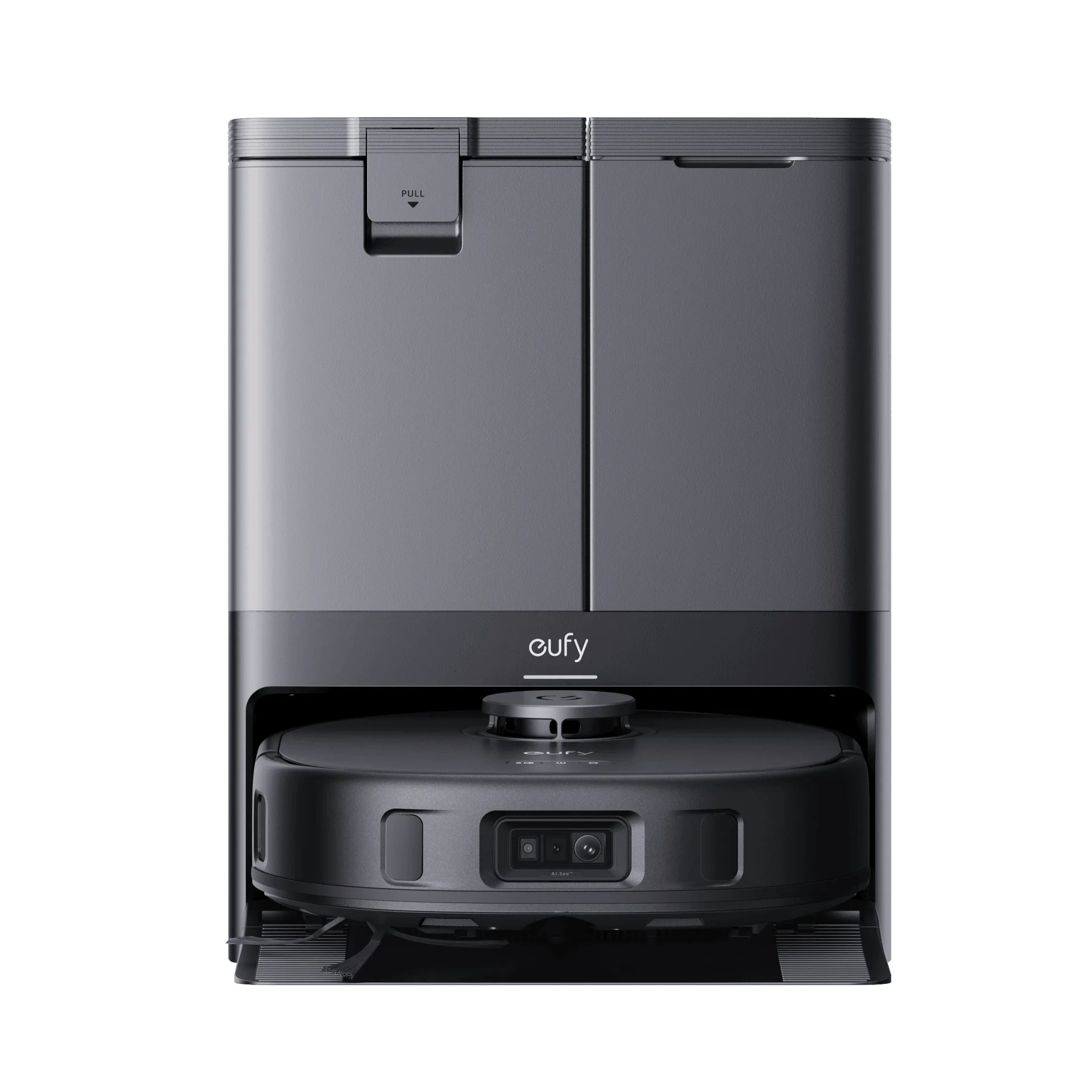
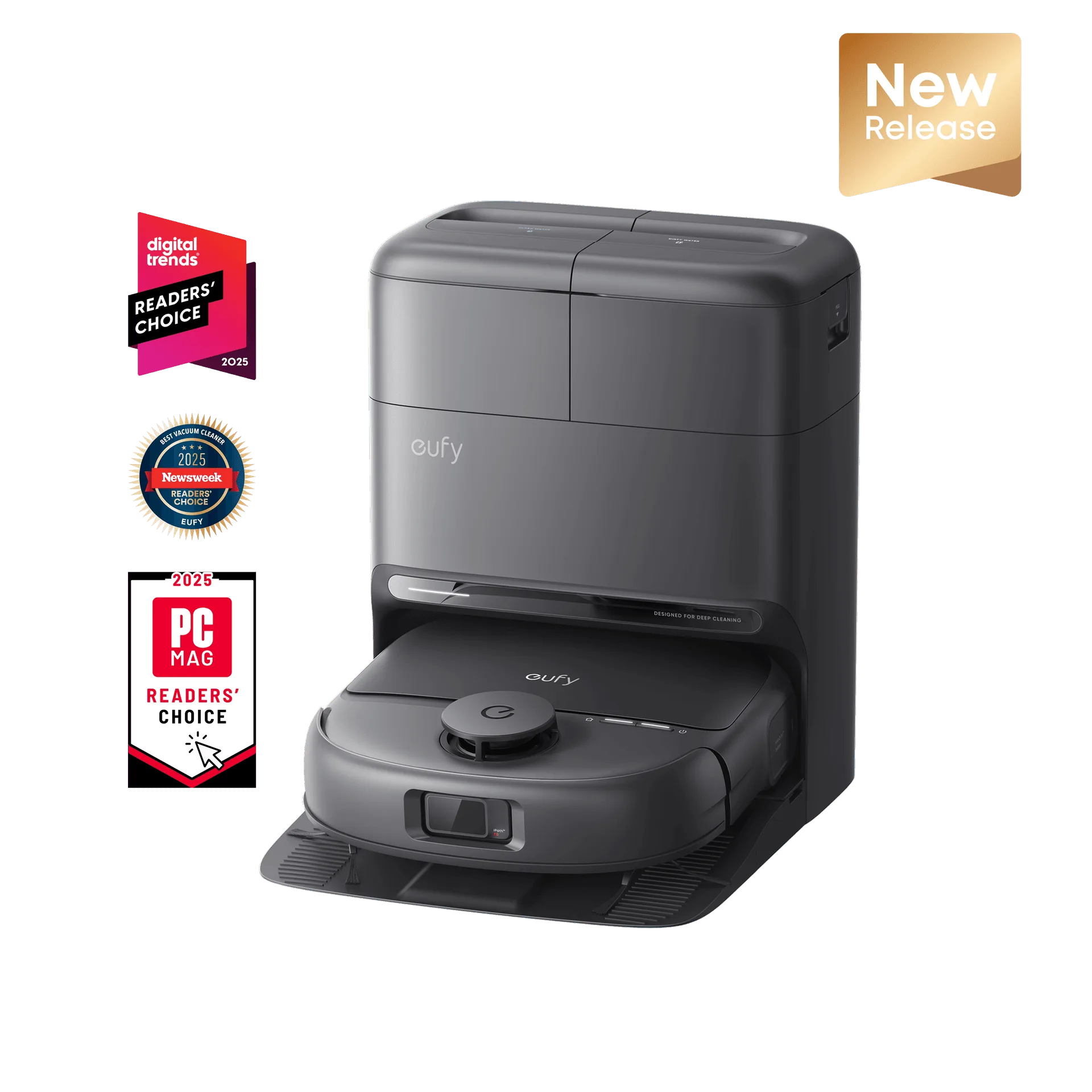
What You Get in the Box
The eufy Omni C28 arrives with the robot vacuum, the 5-in-1 docking station, and two bottles of eufy Floor Cleaning Solution. The station handles dust emptying, mop washing, water refilling, hot-air drying, and wastewater collection — so most of the daily work happens automatically once you set it up.
Unboxing and Initial Setup
Follow these steps to get your Omni C28 ready for its first cleaning run.
- Unpack the robot and station: Remove the robot vacuum, the 5-in-1 station, and all accessories from the box. Keep the packaging for potential returns or storage.
- Place the station: Set the station on a level surface against a wall, with enough clearance on both sides and in front for the robot to dock and undock. Connect the power cable.
- Add the floor cleaning solution: The supplied eufy Floor Cleaning Solution is designed for use with the Omni C28. Pour it into the designated tank on the station, following the fill lines. The station will automatically mix and dispense the solution during mopping.
- Fill the clean water tank: Fill the clean water tank with tap water (or distilled water if you prefer). The station will handle water refilling and wastewater collection.
- Power on the robot: Press and hold the power button on the robot until the indicator lights turn on. The robot will attempt to connect to the station for its first charge.
- Connect to the app: Open the eufy Home app and follow the on-screen instructions to add the Omni C28. The app will guide you through Wi-Fi setup, mapping, and customizing cleaning preferences.
- Run the first cleaning cycle: Once the robot is fully charged and the map is created, start a full cleaning cycle. The robot will automatically use the HydroJet Self-Cleaning Roller Mop and 15,000 Pa suction on hard floors, rugs, and carpets.
Key Features That Simplify Setup
-
eufy Omni C28 Robot Vacuum and Mop with 2 bottles of eufy Floor Cleaning Solution: 5-in-1 Station: Enjoy truly hands-free cleaning with a docking station that automatically handles dust emptying, mop washing, water refilling, hot-air drying, and wastewater collection. Most maintenance tasks are automated, so you don't need to manually empty the dustbin or wash the mop after every use.
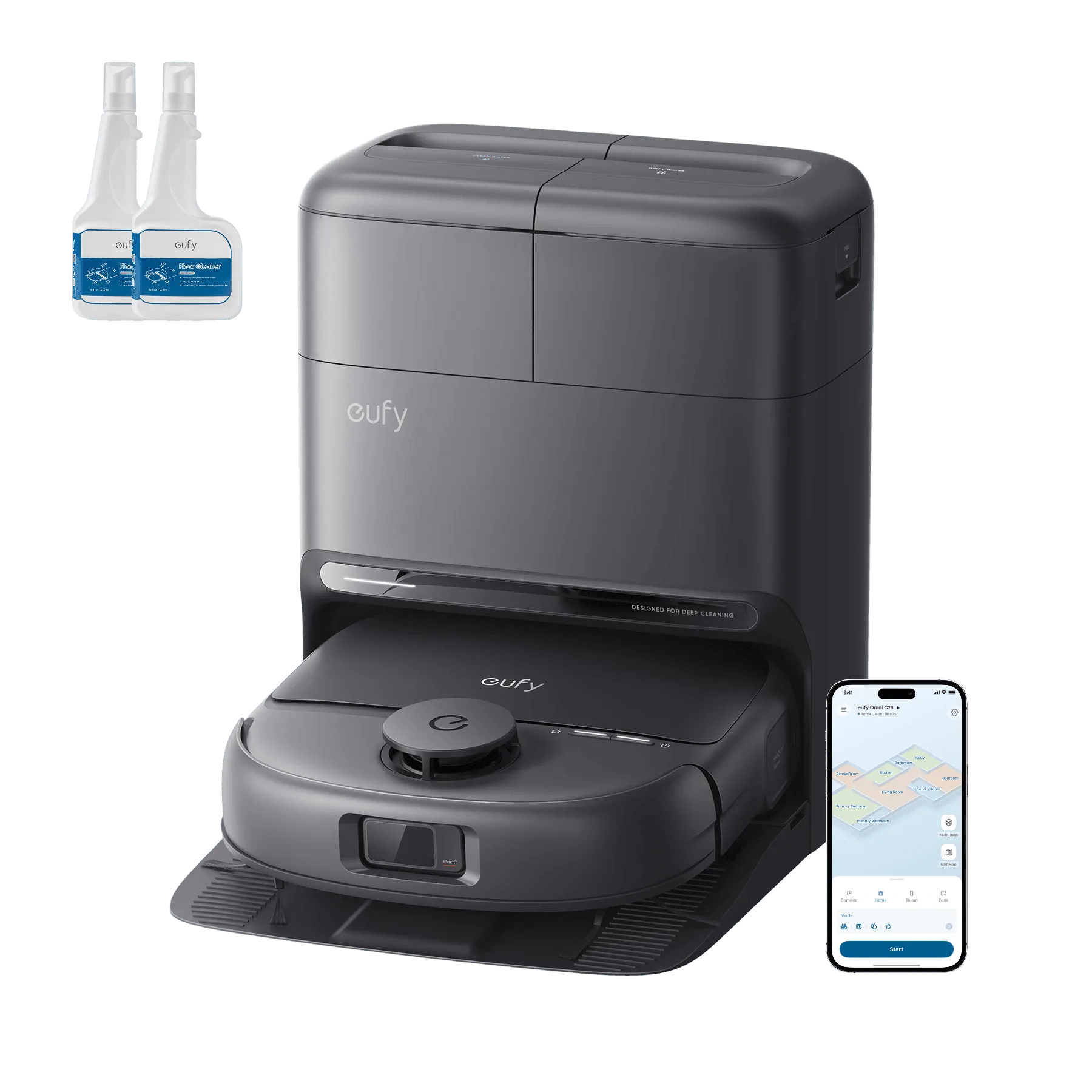
eufy Omni C28 Robot Vacuum and Mop with 2 bottles of eufy Floor Cleaning Solution
-
eufy Omni C28 Robot Vacuum and Mop with 2 bottles of eufy Floor Cleaning Solution: HydroJet Self-Cleaning Roller Mop: Roller mop cleans itself in real-time and scrubs with 1 kg of downward pressure to deliver spotless, streak-free floors. The mop cleans itself during and after mopping, reducing the need for manual intervention and keeping floors streak-free.
-
eufy Omni C28 Robot Vacuum and Mop with 2 bottles of eufy Floor Cleaning Solution: Automatic Detangling: DuoSpiral detangling brushes automatically prevent fur and hair from clogging up your robot vacuum. Pet owners and those with long hair will appreciate that the brushes resist tangling, reducing cleaning interruptions.
Using the eufy Floor Cleaning Solution
The Omni C28 comes with two bottles of eufy Floor Cleaning Solution. The station automatically mixes the solution with water during mopping cycles, so you don't need to add it to the robot's water tank manually. Simply fill the solution tank on the station, and the robot handles the rest. When the solution runs low, the app will notify you to refill.
Tips for a Smooth First Run
Before the first full cleaning, remove any loose cables, small objects, or clutter from the floor. The iPath 2.0 navigation system works well in low light and under furniture, but clearing obstacles helps the robot map your home more efficiently. If you have area rugs, the robot's 15,000 Pa suction will handle dirt and fur on both hard floors and carpets without needing to adjust settings manually.