Quick Answer
Set up your eufy Smart Scale A1 by downloading the eufyLife app, pairing via Bluetooth, and stepping on the scale to start tracking 12 body measurements.
Why the A1 and soundcore C50i Work Well Together
The eufy Smart Scale A1 focuses on body composition tracking while the soundcore C50i earbuds keep you motivated during workouts. Both devices connect to the eufyLife app, so you can view your health data and control your music in one place. This setup works best if you already use eufy products and want a simple, unified health tracking experience.
What the Scale Measures – and What It Doesn't
The A1 scale tracks 12 metrics including weight, body fat percentage, bone mass, and muscle mass. It does not measure heart rate or blood pressure, so if you need those readings, consider a more advanced model. For most users focused on weight and body composition changes, the A1 provides enough data without overwhelming you.
Setup Steps
- Download and Install the eufyLife App: Search for 'eufyLife' in your phone's app store (iOS or Android) and install it. Create an account or log in if you already have one. Make sure your phone has Bluetooth 4.0 or later for a stable connection.
- Pair the Scale via Bluetooth: Open the eufyLife app, tap 'Add Device', and select 'Smart Scale A1'. Place the scale on a hard, flat surface (not carpet). Step on the scale briefly to wake it up; the app will detect it automatically within a few seconds. If pairing fails, move the scale closer to your phone and ensure no other Bluetooth devices are interfering.
- Set Up Your Profile: In the app, enter your height, age, and gender. This information helps the scale calculate body fat percentage and other metrics accurately. You can also add multiple family members for separate tracking. Double-check your height entry – a common mistake is using inches instead of cm or vice versa, which skews body fat estimates.
- Take Your First Measurement: Step onto the scale with bare feet and stand still. The scale will measure your weight first, then send the data to the app. Wait for the app to display your 12 metrics – this usually takes 5-10 seconds. For consistent results, weigh yourself at the same time each day, preferably in the morning before eating or drinking.
- Sync soundcore C50i Earbuds (Optional): If you have the soundcore C50i earbuds, pair them with your phone via Bluetooth. In the eufyLife app, you can access music controls or workout playlists while viewing your health stats. The earbuds do not sync data with the scale – they simply provide audio during your fitness routine. The C50i earbuds are a separate product; they don't affect scale measurements. Use them for motivation, not data collection.
Product Facts
-
eufy Smart Scale A1 with soundcore C50i: The eufy Smart Scale A1 measures 12 body measurements including weight, body fat %, bone and muscle mass, and more. You get a comprehensive view of your body composition changes over time, not just weight alone.
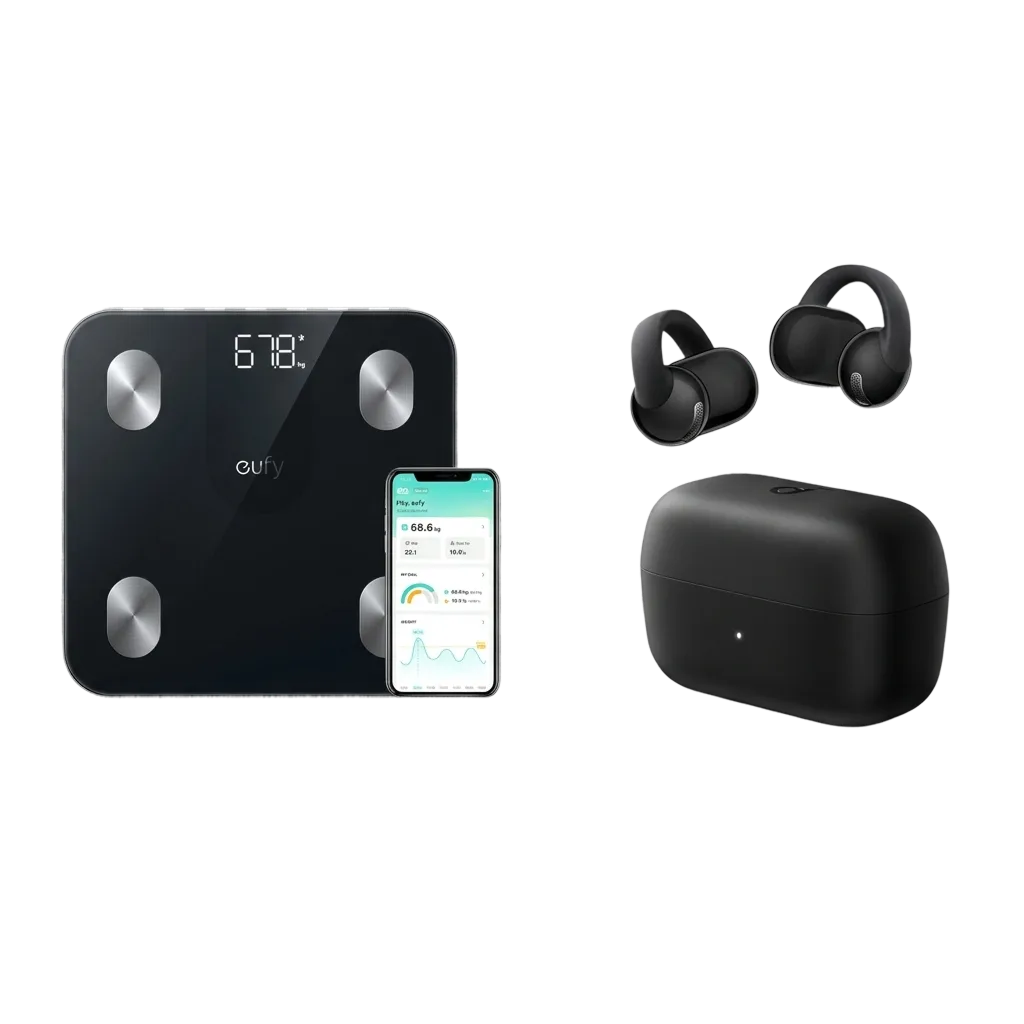
eufy Smart Scale A1 with soundcore C50i