Quick answer
Install the eufy Wall Light Cam S4 4-pack by first wiring each unit to a constant-power circuit, then mounting at 2–3 meters (6.5–10 ft) with a clear view, and finally pairing all four to the HomeBase S380 for centralized storage. Use the HomeBase S380’s built-in storage to keep footage local and reduce cloud dependence.
Wiring options and what they mean for placement
The Wall Light Cam S4 is designed to replace an existing outdoor wall light or to be wired to a constant-power circuit. It does not rely on a battery, so the wiring decision comes first: choose a location where a live electrical line is already available or can be safely extended by a qualified electrician. Because the camera uses radar detection, it can be mounted higher than a typical motion sensor camera without losing sensitivity, but the light output still needs to reach the ground where people walk.
If you are replacing an existing fixture, confirm the circuit is controlled by a wall switch that stays on. A switched circuit that is turned off at night will disable the camera and light. For new wiring, plan for a junction box that is weatherproof and accessible for future service. The 4-pack is best suited to a property with multiple existing wall lights or a planned lighting layout; mixing the S4 with other eufy cameras is possible, but each unit must be paired separately.
Placement that uses the radar’s strengths
The S4’s 60 GHz mmWave radar detects motion with a 120° field of view and up to 12 m (39.37 ft) range, and eufy states it reduces false alarms from pets or plants. That does not mean you can ignore placement: mounting the camera facing a busy street or a swaying tree can still trigger alerts if the radar sees movement in its zone. Aim each unit at a defined area such as a driveway, side yard, or entry path, and avoid overlapping detection zones between the four cameras where possible.
For lighting coverage, mount the fixture at a height that lets the light spread across the area without glare into windows. A common mistake is placing all four cameras at the same height and angle, which can leave blind spots at corners. Instead, vary the angle slightly for each location and use the eufy app’s live view to check coverage before final tightening.
Step-by-step setup for the 4-pack and HomeBase S380
- 1. Plan power and wiring for each location: Identify the existing wall light circuit for each of the four cameras. Confirm the circuit is constant power (not switched off at night) and that the junction box is weatherproof. If you need new wiring, hire a licensed electrician. Common mistake: assuming a switched circuit is always on—test it with a known load before mounting. Label each circuit breaker before you start so you can safely cut power during installation.
- 2. Mount the cameras at the right height and angle: Install each S4 at 2–3 meters (6.5–10 ft) above ground, angled slightly downward toward the target area. Use the included mounting hardware and ensure the camera is firmly fixed. Check that the radar’s 120° view is not blocked by walls or fixtures. Common mistake: mounting too low, which increases false alerts from passing animals and reduces light spread. Before final tightening, use a temporary hold to view live footage and adjust the angle for each of the four locations.
- 3. Connect the HomeBase S380 to your router: Place the HomeBase S380 near your router and connect it via Ethernet cable. Power it on and wait for the LED to indicate it is ready. Common mistake: placing the HomeBase in a metal cabinet or far from the router, which weakens the wireless link to the cameras. Keep the HomeBase in a central location to ensure strong signal to all four cameras.
- 4. Pair each Wall Light Cam S4 to the HomeBase S380: Open the eufy Security app, select Add Device, and choose the Wall Light Cam S4. Follow the prompts to scan the QR code on each camera and connect to your 2.4 GHz Wi-Fi network. Pair one camera at a time. Common mistake: trying to pair all four simultaneously, which can cause timeouts or misidentification. Name each camera by location (e.g., Driveway, Back Door) during pairing to simplify later management.
- 5. Configure storage on the HomeBase S380: In the app, go to HomeBase settings and confirm the internal storage is detected. Set recording preferences for each camera: continuous, motion-only, or scheduled. The S380 supports local storage so footage stays on the device. Common mistake: leaving default settings that may record too much or too little; adjust based on your typical activity. Check available storage space and enable automatic overwrite to avoid running out of space.
- 6. Test detection and adjust settings: Walk through each camera’s field of view at different distances to confirm radar detection triggers recording and light. Use the app to adjust sensitivity and set activity zones if needed. Common mistake: skipping the walk test, which can leave blind spots or excessive alerts. Test at night as well, since lighting and radar performance can differ after dark.
Product facts
-
eufy Wall Light Cam S4 (4 pack) + eufy HomeBase™ S380: The eufy Wall Light Cam S4 uses 60 GHz mmWave radar with a 120° ultra-wide view and up to 12 m (39.37 ft) detection range. This wider, radar-based detection lets you mount the camera higher and cover a larger area than a typical PIR motion sensor, but you still need to aim it away from constant motion sources like busy sidewalks.
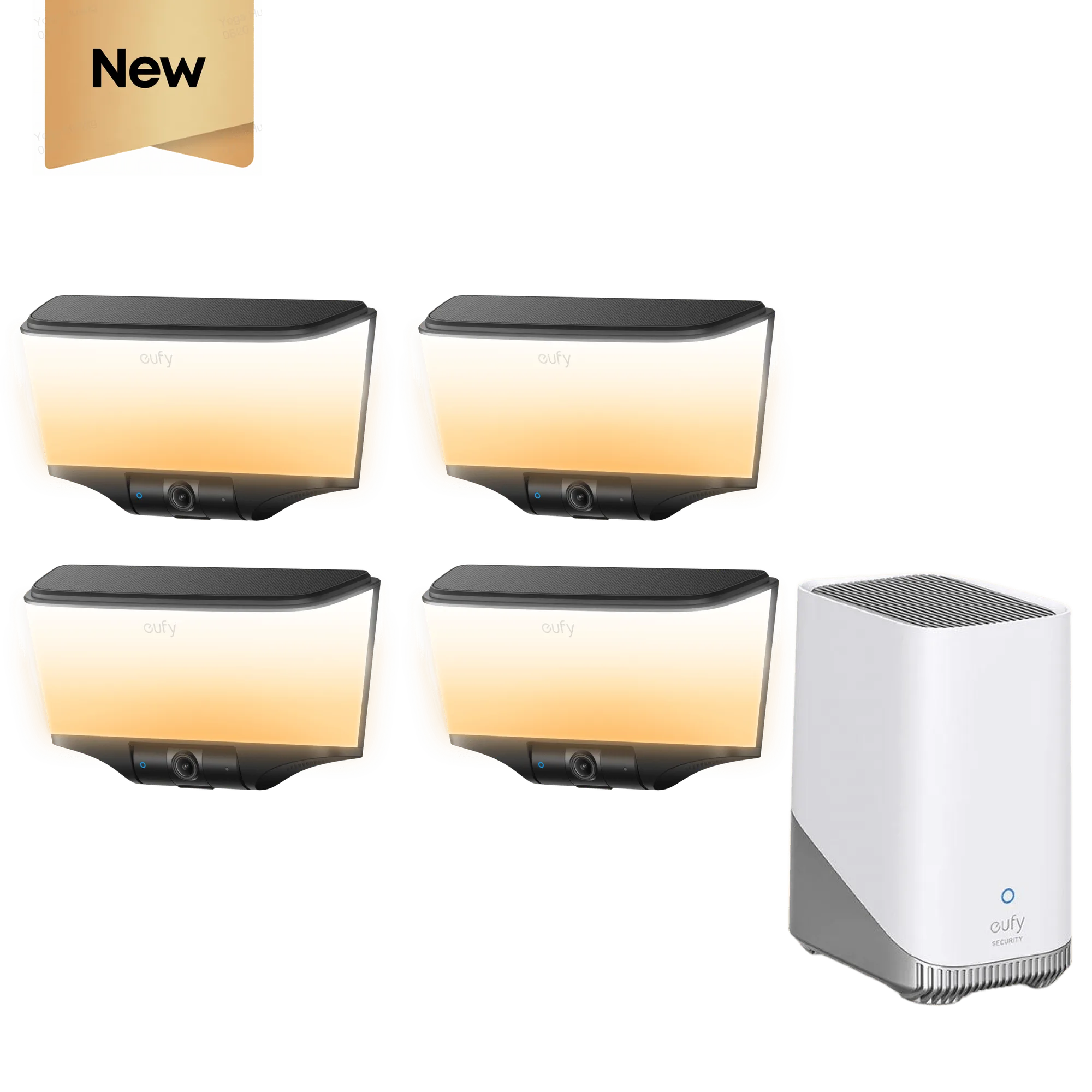
eufy Wall Light Cam S4 (4 pack) + eufy HomeBase™ S380