Quick answer
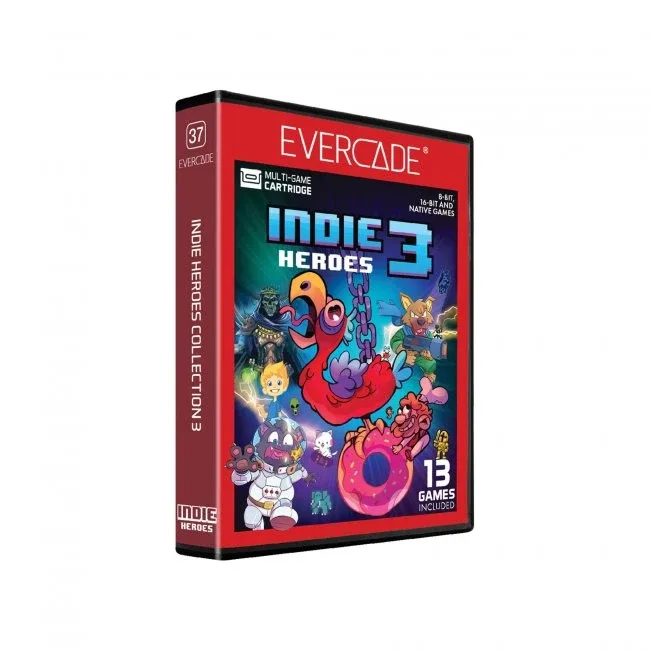
If you play cartridge-based systems like the SNES, NES, Genesis, or Game Boy, an EverDrive or another flash cart is the right choice. If you play disc-based systems like the PlayStation, Saturn, or Dreamcast, an optical drive emulator (ODE) replaces the disc drive and is the better fit. Some cartridge systems also have non-EverDrive flash carts, such as the HyperFlash32 for Virtual Boy, that offer unique features. Choose based on your console's media type first, then on convenience and budget.
What each option actually does
An EverDrive is a brand of flash cart: a cartridge-shaped device that loads ROM files from an SD card and runs them on original hardware. Other flash carts do the same job but may differ in storage, features, or compatibility. For example, the HyperFlash32 E-Ink 32Mbit Flash Cart for Virtual Boy holds one game at a time in 32 Mbit of built-in flash memory, but it can be reflashed from files on a microSD card without a computer connected, so it sits between a single-game cart and a multi-ROM cart.
An optical drive emulator (ODE) is different: it replaces the disc drive inside a disc-based console and lets you run game images from an SD card, USB drive, or internal storage. ODEs are specific to each console model, while flash carts are specific to cartridge-based systems. You cannot use an EverDrive in a PlayStation, and you cannot use an ODE in a Super NES.
Key trade-offs: convenience, cost, and compatibility
Flash carts like EverDrive are generally cheaper than ODEs because they do not replace a mechanical drive. They also work on original hardware without opening the console. However, they depend on the console's cartridge slot working, and some flash carts have limited storage or slower load times. ODEs cost more and often require disassembly, but they eliminate failing disc drives and let you keep your disc-based console running for years.
Another trade-off is game compatibility. Flash carts run ROM files, so you need to source your own game files. ODEs run disc images, which you also need to supply. Neither includes games. If you want a curated, ready-to-play experience, a reproduction cart or an officially released collection may be better. For cartridge systems, you can also personalize the look: the Clear Ice FXPak Pro / Super EverDrive / SD2SNES Pro Universal Cart Shell is a replacement shell that fits those specific flash carts, letting you swap the stock shell for a clear one.
How to choose without overbuying
Start with your console. If it takes cartridges, a flash cart is your only option among these three. If it takes discs, an ODE is the practical choice. Next, consider how many games you want available at once. The HyperFlash32 holds one game at a time but can be reflashed from a microSD card without a computer, which is convenient if you switch games occasionally but not constantly. EverDrive-style carts typically hold many games and let you pick from a menu.
Finally, factor in setup effort. Flash carts are plug-and-play after you format an SD card. ODEs may require soldering or careful disassembly, so check the installation requirements for your specific console. If you are not comfortable opening your console, a flash cart is the safer route. For display or storage, small accessories like the Display Stand for Game Boy, Game Boy Color, and Game Boy Advance Game Cartridges - Trogg Tech can keep your physical collection organized while you use a flash cart for daily play.
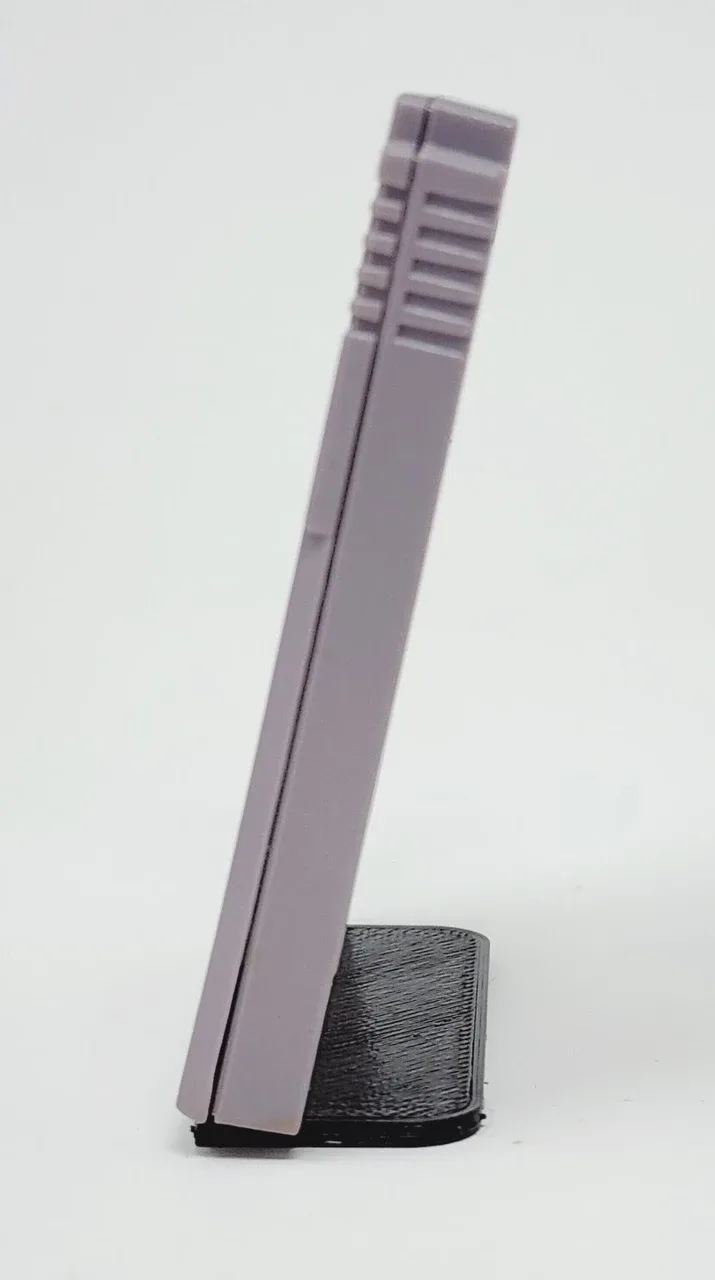
Display Stand for Game Boy, Game Boy Color, and Game Boy Advance Game Cartridges - Trogg Tech
Trade-offs at a glance
- EverDrive / flash cart: Works in cartridge-based consoles, loads many ROMs from SD card, no console modification needed. Best for SNES, NES, Genesis, Game Boy, and similar systems.
- Optical drive emulator (ODE): Replaces the disc drive in disc-based consoles, runs disc images from SD or USB, often requires opening the console. Best for PlayStation, Saturn, Dreamcast, and other disc-based systems.
- Single-file flash cart (e.g., HyperFlash32): Holds one game at a time but can be reflashed from microSD without a computer; battery-free save memory. Best for Virtual Boy or when you prefer a focused, one-game-at-a-time approach.
Product facts
- Clear Ice FXPak Pro / Super EverDrive / SD2SNES Pro Universal Cart Shell: This is a replacement shell for an FXPak Pro / SD2SNES Pro / Super EverDrive X5/X6. If you already own one of those flash carts, you can change its appearance without buying a new cart.
- HyperFlash32 E-Ink 32Mbit Flash Cart for Virtual Boy: HyperFlash32 is a single file Virtual Boy flash cart with 32 Mbit of built in flash memory along with an 8k x 8 nvSRAM that doesn’t require a backup battery. It can be reflashed from files available on the microSD card without a computer connected. It offers battery-free saving and easy game switching without a PC, which is ideal for Virtual Boy owners who want a simple, self-contained solution.
Which one fits you?
Best for
- Owners of cartridge-based consoles who want a large game library on one cart
- Players who prefer plug-and-play without modifying their console
- Collectors who want to preserve original cartridges and play ROMs instead
Not for
- Owners of disc-based consoles who need to replace a failing disc drive
- Players who want an all-in-one solution for both cartridge and disc systems
- Anyone who expects games to be included with the hardware