Investing in a Lorex wired security system means you expect reliable protection for years. But even the most durable equipment—like your NVR recorder and high-resolution cameras—needs regular care to perform at its best. Dust, humidity, power fluctuations, and simple neglect can shorten the lifespan of components and degrade video quality over time.
Fortunately, extending the life of your Lorex wired cameras and NVR doesn’t require professional skills. With a few straightforward habits, you can keep your system running smoothly, reduce the chance of costly repairs, and enjoy crystal-clear footage for the long haul. Here are five practical tips to help you get the most from your investment.
1. Clean Camera Lenses and Housings Regularly
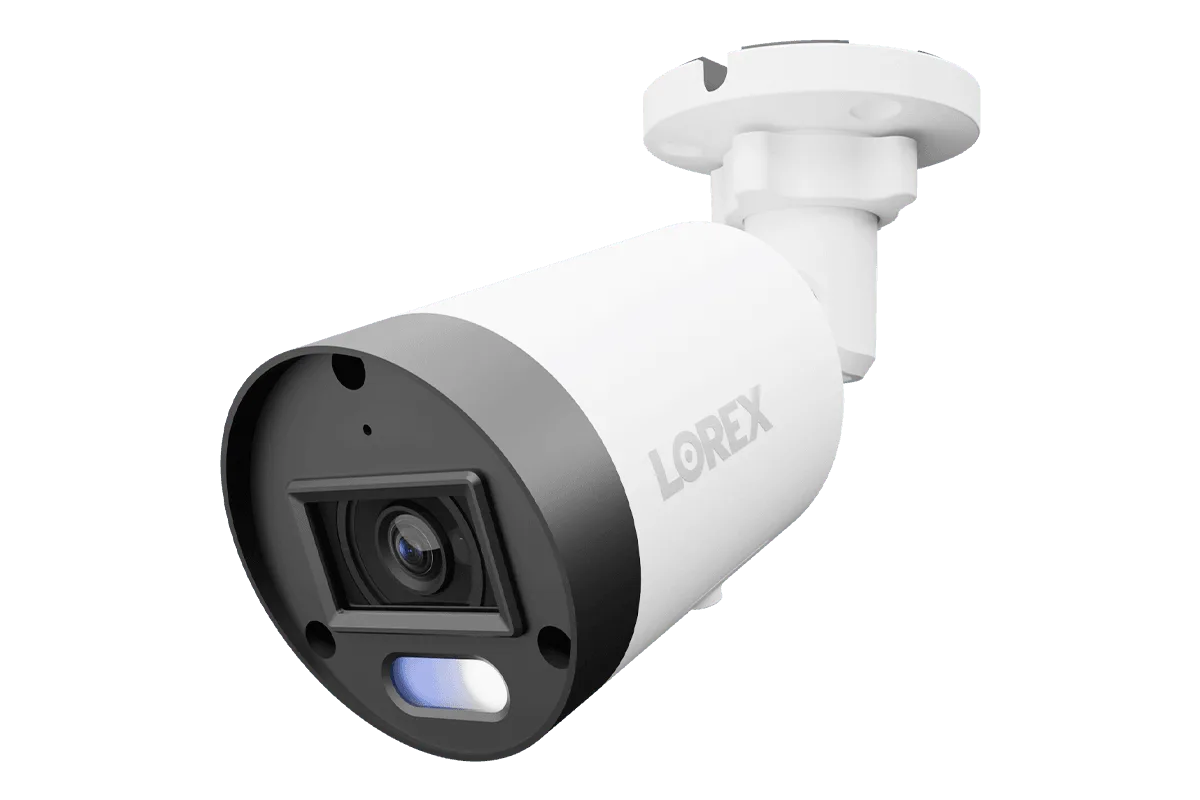
Outdoor cameras face rain, dust, pollen, and spider webs that blur footage. For dome-style units like the Lorex 4K Smart Security Lighting Deterrence Dome AI PoE IP Wired Camera, a dirty dome can cause infrared glare and reduce night vision range. Use a microfiber cloth and a mild lens cleaner (avoid ammonia-based products) to gently wipe the lens and protective bubble. For bullet cameras, pay special attention to the lens opening and housing seals.
Schedule a cleaning every two to three months, or after any severe weather. While cleaning, inspect the housing for cracks or loose seals. A small crack can let in moisture, damaging internal electronics. If you spot damage, replace the housing promptly to avoid water ingress that could short-circuit the camera.
- Use only soft, lint-free cloths to avoid scratching the lens.
- Check the rubber gasket around the camera base for wear.
2. Keep Your NVR Cool and Well-Ventilated
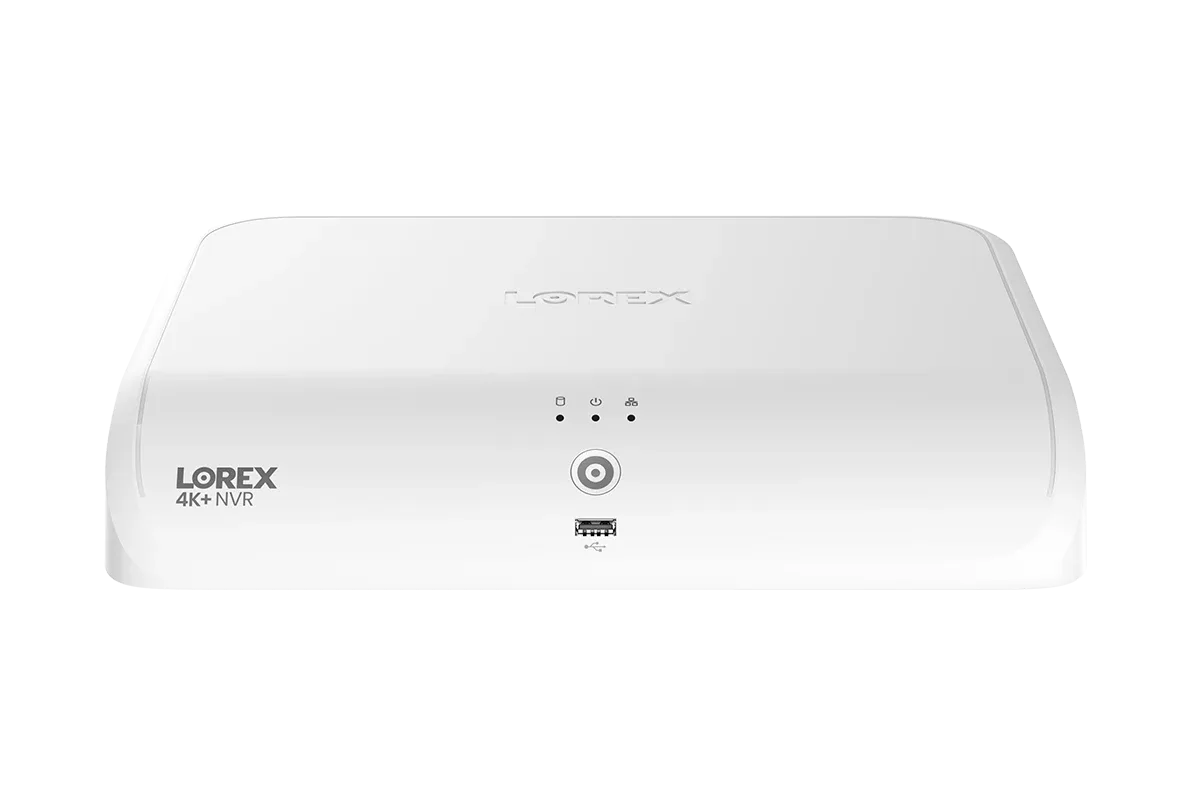
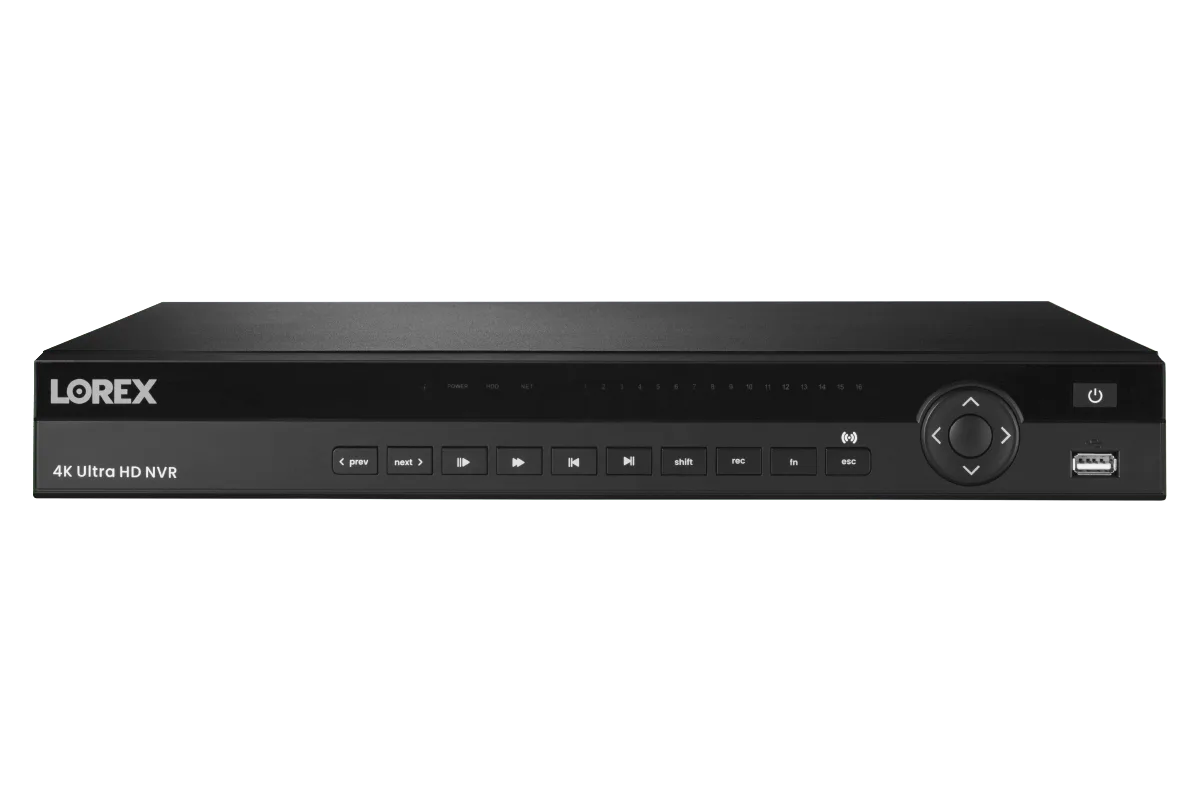
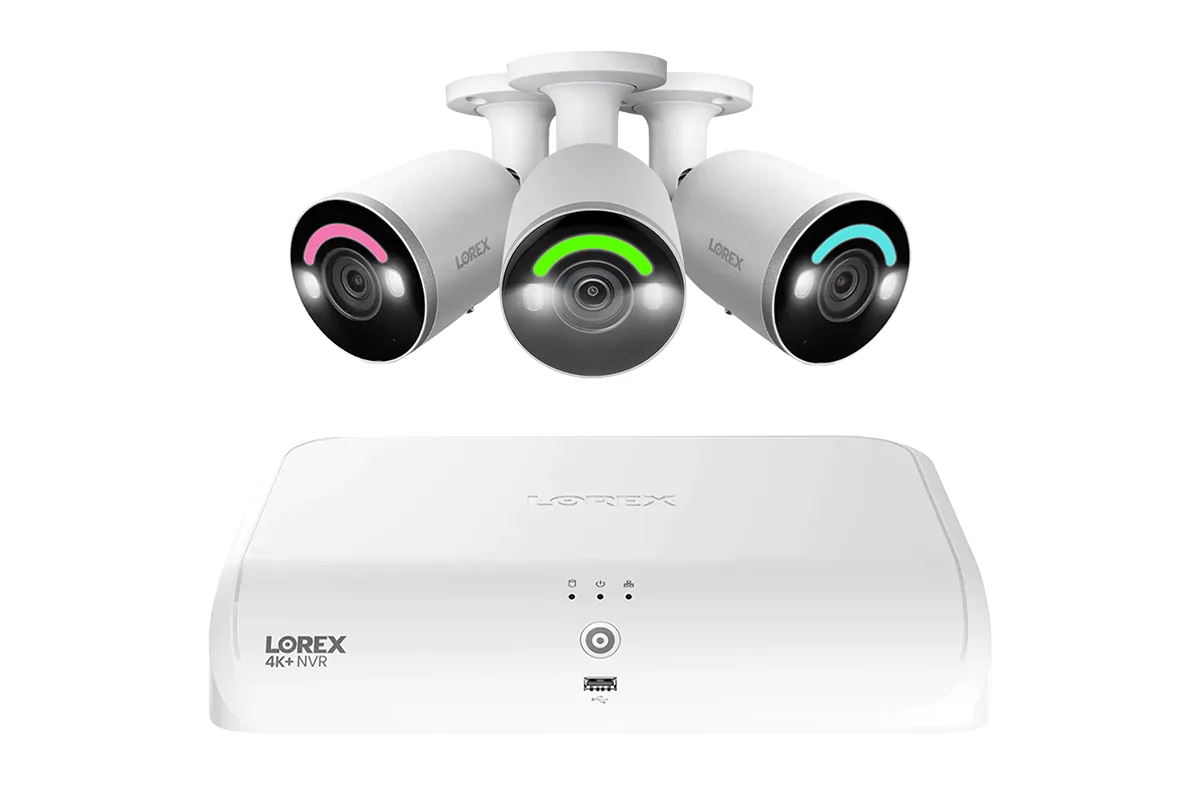
Your Lorex NVR (Network Video Recorder) generates heat, especially when recording continuously. Systems like the Lorex Fusion NVR with 4 IP Bullet Cameras - 4K 16-Channel 2TB Wired System run a hard drive and processor that need airflow. Place the NVR in a well-ventilated area—avoid cramped cabinets or stacks of equipment. Ensure at least two inches of clearance on all sides, especially the top and rear where exhaust vents are often located.
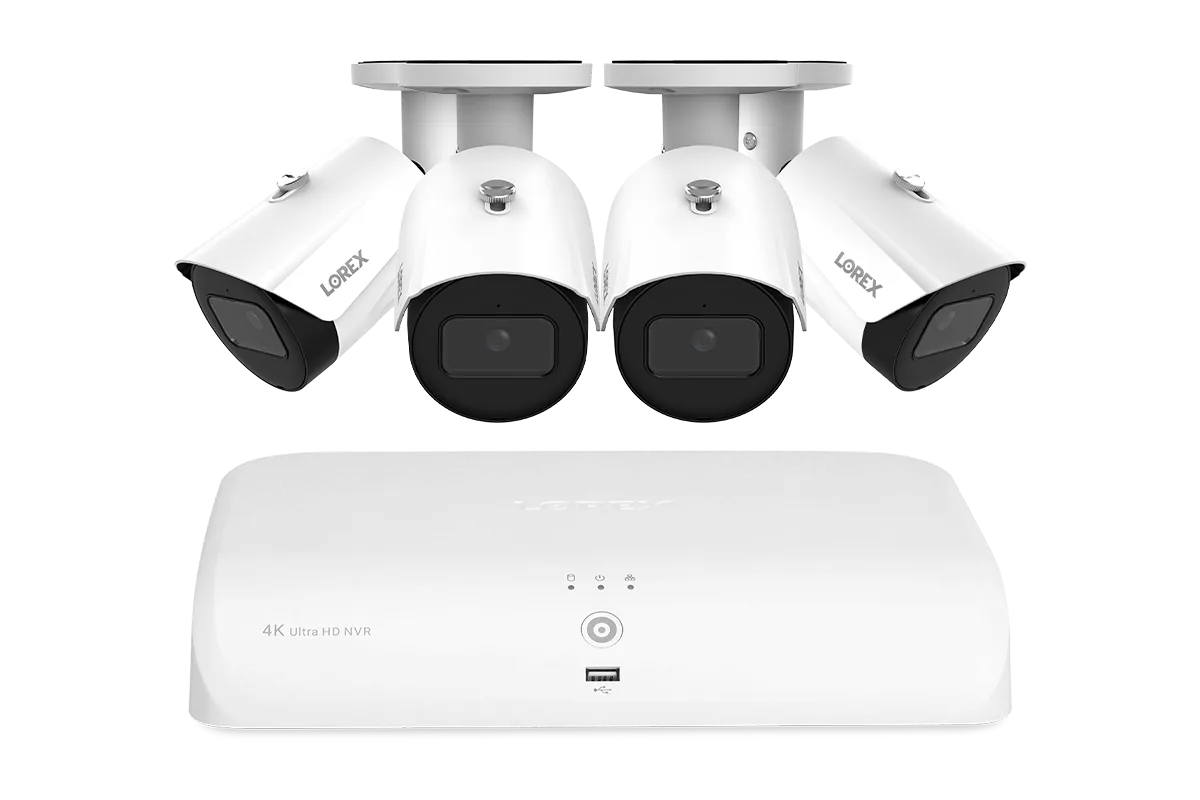
Lorex Fusion NVR with 4 IP Bullet Cameras - 4K 16-Channel 2TB Wired System
Excessive heat can shorten the life of the hard drive and power supply. If your NVR feels hot to the touch, consider adding a small USB fan nearby or moving it to a cooler location. In summer, check that the room temperature stays below 85°F (29°C). A cool NVR means fewer drive failures and longer overall system life.
- Never place the NVR directly on carpet or soft surfaces that block vents.
- If the NVR fan is loud or stops spinning, replace it immediately to avoid overheating.
3. Protect Against Power Surges and Outages
Power surges—from lightning strikes or grid fluctuations—can destroy camera circuit boards and NVR power supplies. Even a small surge can gradually degrade electronics. Use a high-quality surge protector with at least 1000 joules of protection for your NVR and PoE switch. For wired cameras that run on PoE, the surge protector on the network cable also helps isolate surges.
If you experience frequent brownouts, consider an uninterruptible power supply (UPS) for the NVR. A UPS gives you time to shut down the system properly and can filter minor fluctuations. This is especially valuable for systems storing critical footage, as an abrupt power loss can corrupt the hard drive or cause file system errors over time.
- Plug the NVR and switch into a dedicated surge protector—not a cheap power strip.
- Run ethernet cables away from power lines to reduce induction surges.
4. Inspect and Maintain Ethernet and Power Cables
Wired security cameras rely on solid cable connections. Over years, outdoor cables can become brittle from UV exposure, or get chewed by rodents. For PoE cameras like the Lorex A14 IP Wired Bullet Security Black Camera with Listen-In Audio, a damaged cable can cause intermittent connectivity or power drops, stressing the camera’s internal components.
Check visible cable runs every six months. Look for cracks, frayed ends, or discoloration. Ensure outdoor connectors are sealed with waterproof tape or heat shrink tubing to prevent moisture from traveling into the camera or switch. If you notice any damage, replace the cable or connector before failure occurs. Also avoid tight bends where cables enter the camera base—kinks can break internal wires.
- Use cable clips or conduit to keep cables off the ground and away from pests.
- Label both ends of each cable to simplify future troubleshooting.
5. Update Firmware and Manage Storage Wisely
Lorex regularly releases firmware updates that fix bugs, improve security, and optimize camera performance. Check for updates on your NVR every three months via the system settings. Keeping firmware current prevents glitches that can cause unnecessary wear—like a camera constantly reconnecting or recording in inefficient formats.
Also manage your NVR’s hard drive health. For systems with 2TB or larger drives (like many Lorex NVRs), enable overwrite recording so old footage is automatically deleted. Avoid letting the drive fill to 100% capacity, which can slow system performance and increase heat. If you notice recording errors or slow playback, schedule a drive health check—many NVRs have built-in diagnostic tools.
- Back up important footage to an external drive before performing major firmware updates.
- Replace the internal hard drive every 3–4 years if your system is recording 24/7.
By following these five simple tips—cleaning lenses, keeping your NVR cool, protecting against surges, maintaining cables, and updating firmware—you can add years of reliable service to your Lorex wired security equipment. For a durable, easy-to-maintain starter system, check out the Lorex Fusion NVR with 4 IP Bullet Cameras - 4K 16-Channel 2TB Wired System, which offers excellent build quality and expandability. Invest a little care today, and your system will protect your property for years to come.