Quick Answer
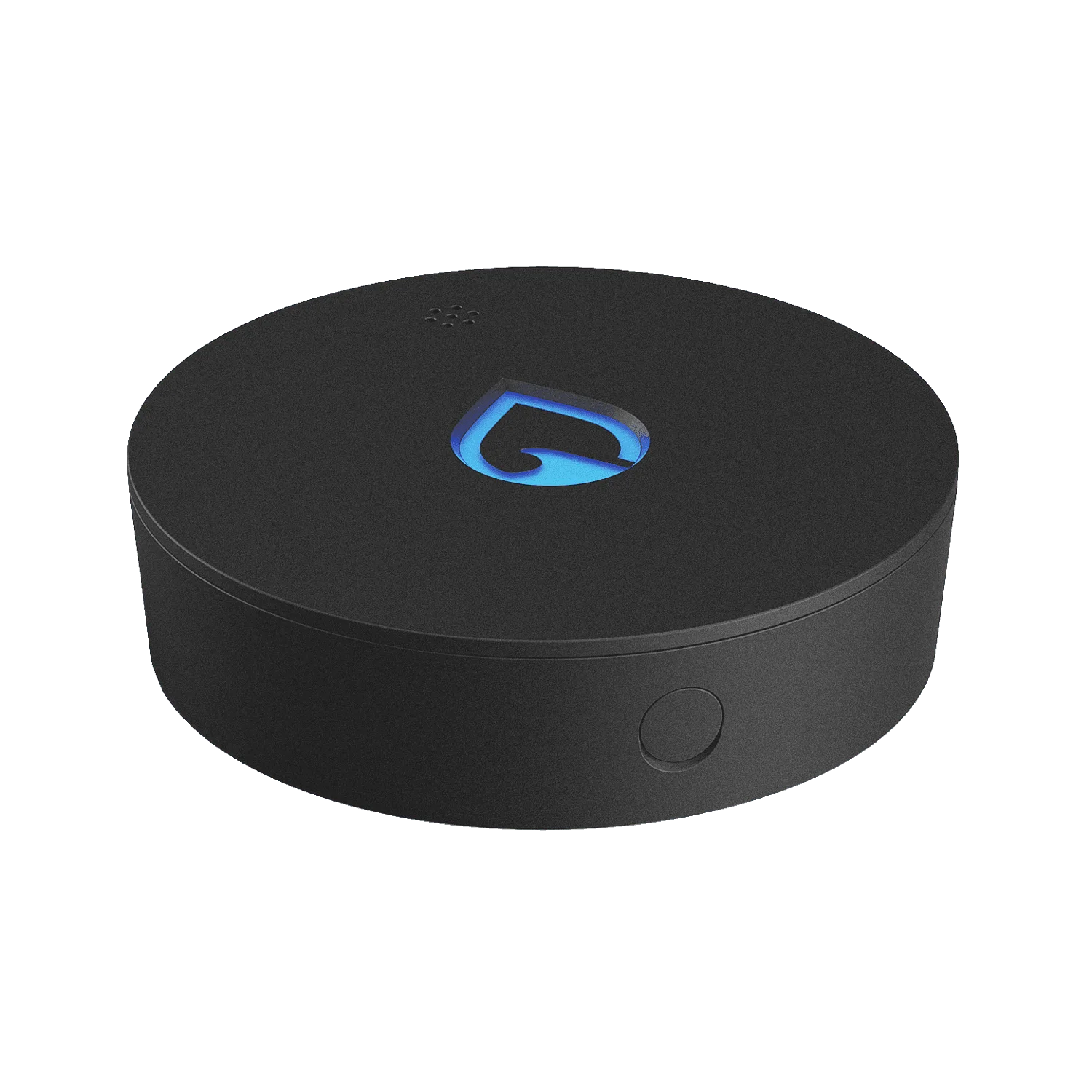
To extend your Phyn Smart Water Sensor range, set up the Phyn Extension Node in a central location between your sensors and the Phyn Smart Water Assistant. Follow the in-app setup, place the node within 30 feet of your sensors, and ensure it's plugged in and connected to your Wi-Fi. This extends your sensor network coverage and ensures you get alerts even in far corners of your home.
If you've added Phyn Smart Water Sensors to protect your basement, under sinks, or near your water heater, you might notice that some areas are out of range of your main Phyn Smart Water Assistant. The Phyn Extension Node solves this by acting as a relay, extending your sensor network's range so you can monitor every corner of your home.
In this guide, we'll walk you through the setup process, share placement tips, and highlight common mistakes to avoid. Whether you're adding one sensor or a whole pack, these steps will help you get reliable leak detection everywhere.
Why You Need an Extension Node
The Phyn Smart Water Sensor communicates with your Phyn Smart Water Assistant via a wireless signal. If a sensor is too far away, it might not connect, leaving you without alerts in critical areas. The Extension Node bridges that gap, ensuring every sensor stays connected and you receive notifications the moment water is detected.
Think of the Extension Node as a signal repeater. It doesn't just boost the signal; it also helps maintain a stable network, so you don't get false alarms or missed alerts. This is especially important in larger homes or spaces with thick walls that can weaken the signal.
- Place the Extension Node in a central location, ideally between your sensors and the Phyn Smart Water Assistant.
- Keep the node within 30 feet of your sensors for optimal performance.
Before You Start: What You Need
Before you begin, make sure you have the following: a Phyn Extension Node (sold separately), a power outlet nearby, and the Phyn app installed on your smartphone. You'll also need your Phyn Smart Water Assistant already set up and connected to your Wi-Fi network.
If you haven't set up your Phyn Smart Water Assistant yet, do that first. The Extension Node works with the assistant to manage your sensor network, so it's essential to have the base system running.
- Ensure your smartphone is on the same Wi-Fi network as your Phyn Smart Water Assistant during setup.
Step-by-Step Setup Process
Setting up the Extension Node is straightforward. Open the Phyn app, go to the Devices tab, and tap 'Add Device' or the '+' icon. Select 'Extension Node' from the list of available devices. The app will guide you through the pairing process, which typically involves pressing the button on the node and waiting for the app to recognize it.
Once paired, the app will prompt you to name the node and assign it to a room. This helps you identify where the node is located and manage your network more effectively. After that, the node will automatically connect to your sensors and extend your range.
- If pairing fails, try moving the node closer to your assistant and try again.
Extension Node Setup Steps
- Place the Extension Node: Choose a central location, ideally between your sensors and the Phyn Smart Water Assistant. Ensure it's within 30 feet of your sensors and near a power outlet. Checkpoint: Verify the node is within range of at least one sensor and your assistant before plugging it in.
- Plug in and Power Up: Connect the Extension Node to a power outlet using the included adapter. Wait for the LED indicator to turn solid, indicating it's powered on. Common mistake: Don't use an extension cord; plug directly into a wall outlet to avoid power issues.
- Pair with the Phyn App: Open the Phyn app, go to Devices, tap 'Add Device', and select 'Extension Node'. Follow the on-screen instructions to pair the node with your system. If pairing fails, move the node closer to your assistant and retry.
- Name and Assign the Node: Give the node a descriptive name (e.g., 'Basement Node') and assign it to a room in the app. This helps you manage your network and identify issues. Checkpoint: Ensure the node appears as 'Online' in the app after setup.
- Test Your Sensor Network: Place a Phyn Smart Water Sensor near the edge of your desired coverage area. Trigger a test by wetting the sensor's contacts with a damp cloth and confirm you receive a notification. If you don't get an alert, move the node closer to that sensor or add another node.
Products That Work with the Extension Node
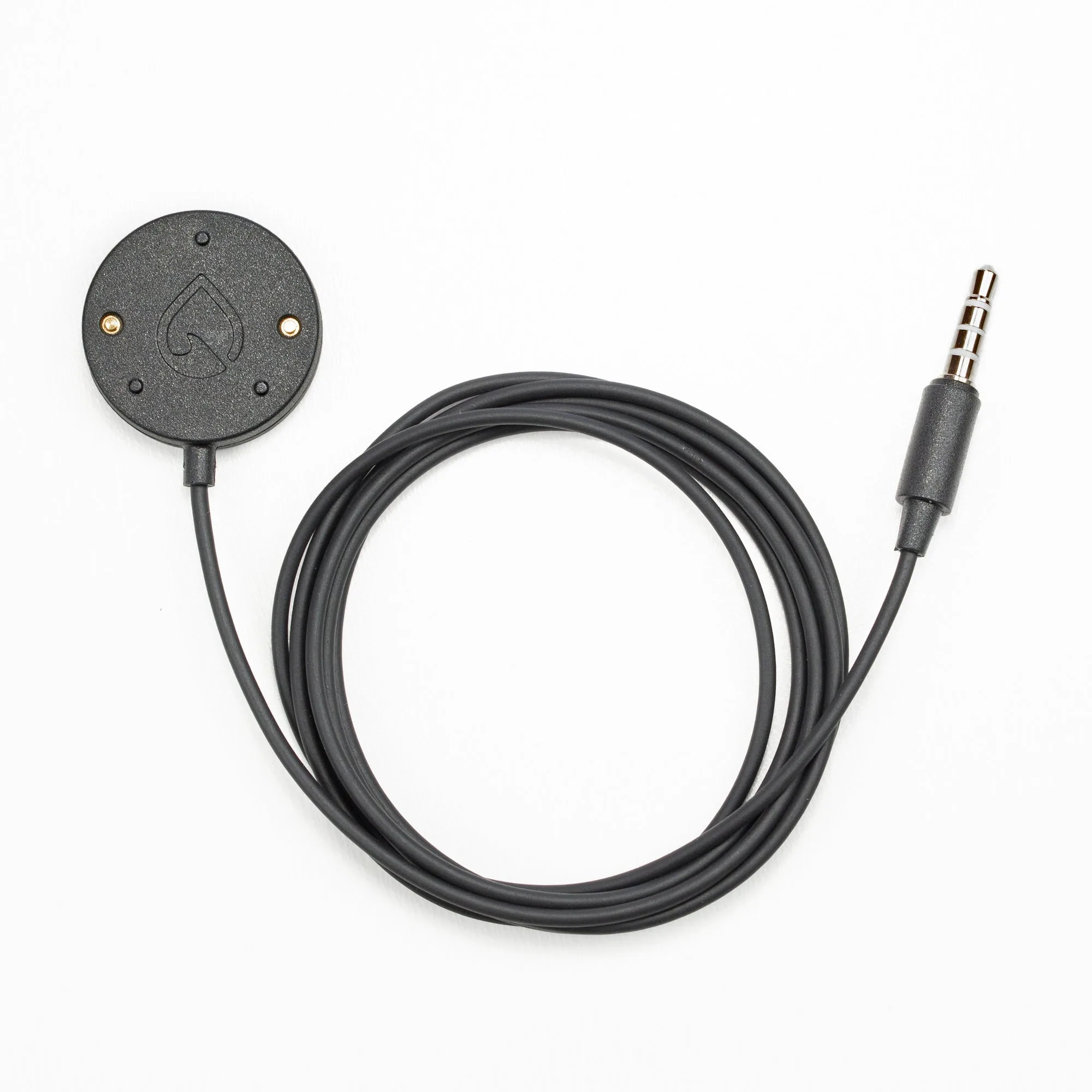
- Phyn Smart Water Sensor: Don’t ever worry about leaks or floods in your basement, under your sinks, from your water heater or anywhere else in the house. The Phyn Smart Water Sensor alerts you audibly, visually and with SMS and app notifications the moment it comes in contact with water. You can also set custom alert thresholds for potentially damaging high and low humidity and temperature in the free Phyn app. This sensor is the core of your leak detection system. With the Extension Node, you can place sensors in far-flung areas and still get reliable alerts.
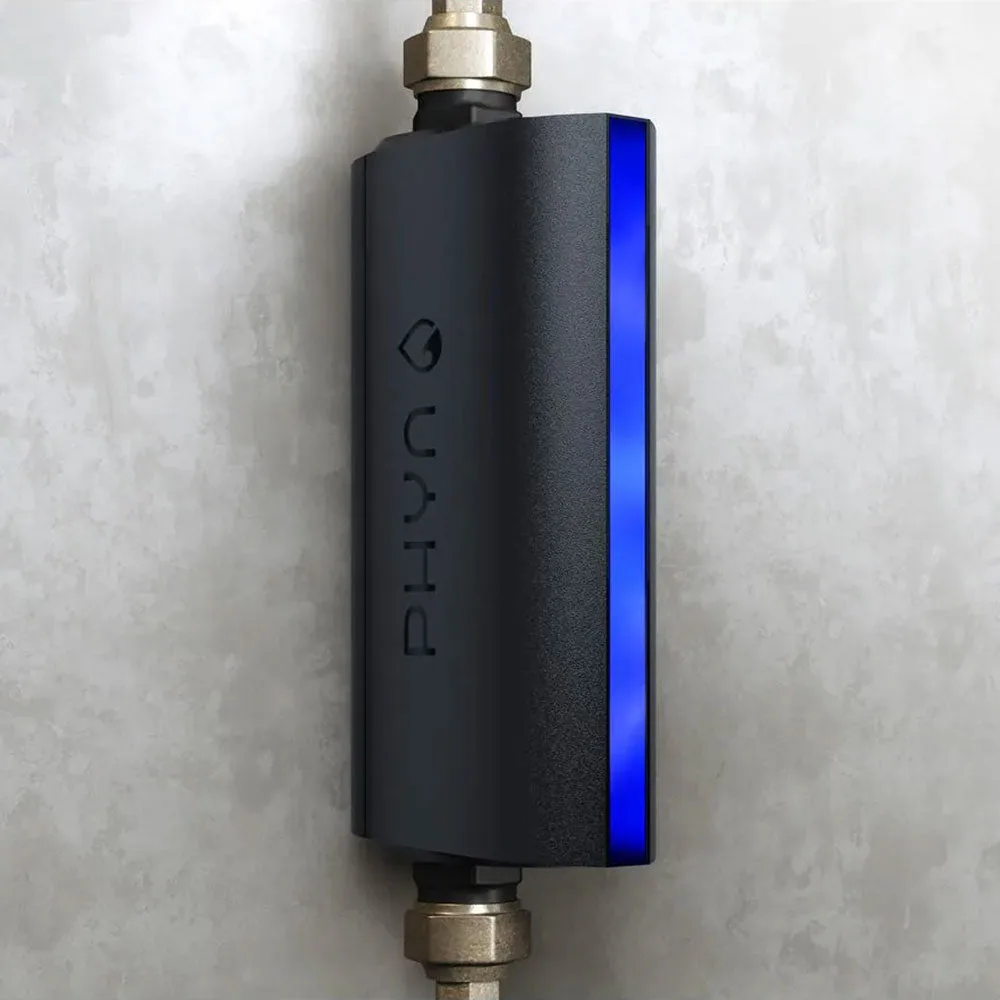
- Phyn Smart Water Assistant: The self-installed water monitor that goes under a single sink, immediately notifies you if a leak is detected anywhere in your home, and provides detailed insights into how each fixture in your home uses water. This is the hub that connects to your sensors and the Extension Node. It processes the data and sends you notifications, so it's essential for a complete system.
With the Phyn Extension Node, you can extend your Phyn Smart Water Sensor range and ensure comprehensive leak protection throughout your home. By following these steps, you'll have a reliable sensor network that alerts you to leaks no matter where they occur. Remember to periodically test your sensors and nodes to keep your system in top shape.