Quick answer
A Desk Cat Stamp ink cartridge typically lasts 3‑4 months of regular use, but the exact lifespan depends on how often you stamp and the pressure applied. Replace the cartridge as soon as you notice faded impressions or uneven ink flow. Keeping a spare cartridge on hand ensures you never run out during a project.
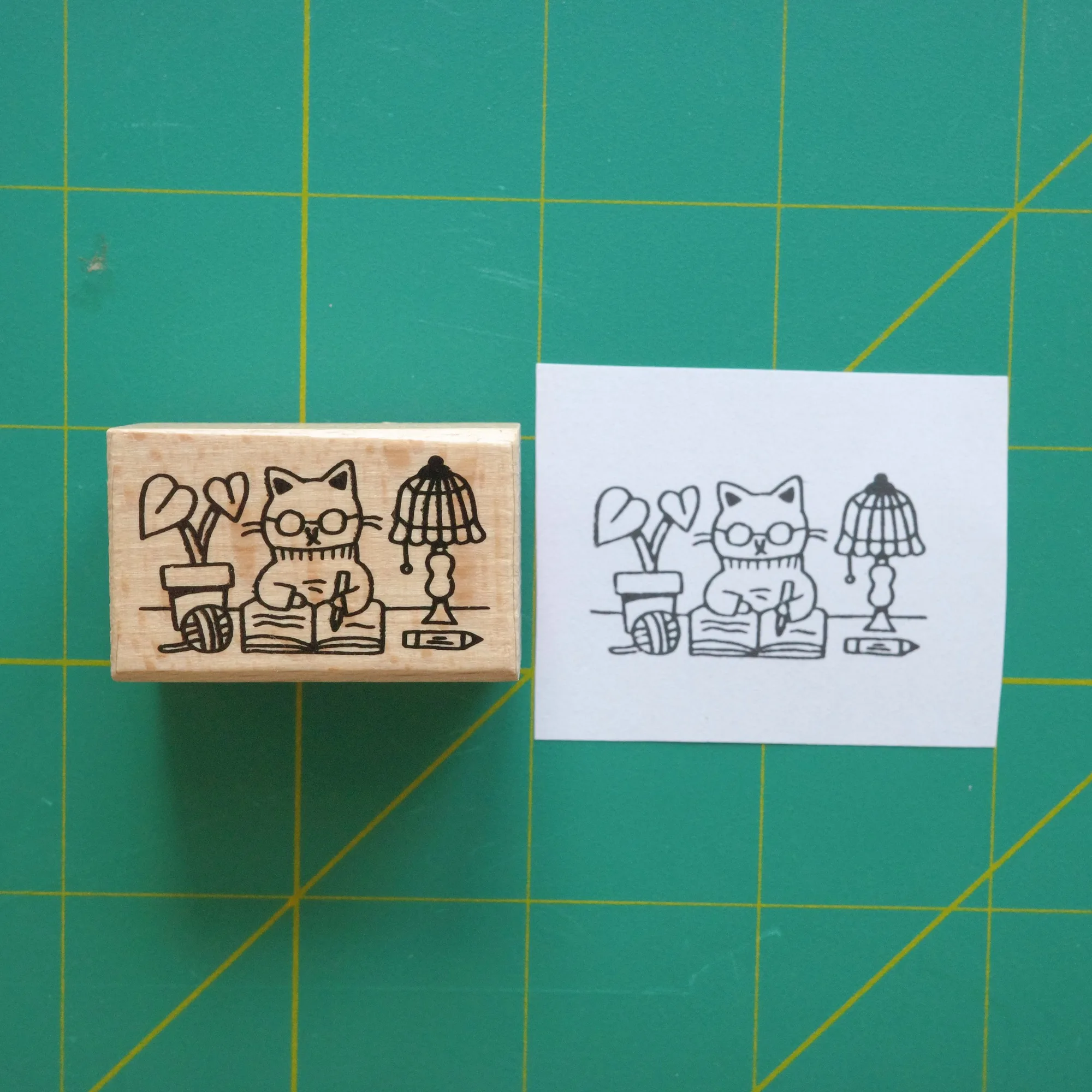
Desk Cat Stamp
The Desk Cat Stamp is a favorite tool for planners, scrapbooks, and small business branding. Understanding when the ink cartridge needs replacement helps maintain crisp, consistent stamps and avoids wasted paper.
Below we answer the most common stamp ink replacement schedule questions, show how to spot low ink, and walk you through a hassle‑free cartridge swap.
How long does the ink usually last?
Under typical use—about 50 stamps per day—a Desk Cat Stamp ink cartridge provides roughly 3 to 4 months of clear impressions. Heavy users who stamp dozens of times per hour may see the cartridge run out in 1 to 2 months. The cartridge does not have a built‑in meter, so timing is based on usage patterns rather than a fixed calendar.
If you use the stamp intermittently, such as a few times a week for journaling, the cartridge can stretch beyond four months. However, ink can dry out over long idle periods, so it’s wise to test a stamp after a month of non‑use.
- Estimate usage: 50 stamps/day ≈ 3‑4 months per cartridge
- Heavy stamping reduces lifespan to 1‑2 months
- Idle periods may cause ink to dry, requiring a test stamp
Signs it’s time for a new cartridge
When the stamp starts producing faint or uneven marks, the ink is likely depleted. Another clue is a change in color intensity—if the original hue looks washed out, the cartridge is nearing the end of its life. You may also notice a slight “dry” feel when pressing the stamp, indicating less ink transfer.
A quick test is to stamp on a scrap piece of paper. If the impression is lighter than usual or has streaks, replace the cartridge before your next project to avoid compromising the final look.
- Faded or patchy impressions
- Reduced color saturation
- Dry feel when pressing the stamp
Step‑by‑step cartridge replacement
1. Gently pull the used cartridge out of the stamp housing—most models have a small tab for easy removal. 2. Align the new cartridge with the internal guide and slide it in until it clicks securely. 3. Test the stamp on a scrap sheet; the first few impressions may be slightly richer as the ink settles.
Store any spare cartridges in a cool, dry place, and keep the original packaging if possible. This protects the ink from drying out and makes future swaps smoother.
- Remove old cartridge using the tab
- Insert new cartridge until it clicks
- Test on scrap paper before regular use
Quick checklist
Monitor print quality
Check for faded or uneven stamps weekly. Replace cartridge before quality drops.
Label installation date
Apply the Washi Tape label sticker with the current date. Simple visual cue for cartridge age.
Keep a spare cartridge
Store an extra cartridge in a cool, dry spot. Avoid project delays.
Related products that help with stamp maintenance
- Desk Cat Riso Print: Add a touch of charm to your workspace with the Desk Cat risograph print. Measuring 5 × 6 in., this two‑color illustration captures a playful cat motif in a cute, eye‑catching style. Having a printed reminder of your stamp’s ink schedule on your desk keeps the replacement timeline visible.
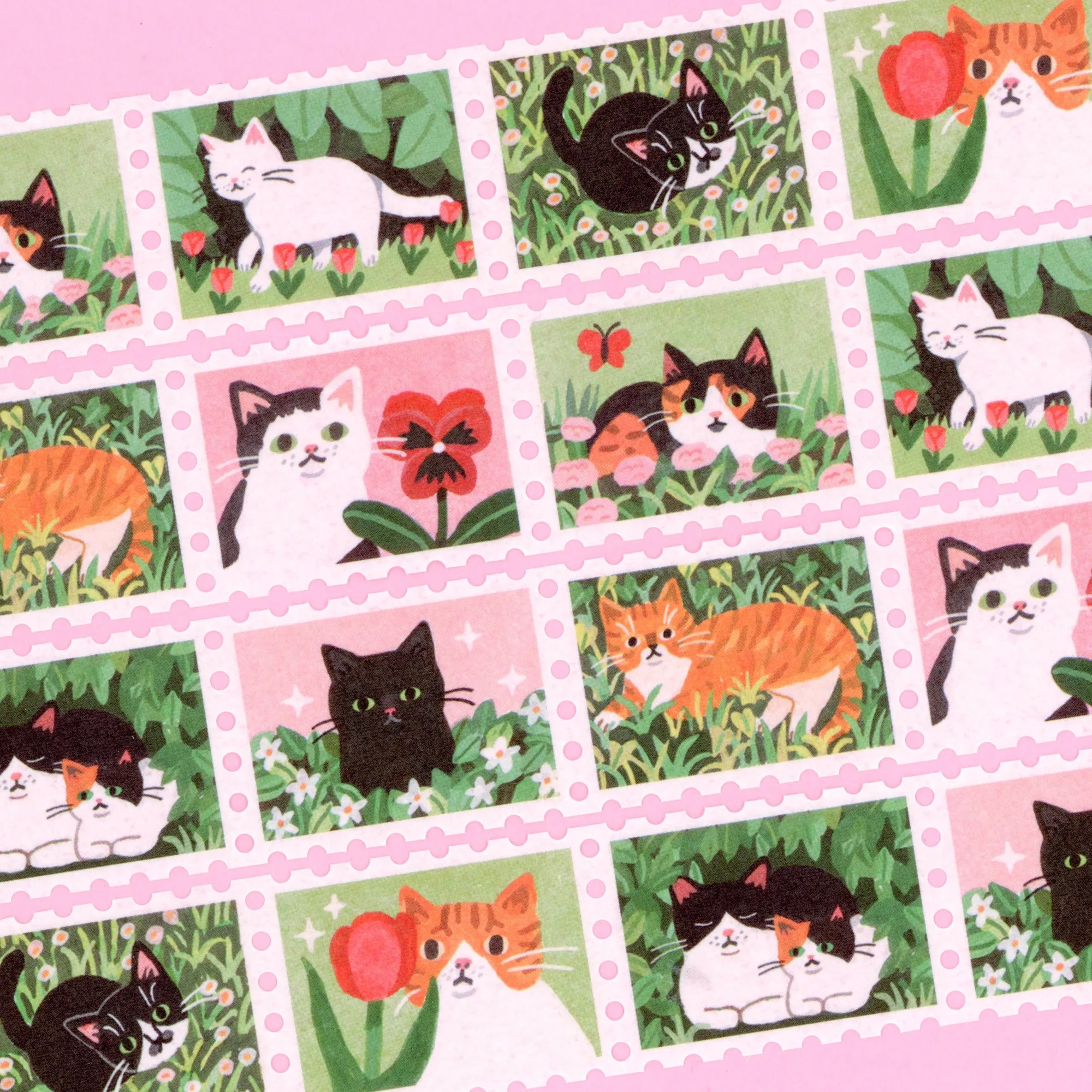
- Spring Cat Stamp Washi Tape: 25mm x 5m washi tape with good adhesion, individual stamps are slightly perforated, comes with a thin plastic wrapping and a label sticker. Use the label sticker to mark the cartridge installation date, making it easy to track how long the ink has been in use.
By watching stamp performance, labeling each cartridge, and keeping a spare on hand, you’ll ensure your Desk Cat Stamp stays crisp and reliable throughout its life.