Quick answer
This FAQ covers the most common questions about security camera wall mounts, including compatibility, installation, and positioning for optimal coverage.
Why choose adhesive mounts over screw mounts?
Adhesive mounts are ideal for renters or anyone who wants a no-mess, no-drill installation. They use strong 3M VHB tape and can hold cameras securely on smooth surfaces. However, they may not be suitable for textured walls or high-heat areas. Screw mounts offer a permanent, more robust hold but require drilling and tools.
Are corner mounts better than flat wall mounts?
Corner mounts allow you to place cameras in room corners, covering two walls and reducing blind spots. They are especially useful for monitoring entry points or large rooms. Flat wall mounts are simpler and work well for direct views, but corner mounts often provide a wider field of view. Choose based on your room layout and what you want to monitor.
Frequently Asked Questions
Will an adhesive mount damage my wall when removed?
Adhesive mounts using 3M VHB tape are designed to be removable without damaging paint or drywall if removed carefully. Gently heat the tape with a hairdryer to soften the adhesive before peeling. Avoid pulling forcefully.
How long should I let the adhesive cure before attaching the camera?
Allow the mount to sit for at least 6 hours after applying to the wall before placing the camera. This gives the adhesive time to bond fully with the surface. For best results, wait 24 hours. Plan your installation so the mount can cure undisturbed.
Can I use a corner mount for a Blink Mini camera in a corner?
Yes, but only if the mount is specifically designed for your Blink Mini model. The corner mount listed here works with Blink Mini 2K+ and Blink Mini 2, not the first-generation Blink Mini. Check your camera's model before purchasing. Always verify compatibility by checking the mount's description and your camera's model number.
Where should I place my indoor camera for the best view?
Mount the camera in a corner near the ceiling to cover a wide area and reduce blind spots. Aim it toward entry points like doors or windows. Avoid placing it behind objects or in direct sunlight.
How do I clean the wall before applying an adhesive mount?
Wipe the surface with isopropyl alcohol and a lint-free cloth to remove dust, grease, and moisture. Let it dry completely before applying the mount. This ensures the adhesive sticks properly.
Products mentioned
-
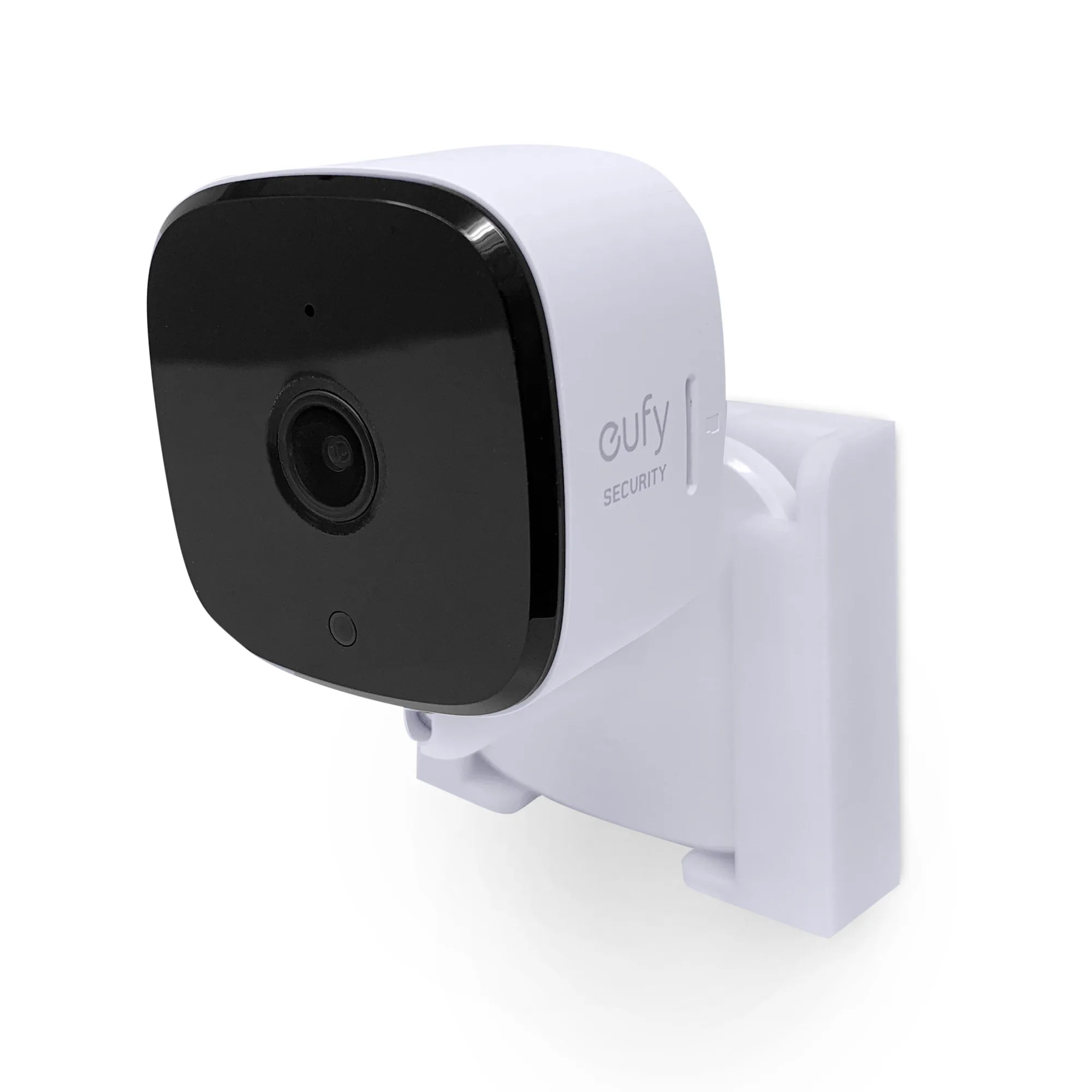
Screwless Corner Mount for Blink Mini 2K+ & Blink Mini 2 Cameras, Better Viewing Angles & Reduce Blind Spots, Easy To Install Wall Holder, Adhesive & Screw: This corner mount is designed specifically for Blink Mini 2K+ and Blink Mini 2 cameras, not first-generation Blink Mini. Ensures you buy the right mount for your camera model to avoid compatibility issues.
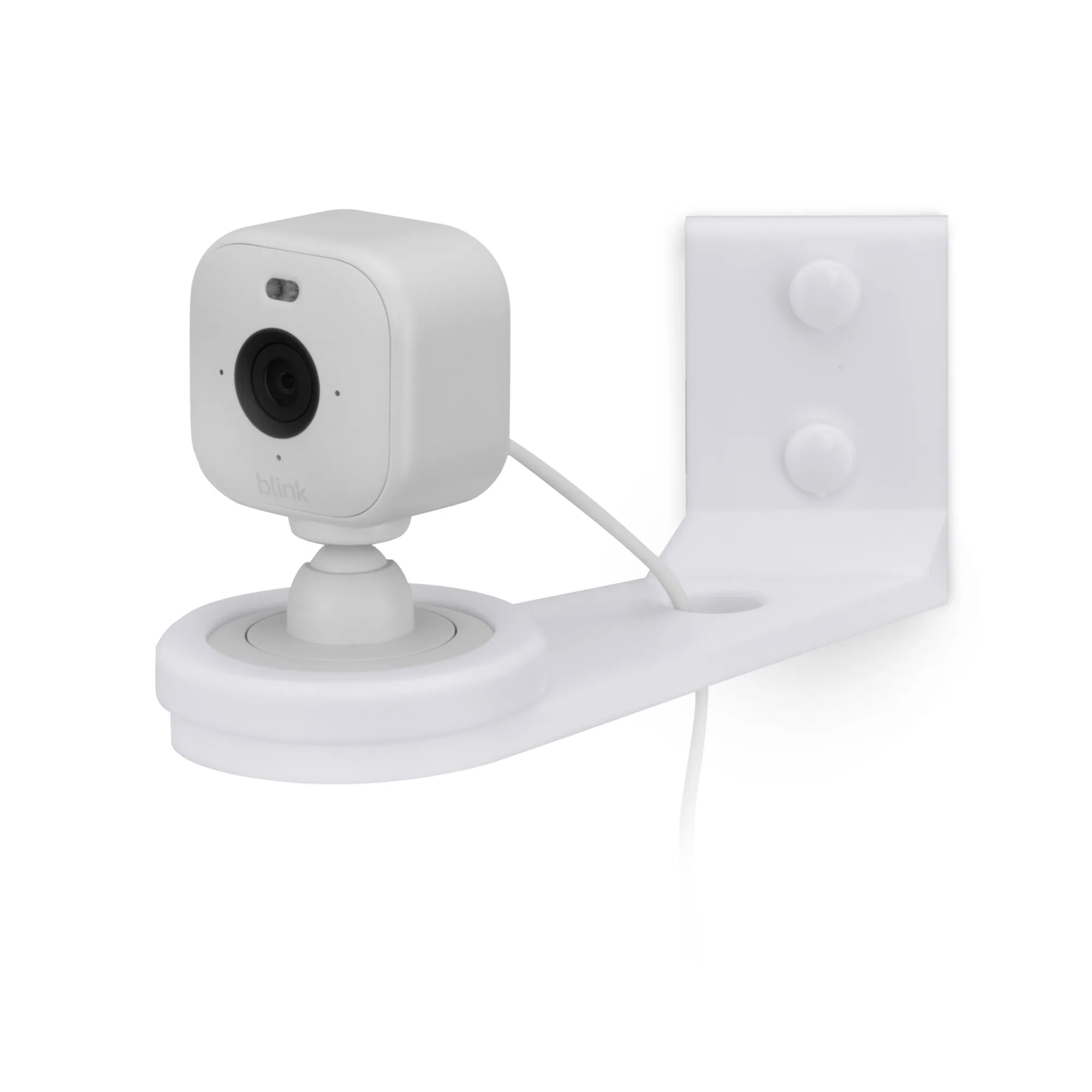
Screwless Corner Mount for Blink Mini 2K+ & Blink Mini 2 Cameras, Better Viewing Angles & Reduce Blind Spots, Easy To Install Wall Holder, Adhesive & Screw
-
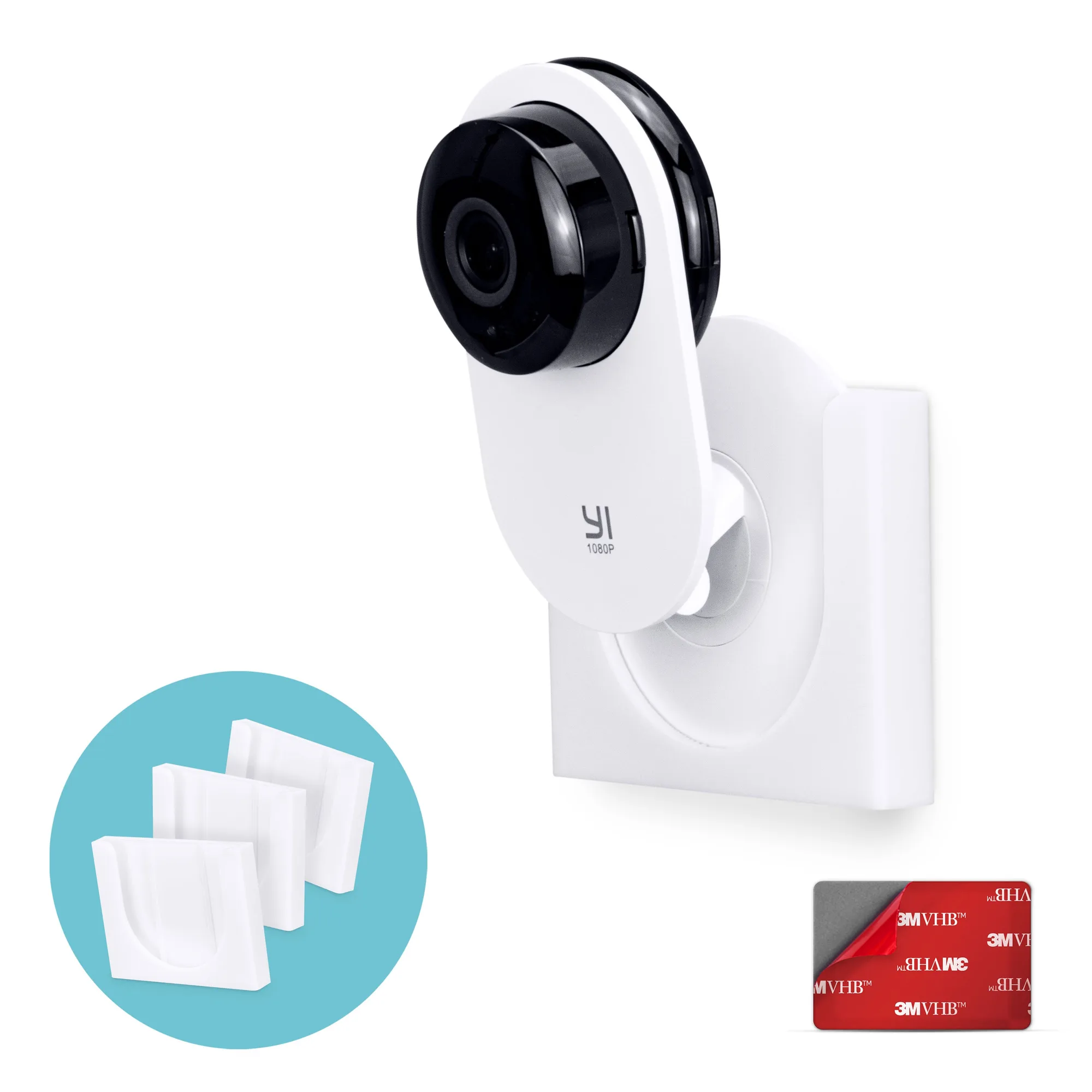
Corner Wall Mount For YI Home (3 Pack) Security Camera - Adhesive Holder, No Hassle Bracket, Strong 3M VHB Tape, No Screws, No Mess Install (White): This adhesive corner mount uses strong 3M VHB tape and installs in minutes with no screws or mess. Perfect for renters or quick setups where drilling is not an option.
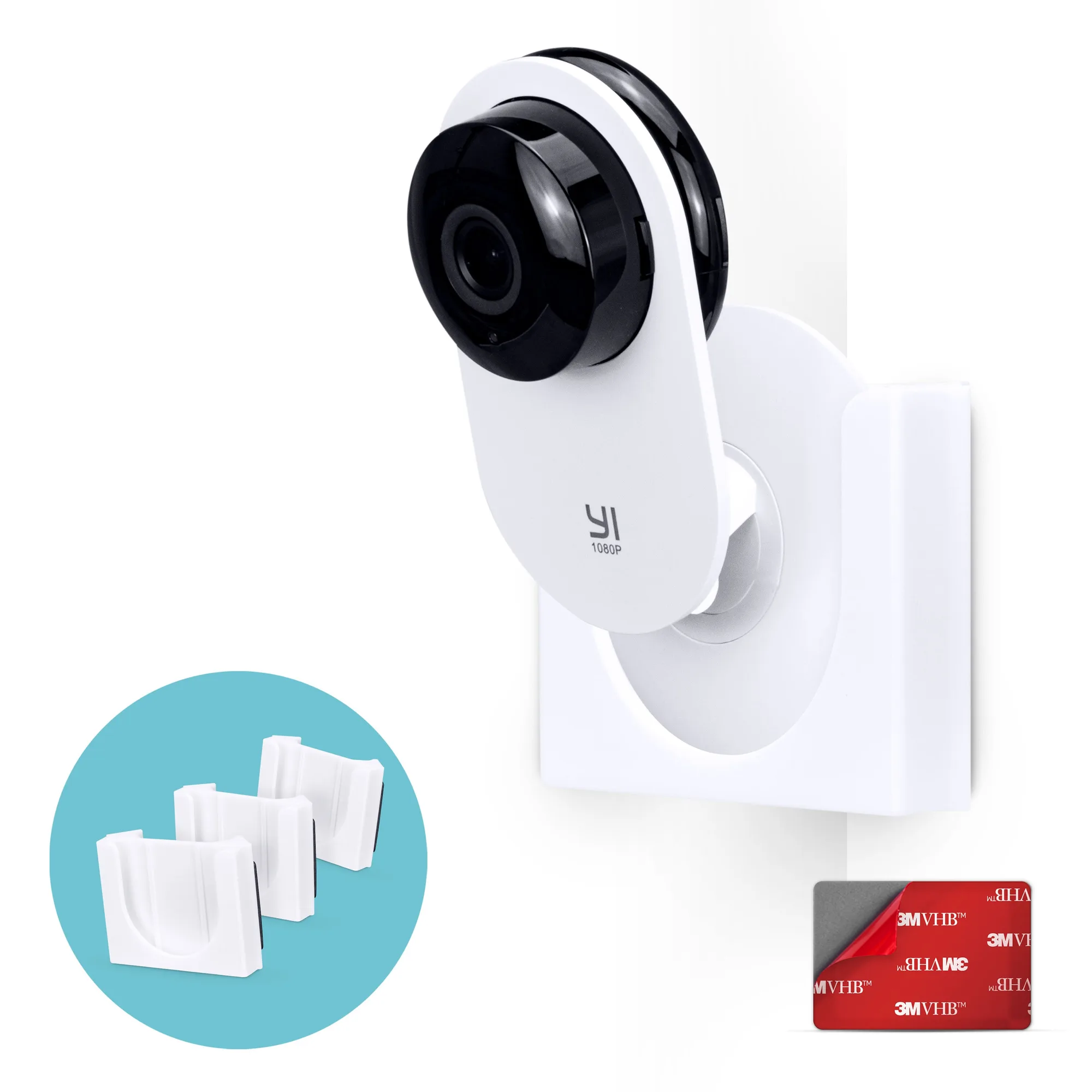
Corner Wall Mount For YI Home (3 Pack) Security Camera - Adhesive Holder, No Hassle Bracket, Strong 3M VHB Tape, No Screws, No Mess Install (White)
-
Wall Mount For YI Home (3 Pack) Security Camera - Adhesive Holder, No Hassle Bracket, Strong 3M VHB Tape, No Screws, No Mess Install (White): This flat wall mount also uses 3M VHB tape and is designed for YI Home cameras (1080p and 3). Offers a simple, no-drill alternative for wall placement when corner mounting is not needed.