Quick answer
To fit the FC610 OpenMeet Pressure Relief Cushion, align the cushion's opening with the headband, slide it into position, and adjust until it sits evenly without twisting.
Why fit matters for comfort
The FC610 OpenMeet Pressure Relief Cushion is designed to reduce pressure on the top of your head during long calls or meetings. A proper fit ensures the cushion stays in place and distributes weight evenly, preventing discomfort or slippage. The cushion is available in Black / Small (code FC-610S-US), so confirming the size before installation is key.
Step-by-step fitting instructions
- Check the cushion orientation: Hold the cushion so the curved side matches the headband's contour. The opening should face downward to slide over the band. Common mistake: Installing the cushion upside down causes it to slip off.
- Slide the cushion onto the headband: Gently push the cushion over one end of the headband, then work it along the band until it sits centered on the top of your head. Avoid stretching the cushion excessively. If the cushion feels too tight, it may be the wrong size; the Small size is designed for narrower bands.
- Adjust for even placement: Once in position, press the cushion flat against the headband and ensure both sides are aligned. The cushion should not twist or bunch up. An uneven cushion can create pressure points instead of relieving them.
- Test the fit with the headset on: Put on the headset and adjust the headband as usual. The cushion should sit comfortably on your head without shifting. If it moves, reposition it and check the size compatibility.
Product facts
-
FC610 OpenMeet (UC) Pressure Relief Cushions: FC610 OpenMeet (UC) Pressure Relief Cushions are listed as accessories in the Black color and Small size. Choosing the correct size ensures a snug fit on your headset band, preventing the cushion from sliding or bunching up.
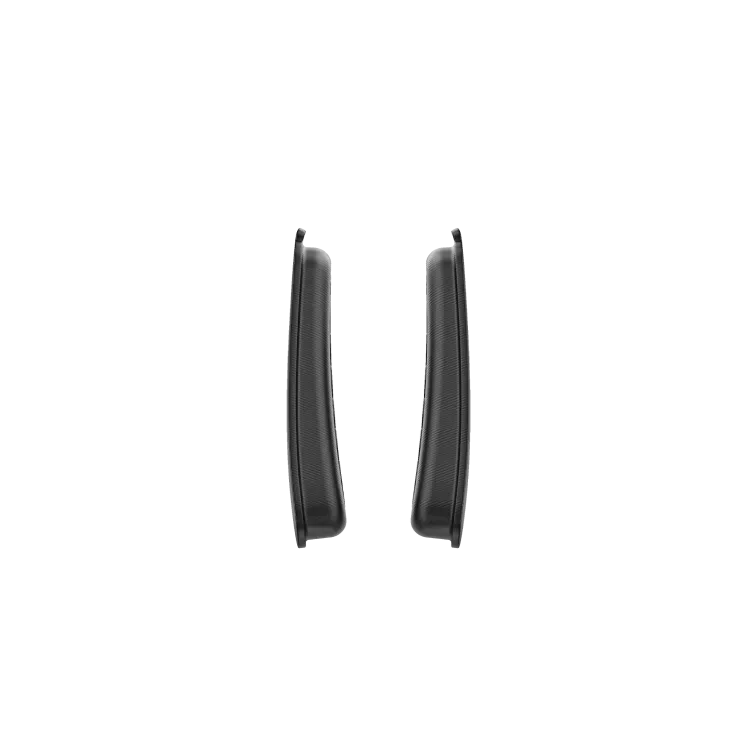
FC610 OpenMeet (UC) Pressure Relief Cushions